5 TurboTenant Alternatives Worth Switching To in 2026
Comparing TurboTenant alternatives? 5 contenders, each with entry cost, free tier and best-fit buyer. Each listing flags where it falls short. Pick by budget.
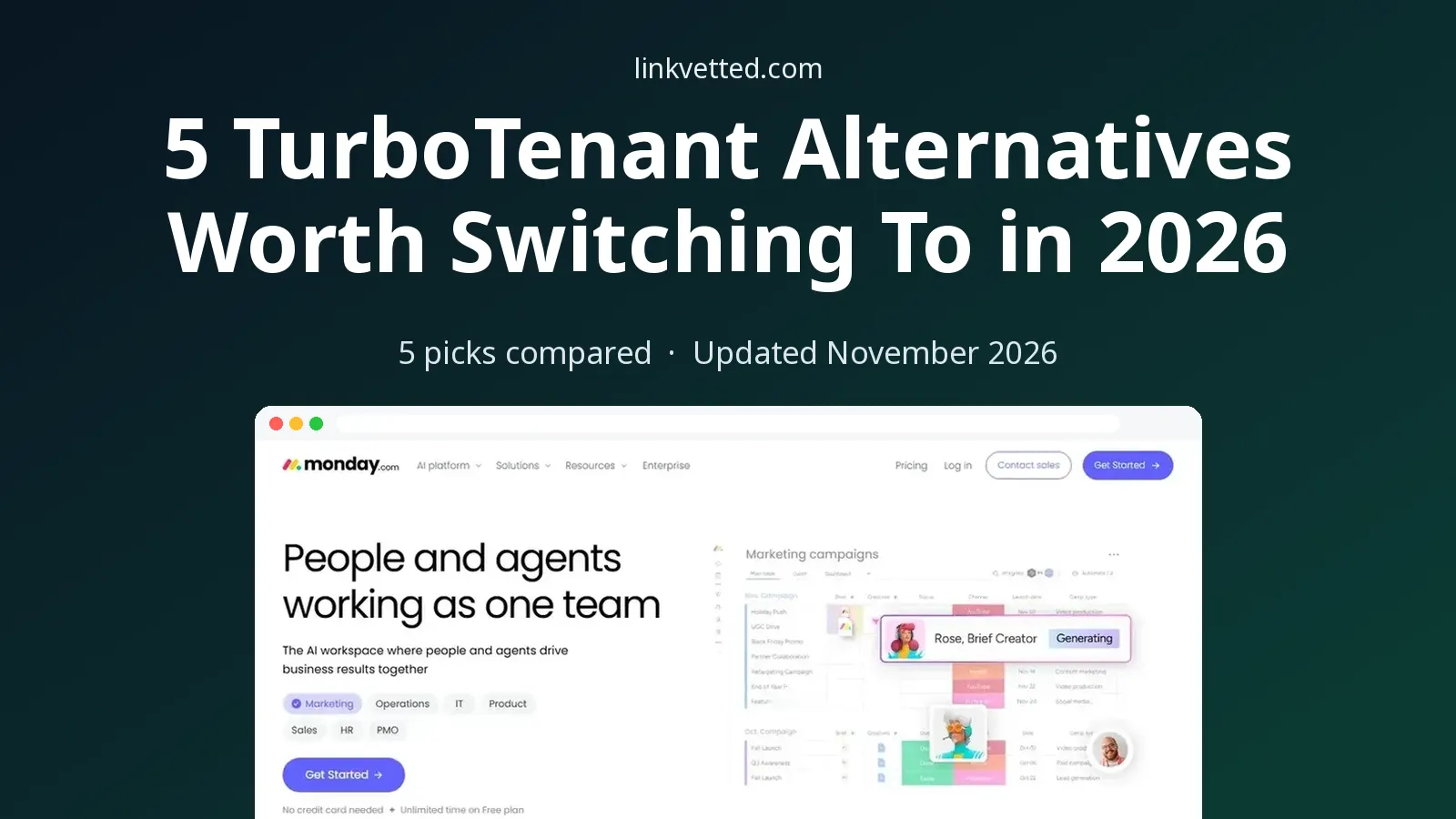
- Editor's choice
 Wrike
Enterprises needing controlled work delivery
Starts atSee websiteVisit wrike.comFull review - Great alternative
 Monday.com
Visual teams wanting AI-assisted workflows
Starts at$9 per seat a monthVisit monday.comFull review - Also consider
 Smartsheet
Governance-focused enterprises executing work
Starts at$12 per Member/monthVisit smartsheet.comFull review
Direct answer
Start with Wrike if you need enterprises needing controlled work delivery. Listed starting prices: Monday.com from $9 per seat a month, Smartsheet from $12 per Member/month and ClickUp from $9 per user a month. Alternatives: Monday.com for visual teams wanting AI-assisted workflows, and Smartsheet for governance-focused enterprises executing work. The full list of 5 tools follows, with prices and free plan facts.
TL;DR:
- Wrike takes the first slot, best suited to enterprises needing controlled work delivery.
- For teams coordinating projects with AI agents, Asana is worth a look.
- The cheapest monthly starting price in the list is $9 per seat per month, offered by Monday.com.
- One limit worth knowing about Wrike: may be overkill for small teams.
Last checked November 2026. Prices and plan details were read from the vendors' own pages in November 2026; vendors change plans often, so confirm the current price on the vendor site before you buy.
Quick comparison
| Tool | Best for | Starts at | Free plan? | |
|---|---|---|---|---|
| Wrike | Enterprises needing controlled work delivery | See website | Not stated | Visit |
| Monday.com | Visual teams wanting AI-assisted workflows | $9 per seat a month | Yes | Visit |
| Smartsheet | Governance-focused enterprises executing work | $12 per Member/month | Not stated | Visit |
 ClickUp | All-in-one productivity across tasks and docs | $9 per user a month | Yes | Visit |
 Asana | Teams coordinating projects with AI agents | $10.99 per user a month | Yes | Visit |
Every option for TurboTenant explained
LinkVetted compared 5 tools for TurboTenant. The goal is a practical shortlist: published prices, free plan facts, best-fit use cases and honest limits for every entry.
Wrike works best for enterprises needing controlled work delivery. Wrike is an AI-powered enterprise work management product meant to help organizations deliver outcomes quicker whereas maintaining control. In practice, the homepage emphasizes trusted work delivery for people and AI, indicating a solid focus on reliability and control.
Beyond that, Wrike's enterprise focus means it may be more complicated and expensive for small teams or straightforward projects. It might need dedicated administration to completely use its capabilities. This comparison lists no price for Wrike; ask the vendor. Free options: Not stated.
Limits to weigh: Needs setup for optimal use.
- AI-powered work management
- Focus on enterprise control
- May be overkill for small teams
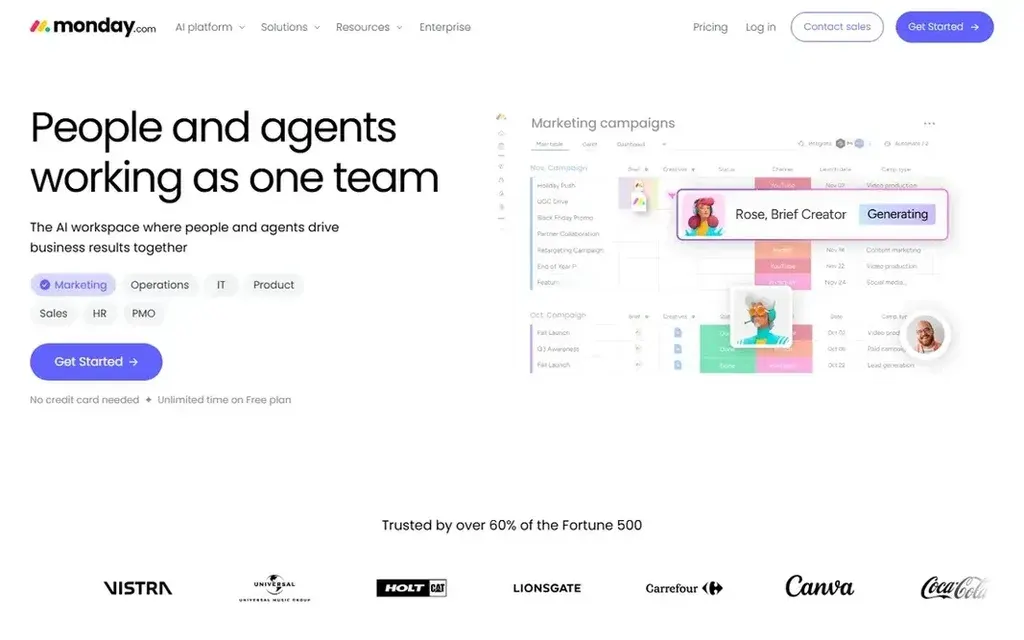
Monday.com is built with visual teams wanting AI-assisted workflows in mind. Whereas Monday.com supplies capable customization, it can become overwhelming for very large projects or teams that require strict governance.
The main drawbacks: Can become complicated with plenty of boards.
The AI features are integrated but may not replace dedicated automation tools. On cost, Monday.com starts like this: $9 per seat per month. Free access exists with Monday.com.
- Supports executing and managing work
- AI agents work alongside people
- May need training for full adoption
Smartsheet works best for governance-focused enterprises executing work. Smartsheet is an execution hub where people and AI get work done together, with the governance and visibility that enterprises need. It is well suited to organizations that require to track and run work at scale whereas maintaining control.
Smartsheet's interface and feature set may be too rigid or complicated for teams seeking a more adaptable or visual tool. It may not be the best fit for creative teams or those new to work management. Starting cost for Smartsheet: $12 per Member/month. Trial and free access: Not stated.
Trade-offs to know: Can be complicated for straightforward tasks.
- Execution hub with governance
- Visibility for enterprise work
- Spreadsheet-like interface may not suit all
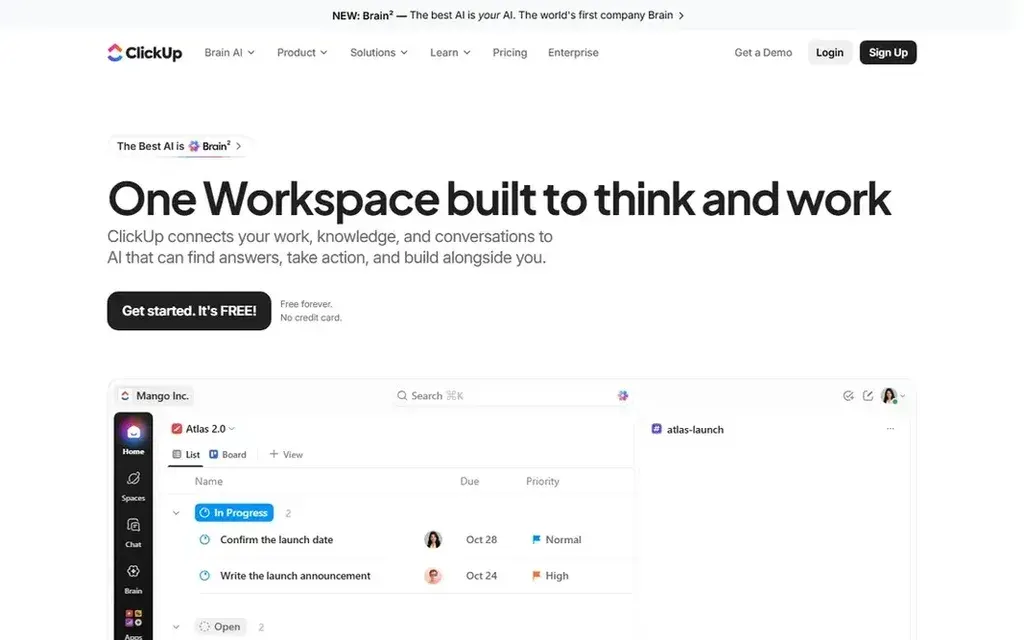
Think of ClickUp for all-in-one productivity across tasks and docs. ClickUp's deep feature set can be daunting for new users, and teams may need time to tailor it to their processes.
The main drawbacks: Feature density can be overwhelming.
It might not suit organizations that prefer a more focused or specialized tool. ClickUp pricing: $9 per user per month. ClickUp includes a free tier.
- Single app for several work types
- Merges tasks, docs, goals, chat
- May need configuration to match workflows
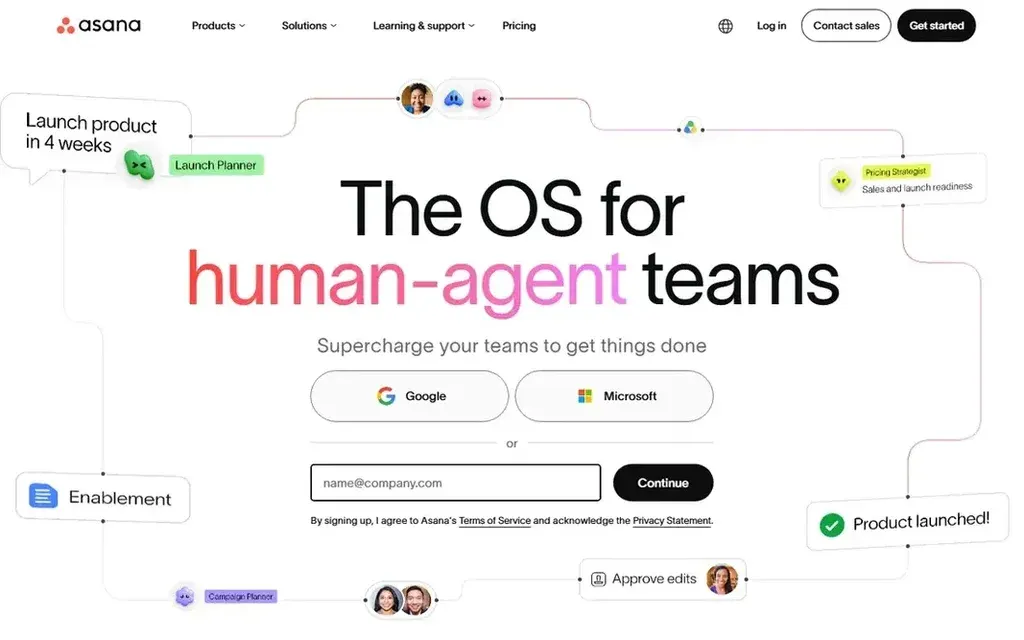
Asana serves teams coordinating projects with AI agents. On top of that, Asana may not be the best fit for teams that prefer a highly visual, board-first approach or need broad customization without extra tools.
Where it is weaker: Less suited to highly visual planning.
Its automation capabilities, whereas handy, might need time to configure. More specifically, the homepage emphasizes collaboration between people and AI, making it a solid choice for teams looking to blend human oversight with automatic assistance. Asana cost at the entry level: $10.99 per user per month. Asana includes a free tier.
- Supports planning and automation
- Clear task and project views
- May need setup for advanced automation
How we chose
LinkVetted used vendor pricing pages and product documentation as the base, then compared plans, free access and documented limits for 5 tools. Prices and plan limits come from vendor pages and can change, so confirm them on the vendor site before you buy. Order on the page follows fit for the typical buyer first, then price transparency and free access. Your own requirements should decide the final pick.
What to confirm before you sign up
- Get a written quote from Wrike; the list shows no starting price for them.
- Read the fine print on the free plans from Monday.com, ClickUp and Asana; seat, project and feature caps differ.
- Before choosing Wrike, weigh its main limit: may be overkill for small teams.
- Confirm that Asana connects to the apps your team already uses, on the plan you would actually buy.
- Confirm minimum seats and billing terms with ClickUp before you commit to an annual plan.
FAQ
What is the cheapest option for TurboTenant in this list?
On published monthly entry prices, Monday.com is the lowest here at $9 per seat per month. Entry price is only part of the cost, because seats, add-ons and billing terms can change the total. Each of the 5 options in this TurboTenant alternatives guide has its own card above with the price, free plan and limits.
How are the tools for TurboTenant ordered?
Wrike sits first and Asana last because the order follows typical fit for TurboTenant, then price clarity and free access. It is a judgement call, so read each profile for fit and limits.
Can I try these tools before paying?
Often, yes. Monday.com, ClickUp and Asana have a free plan. Use your own data and a real task during the test, and check what the free tier or trial limits before you rely on it.
Which options for TurboTenant have a free plan?
Monday.com, ClickUp and Asana offer a free plan in this list. Free plans usually cap users, projects or features, so check the limits on the vendor page.
What should I look for in a TurboTenant alternative?
Consider your team's primary needs: whether you need visual boards, all-in-one productivity, enterprise governance, or custom workflows. Also check integration capabilities and simplicity.
Sources
- https://www.wrike.com
- https://monday.com
- https://www.smartsheet.com
- https://clickup.com
- https://asana.com