5 UserBenchmark Alternatives Worth Switching To in 2026
5 options for UserBenchmark alternatives, with entry costs, free tiers and the buyer each one serves. The catches are listed up front. Budget notes included.

- Editor's choice
 Novabench
Everyday cross-platform benchmarking
Starts at$6 per monthVisit novabench.comFull review - Great alternativeSiSoftware Sandra
Analyzers and diagnostic benchmarking
Starts atSee websiteVisit sisoftware.co.ukFull review - Also consider
 Cinebench
CPU rendering performance testing
Starts atSee websiteVisit maxon.netFull review
Direct answer
If you need everyday cross-platform benchmarking, Novabench is the first tool to look at here. Listed starting prices: Novabench from $6 per month. Alternatives: SiSoftware Sandra for Analyzers and diagnostic benchmarking, and Cinebench for CPU rendering performance testing. Prices, free plans and limits for all 5 tools follow.
TL;DR:
- Novabench sits first on this list: everyday cross-platform benchmarking.
- For wide whole-system benchmarking, PassMark PerformanceTest is worth a look.
- One limit worth knowing about FurMark: no CPU or storage testing.
- For the cheapest start, look at Novabench: $6 per month.
Last checked November 2026. Prices and plan details were read from the vendors' own pages in November 2026; vendors change plans often, so confirm the current price on the vendor site before you buy.
Quick comparison
| Tool | Best for | Starts at | Free plan? | |
|---|---|---|---|---|
| Novabench | Everyday cross-platform benchmarking | $6 per month | Yes | Visit |
| SiSoftware Sandra | Analyzers and diagnostic benchmarking | See website | Not stated | Visit |
| Cinebench | CPU rendering performance testing | See website | Not stated | Visit |
| FurMark | GPU stress testing and graphics benchmarks | See website | Not stated | Visit |
 PassMark PerformanceTest | Wide whole-system benchmarking | See website | Free trial | Visit |
Every option for UserBenchmark explained
If you are comparing UserBenchmark, this page covers 5 tools in one place: what each is best for, what it costs to start, whether it has a free plan, and the main limit to know about.
Novabench serves everyday cross-platform benchmarking. It suits users who want approachable cross-platform testing including multiple components without a steep ramp-up time.
Honest limits: Concentrated on scores over analysis.
It emphasizes scores and stress testing instead of the deep diagnostics found in specialist suites, so it may feel shallow for advanced analysis. Novabench pricing: $6 per month. You can start on Novabench without paying.
- MacOS and Linux
- Contains stress and sensor tests
- Less depth than diagnostic suites
SiSoftware Sandra
Best for: Analyzers and diagnostic benchmarking
SiSoftware Sandra targets Analyzers and diagnostic benchmarking. If you want a quick, straightforward comparison, a lighter tool may serve better; turn to Sandra when subsystem-level analysis is the goal.
The main drawbacks: Wide feature set takes learning.
SiSoftware Sandra groups analyzers, diagnostic and benchmarking tools across Windows and Android, including GPGPU, CUDA and OpenCL coverage. Also, the diagnostic angle makes it handy for deeper hardware investigation. Check the vendor site for SiSoftware Sandra pricing; none is listed in this comparison. As for free access: Not stated.
- Contains GPGPU and OpenCL analyzers
- Diagnostic focus
- Results demand interpretation

In short, Cinebench is for CPU rendering performance testing. It suits users who want a clear read on multi-core and single-core rendering speed instead of a wide system score.
Drawbacks to consider: No full system or disk testing.
For everyday use, pick something else when you need whole-system comparisons or graphics testing, and use Cinebench alongside a wider tool for a fuller picture. No starting price is listed for Cinebench here; confirm pricing on the vendor site. Free access: Not stated.
- Widely used for render workloads
- Straightforward scoring
- Restricted GPU coverage
FurMark
Best for: GPU stress testing and graphics benchmarks
FurMark is a good fit for GPU stress testing and graphics benchmarks. Its scope is deliberately narrow, so it says little about CPU, memory or storage performance.
Pick FurMark for graphics stress testing and pair it with a broader suite when you need whole-system results. Pricing for FurMark is not stated here, so ask the vendor for current figures. Free plan details: Not stated.
Where it is weaker: Narrow scope by design.
- Graphics card benchmark focus
- Straightforward to run
- No CPU or storage testing
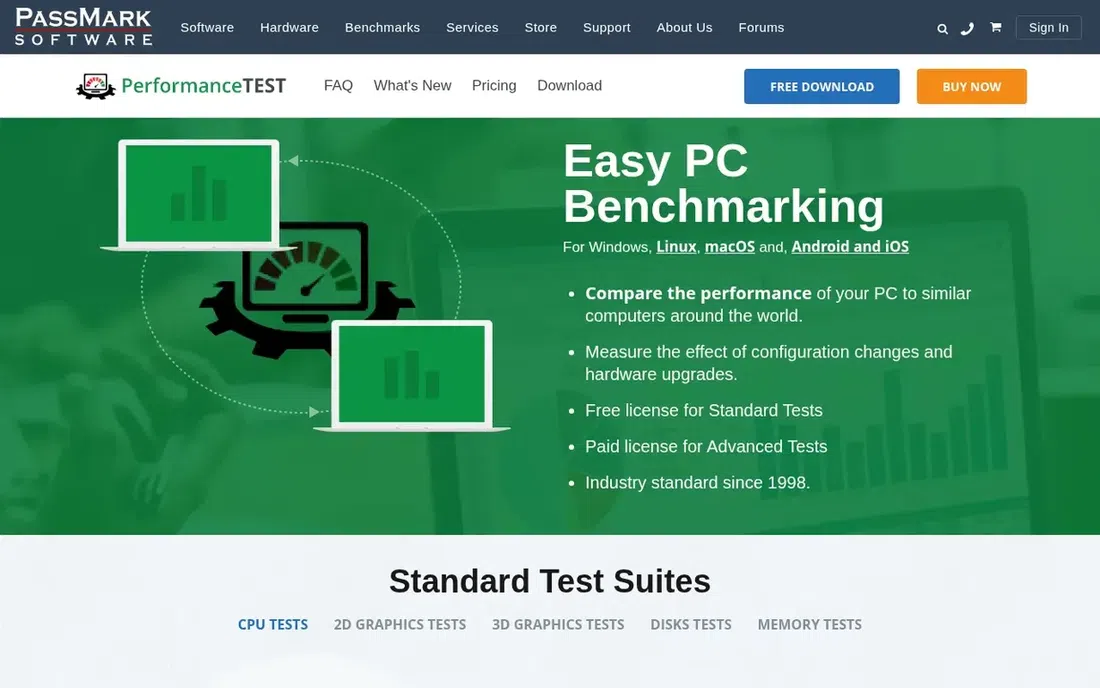
In short, PassMark PerformanceTest is for wide whole-system benchmarking. It fits users who want one suite covering multiple components instead of a single-purpose test.
Points against: Results need careful interpretation.
Beyond that, the breadth of tests means the interface and result set can feel dense for newcomers, and scores need context to interpret well. PassMark PerformanceTest shows no starting price here, so confirm the cost on the vendor site. Free plan details: Free trial.
- Disk and 3D tests included
- Compares results to other machines
- Interface can feel dense
Selection criteria
LinkVetted used vendor pricing pages and product documentation as the base, then compared plans, free access and documented limits for 5 tools. Treat prices as a snapshot: vendors change plans often, so check the vendor site for the figure that applies today. Tools are placed by general fit for UserBenchmark, with price clarity and free access as tie-breakers. A different team can reasonably rank them differently.
Before you commit
- Get a written quote from SiSoftware Sandra, Cinebench, FurMark and PassMark PerformanceTest; the list shows no starting price for them.
- Look at the free plan from Novabench closely: its caps decide whether it is usable for real work.
- Take the trial from PassMark PerformanceTest and push a live task through it before you pay.
- Before choosing Novabench, weigh its main limit: less depth than diagnostic suites.
- See whether Novabench offers onboarding or training, and whether it is included in the price.
- Look at which plan of Cinebench unlocks the features you need; entry tiers are often cut down.
FAQ
Do these tools publish their prices?
Not all of them. SiSoftware Sandra, Cinebench, FurMark and PassMark PerformanceTest publish no starting price, so expect a quote request for those. The rest, Novabench included, show a starting price, though seats and billing terms still change the final cost.
What is the cheapest option for UserBenchmark in this list?
On published monthly entry prices, Novabench is the lowest here at $6 per month. Entry price is only part of the cost, because seats, add-ons and billing terms can change the total.
Can I use these tools for stress testing?
Some choices, including Novabench and FurMark, explicitly handle stress testing, with FurMark focused on graphics cards. Others emphasize benchmarking and diagnostics, so check each vendor's feature list for your specific need.
Is one benchmark enough to judge a PC?
A single test seldom tells the entire story since components perform differently under varied workloads. Combining a wide suite with focused CPU or GPU tests normally provides a more balanced view of overall capability.
How are the tools for UserBenchmark ordered?
Novabench sits first and PassMark PerformanceTest last because the order follows typical fit for UserBenchmark, then price clarity and free access. It is a judgement call, so read each profile for fit and limits.
Is Novabench the right pick for everyone comparing UserBenchmark?
No single tool suits every team. Novabench comes first because it fits everyday cross-platform benchmarking, while SiSoftware Sandra suits Analyzers and diagnostic benchmarking and Cinebench suits CPU rendering performance testing. Match the tool to your own size, budget and workflow before deciding.
Sources
- https://novabench.com
- https://www.sisoftware.co.uk
- https://www.maxon.net/en/cinebench
- https://geeks3d.com/furmark
- https://www.passmark.com/products/performancetest