Choosing Software for Managing Employee Work Hours in 2026: 6 Options Compared
6 products for the top software for managing employee work hours, ranked by fit, with starting costs and free tiers. Honest caveats for every entry. No filler.
- Editor's choice
 When I Work
Shift scheduling and team messaging
Starts at$2.50 per user a monthVisit wheniwork.comFull review - Great alternative
 Deputy
Simple scheduling and labor forecasting
Starts at$5 per user a monthVisit deputy.comFull review - Also consider
 Paycom
Automation across the employee life cycle
Starts atSee websiteVisit paycom.comFull review
Direct answer
This list puts When I Work first for shift scheduling and team messaging. Listed starting prices: When I Work from $2.50 per user a month, Deputy from $5 per user a month and Homebase from $30 per location per month. Look at Deputy for simple scheduling and labor forecasting, and at Paycom for automation across the employee life cycle. The other 3 tools in the list cover narrower or pricier cases.
TL;DR:
- When I Work sits first on this list: shift scheduling and team messaging.
- What to know about Deputy first: narrower than full HR suites.
- UKG Pro Workforce Management suits thorough workforce intelligence and HR.
- Just one of the 6 tools, Homebase, has a free plan.
- The cheapest monthly starting price in the list is $2.50 per user per month, offered by When I Work.
Last checked November 2026. Prices and plan details were read from the vendors' own pages in November 2026; vendors change plans often, so confirm the current price on the vendor site before you buy.
Quick comparison
| Tool | Best for | Starts at | Free plan? | |
|---|---|---|---|---|
| When I Work | Shift scheduling and team messaging | $2.50 per user a month | Free trial | Visit |
| Deputy | Simple scheduling and labor forecasting | $5 per user a month | Free trial | Visit |
| Paycom | Automation across the employee life cycle | See website | Not stated | Visit |
 ADP Workforce Now | Scalable payroll, tax and HR | See website | Not stated | Visit |
 Homebase | All-in-one tools for hourly teams | $30 per location per month | Yes | Visit |
| UKG Pro Workforce Management | Full workforce intelligence and HR | See website | Not stated | Visit |
The full software for managing employee work hours list
Choosing software for managing employee work hours usually comes down to price, fit and limits. This LinkVetted guide sets 6 tools side by side on those three points, with the facts kept short and checkable.
For shift scheduling and team messaging, When I Work is a natural candidate. It fits hourly and shift-based workplaces that want employees and managers coordinating hours from a single interface.
What to check first: Most useful for shift-based teams.
- Team messaging included
- Straightforward mobile-friendly workflow
- Payroll depth is restricted
Where Deputy fits: simple scheduling and labor forecasting. Deputy gives you employee scheduling, HR, AI labor forecasting and payroll software in an easy-to-use package.
If your priority is a complete HR suite, consider a broader product instead. Entry price for Deputy: $5 per user per month. As for free access: Free trial.
Downsides: Advanced HR needs may sit elsewhere.
- Employee scheduling and time tracking
- AI labor forecasting
- Narrower than full HR suites
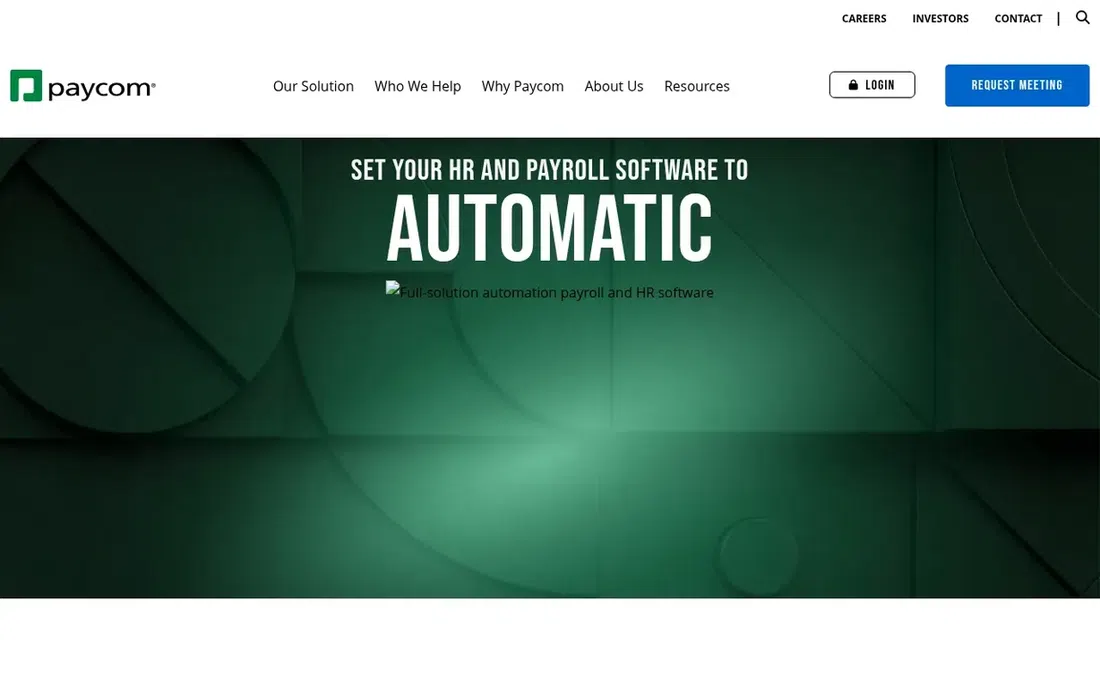
Paycom is designed for automation across the employee life cycle. Paycom presents itself as HR and payroll software built on a single database, with automation spanning the employee life cycle.
Drawbacks to consider: Full-suite focus may overwhelm small teams.
Also, teams with very straightforward hourly needs may prefer a lighter choice. Paycom does not show a starting price in this comparison, so check the vendor site for current pricing. On free options: Not stated.
- Automation across the life cycle
- Full-solution approach for leaders
- Needs commitment to the system
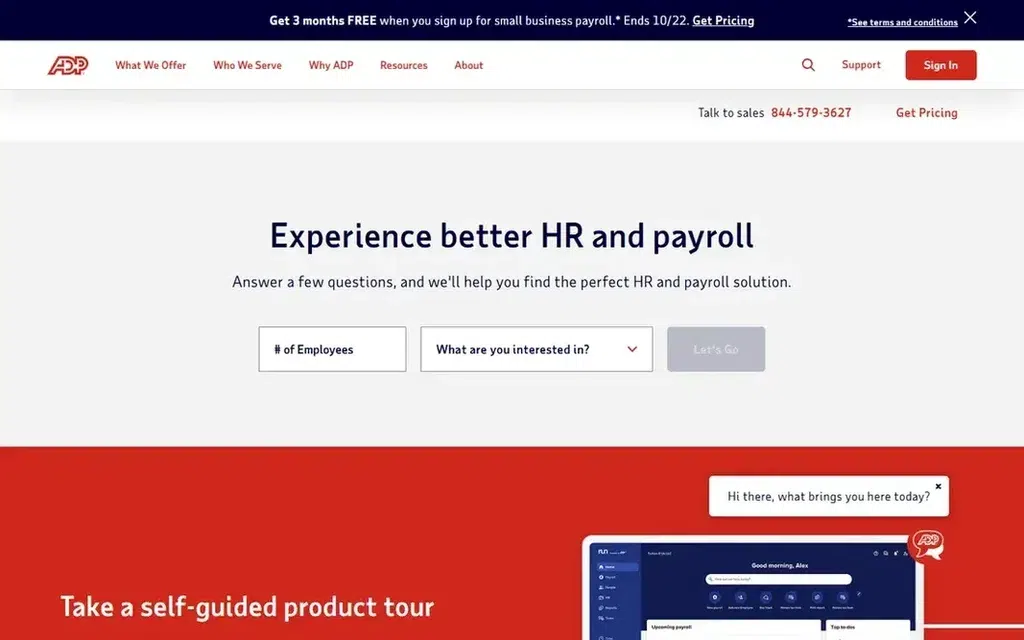
ADP Workforce Now is aimed squarely at scalable payroll, tax and HR. The suite is wide, so teams wanting only a straightforward time clock may find it heavier than necessary.
Where it is weaker: Hour tracking is one part of the entire.
More specifically, firms planning to scale may value a suite that grows with headcount and administrative needs. ADP Workforce Now does not show a starting price in this comparison, so check the vendor site for current pricing. Free options: Not stated.
- Payroll
- Built to scale across business sizes
- Wide suite may feel complicated
In short, Homebase is for all-in-one tools for hourly teams. Owners managing hourly staff often value having these basics in one place. For everyday use, Homebase is oriented toward smaller operations, so bigger organizations with complicated HR and compliance needs may need a broader product.
Where it is weaker: Geared toward smaller firms.
From a buyer's view, if you need extensive HR administration, a full suite may fit better. As for the details, feature depth varies by module, so check what each area includes. Homebase pricing: $30 per location per month. Homebase includes a free tier. What works well: Scheduling.
- Hiring tools included
- Time clocks and payroll together
- Complicated enterprises may outgrow it
UKG Pro Workforce Management
Best for: Full workforce intelligence and HR
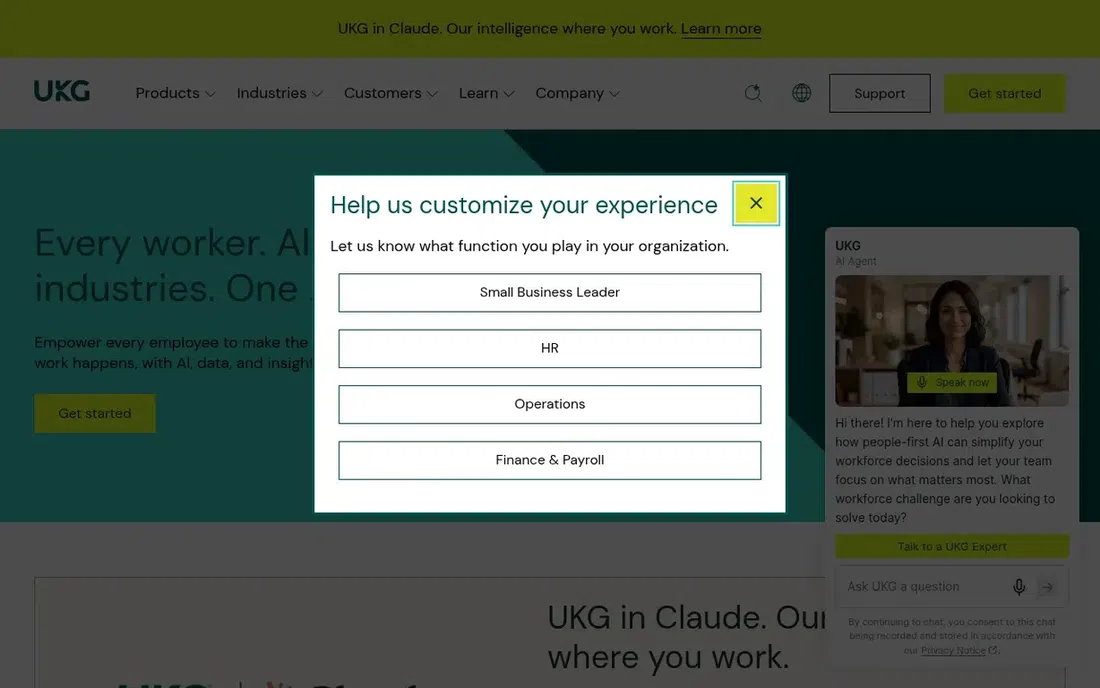
Pick UKG Pro Workforce Management if this describes you: comprehensive workforce intelligence and HR. UKG Pro Workforce Management is a workforce intelligence system that brings HR, payroll and workforce management together.
Highlights: pay and workforce management.
Organizations seeking a light scheduling app may prefer a narrower tool. UKG Pro Workforce Management does not show a starting price in this comparison, so check the vendor site for current pricing. Free plan details: Not stated.
Drawbacks to consider: Wide scope may suit bigger operations.
- Merges HR
- Wide workforce intelligence product
- Setup can need planning
What went into this list
Questions to settle before buying
- Confirm the entry price on the vendor page. For Paycom, ADP Workforce Now and UKG Pro Workforce Management that means a quote rather than a fixed price.
- Look at the free plan from Homebase closely: its caps decide whether it is usable for real work.
- Take the trial from When I Work and Deputy and push a live task through it before you pay.
- Read the limits listed for When I Work first: payroll depth is restricted.
- Look at the renewal terms for ADP Workforce Now: auto-renewal, notice periods and price changes can matter more than the first-year price.
- Work out what Deputy costs with your real seat count, add-ons and usage, not just the entry price.
FAQ
Is a full HR suite necessary for tracking hours?
If you primarily need scheduling and time clocks, a focused tool may be more straightforward. Weigh scope against the complexity you can run.
Can work hours manage payroll too?
Multiple tools here link hours to payroll, including ADP Workforce Now, Paycom, UKG Pro Workforce Management and Homebase. Some teams pair a scheduling tool with separate payroll software instead.
Which tool fits shift-based teams best?
When I Work is the pick this page puts first, mainly for shift scheduling and team messaging. If your situation differs, Deputy suits simple scheduling and labor forecasting, and Paycom suits automation across the employee life cycle. Compare price and limits before you decide.
Do these tools publish their prices?
Not all of them. Paycom, ADP Workforce Now and UKG Pro Workforce Management publish no starting price, so expect a quote request for those. The rest, When I Work included, show a starting price, though seats and billing terms still change the final cost.
How are the tools for software for managing employee work hours ordered?
The order follows typical fit for software for managing employee work hours, with When I Work first and UKG Pro Workforce Management last, then price clarity and free access. It is editorial judgement, not a score, so another team could rank the tools differently.
Is When I Work the right pick for everyone comparing software for managing employee work hours?
No single tool suits every team. When I Work comes first because it fits shift scheduling and team messaging, while Deputy suits easy scheduling and labor forecasting and Paycom suits automation across the employee life cycle. Match the tool to your own size, budget and workflow before deciding.
Sources
- https://wheniwork.com
- https://www.deputy.com
- https://www.paycom.com
- https://www.adp.com
- https://joinhomebase.com
- https://www.ukg.com