6 Best Employee Scheduling Software for Shift Work for 2026, Vetted and Compared
Comparing the best employee scheduling software for shift work? 6 contenders, each with entry cost, free tier and best-fit buyer. Pros and cons for every tool.
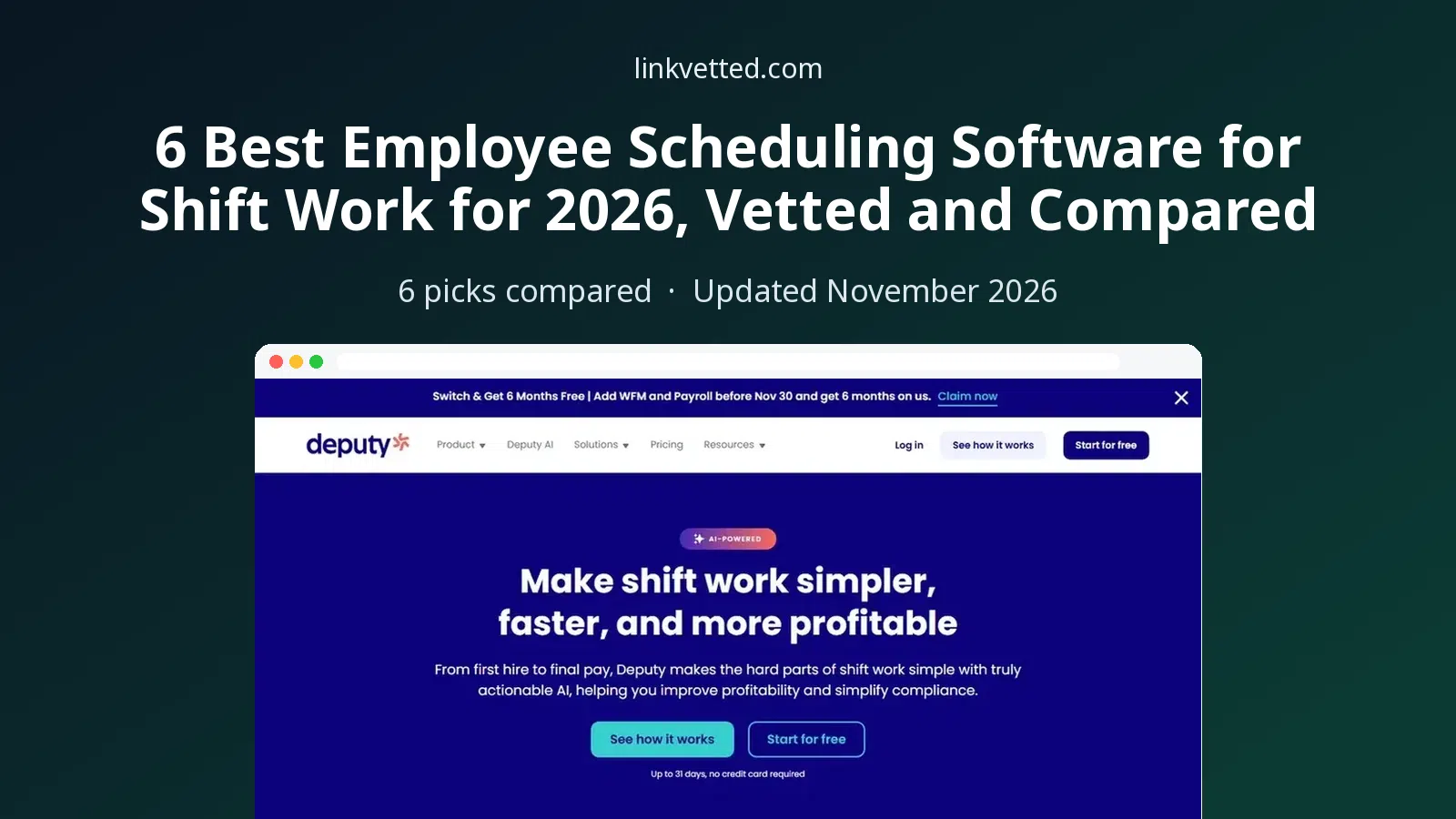
- Editor's choice
 Deputy
Scheduling with labor forecasting and payroll
Starts at$5 per user a monthVisit deputy.comFull review - Great alternative
 Sling
Straightforward shift planning and team communication
Starts at$1.70 per user a monthVisit getsling.comFull review - Also considerUKG Workforce Management
Large-scale HR and workforce operations
Starts atSee websiteVisit ukg.comFull review
Direct answer
Deputy leads the list, best for scheduling with labor forecasting and payroll. Listed starting prices: Deputy from $5 per user a month, Sling from $1.70 per user a month and Homebase from $30 per location a month. Sling fits straightforward shift planning and team communication; UKG Workforce Management fits large-scale HR and workforce operations. The remaining 3 options are covered below with prices and limits.
TL;DR:
- Deputy sits first on this list: scheduling with labor forecasting and payroll.
- Sling comes with a trade-off: fewer payroll and HR features.
- For the cheapest start, look at Sling: $1.70 per user per month.
- Free plans exist at 2 of 6 tools (Sling, Homebase).
- Shiftboard is the one to check for structured workforce scheduling operations.
Last checked November 2026. Prices and plan details were read from the vendors' own pages in November 2026; vendors change plans often, so confirm the current price on the vendor site before you buy.
Quick comparison
| Tool | Best for | Starts at | Free plan? | |
|---|---|---|---|---|
| Deputy | Scheduling with labor forecasting and payroll | $5 per user a month | Free trial | Visit |
| Sling | Straightforward shift planning and team communication | $1.70 per user a month | Yes | Visit |
| UKG Workforce Management | Large-scale HR and workforce operations | See website | Not stated | Visit |
 Homebase | Small hourly teams needing one app | $30 per location a month | Yes | Visit |
 When I Work | Everyday shift scheduling with team messaging | $2.50 per user a month | Free trial | Visit |
 Shiftboard | Structured workforce scheduling operations | See website | Not stated | Visit |
Every option for employee scheduling software for shift work explained
LinkVetted compared 6 tools for employee scheduling software for shift work. The goal is a practical shortlist: published prices, free plan facts, best-fit use cases and honest limits for every entry.
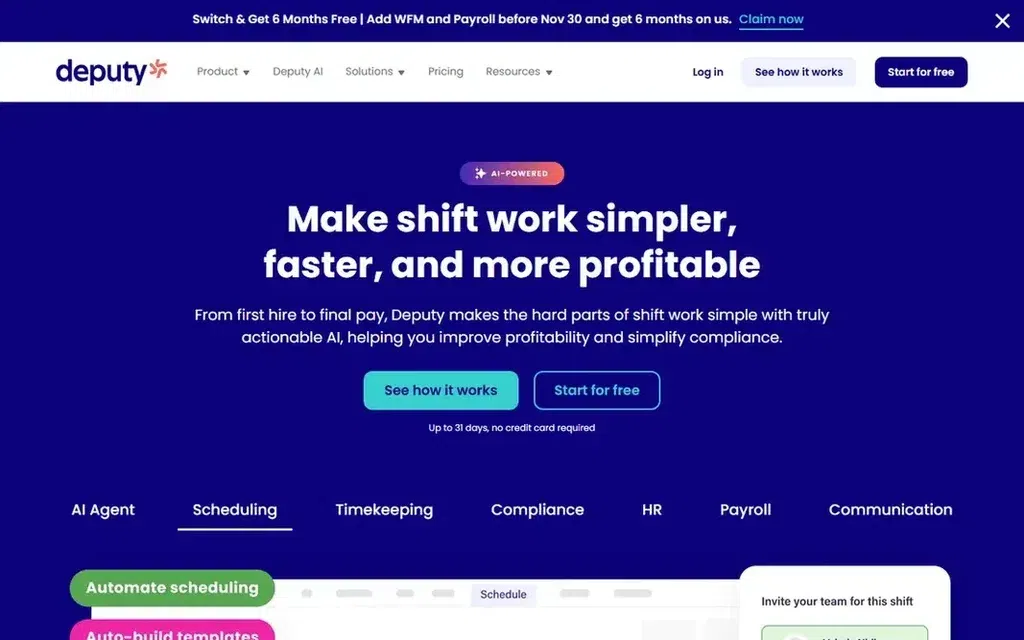
Deputy serves scheduling with labor forecasting and payroll. Deputy is employee scheduling, HR and payroll software with AI labor forecasting built in.
Downsides: Setup takes more planning.
Managers who schedule variable shifts and need forecasting signals alongside the roster are a solid fit. Worth adding: the breadth of features means more setup effort than a straightforward scheduling app, which can be heavy for very small teams. Deputy cost at the entry level: $5 per user per month. Trial and free access: Free trial.
- AI labor forecasting support
- Scheduling plus HR and payroll features
- Feature depth may overwhelm very small teams
Sling targets straightforward shift planning and team communication. Sling is employee shift scheduling and planning software that helps firms handle shifts and communicate with employees.
Main advantages: Simple shift scheduling and planning.
Watch-outs: Fewer payroll and HR features.
Small firms and shift teams concentrated on clarity over feature depth are the natural fit. The starting price for Sling: $1.70 per user per month. You can start on Sling without paying.
- Straightforward to learn
- Built-in team communication
- Restricted advanced forecasting
UKG Workforce Management
Best for: Large-scale HR and workforce operations
In short, UKG Workforce Management is for large-scale HR and workforce operations. UKG supplies HR, payroll and workforce management on a workforce intelligence system designed for modern operations. Beyond that, the system is wide, so small teams may find it more than they need and slower to set up.
Also, firms managing plenty of employees across locations are the usual audience. More straightforward scheduling tools are commonly a better starting point for small shift-based firms. Pricing for UKG Workforce Management is not stated here, so ask the vendor for current figures. Free options: Not stated.
What users get: Wide HR. Trade-offs to know: Implementation needs planning.
- Designed for modern operations
- Workforce intelligence system
- Complicated for small teams
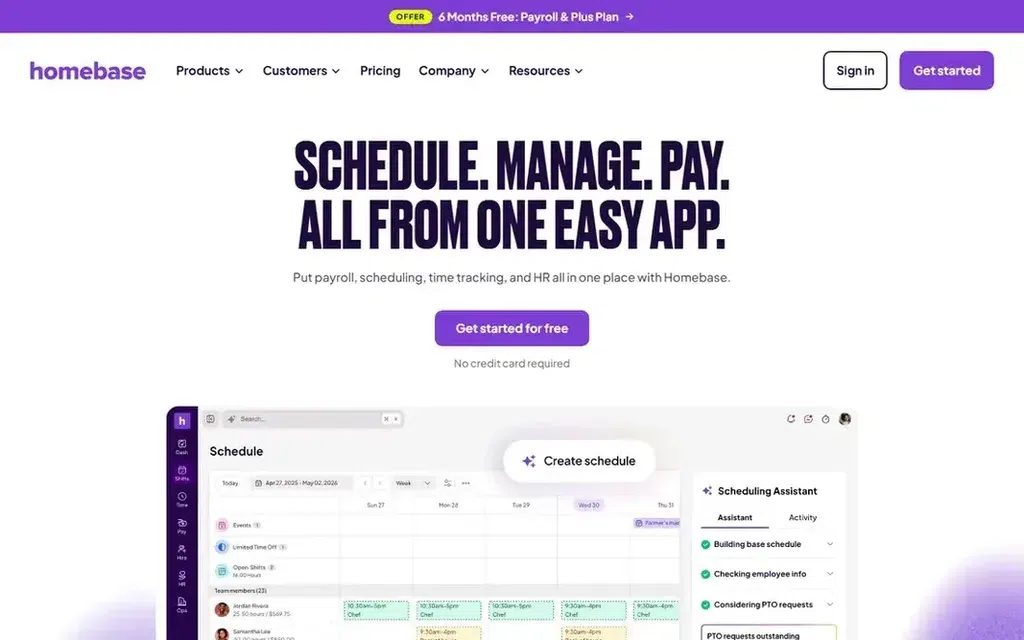
Homebase was built for small hourly teams needing one app. The product is oriented toward smaller businesses, so bigger organizations with complicated rules may outgrow it.
What Homebase does well: Scheduling.
Watch-outs: May not handle complicated enterprise needs.
Look at a more customizable workforce system if you need advanced forecasting or multi-site controls. Homebase cost at the entry level: $30 per location per month. Homebase includes a free tier.
- Built for hourly teams
- Time clocks and payroll together
- Best fit for smaller operations
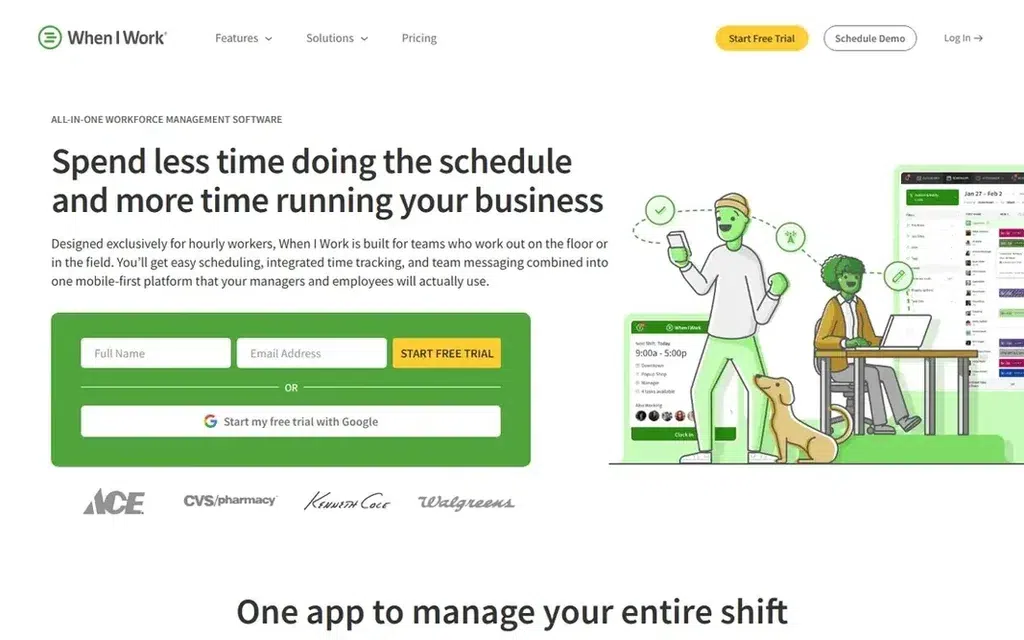
Choose When I Work for everyday shift scheduling with team messaging. When I Work is employee scheduling and management software that lets managers build shifts, track time and message the team from a single app.
From a buyer's view, teams that require fast schedule changes and clear communication across a mobile workforce are the natural audience. Starting cost for When I Work: $2.50 per user per month. Free options: Free trial.
Where it is weaker: Advanced HR features are restricted.
- Scheduling
- Time tracking and messaging in one app
- Payroll is not the core focus
Shiftboard is designed for structured workforce scheduling operations. Worth adding: Shiftboard is oriented toward more structured operations, so very small firms may find it heavier than needed.
More specifically, the vendor pages now focus on customer support and next steps, which is handy context if you are evaluating it as part of a broader workforce product. From a buyer's view, confirm current product direction and support details straight with the vendor before committing. Shiftboard does not show a starting price in this comparison, so check the vendor site for current pricing. As for free access: Not stated.
Downsides: Less suited to very small teams.
- Support and login resources for customers
- Scheduling for structured operations
- Support pages reflect a transition period
How these tools were picked
LinkVetted looked at what each vendor publishes: pricing, plan limits, feature coverage for employee scheduling software for shift work and stated drawbacks. No hands-on testing is claimed. Plan names, prices and limits change often. Treat the figures here as a starting point and verify them with the vendor. The ranking is editorial: typical fit first, then clear pricing, then free access. If your needs are unusual, read the profiles rather than relying on position.
Things to verify first
- Get a written quote from UKG Workforce Management and Shiftboard; the list shows no starting price for them.
- Check what the free option really includes: Sling and Homebase offer a free plan, and usage caps differ.
- Run a trial of Deputy and When I Work with real work before paying for a year; your own workflow is the best test.
- Read the limits listed for Deputy first: feature depth may overwhelm very small teams.
- Check how data leaves UKG Workforce Management: formats, limits and whether exports are available on every plan.
- Check the integration list for Homebase against the tools you run today, and note which ones need a higher plan.
FAQ
Can I try these tools before paying?
Often, yes. Sling and Homebase have a free plan and Deputy and When I Work offer a free trial. Use your own data and a real task during the test, and check what the free tier or trial limits before you rely on it. Each of the 6 options in this employee scheduling software for shift work guide has its own card above with the price, free plan and limits.
Is Deputy the right pick for everyone comparing employee scheduling software for shift work?
No single tool suits every team. Deputy comes first because it fits scheduling with labor forecasting and payroll, while Sling suits simple shift planning and team communication and UKG Workforce Management suits large-scale HR and workforce operations. Match the tool to your own size, budget and workflow before deciding.
How do I compare scheduling tools fairly?
List your must-haves, such as messaging, time clocks or forecasting, and check each vendor page against them. Confirm limits and current features straight with the vendor before committing.
Do these tools publish their prices?
Not all of them. UKG Workforce Management and Shiftboard publish no starting price, so expect a quote request for those. The rest, Deputy included, show a starting price, though seats and billing terms still change the final cost.
Which options for employee scheduling software for shift work have a free plan?
On this list, Sling and Homebase include a free plan. Caps on seats, usage or features are common, so test the free plan against your real workload. Several others offer a trial instead. All 6 picks in this employee scheduling software for shift work comparison list a starting price, free plan details and the main limits on their cards above.
Sources
- https://www.deputy.com
- https://getsling.com
- https://www.ukg.com
- https://www.joinhomebase.com
- https://wheniwork.com
- https://www.shiftboard.com