Best Brain Training Apps That Actually Work in 2026: 8 Apps Compared
The best brain training apps that actually work build useful skills, not just high scores. We compared 8 apps on evidence, price, and daily practice habits.
- Editor's choice
 Elevate
Everyday reading, writing, and math
Starts at$9.99 per monthVisit elevateapp.comFull review - Great alternative
 Lumosity
Broad daily game library
Starts at$14.99 per monthVisit lumosity.comFull review - Also consider
 Peak
Gamified daily training
Starts at$7 per monthVisit peak.netFull review
TL;DR:
- Honest answer first: brain games mainly improve the skills they train, and transfer to general intelligence is limited.
- Elevate and Brilliant are the strongest picks for skills that show up in daily life, such as reading, writing, and math.
- BrainHQ has the strongest clinical research base, especially for processing speed in older adults.
- Anki is the best free tool for real learning, since spaced repetition helps you remember actual content.
- A short daily habit beats a long weekly session, so pick the app you will actually open.
Quick comparison
| Tool | Best for | Starts at | Free plan? | |
|---|---|---|---|---|
| Elevate | Everyday reading, writing, and math | $9.99 per month | Yes | Visit |
| Lumosity | Broad daily game library | $14.99 per month | Yes | Visit |
| Peak | Gamified daily training | $7 per month | Yes | Visit |
 BrainHQ | Research backed processing speed | $14 per month | Yes | Visit |
 CogniFit | Clinical style assessment | $19.99 per month | Yes | Visit |
 NeuroNation | Adaptive memory training | $8 per month | Yes | Visit |
 Brilliant | Logic, math, and reasoning | $15 per month | Yes | Visit |
 Anki | Spaced repetition for real content | Free | Yes | Visit |
The best brain training apps that actually work
Brain training apps promise a sharper mind, but the evidence is narrower than the ads suggest. Most games improve performance on the games themselves, with limited transfer to unrelated tasks. That does not make them useless. Apps that train real skills, such as mental math, reading speed, or spaced recall, can produce gains you notice at work or school. We compared official pricing, feature pages, and published research summaries for the apps below.
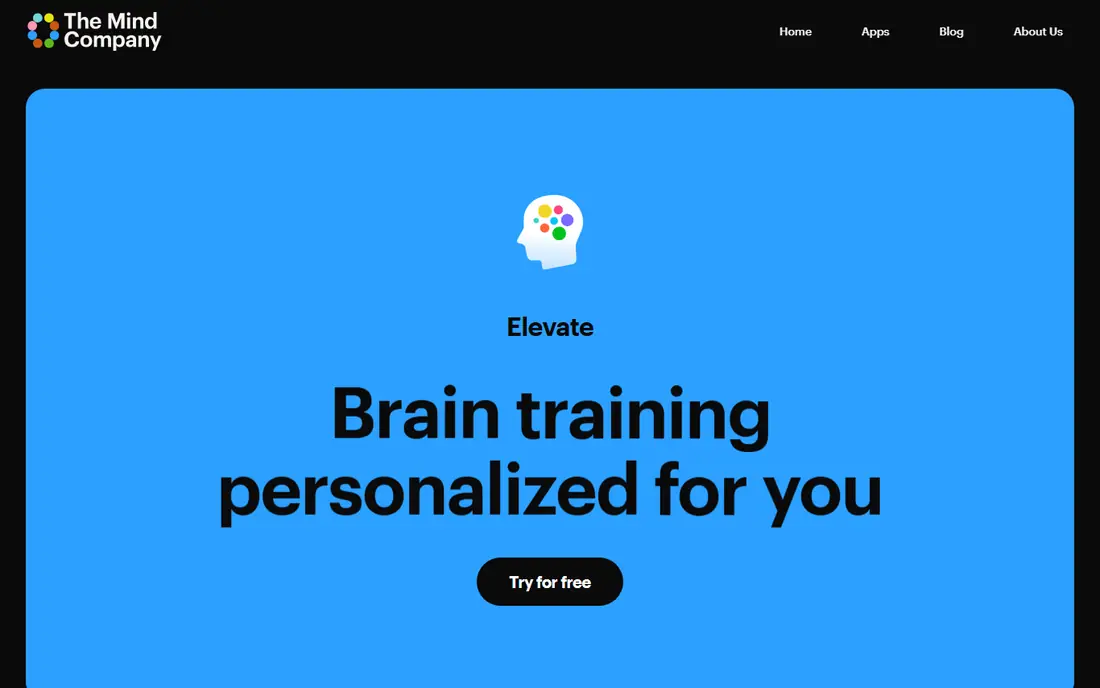
Elevate is our pick for most people, because its training looks like real life. Instead of abstract puzzles only, its games practice skimming a passage for one detail, working out a discount, or remembering what someone just told you. That practical focus is why improvements feel tangible, and Elevate also has published research on the skills it trains.
The free version gives you one three game workout a day plus a weekly game, which is enough to test the habit. Premium costs $9.99 per month or $39.99 per year on the US App Store, and it opens the full library and tracking. The catch is scope. Elevate does not try to train every cognitive skill, so if you want the widest game library, Lumosity or Peak fits better.
- Games built around daily tasks such as skimming and mental math
- Personalized daily program
- Clean, focused design
- Monthly price is higher than Peak
- Free version limits you to a few games a day
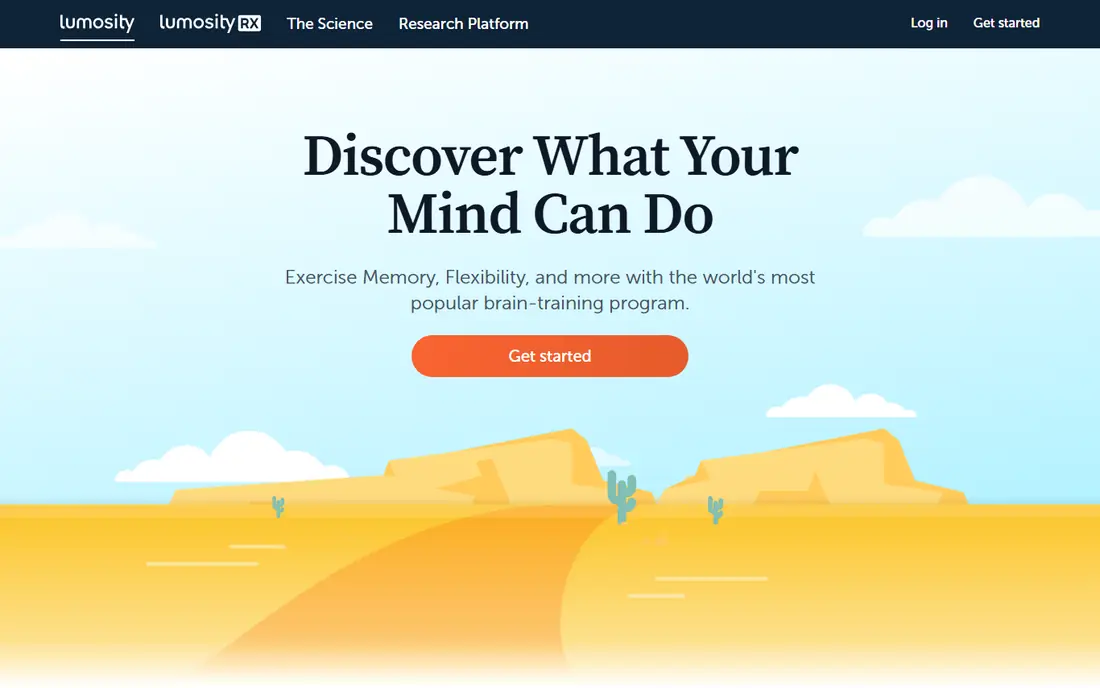
Lumosity is the most established name in this list, with a large game library covering memory, attention, speed, flexibility, and problem solving. A free 10 minute Fit Test sets your baseline, then a new set of games arrives each day. The performance index gives you one score to watch over time, which many users find motivating.
The honest limit is the same one that applies to the whole category. Lumosity games improve the trained tasks, but broad transfer to general intelligence is not well supported. At $14.99 for one month, with cheaper annual plans, it is also the priciest option here. Choose Lumosity if you want variety and polished tracking, and judge it on whether you enjoy the daily habit.
- Large library of 40 plus games
- Baseline Fit Test sets your starting scores
- Detailed performance tracking
- Highest monthly price here
- Evidence for broad transfer is limited
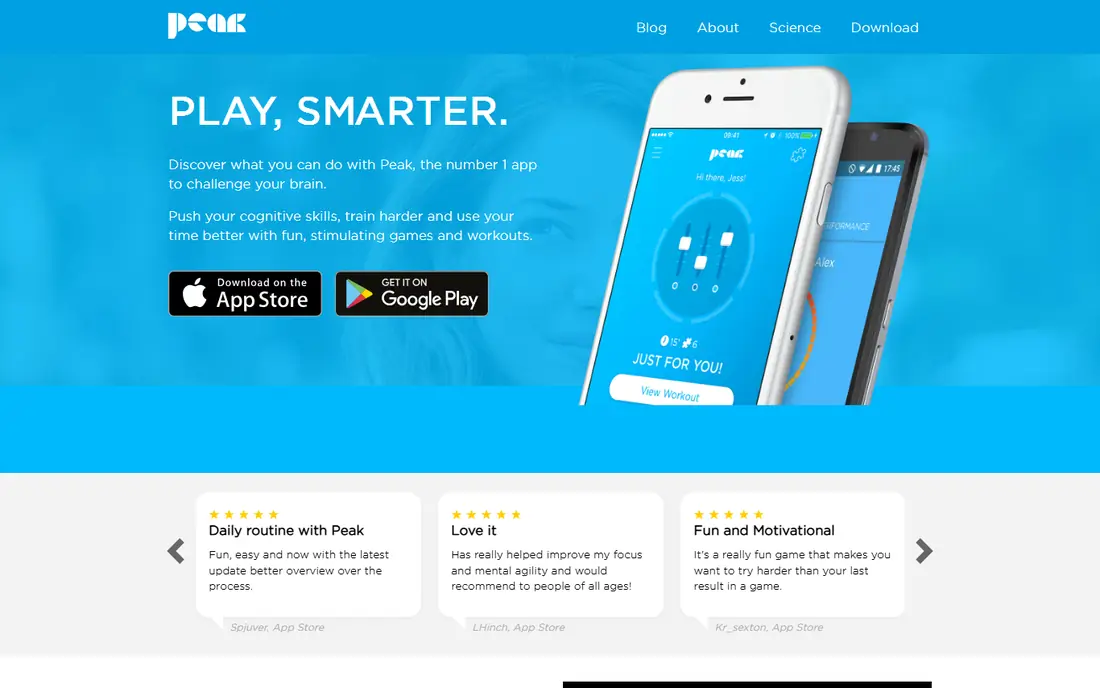
Peak sits between Lumosity and Elevate. It offers a wide, gamified set of mini games with a Coach that builds themed workouts, and its design keeps short sessions fun. The free version opens the full game library with capped sessions, so you can try most of it before paying. Paid plans run around $7 per month or $34.99 per year in recent comparisons.
Peak works best for users who need variety and motivation to keep a habit going. It is less focused on daily work skills than Elevate, and its research base is moderate rather than clinical. If fun is what keeps you training, Peak is a fair pick, and its price makes it easy to justify.
- Polished, playful design with 40 plus games
- Coach feature gives structure
- Lower price than Lumosity
- Free sessions are capped
- Depth of research is thinner than BrainHQ
BrainHQ is the pick for readers who care most about evidence. Its exercises were developed with researchers and tested in studies, including work on processing speed and brain health in adults over 50. The free tier offers a daily exercise, while paid plans run around $14 per month or $96 per year.
The experience is more clinical than game like, which some users find dry. If you want a fun daily game, Peak or Lumosity will hold your attention better. If you want the app with the most serious research behind it, especially for an older parent or for yourself later in life, BrainHQ is the one to try first.
- Strongest clinical research base in this list
- Exercises target processing speed and attention
- Used in studies with older adults
- Less playful than rivals
- Monthly price is high
CogniFit starts with an assessment that maps your cognitive strengths and gaps, then builds a training program around the result. That assessment first approach suits users with a specific concern, such as focus or memory, and professionals who want reports to share with a clinician. Its library covers more than 60 exercises.
The price is the barrier. At $19.99 per month, CogniFit costs more than every other app here, and the experience feels like a tool rather than a game. For casual training, that is hard to justify. For a user who wants a structured assessment and targeted training, the cost buys something the cheaper apps do not offer.
- Detailed initial cognitive assessment
- 60 plus exercises across memory, attention, and reasoning
- Clinician friendly reports
- Highest price in this list
- Interface feels clinical rather than fun
NeuroNation focuses on working memory and concentration, with adaptive exercises that get harder as you improve. The free tier includes an assessment and core exercises, and paid plans run around $8 per month or $55 per year. Its design is clean and its sessions are short, which helps a daily habit stick.
The trade off is breadth. NeuroNation does not offer the wide game variety of Lumosity or Peak, and its strengths are narrower. That narrowness is also its appeal. If your main goal is better focus and memory for work or study, a targeted program beats a scattered one.
- Adaptive training that adjusts to your level
- Assessment plus core exercises free
- Focus on working memory and concentration
- Smaller game library than Lumosity
- Some advanced features need the paid plan
Brilliant is the odd one out here, and that is why it belongs. Instead of abstract brain games, it teaches logic, math, data, and science through interactive lessons and problems. The skills transfer more directly to real work, since you are learning content, not just practicing a mini game. Paid plans run around $15 per month or $70 per year, with a limited free tier.
The catch is that Brilliant is a learning platform, not a five minute daily game. Sessions take more thought, and the price reflects a course library rather than a game set. If you want training that clearly builds useful knowledge, Brilliant is the strongest pick in this list.
- Teaches real math, logic, and science concepts
- Interactive lessons rather than only drills
- Strong for students and professionals
- Not a traditional brain game app
- Monthly price is high
Anki is not a brain game at all, and it may be the most effective tool here. It uses spaced repetition, showing you a flashcard just before you would forget it, which is one of the best supported techniques in learning science. You can study anything: vocabulary, medicine, law, or a new language. Android and desktop versions are free, while the iOS app costs about $25 as a one time purchase.
The downside is effort. Anki needs you to build or choose decks, and its interface is plain compared with the game apps. But if your goal is to actually remember things, rather than to feel sharper for ten minutes, Anki delivers results the game apps cannot match. Pair it with one game app if you want both fun and real learning.
- Free on Android and desktop
- Spaced repetition is well supported by learning research
- Huge library of shared decks
- Plain interface that needs setup
- IOS app is a paid one time purchase
How we picked these
We compared official pricing and feature pages, app store listings, and published research summaries for apps actively maintained in 2026. We favored apps with a free tier or trial, a clear training method, and some evidence base, whether clinical studies or well supported learning techniques. We left out apps that are discontinued, such as Eidetic, and apps with no real training method behind a game skin.
How to get real value from a brain app
Set a small, fixed daily time, such as ten minutes after breakfast, and treat missed days as normal rather than a reason to quit. Pick one primary app instead of five, since switching apps resets your progress and habit. Track a real world measure alongside your scores, such as how fast you finish a report or how well you recall names, since in app scores alone can mislead you.
Also mix training types. A game app plus Anki, or Elevate plus Brilliant, covers both quick practice and real learning. If you notice memory problems that affect daily life, talk to a clinician rather than relying on an app. Brain apps are not medical devices, and they do not diagnose or treat cognitive conditions.
What the evidence actually says
Studies support near transfer, meaning you get better at tasks similar to the ones you train. Evidence for far transfer, meaning a general boost to intelligence or daily functioning from abstract games, is weak. That is why apps tied to real skills, such as reading, math, or spaced recall, are the safer bet. A daily habit still helps, since regular mental activity, sleep, exercise, and social contact all support brain health more than any single app.
FAQ
Do brain training apps actually work?
They work for the skills they train, such as the specific memory or speed tasks in the app, but evidence for a broad boost to intelligence is limited. Apps that teach real skills, such as math, reading, or spaced recall, show stronger real world transfer than abstract games alone. Judge an app by whether it helps with tasks you care about, not by its in app score.
Which brain training app is best overall?
Elevate is our pick for most people, since its games practice everyday reading, writing, and math skills. BrainHQ is best if research backing matters most, while Anki is best for remembering real content. The right choice depends on whether you want daily fun, practical skills, or serious learning.
Is Lumosity worth the price?
Lumosity is worth it if you value its large game library, daily structure, and detailed tracking, and you enjoy the habit enough to keep it up. At $14.99 per month, it is the priciest option here, and cheaper apps such as Peak cover similar ground. Try the free version first and check whether you still open it after two weeks.
Are there good free brain training apps?
Yes. Anki is free on Android and desktop and is the strongest free learning tool here. Elevate, Lumosity, Peak, BrainHQ, and NeuroNation all offer limited free tiers, usually a few games or one workout a day. A free tier is enough to build a habit before you decide whether a paid plan is worth it.
How long should I train each day?
Ten to fifteen minutes a day is enough for most apps, and consistency matters more than session length. Longer sessions tend to produce fatigue rather than better results. Set a fixed time, keep sessions short, and review your progress monthly rather than daily.
Can brain apps help older adults?
BrainHQ has the most research in this area, particularly for processing speed, and it is a sensible first try for older adults. Regular mental activity, physical exercise, good sleep, and social contact matter at least as much as any app. If memory problems affect daily life, a clinician visit is more useful than a subscription.
Sources
- https://elevateapp.com
- https://www.lumosity.com
- https://www.peak.net
- https://www.brainhq.com
- https://www.cognifit.com
- https://neuronation.com
- https://brilliant.org
- https://apps.ankiweb.net
- https://www.plasticitycenters.com/blog/best-free-brain-training-apps
- https://makeheadway.com/blog/the-best-brain-training-apps/
- https://themindcompany.com/blog/elevate-vs-lumosity