Best Business Payroll Services in 2026: 8 Services Compared
best business payroll services for small and growing companies, with tax filing, benefits, and per employee pricing compared for 2026 for US employers.
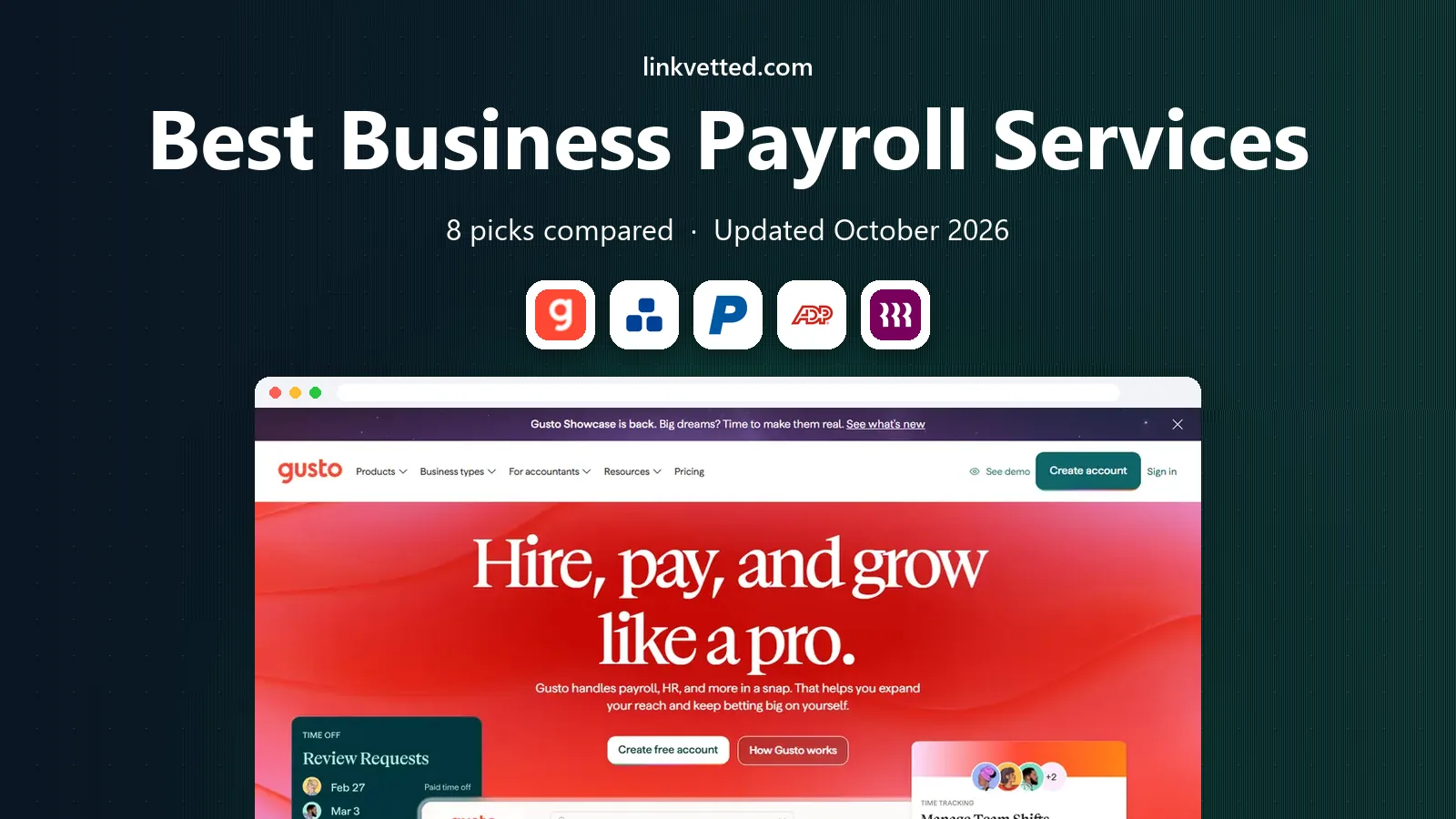
- Editor's choice
 Gusto
Small businesses and startups
Starts at$46 per month plus $6 per personVisit gusto.comFull review - Great alternative
 OnPay
Simple, all in pricing
Starts at$40 per month plus $6 per personVisit onpay.comFull review - Also consider
 Paychex Flex
Established small to mid-sized firms
Starts at$39 per month plus $5 per personVisit paychex.comFull review
TL;DR:
- Gusto is our pick for most small businesses, with clear pricing and full tax filing in all states.
- OnPay matches Gusto on price and gives unlimited pay runs on a single plan.
- Rippling suits teams that want payroll, HR, and IT in one system, but pricing is less transparent.
- ADP and Paychex suit larger or multi-state employers that want a dedicated specialist.
- Always check the per employee fee, since a low base price can still grow fast with headcount.
Quick comparison
| Tool | Best for | Starts at | Free plan? | |
|---|---|---|---|---|
| Gusto | Small businesses and startups | $46 per month plus $6 per person | No | Visit |
| OnPay | Simple, all in pricing | $40 per month plus $6 per person | No | Visit |
| Paychex Flex | Established small to mid-sized firms | $39 per month plus $5 per person | No | Visit |
 ADP RUN | Scaling businesses | See website | No | Visit |
 Rippling | Growing teams that want HR plus IT | $8 per user per month | No | Visit |
 QuickBooks Payroll | Businesses already using QuickBooks | $50 per month plus $6 per person | No | Visit |
 Square Payroll | Hourly and retail teams | $35 per month plus $6 per person | No | Visit |
 Patriot Payroll | Budget conscious small firms | $37 per month plus $4 per person | No | Visit |
The best business payroll services
Payroll mistakes cost time, penalties, and trust, so the right service should file taxes, pay staff on time, and handle benefits without constant manual work. We compared base fees, per person fees, tax filing, benefits, and support from vendor pricing pages.

Gusto runs full service payroll with automatic federal, state, and local tax filing, plus W-2 and 1099 handling at year end. Its Simple plan starts at 46 dollars per month plus 6 dollars per person, which covers single state payroll and basic HR tools. Higher plans add multi-state payroll, next day direct deposit, and team management, so a growing firm can upgrade without switching vendors.
The interface is one of the easiest in this list, with guided setup, employee self service, and integrations with accounting tools. Benefits administration, including health insurance and 401(k), is built in rather than bolted on. The catch is cost at scale, since Plus and Premium plans rise per person. For a small business that wants payroll done correctly with little admin, Gusto is our first pick.
- Clear published pricing
- Full tax filing
- Benefits and onboarding in one place
- Higher tiers get pricey
- Complex shift pay rules need workarounds

OnPay takes a simpler approach, with one plan at 40 dollars per month plus 6 dollars per person that includes unlimited pay runs, multi-state tax filing, and HR tools. That single plan structure avoids the tier guessing that other vendors require, and it suits owners who want to know the monthly cost up front. It handles employees and contractors, direct deposit, and year end forms.
The trade-off is breadth. OnPay does not match Gusto or Rippling on benefits marketplaces or deep HR workflows, though it covers core payroll well. Support is US based and well rated by small business users. For a small to mid-sized firm that wants full service payroll without a complex plan menu, OnPay offers strong value.
- One plan with unlimited pay runs
- Full tax filing
- Multi-state support included
- Fewer HR extras than larger suites
- Benefits options are more limited
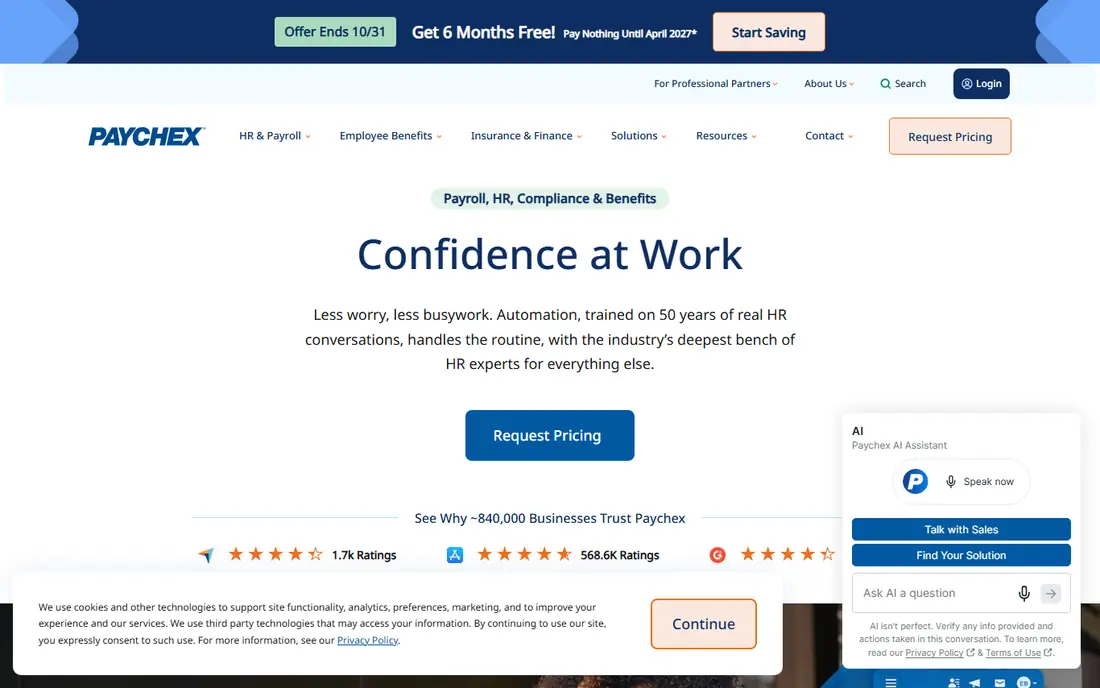
Paychex Flex starts at about 39 dollars per month plus 5 dollars per person for its basic tier, with higher tiers adding HR, benefits, and time tools. Its strength is scale and support, with a dedicated specialist on many plans and 24/7 phone help. That matters for multi-state employers, firms with complex pay rules, and owners who want a person to call during a tax or compliance question.
The drawback is transparency. Many Paychex plans are quoted, so the published starting price is a guide, not a final quote. The platform is powerful but less sleek than Gusto or Rippling. For established businesses that value longevity, compliance depth, and human support, Paychex remains a safe and capable choice.
- Dedicated specialist option
- 24/7 support
- Broad HR, benefits, and retirement modules
- Pricing often requires a sales call
- Interface feels less modern than newer rivals
ADP RUN serves small to mid-sized businesses that expect to grow into larger ADP platforms. It offers full payroll, tax filing, compliance support, and HR add-ons, with reporting that helps finance teams track labor costs by department or location. ADP tax accuracy guarantees on many plans cover penalties caused by its own errors, which is a useful safety net.
Pricing is custom, with typical small business quotes around 79 dollars per month plus a per person fee, though the final figure depends on headcount and modules. Setup can take more time than a self serve tool, since ADP often assigns an implementation team. For firms that want a vendor that can grow from ten staff to hundreds, ADP is a strong long term pick.
- Deep compliance and tax expertise
- Scales to enterprise
- Strong reporting
- Custom pricing
- Setup can take longer
- Interface varies by plan
Rippling combines payroll with HR, benefits, and IT management, so a new hire can get payroll, apps, and a laptop workflow from one system. Its payroll module starts at about 8 dollars per user per month, with additional modules billed separately. Automation rules handle onboarding, approvals, and pay changes, which saves time for fast growing teams.
The catch is total cost. Once HR, benefits, and IT modules are added, the monthly bill can exceed simpler payroll tools. Rippling suits tech forward teams that want one system for people operations, not just payroll. Smaller firms that only need pay runs and tax filing may find Gusto or OnPay cheaper and simpler.
- Payroll, HR, and device management in one system
- Strong automation
- Global payroll options
- Modular pricing adds up
- Base price excludes many modules
QuickBooks Payroll starts at about 50 dollars per month plus 6 dollars per person, with higher tiers adding same day direct deposit and tax penalty protection. The main advantage is accounting integration. Payroll entries flow into QuickBooks Online, which cuts reconciliation work for firms that already use Intuit accounting. It handles federal and state tax filing, direct deposit, and contractor payments.
If you do not use QuickBooks, much of that value disappears, and standalone rivals may be cheaper. Support and setup are solid, but the product is best seen as part of the QuickBooks suite. For QuickBooks users who want payroll in the same system as their books, it is the natural choice.
- Tight QuickBooks accounting link
- Same day direct deposit on higher plans
- Tax penalty protection
- Requires QuickBooks for full value
- Higher plans cost more than rivals
Square Payroll starts at 35 dollars per month plus 6 dollars per person, making it one of the lower base prices here. It suits restaurants, shops, and service firms with hourly staff, since timecards from Square can flow into payroll. Full tax filing, direct deposit, and W-2 and 1099 handling are included, which covers the core needs of a small hourly team.
Advanced HR, performance, and benefits tools are lighter than on Gusto or Rippling, and benefits availability varies by state. For a retail or hospitality business already using Square for payments, the link between sales, time, and pay is a real time saver. For office teams with salaried staff and complex benefits, a broader HR suite may fit better.
- Low base price
- Good for hourly staff
- Ties to Square point of sale and timecards
- Fewer advanced HR features
- Benefits options vary by state
Patriot Payroll offers a basic payroll plan and a full service plan, with full service starting at about 37 dollars per month plus 4 dollars per person. The full service tier handles tax filing and deposits, while the basic tier leaves filing to the owner. That choice lets very small firms pay less if they want to file themselves, though most owners should pick full service to avoid penalties.
The platform is simple and easy to learn, which suits owners who run payroll themselves. It does not match larger suites on HR, benefits, or integrations. For a small firm on a tight budget that wants reliable full service payroll at a low per person rate, Patriot is a practical option.
- Low per person fee
- Full service tax filing tier
- Simple interface
- Basic plan is payroll only
- Advanced HR features are limited
How we picked these
We compared vendor pricing pages, tax filing scope, benefits, and support for US small businesses in October 2026. We favored services with published or widely reported starting prices, full federal and state filing, and a track record with small employers. We left out PEO only firms and enterprise only platforms that do not publish small business payroll plans.
What to check before you choose
Start with headcount math. Multiply the base fee plus the per person fee by your staff count, and add benefits or time tracking modules you actually need. A low base price with a high per person fee can cost more than a higher base with a lower per person rate once you pass ten staff.
Next, check tax filing and state coverage. Confirm that the service files in every state where you have staff, handles local taxes, and covers year end forms. Ask about direct deposit timing, contractor payments, and support hours during payroll week. Finally, test the setup with a real pay run. A service that looks cheap but needs hours of manual fixes each cycle is not a saving.
FAQ
How much does payroll software cost for a small business?
For a ten person firm, expect about 90 to 160 dollars per month on most services here, depending on base and per person fees. Gusto at 46 dollars plus 6 dollars per person totals 106 dollars for ten people, while OnPay totals 100 dollars. Add benefits, time tracking, or HR modules on top of that base.
Does payroll software file taxes for me?
Full service plans do, including federal, state, and local filings, deposits, and year end W-2 and 1099 forms. Basic plans from some vendors leave filing to you, so check the plan name carefully. Always confirm that your states and localities are covered before you sign.
Can I pay contractors and employees in one system?
Yes, most services here handle both W-2 employees and 1099 contractors, though contractor fees and payment methods vary. Gusto, OnPay, Rippling, and Square all support contractor payments alongside employee payroll. Check whether contractor payments count toward the per person fee.
How long does setup take?
Simple setups can finish in a day, with bank details, tax IDs, and employee data entered online. Larger firms with multi-state staff, benefits, or prior payroll history may need a week or more, especially with ADP or Paychex implementation help. Start before your next pay date to avoid a rushed switch.
What if I make a payroll tax mistake?
Full service vendors typically file corrections and, on many plans, cover penalties caused by their own errors. Check the guarantee in writing, since terms differ. You remain responsible for giving correct hours, pay rates, and employee data on time.