6 Best Employee Scheduling Software for Property Managers for 2026, Vetted and Compared
Best employee scheduling software for property managers: 6 tools compared on price, free plans and fit. Concise write-ups of every option. Jump to the table.
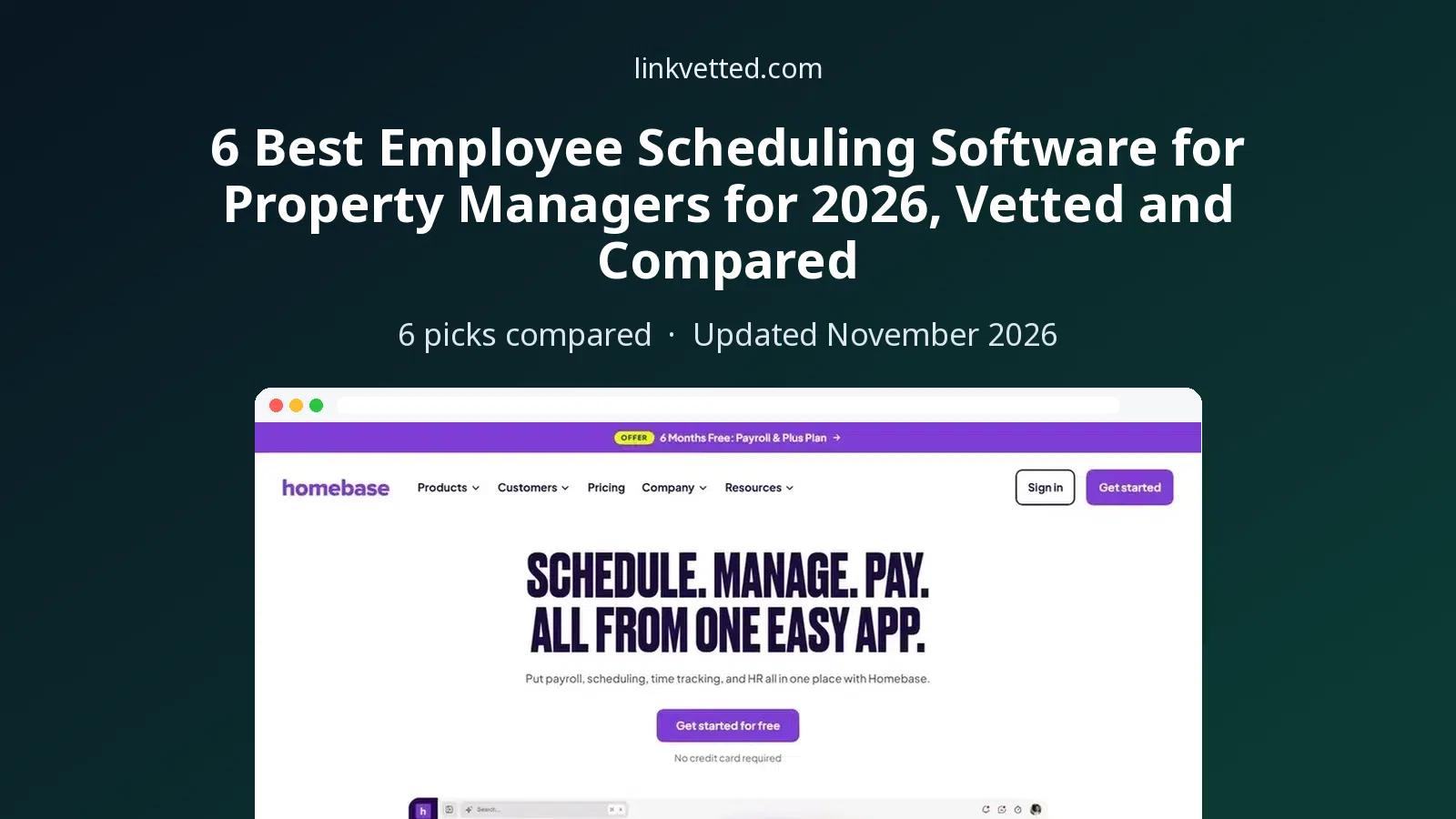
- Editor's choice
 QuickBooks Time
Time tracking with job and GPS data
Starts atSee websiteVisit quickbooks.intuit.comFull review - Great alternative
 Homebase
Hourly teams needing scheduling and payroll
Starts at$30 per location a monthVisit joinhomebase.comFull review - Also consider
 Clockify
Straightforward time tracking across projects
Starts atSee websiteVisit clockify.meFull review
Direct answer
This list puts QuickBooks Time first for Time tracking with job and GPS data. Listed starting prices: Homebase from $30 per location a month, When I Work from $2.50 per user per month and Deputy from $5 per user a month. Homebase is better for hourly teams needing scheduling and payroll, and Clockify is better for straightforward time tracking across projects. All 6 tools are compared below on price, free plan and limits.
TL;DR:
- The list opens with QuickBooks Time, aimed at Time tracking with job and GPS data.
- For the cheapest start, look at Sling: $1.70 per user per month.
- Before buying When I Work, weigh this: payroll is not the core focus.
- Sling is the one to check for simple shift planning and communication.
Last checked November 2026. Prices and plan details were read from the vendors' own pages in November 2026; vendors change plans often, so confirm the current price on the vendor site before you buy.
Quick comparison
| Tool | Best for | Starts at | Free plan? | |
|---|---|---|---|---|
| QuickBooks Time | Time tracking with job and GPS data | See website | Not stated | Visit |
| Homebase | Hourly teams needing scheduling and payroll | $30 per location a month | Yes | Visit |
| Clockify | Straightforward time tracking across projects | See website | Yes | Visit |
 When I Work | All-in-one shift scheduling and messaging | $2.50 per user per month | Free trial | Visit |
 Deputy | Scheduling with labor forecasting | $5 per user a month | Free trial | Visit |
 Sling | Straightforward shift planning and communication | $1.70 per user per month | Yes | Visit |
Employee Scheduling Software for Property Managers, one by one
Choosing employee scheduling software for property managers usually comes down to price, fit and limits. This LinkVetted guide sets 6 tools side by side on those three points, with the facts kept short and checkable.
QuickBooks Time is aimed squarely at Time tracking with job and GPS data. QuickBooks Time is employee time tracking software that tracks time, jobs, and GPS on an AI-powered system.
Downsides: Best fit for QuickBooks payroll users.
Property managers who require accurate hours for maintenance and service staff, particularly those already using QuickBooks for payroll, can use it to capture time by job and location. Choose it when time and job tracking are the priority for payroll accuracy. Check the vendor site for QuickBooks Time pricing; none is listed in this comparison. Free options: Not stated.
- Payroll connection through QuickBooks
- AI-powered system
- Scheduling is secondary to time tracking
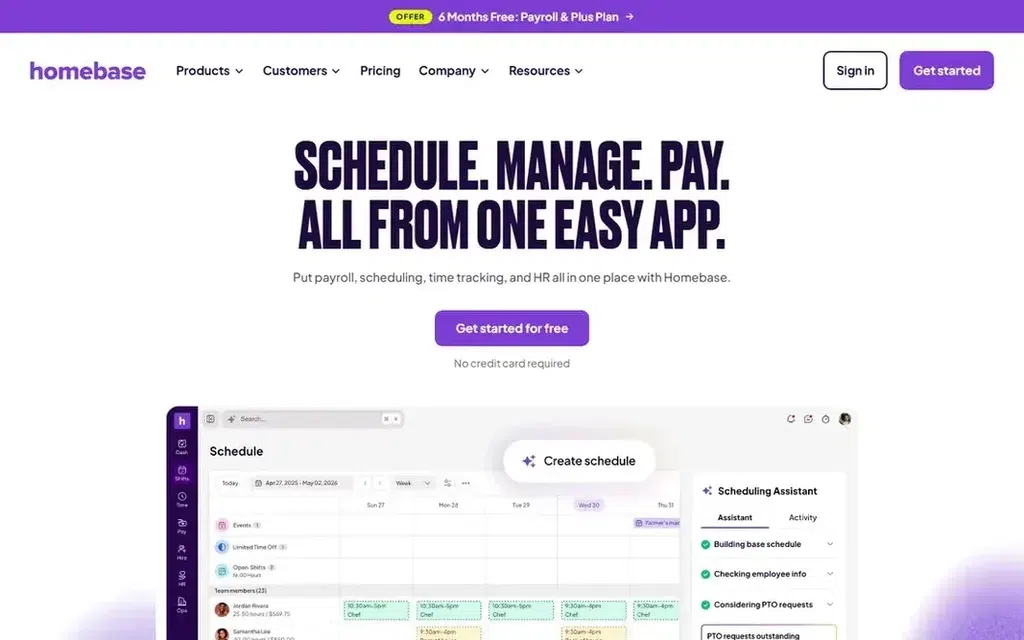
Where Homebase fits: hourly teams needing scheduling and payroll. Homebase is designed around hourly teams, so property offices with largely salaried staff may find it less relevant.
What Homebase does well: Scheduling.
Limits to weigh: Broader suite can take time to learn. The starting price for Homebase: $30 per location per month. Homebase offers a free plan.
- Hiring tools included
- Designed for hourly teams
- Payroll features may not fit every property setup
For simple time tracking across projects, Clockify is a natural candidate. Pick Clockify when project-based time tracking is the core need.
Beyond that, Clockify is not a dedicated employee scheduling system, so shift planning and team communication are restricted. No starting price is listed for Clockify here; confirm pricing on the vendor site. Clockify includes a free tier.
Honest limits: Scheduling features are restricted.
- Straightforward interface
- Track work hours across projects
- Not made for property management
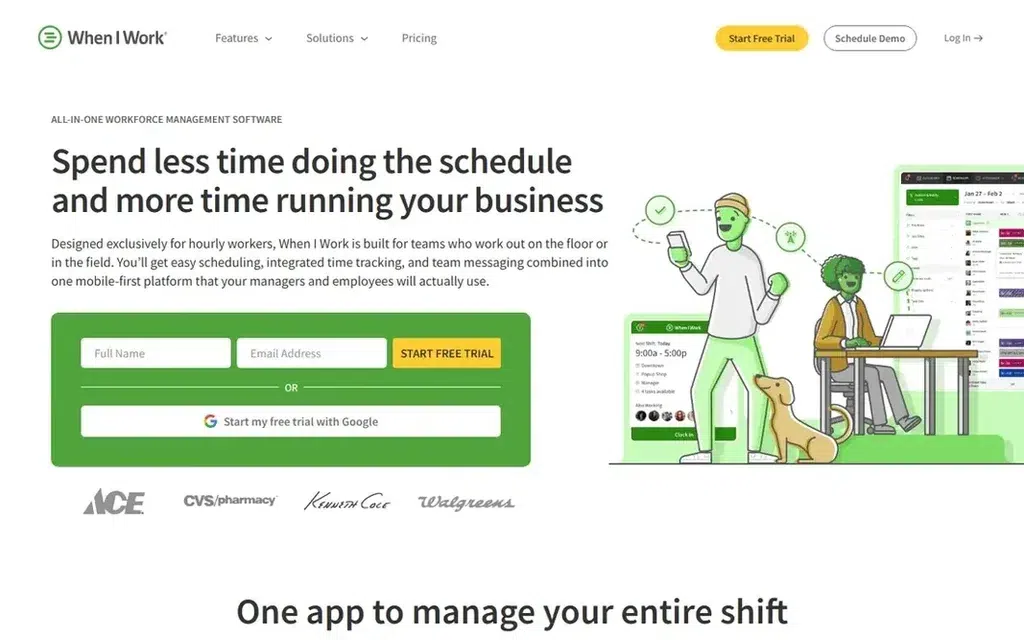
In short, When I Work is for all-in-one shift scheduling and messaging. When I Work centers on scheduling and time tracking instead of full payroll or HR administration.
Downsides: May lack deeper HR features.
Property managers who require payroll processing or hiring tools may prefer a broader product. Also, choose When I Work when clear shift communication and mobile scheduling are the priority. The starting price for When I Work: $2.50 per user per month. Free options: Free trial.
- Schedule shifts and track time in one app
- Straightforward mobile access for staff
- Payroll is not the core focus
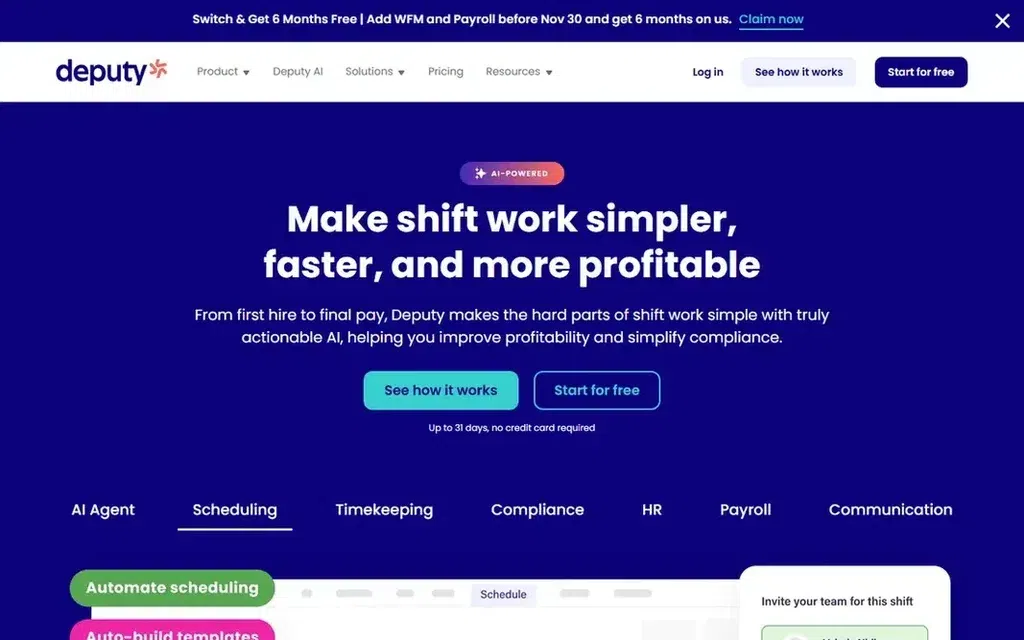
Deputy serves scheduling with labor forecasting. Teams managing several properties or a mix of hourly roles can use it to coordinate coverage and cut last-minute gaps.
The main drawbacks: Advanced features can add complexity.
As for the details, consider Deputy when labor forecasting and payroll connections matter to your operation. If you only need entry-level scheduling and messaging, a lighter tool could be simpler to adopt. Deputy starts at: $5 per user per month. As for free access: Free trial.
- AI labor forecasting for shift planning
- Employee scheduling and HR in one system
- May be more than small teams need
Sling is a good fit for simple shift planning and communication. Sling is employee shift scheduling and planning software that helps property teams run shifts and communicate with employees.
Choose Sling when straightforward shift planning and team messaging are the primary requirements. Sling centres on scheduling and communication, so it may not handle payroll or advanced HR needs. Sling starts at: $1.70 per user per month. Sling offers a free plan.
Where it falls short: May not scale to complicated multi-site needs.
- Shift scheduling and planning tools
- Team communication features
- Limited payroll and HR depth
How we built this list
For each of the 6 tools we noted price, free plan or trial, fit for employee scheduling software for property managers and the main limit, using vendor pages and documentation. Prices and plan limits come from vendor pages and can change, so confirm them on the vendor site before you buy. We ordered the tools by general fit, then by how clearly pricing is shown, then by free access. A buyer with unusual needs may reorder them.
Before you commit
- Get a written quote from QuickBooks Time and Clockify; the list shows no starting price for them.
- Read the fine print on the free plans from Homebase, Clockify and Sling; seat, project and feature caps differ.
- Take the trial from When I Work and Deputy and push a live task through it before you pay.
- Read the limits listed for QuickBooks Time first: scheduling is secondary to time tracking.
- Confirm minimum seats and billing terms with Deputy before you commit to an annual plan.
- See whether Sling offers onboarding or training, and whether it is included in the price.
FAQ
Which options for employee scheduling software for property managers have a free plan?
On this list, Homebase, Clockify and Sling include a free plan. Caps on seats, usage or features are common, so test the free plan against your real workload. Several others offer a trial instead.
Is QuickBooks Time the right pick for everyone comparing employee scheduling software for property managers?
No single tool suits every team. QuickBooks Time comes first because it fits Time tracking with job and GPS data, while Homebase suits hourly teams needing scheduling and payroll and Clockify suits simple time tracking across projects. Match the tool to your own size, budget and workflow before deciding.
Do property managers need payroll features in scheduling software?
Payroll features help if you run hourly maintenance and front desk staff and want hours to flow into payroll. Homebase and QuickBooks Time offer payroll connections, whereas scheduling-first tools may need a separate payroll system.
Can I try these tools before paying?
Often, yes. Homebase, Clockify and Sling have a free plan and When I Work and Deputy offer a free trial. Use your own data and a real task during the test, and check what the free tier or trial limits before you rely on it.
How are the tools for employee scheduling software for property managers ordered?
The order follows typical fit for employee scheduling software for property managers, with QuickBooks Time first and Sling last, then price clarity and free access. It is editorial judgement, not a score, so another team could rank the tools differently.
Sources
- https://quickbooks.intuit.com/time-tracking
- https://www.joinhomebase.com
- https://clockify.me
- https://wheniwork.com
- https://www.deputy.com
- https://getsling.com