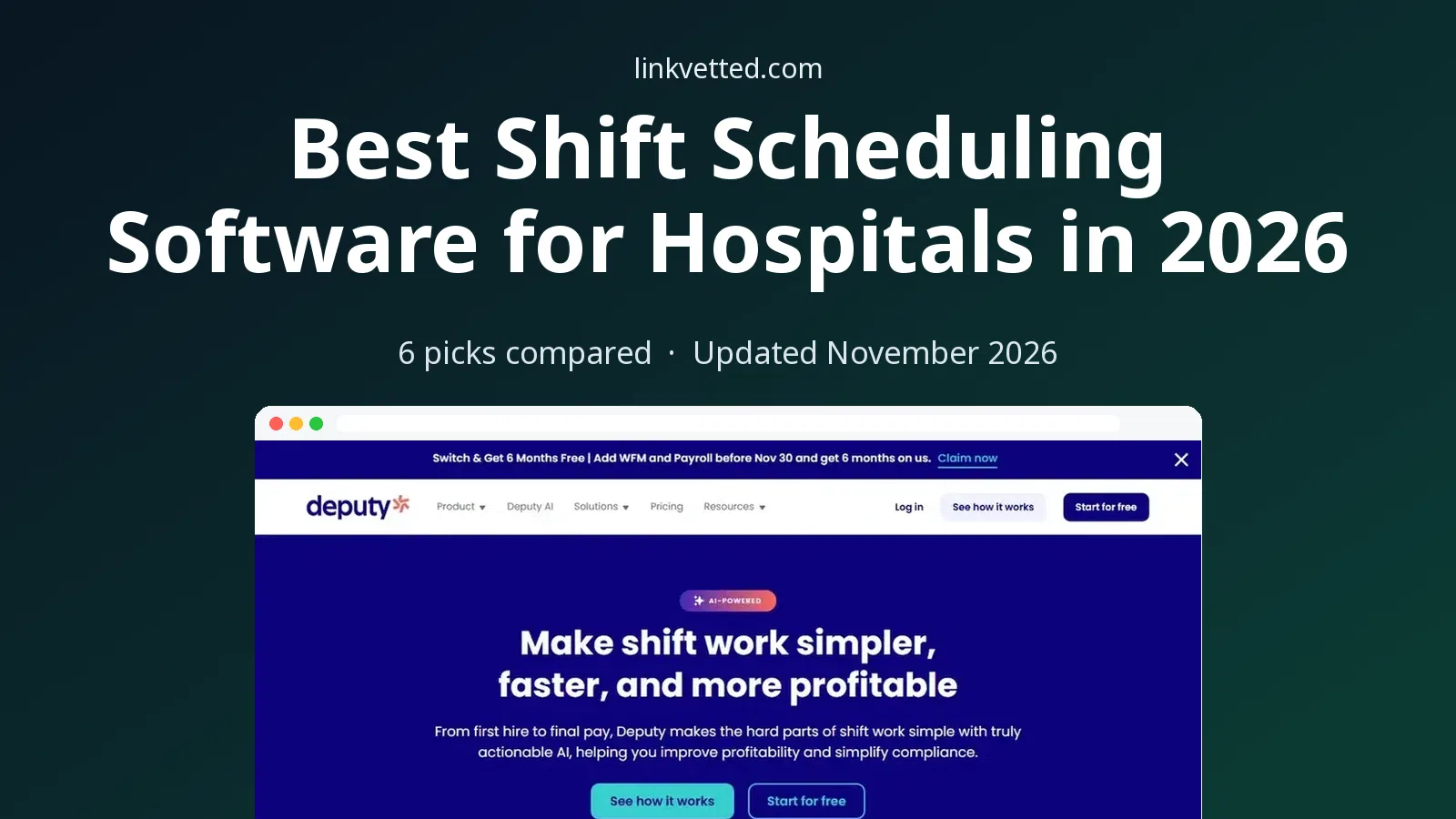
Best Shift Scheduling Software for Hospitals in 2026: Prices, Free Plans and 6 Picks
Shortlisting the best shift scheduling software for hospitals? 6 products compared on cost, free access and ideal buyer. Real limits included. Updated for 2026.
- Editor's choice
 Sling
Straightforward shift planning and communication
Starts at$1.70 per user a monthVisit getsling.comFull review - Great alternative
 When I Work
Straightforward shift scheduling and team messaging
Starts at$2.50 per user per monthVisit wheniwork.comFull review - Also consider
 Homebase
Small teams needing scheduling and time clocks
Starts at$30 per location a monthVisit joinhomebase.comFull review
Direct answer
Our first pick is Sling, best for straightforward shift planning and communication. Listed starting prices: Sling from $1.70 per user a month, When I Work from $2.50 per user per month and Homebase from $30 per location a month. If your case is different, When I Work suits straightforward shift scheduling and team messaging and Homebase suits small teams needing scheduling and time clocks. The other 3 tools in the list cover narrower or pricier cases.
TL;DR:
- Top of the list is Sling, which targets straightforward shift planning and communication.
- Only 2 of the 6 tools have a free plan (Sling, Homebase), so check the caps.
- ShiftWizard suits aligning hospital schedules with patient demand.
- What to know about Sling first: light on healthcare-specific features.
- The lowest published monthly entry price here is $1.70 per user per month, from Sling.
Last checked November 2026. Prices and plan details were read from the vendors' own pages in November 2026; vendors change plans often, so confirm the current price on the vendor site before you buy.
Quick comparison
| Tool | Best for | Starts at | Free plan? | |
|---|---|---|---|---|
| Sling | Straightforward shift planning and communication | $1.70 per user a month | Yes | Visit |
| When I Work | Straightforward shift scheduling and team messaging | $2.50 per user per month | Free trial | Visit |
| Homebase | Small teams needing scheduling and time clocks | $30 per location a month | Yes | Visit |
 Deputy | General scheduling with HR and payroll | $5 per user a month | Free trial | Visit |
| QGenda | Healthcare workforce management and staffing | See website | Not stated | Visit |
| ShiftWizard | Aligning hospital schedules with patient demand | See website | Not stated | Visit |
Every option for shift scheduling software for hospitals explained
Choosing shift scheduling software for hospitals usually comes down to price, fit and limits. This LinkVetted guide sets 6 tools side by side on those three points, with the facts kept short and checkable.
Sling works best for straightforward shift planning and communication. Sling is employee shift scheduling and planning software that helps firms handle shifts and communicate with employees.
Sling keeps things straightforward, so it lacks the deep healthcare workforce features some hospitals need. From a buyer's view, large systems with complicated coverage rules and clinical staffing models should look at a healthcare-focused product. Entry price for Sling: $1.70 per user per month. Sling offers a free plan.
Drawbacks to consider: Advanced workforce tools are limited.
- Straightforward to adopt for staff
- Simple shift scheduling and planning
- Light on healthcare-specific features
Think of When I Work for straightforward shift scheduling and team messaging. Bigger health systems with intricate staffing models should weigh a healthcare-focused option before deciding.
Trade-offs to know: Payroll handled through integrations.
It is not designed for hospital scheduling, so complicated clinical coverage rules may need manual handling. On cost, When I Work starts like this: $2.50 per user per month. On free options: Free trial.
- Straightforward employee-facing experience
- Schedule shifts in one app
- Restricted healthcare-specific depth
Homebase makes the most sense for small teams needing scheduling and time clocks. It suits smaller clinics, outpatient offices, and hospital support teams that want scheduling and time tracking together in a straightforward package.
Drawbacks to consider: Less suited to large hospital systems.
In daily use, Homebase is oriented toward small firms, so very large hospital systems with layered scheduling needs may outgrow it. Entry price for Homebase: $30 per location per month. Free access exists with Homebase.
What users get: Designed for hourly teams.
- Scheduling
- Time clocks
- Targeted at smaller companies
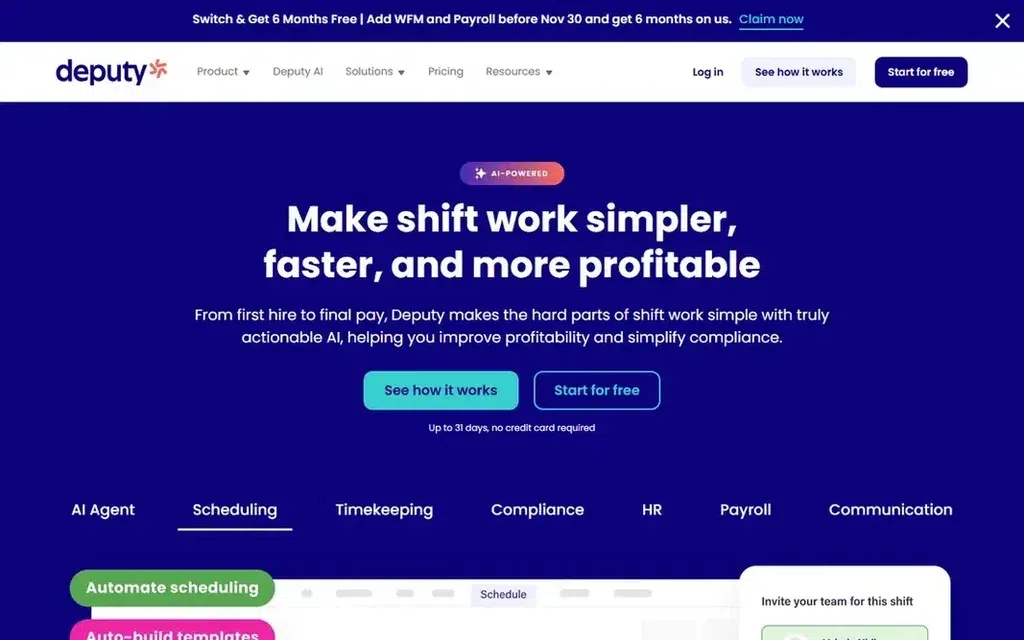
Deputy works best for general scheduling with HR and payroll. Deputy is a general-purpose product, so hospital-specific scheduling rules and clinical workflows may need configuration or workarounds.
Where it is weaker: Clinical rules may need workarounds.
Deputy cost at the entry level: $5 per user per month. Free plan details: Free trial.
- AI labor forecasting
- Easy-to-use employee scheduling
- Not healthcare-specific
QGenda
Best for: Healthcare workforce management and staffing
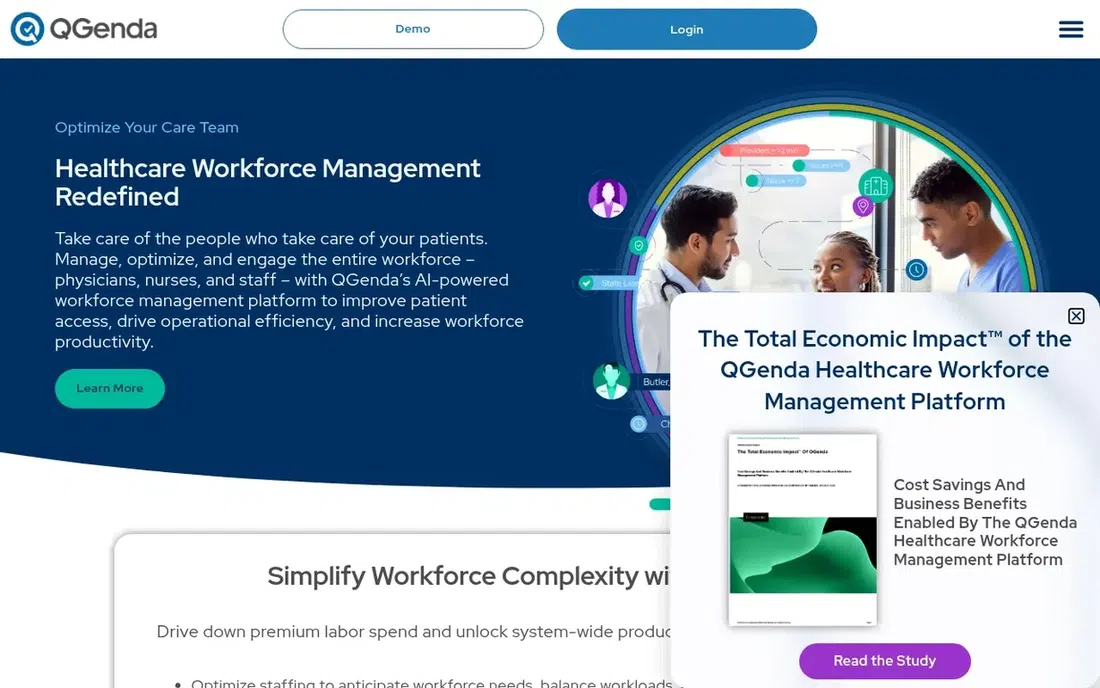
QGenda serves healthcare workforce management and staffing. QGenda is a healthcare workforce management product meant to help organizations optimize staffing, boost engagement and retention, and cut labor costs.
Points against: General-purpose teams may find it unnecessary.
In daily use, teams managing complicated provider and staff schedules are the clearest fit. Since it is positioned around healthcare workforce management, QGenda may be more than a small clinic needs. QGenda shows no starting price here, so confirm the cost on the vendor site. Trial and free access: Not stated.
- Made for healthcare organizations
- Supports staffing optimization and engagement
- Narrow focus on healthcare settings
ShiftWizard
Best for: Aligning hospital schedules with patient demand
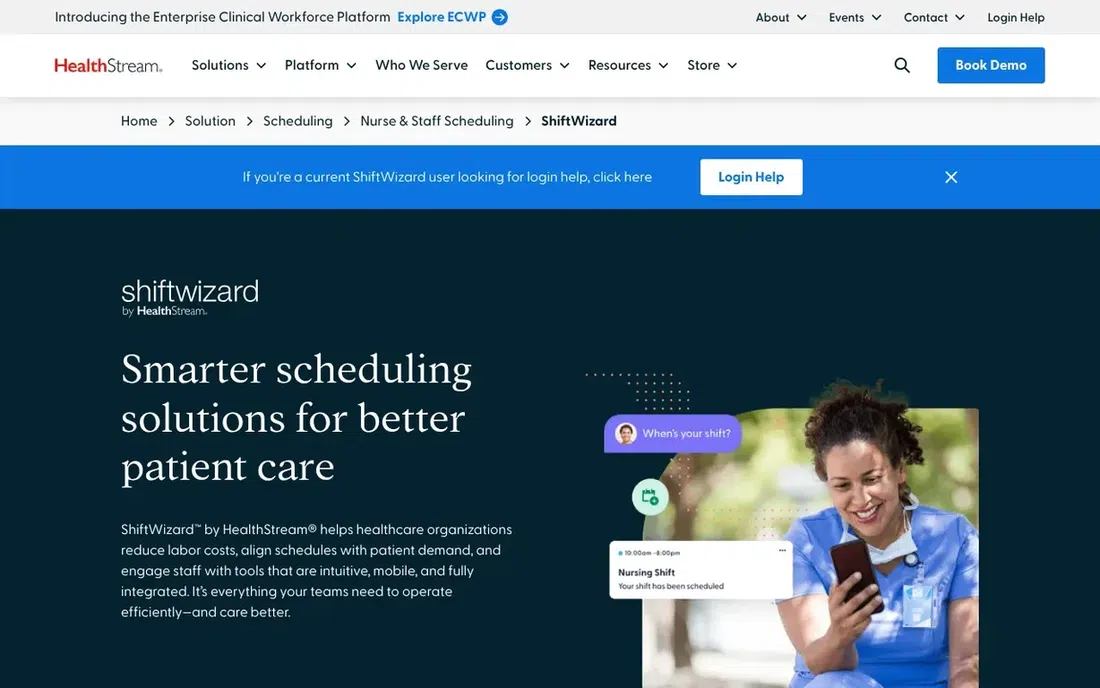
Choose ShiftWizard for aligning hospital schedules with patient demand. The depth you get relies on how it suits within the wider HealthStream offering, so check integration specifics with the vendor before committing.
Trade-offs to know: Positioned primarily for healthcare.
Its healthcare orientation means non-clinical businesses may get more value from a general scheduler. No starting price is listed for ShiftWizard here; confirm pricing on the vendor site. Free plan details: Not stated.
- Easy-to-learn mobile and integrated tools
- Healthcare scheduling focus via HealthStream
- Feature depth relies on the HealthStream suite
How we built this list
Before you commit
- Ask QGenda and ShiftWizard for a written quote, since no starting price is shown.
- Check what the free option really includes: Sling and Homebase offer a free plan, and usage caps differ.
- Take the trial from When I Work and Deputy and push a live task through it before you pay.
- Read the limits listed for Sling first: light on healthcare-specific features.
- Make sure Deputy lets you export your data in a format another tool can read.
- Add up seats, add-ons and usage charges for QGenda before comparing it with cheaper entries.
FAQ
What is the cheapest option for shift scheduling software for hospitals in this list?
On published monthly entry prices, Sling is the lowest here at $1.70 per user per month. Entry price is only part of the cost, because seats, add-ons and billing terms can change the total. For the full picture, the cards above cover all 6 entries of this shift scheduling software for Hospitals list, including price, free plan and limits.
Can I try these tools before paying?
Often, yes. Sling and Homebase have a free plan and When I Work and Deputy offer a free trial. Use your own data and a real task during the test, and check what the free tier or trial limits before you rely on it. Prices, free plan details and limits for all 6 tools in this shift scheduling software for Hospitals roundup sit on the individual cards above.
Which tool is a good match for hospital shift scheduling?
Start with Sling if you need straightforward shift planning and communication. When I Work is the better match for straightforward shift scheduling and team messaging, and Homebase for small teams needing scheduling and time clocks. The best choice depends on budget, team size and workflow.
Which options for shift scheduling software for hospitals have a free plan?
Sling and Homebase offer a free plan in this list. Free plans usually cap users, projects or features, so check the limits on the vendor page. Several others offer a trial instead. Each of the 6 options in this shift scheduling software for Hospitals guide has its own card above with the price, free plan and limits.
Do these tools publish their prices?
Not all of them. QGenda and ShiftWizard publish no starting price, so expect a quote request for those. The rest, Sling included, show a starting price, though seats and billing terms still change the final cost.
Sources
- https://getsling.com
- https://wheniwork.com
- https://joinhomebase.com
- https://www.deputy.com
- https://www.qgenda.com
- https://www.shiftwizard.com