Best Payroll Software for Hospitals in 2026: 8 Systems Compared
Compare the best payroll software for hospitals, covering shift differentials, multi-state tax filing, scheduling links and pricing for health systems.
- Editor's choice
 ADP Workforce Now
Large health systems with complex payroll
Starts atSee websiteVisit adp.comFull review - Great alternative
 Paychex Flex
Smaller hospitals and clinics
Starts at$39 per monthVisit paychex.comFull review - Also consider
 Workday HCM
Enterprise hospitals and academic medical centers
Starts atSee websiteVisit workday.comFull review
TL;DR:
- ADP Workforce Now and Workday suit large health systems with complex, multi-state payroll and deep HR needs.
- UKG Ready stands out for hospitals that need scheduling, shift differentials and time tracking in one system.
- Paychex Flex and Paycor offer a clearer starting price and a faster setup path for smaller hospitals and clinics.
- Always confirm tax filing, overtime rules, credential tracking and integration with your scheduling and HR systems before signing.
Quick comparison
| Tool | Best for | Starts at | Free plan? | |
|---|---|---|---|---|
| ADP Workforce Now | Large health systems with complex payroll | See website | No | Visit |
| Paychex Flex | Smaller hospitals and clinics | $39 per month | No | Visit |
| Workday HCM | Enterprise hospitals and academic medical centers | See website | No | Visit |
 UKG Ready | Hospital scheduling and shift differentials | See website | No | Visit |
 Paycor | Mid-size healthcare employers | See website | No | Visit |
 Paylocity | Modern HR and payroll experience | See website | No | Visit |
 Rippling | Fast-growing care providers | See website | No | Visit |
 Gusto | Small clinics and private practices | $49 per month | No | Visit |
The best payroll software for hospitals
Hospital payroll is harder than standard office payroll. Night shifts, weekend differentials, overtime, agency staff, per diem workers and multi-state tax rules all affect the final pay run. We compared systems that handle those patterns, integrate with time and scheduling tools, and offer tax filing support.
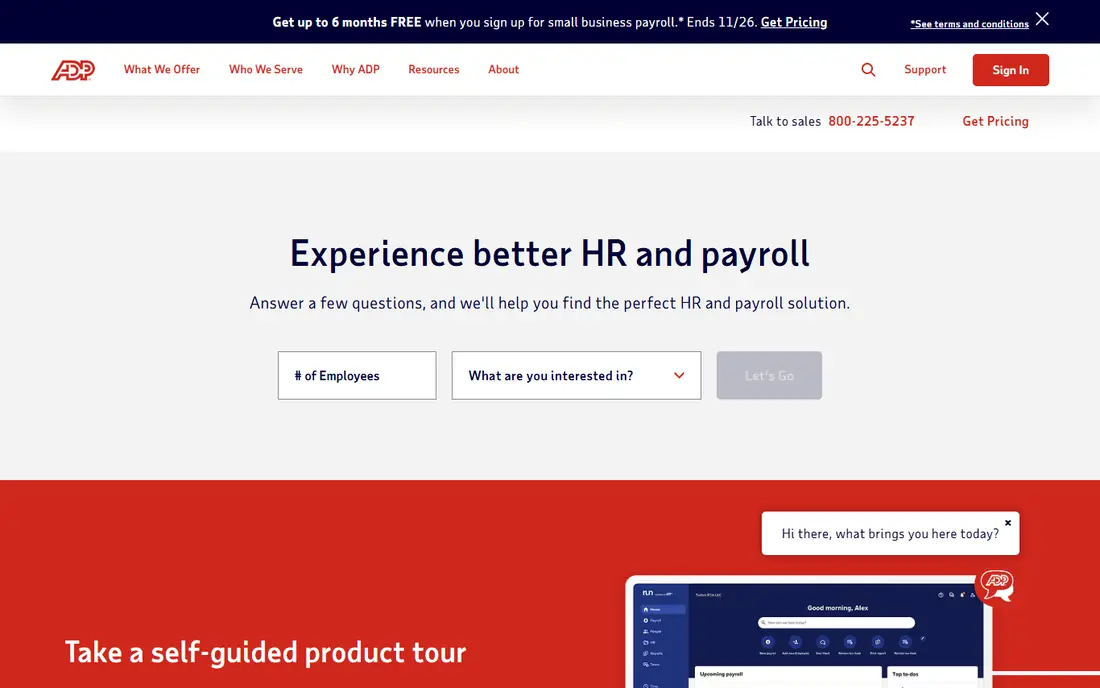
ADP Workforce Now is a strong fit when a hospital group runs payroll across states, facilities and worker types. It handles automated tax filing, direct deposit, garnishments and new hire reporting, and its marketplace connects to many HR, scheduling and accounting tools. For a large system, that breadth reduces manual work across sites.
The trade-off is complexity and cost transparency. Pricing is quoted, and smaller hospitals may find implementation and custom reporting heavier than expected. A dedicated implementation plan, with clear owners for time, scheduling and tax data, helps avoid a slow rollout.
- Broad multi-state tax filing
- Large integration marketplace
- Payroll anomaly checks and benchmarking tools
- Quote-only pricing
- Setup and reporting can feel complex for small teams
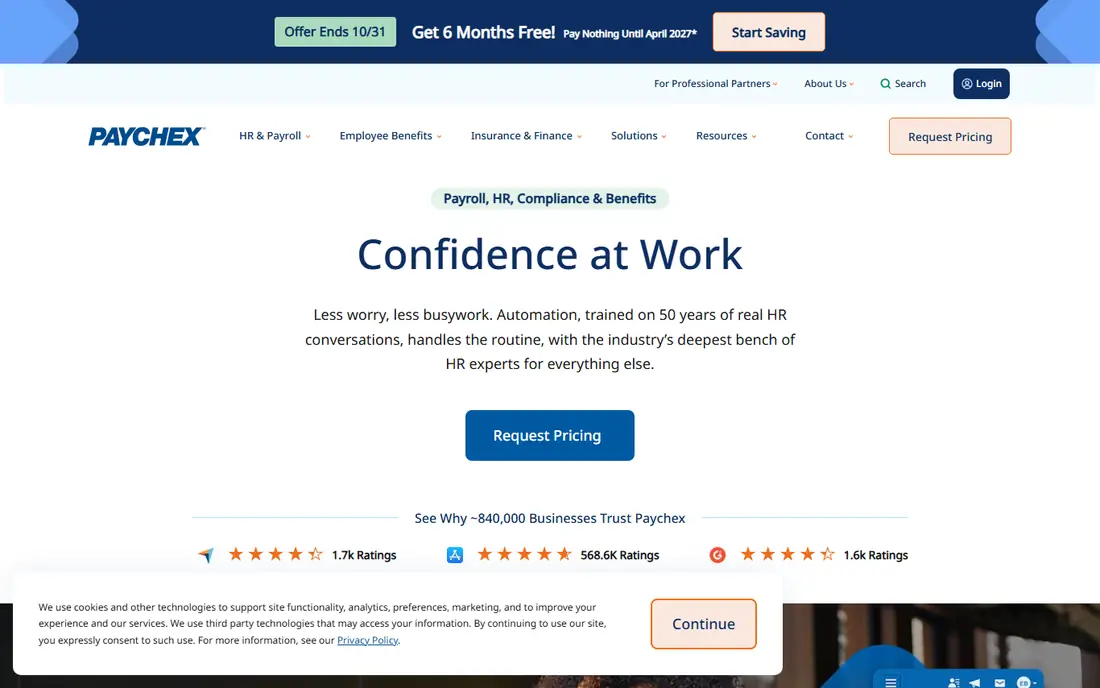
Paychex Flex suits a community hospital, specialty clinic or multi-site practice that wants payroll done correctly without an enterprise project. The interface is straightforward, employees can view pay stubs and time off in the app, and tax filing is automated at federal, state and local levels. Per-employee pricing on top of the base fee keeps the starting cost easy to model.
Large hospitals with complex shift rules may outgrow it. Time tracking works well for basic clocking, but managers who need demand-based scheduling and deep custom analytics should test those workflows closely. For smaller teams, simplicity is the main selling point.
- Clear published starting price
- Automated federal, state and local tax filing
- Employee self-service app
- Advanced scheduling is less deep than UKG
- Reporting depth can disappoint large teams
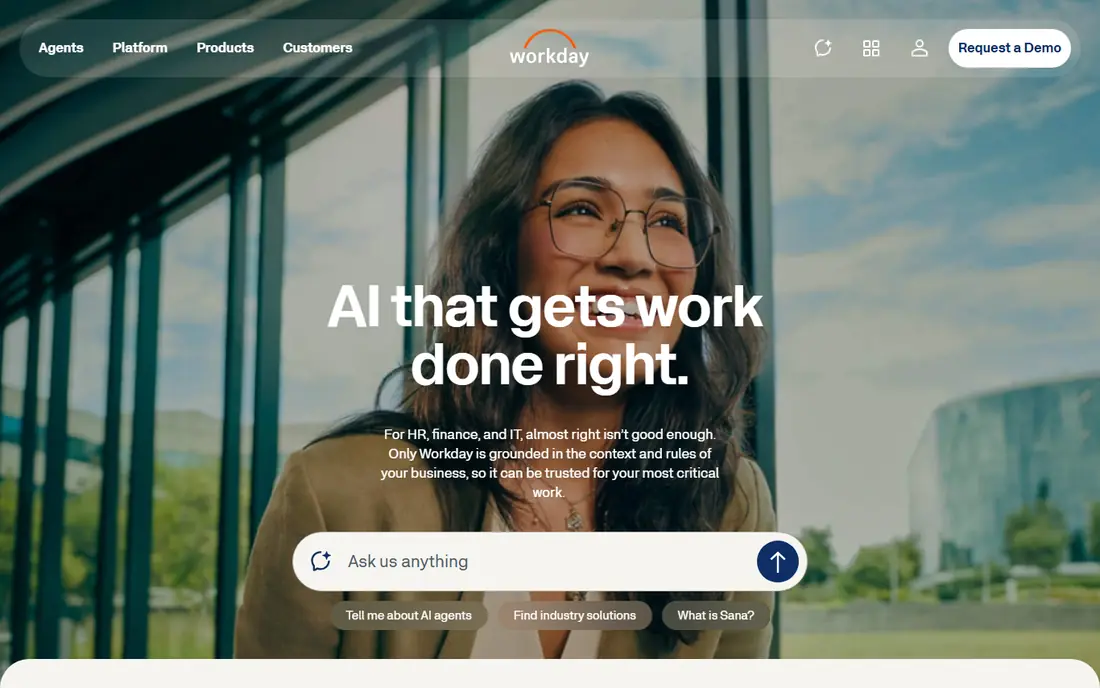
Workday HCM fits academic medical centers and large health systems that already think in terms of one HR and finance platform. Payroll, benefits, time and workforce planning share the same data model, which helps leaders compare labor cost, staffing and budgets across departments. Its reporting tools suit finance teams that need detailed, auditable views.
That power comes with a major implementation effort. Workday projects take planning, data cleanup and change management, and pricing is quoted for the organization. It is rarely the right choice for a single small clinic, but it is a serious contender for a system standardizing many hospitals.
- Unified HR, payroll and finance data
- Strong reporting and planning tools
- Large-system scale
- Quote-only enterprise pricing
- Long implementation for large organizations
UKG Ready is built for workforces that live by the schedule. Hospitals can set custom shift rules, pay codes and break policies, then automate enforcement across teams. That matters when night, weekend and holiday differentials, on-call pay and overtime all land in the same pay period. Demand-based scheduling and replacement handling also help fill gaps when staff call out.
The platform is broader than payroll alone, so setup takes care and training. Confirm mobile clocking, timecard approval and integration with your existing scheduling system during the trial. When those pieces fit, UKG Ready reduces the manual corrections that often delay hospital payroll.
- Strong scheduling and time rules
- Shift differential and overtime handling
- Unified payroll, time and benefits
- Quote-only pricing
- Setup can be involved
- Some users report mobile punch issues
Paycor suits a mid-size hospital or growing care provider that wants payroll plus core HR in one place. Recruiting, onboarding, time tracking and benefits sit alongside payroll, which helps HR teams avoid stitching together several vendors. Employees can manage pay, time off and benefits from one portal, cutting routine HR questions.
The main watch point is tiering. Some reporting, analytics and advanced HR features sit on higher plans, so the quoted price for payroll alone may not match the full cost of the setup you actually use. Ask for a written breakdown by module before comparing Paycor with a payroll-only quote.
- Payroll, HR and time in one platform
- Recruiting and onboarding tools
- Employee self-service
- Quote-only pricing
- Advanced analytics may require higher tiers
Paylocity appeals to hospitals that want a modern, employee-friendly system rather than a legacy payroll portal. Staff can check pay, request time off, complete training and message managers in one app, which helps in a workforce spread across shifts and sites. Payroll, time and benefits are connected, so changes flow through without rekeying data.
As with other enterprise HR platforms, results depend on implementation. Ask about the support model, data migration from your current payroll system, and how credential or license expiry reminders are handled. For hospitals that value employee experience, Paylocity is worth a close trial.
- Modern employee app
- Payroll, time and benefits together
- Learning and engagement tools
- Quote-only pricing
- Implementation quality can vary by account team
Rippling is a good fit for a care provider adding sites, staff or contractor types quickly. Onboarding, payroll, benefits and IT access can be set up from one workflow, so a new hire is ready on day one without separate tickets for each system. That speed matters for clinics and home-care groups in growth mode.
Hospital-specific needs still need checking. Rippling handles payroll and compliance workflows well, but complex clinical scheduling and shift differential rules should be tested against your actual pay codes. If your scheduling lives in a separate clinical system, confirm the integration moves time data cleanly into payroll.
- Fast onboarding and payroll setup
- Broad app and device management
- Automated compliance workflows
- Quote-based pricing for many plans
- Healthcare-specific scheduling depth is less central
Gusto is the simplest option on this list, and that is its strength for a small clinic, dental practice or therapy group. Setup is fast, tax filing is automated, and contractor pay is handled alongside employee payroll. Owners who do payroll themselves will find the interface far less intimidating than an enterprise system.
It is not a large-hospital platform. Complex multi-site scheduling, deep shift differential rules and enterprise reporting are outside its core focus. For a small practice with straightforward pay patterns, however, Gusto keeps payroll accurate without a large HR team or a long implementation.
- Simple setup and clear pricing tiers
- Automated tax filing
- Contractor payments included on many plans
- Not built for large hospital shift complexity
- Advanced HR features are limited
How we picked these
We compared official vendor information, published starting prices, payroll and tax features, scheduling and time tools, and fit for hospital staffing patterns. We included large-system platforms, mid-market HR suites and simpler options for small clinics, and we wrote See website where a vendor quotes pricing rather than publishing a list price. We did not assume a general payroll tool handles clinical scheduling on its own, and we flagged that gap where it matters.
What hospitals should check before buying
Payroll accuracy in a hospital depends on time data, not just the pay engine. Confirm how shift differentials, overtime, on-call pay, holiday pay and agency hours flow from time tracking into payroll, and who approves corrections before the run closes. A clean approval chain prevents the late adjustments that frustrate nurses and finance teams alike.
Test tax, compliance and integrations
Ask each vendor to walk through multi-state tax filing, year-end forms, garnishments and new hire reporting for your states. Confirm integrations with your scheduling, HR, benefits and accounting systems, and check whether credential tracking, license renewals or training records live in the same platform or need a separate tool. Get implementation fees, support hours and contract terms in writing, since those costs vary widely across this list.
FAQ
What payroll feature matters most for hospitals?
Shift and overtime handling matters most, because night, weekend and holiday differentials drive much of hospital pay. A system should apply those rules automatically from approved time data, rather than relying on manual adjustments. Test your real pay codes during the trial, not just a demo pay run.
Can small clinics use the same payroll software as large hospitals?
They can, but they rarely need to. Small clinics often do better with a simpler tool such as Gusto or Paychex Flex, while large systems need the scheduling, reporting and multi-state depth of ADP, UKG or Workday. Choose the smallest system that still handles your pay rules correctly.
Does payroll software handle nurse scheduling?
Some platforms, notably UKG Ready, include strong scheduling and time tools. Others focus on payroll and rely on a separate clinical scheduling system. Confirm whether schedules, timecards and pay codes move automatically between systems before you buy.
How is hospital payroll priced?
Pricing is usually a monthly base fee plus a per-employee fee, or a custom quote for larger systems. Published prices cover the entry tier only, so ask what time tracking, benefits administration, scheduling and implementation add. Compare the full quoted cost for your headcount and sites.
Should a hospital switch payroll providers mid-year?
It is possible, but it needs careful timing and data migration for year-to-date pay, taxes and benefits. Many hospitals switch at year-end or quarter-end to simplify tax reporting. Whatever the timing, run parallel payrolls for at least one cycle before going live.