Choosing Software for Employee Upskilling in 2026: 5 Options Compared
Best software for employee upskilling: 5 tools compared on price, free plans and fit. Costs and caveats sit beside each pick. Pricing and limits included.
- Editor's choice
 Litmos
Quick scaling across employees and partners
Starts atSee websiteVisit litmos.comFull review - Great alternative
 TalentLMS
Small to mid-sized teams needing simplicity
Starts at$119 a monthVisit talentlms.comFull review - Also consider
 Cornerstone Learning
Enterprise workforce readiness and skills
Starts atSee websiteVisit cornerstoneondemand.comFull review
Direct answer
Our first pick is Litmos, best for quick scaling across employees and partners. Listed starting prices: TalentLMS from $119 a month. Alternatives: TalentLMS for small to mid-sized teams needing simplicity, and Cornerstone Learning for enterprise workforce readiness and skills. All 5 tools are compared below on price, free plan and limits.
TL;DR:
- The list opens with Litmos, aimed at fast scaling across employees and partners.
- Check the limits for TalentLMS before you commit: may lack advanced skills intelligence.
- The cheapest monthly starting price in the list is $119 per month, offered by TalentLMS.
- Absorb LMS suits AI-powered training with performance proof.
Last checked November 2026. Prices and plan details were read from the vendors' own pages in November 2026; vendors change plans often, so confirm the current price on the vendor site before you buy.
Quick comparison
| Tool | Best for | Starts at | Free plan? | |
|---|---|---|---|---|
| Litmos | Quick scaling across employees and partners | See website | Not stated | Visit |
| TalentLMS | Small to mid-sized teams needing simplicity | $119 a month | Yes | Visit |
| Cornerstone Learning | Enterprise workforce readiness and skills | See website | Not stated | Visit |
 Workday Learning | Enterprises using Workday HCM | See website | Not stated | Visit |
 Absorb LMS | AI-powered training with performance proof | See website | Not stated | Visit |
Software for Employee Upskilling profiles
LinkVetted put together this guide to software for employee upskilling for readers who want a clear shortlist without reading every vendor page. It compares 5 tools on starting price, free plans, who each one suits and where each one falls short.
Pick Litmos if this describes you: quick scaling across employees and partners. Firms with extended enterprise training needs, for example partner networks, may find its multi-audience support especially handy.
It is also important to confirm that its features align with your specific compliance and reporting requirements. This comparison lists no price for Litmos; ask the vendor. Free plan details: Not stated.
Where it falls short: Can require extras for advanced needs.
- Learning acceleration focus
- AI-enabled product
- May lack deep HR integration
TalentLMS is designed for small to mid-sized teams needing simplicity. TalentLMS is a cloud learning product for creating and managing online courses. It is noted for being approachable and accessible, making it a decent choice for small to mid-sized organizations that want to move training online without a complex setup.
Watch-outs: Restricted enterprise-scale features.
More specifically, teams that need a straightforward, reliable LMS for employee upskilling and onboarding will find it approachable. It may not bundle the advanced skills intelligence or AI agents found in bigger products. Starting cost for TalentLMS: $119 per month. Free access exists with TalentLMS.
- Cloud-based and simple to start
- Suited to online learning
- May lack advanced skills intelligence
Cornerstone Learning
Best for: Enterprise workforce readiness and skills
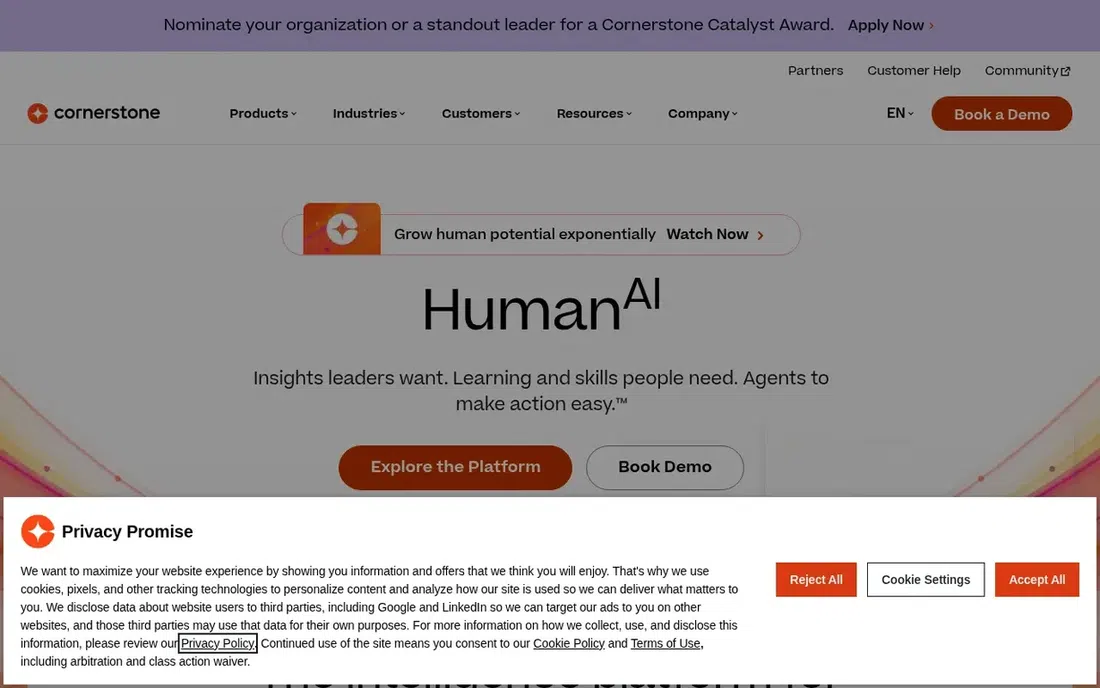
Cornerstone Learning is a good fit for enterprise workforce readiness and skills. Consider alternatives if you need a light tool for basic course delivery instead of a thorough readiness product. Beyond that, the system emphasizes intelligence and insights for leaders, making it a fit for enterprises with structured talent strategies and a have to align learning with business goals.
Its breadth can mean a steeper setup and more administrative overhead than more straightforward systems. Cornerstone Learning is a product for workforce readiness that brings together learning, skills, and AI agents. It is built for organizations that require to understand current capabilities and prepare employees for future roles. Check the vendor site for Cornerstone Learning pricing; none is listed in this comparison. Free access: Not stated.
Limits to weigh: Needs configuration to match processes.
- Focus on workforce readiness
- AI agents support action and decision-making
- May be complicated for small teams
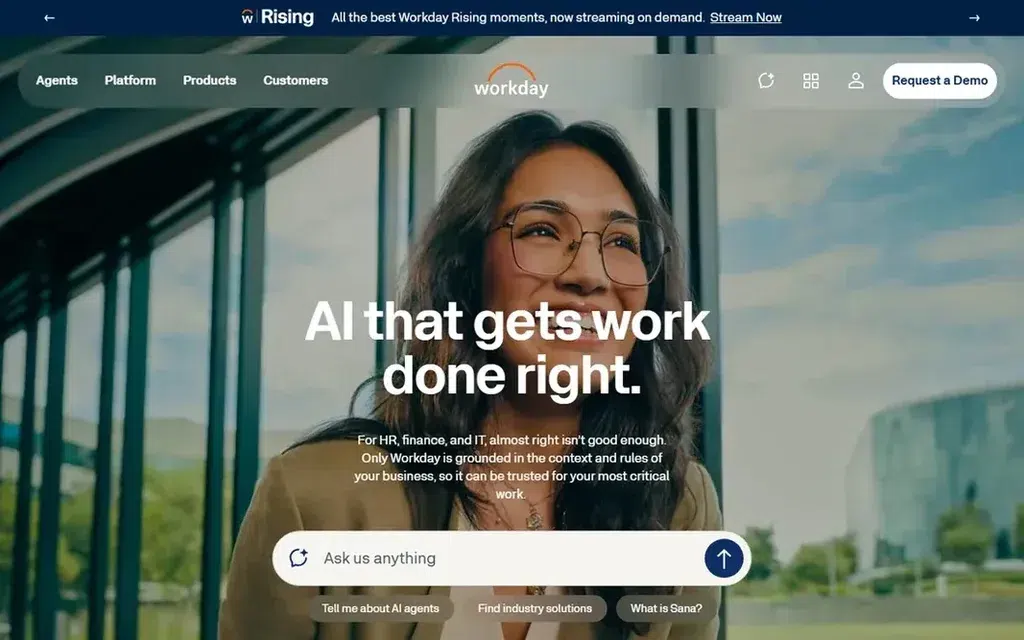
In short, Workday Learning is for enterprises using Workday HCM. Workday Learning is part of Workday's enterprise product for HR, finance, and IT, enhanced with AI. It is built for organizations already using Workday to run core HR processes.
As for the details, the learning module links employee development with broader talent and business data, making it a natural choice for enterprises seeking a unified system for people management and upskilling. Its full benefits are most accessible to Workday customers, and adopting it standalone may not be practical. Smaller organizations or those not on Workday might prefer a dedicated learning system with quicker setup. Check the vendor site for Workday Learning pricing; none is listed in this comparison. Trial and free access: Not stated.
Where it falls short: May be complicated for standalone use.
- Supports enterprise-wide learning
- AI capabilities from Workday
- Best value within Workday ecosystem
Pick Absorb LMS if this describes you: AI-powered training with performance proof. Absorb LMS offers AI-powered training pitched at proving performance impact. It is aimed at enterprises that require to demonstrate the effectiveness of upskilling efforts.
Also, the product supports creating and delivering training at scale, making it a good match for mid-sized to large organizations that want a learning system with analytics and AI assistance to link learning to outcomes. As an enterprise-focused LMS, it can be more complex and expensive than entry-level choices. Small teams with restricted administrative resources might find it heavy. If you need a fast, straightforward option for a small workforce, consider a more light system. Absorb LMS does not show a starting price in this comparison, so check the vendor site for current pricing. On free options: Not stated.
Where it falls short: Needs planning for full adoption.
- Built for enterprise use
- AI-powered training features
- May be more than small teams need
How these tools were picked
Questions to settle before buying
- Get a written quote from Litmos, Cornerstone Learning, Workday Learning and Absorb LMS; the list shows no starting price for them.
- Look at the free plan from TalentLMS closely: its caps decide whether it is usable for real work.
- Read the limits listed for Litmos first: may lack deep HR integration.
- Confirm minimum seats and billing terms with Cornerstone Learning before you commit to an annual plan.
- Work out what Workday Learning costs with your real seat count, add-ons and usage, not just the entry price.
FAQ
Can these products support both employee and partner training?
Some products, like Litmos, are built to train employees, customers, and partners. Others may focus primarily on internal employees. Check each vendor's stated capabilities to confirm support for external audiences if needed.
Can I try these tools before paying?
Often, yes. TalentLMS has a free plan. Use your own data and a real task during the test, and check what the free tier or trial limits before you rely on it. For the full picture, the cards above cover all 5 entries of this software for employee Upskilling list, including price, free plan and limits.
What is the cheapest option for software for employee upskilling in this list?
On published monthly entry prices, TalentLMS is the lowest here at $119 per month. Entry price is only part of the cost, because seats, add-ons and billing terms can change the total. Prices, free plan details and limits for all 5 tools in this software for employee Upskilling roundup sit on the individual cards above.
How important are AI features in upskilling software?
However, its value relies on your organization's readiness and data practices. Evaluate AI features alongside core LMS functionality to ensure a balanced fit.
How are the tools for software for employee upskilling ordered?
The order follows typical fit for software for employee upskilling, with Litmos first and Absorb LMS last, then price clarity and free access. It is editorial judgement, not a score, so another team could rank the tools differently.
How do enterprise platforms differ from small-team LMS choices?
Enterprise platforms like Cornerstone Learning and Workday Learning offer deep integration, advanced skills tracking, and AI capabilities but may need more setup. Small-team choices like TalentLMS prioritize simplicity and fast deployment, frequently with fewer advanced features.
Sources
- https://www.litmos.com
- https://www.talentlms.com
- https://www.cornerstoneondemand.com
- https://www.workday.com
- https://www.absorblms.com