Software for Managing Employee Shifts in 2026: The 5 Best Options Side by Side
Compare 5 best software for managing employee shifts, with prices, free plans and who each fits. Cost notes and weak points included. Built for quick decisions.
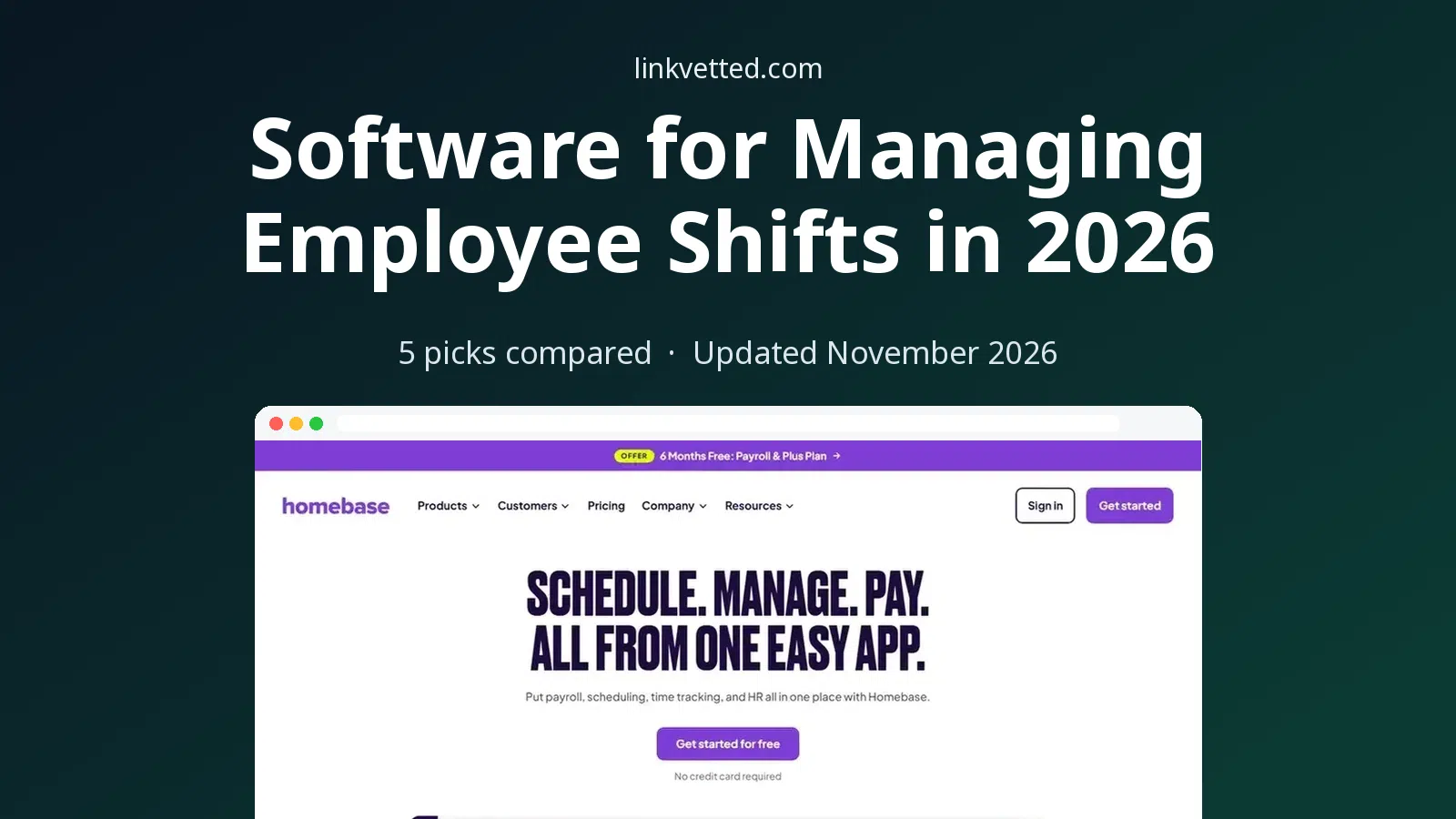
- Editor's choiceHotSchedules
Hospitality scheduling and employee engagement
Starts atSee websiteVisit hotschedules.comFull review - Great alternative
 Homebase
Small hourly teams needing scheduling and payroll
Starts at$30 per location a monthVisit joinhomebase.comFull review - Also consider
 Deputy
Scheduling with HR and labor forecasting
Starts at$5 per user a monthVisit deputy.comFull review
Direct answer
Our first pick is HotSchedules, best for hospitality scheduling and employee engagement. Listed starting prices: Homebase from $30 per location a month, Deputy from $5 per user a month and When I Work from $2.50 per user a month. Homebase is the stronger choice for small hourly teams needing scheduling and payroll, while Deputy suits scheduling with HR and labor forecasting. All 5 tools are compared below on price, free plan and limits.
TL;DR:
- Number one here is HotSchedules, a fit for hospitality scheduling and employee engagement.
- Sling is the lowest-priced starter here at $1.70 per user per month.
- One limit worth knowing about When I Work: HR and payroll depth is restricted.
- Sling suits straightforward shift scheduling and team communication.
- Only 2 of the 5 tools have a free plan (Homebase, Sling), so check the caps.
Last checked November 2026. Prices and plan details were read from the vendors' own pages in November 2026; vendors change plans often, so confirm the current price on the vendor site before you buy.
Quick comparison
| Tool | Best for | Starts at | Free plan? | |
|---|---|---|---|---|
| HotSchedules | Hospitality scheduling and employee engagement | See website | Not stated | Visit |
| Homebase | Small hourly teams needing scheduling and payroll | $30 per location a month | Yes | Visit |
| Deputy | Scheduling with HR and labor forecasting | $5 per user a month | Free trial | Visit |
 When I Work | Scheduling shifts with built-in team messaging | $2.50 per user a month | Free trial | Visit |
 Sling | Straightforward shift scheduling and team communication | $1.70 per user per month | Yes | Visit |
Software for Managing Employee Shifts, one by one
Short on time? The summary and table above give the quick view of 5 software for managing employee shifts, and the profiles that follow give the detail behind each entry.
HotSchedules
Best for: Hospitality scheduling and employee engagement
Where HotSchedules fits: hospitality scheduling and employee engagement. Its hospitality focus means companies outside that sector may find it less aligned with their workflows.
For everyday use, confirm the current feature set on the vendor site before deciding. On top of that, organizations wanting a general-purpose scheduling system across plenty of industries should compare broader choices. HotSchedules shows no starting price here, so confirm the cost on the vendor site. As for free access: Not stated.
Where it is weaker: Not pitched at non-hospitality firms.
- Employee-facing scheduling access
- Scheduling and engagement in one app
- Narrow industry focus
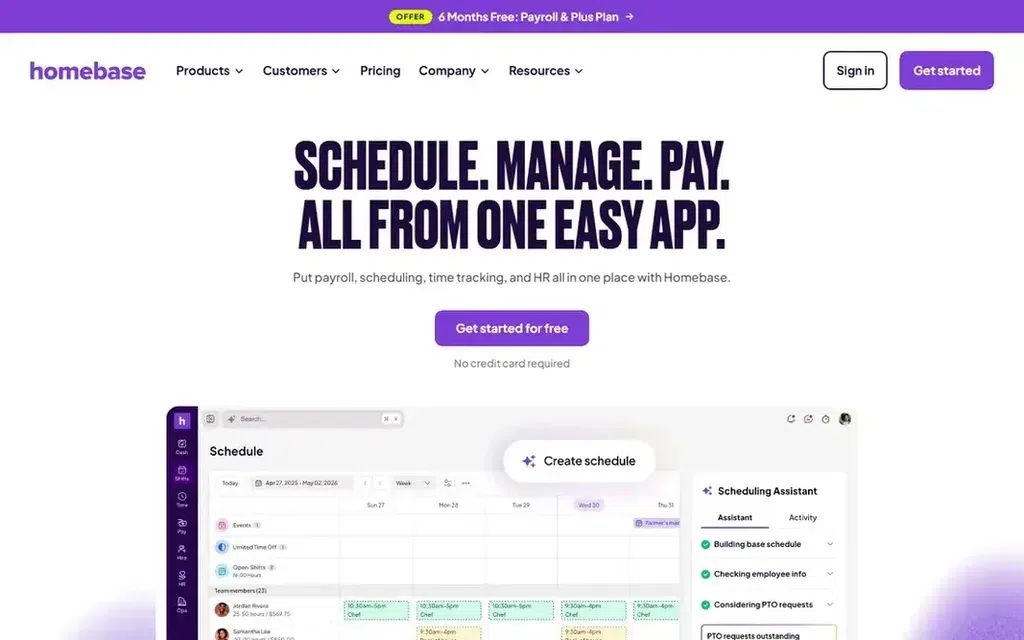
Homebase works best for small hourly teams needing scheduling and payroll. It is geared toward small companies managing hourly teams that want core workforce tasks in one place instead of multiple disconnected tools.
Points against: Complicated multi-location needs may outgrow it.
Strengths: Scheduling.
On top of that, Homebase is oriented toward small firms, so organizations with complicated multi-location structures or deep HR requirements may need a broader product. Beyond that, owners who manage scheduling and payroll themselves commonly prefer this consolidated approach. Homebase starts at: $30 per location per month. Free access exists with Homebase.
- Aimed at hourly teams
- Time clocks and payroll in one app
- Pitched at smaller companies
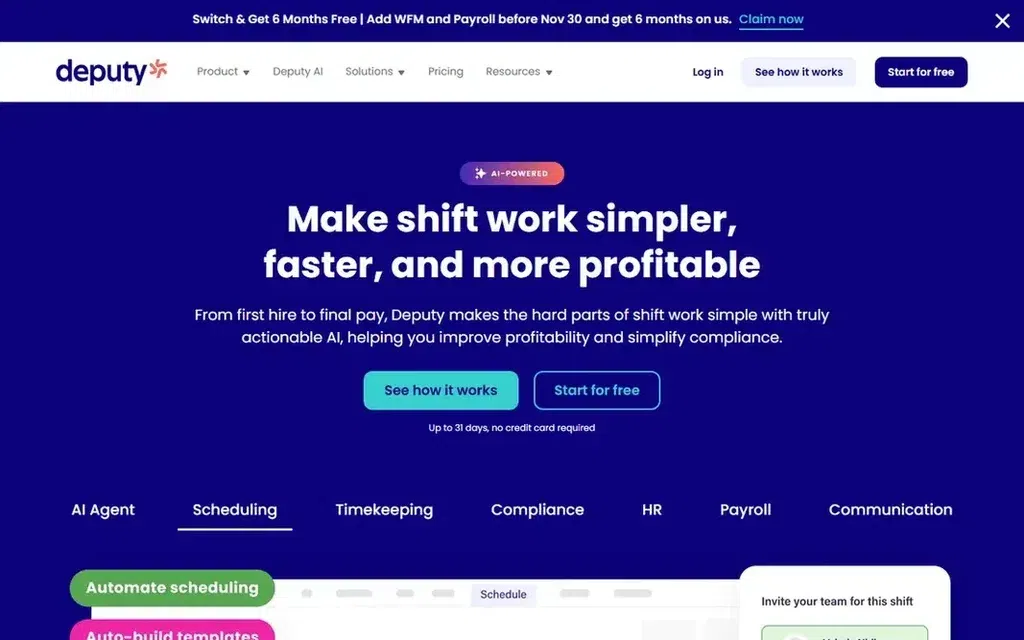
Deputy serves scheduling with HR and labor forecasting. Deputy is employee scheduling, HR and payroll software that also provides AI labor forecasting.
Check which modules you actually need before committing. For everyday use, consider a lighter scheduling app if you only have to publish shifts and collect availability. Deputy pricing: $5 per user per month. Free plan details: Free trial.
Where it is weaker: Feature breadth can take time to learn.
- AI labor forecasting support
- Payroll capabilities alongside scheduling
- Small teams may not need every module
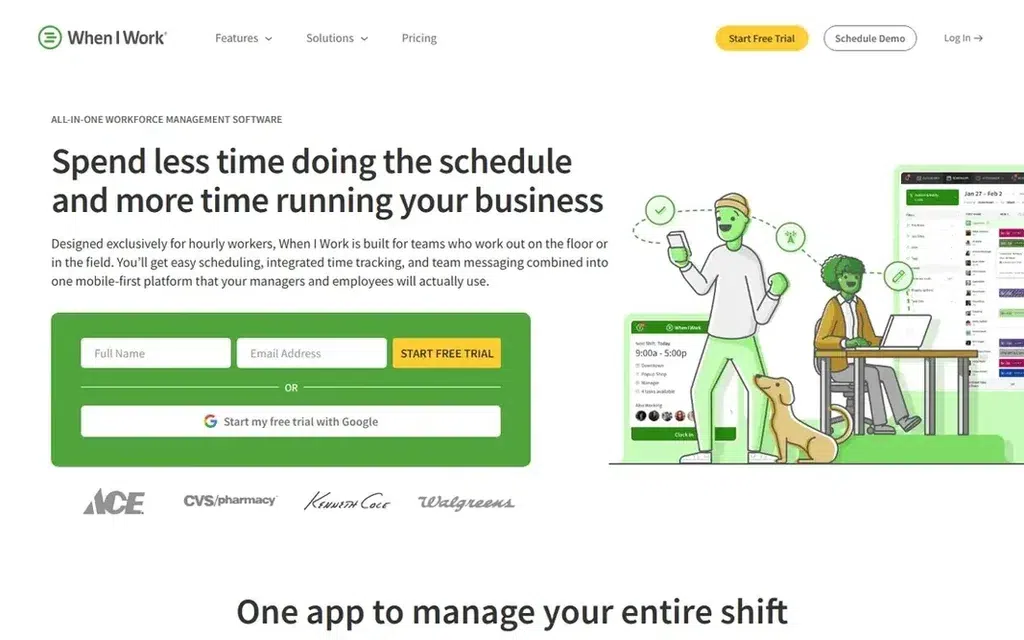
Where When I Work fits: scheduling shifts with built-in team messaging. When I Work is employee scheduling and management software that lets managers build shifts, track time and message the team from a single app.
When I Work starts at: $2.50 per user per month. On free options: Free trial.
The main drawbacks: Advanced needs may need extras. What users get: Straightforward employee-facing mobile access.
- Aimed at workplaces with frequent shift changes
- Scheduling
- HR and payroll depth is restricted
Sling serves straightforward shift scheduling and team communication. Sling is employee shift scheduling and planning software that helps firms run shifts and communicate with employees.
It suits teams that want a clear, focused scheduling tool without the weight of a full HR suite. Starting cost for Sling: $1.70 per user per month. Sling has a free plan.
What to check first: Restricted payroll and HR depth.
- Employee communication built in
- Simple to understand for new managers
- May not suit complicated enterprise rules
How the list was put together
Selection started from tools commonly considered for software for managing employee shifts, then narrowed to 5 that have clear pricing information or a clear quote process. Where a price is missing, the vendor does not list one publicly or ties it to a quote. Always confirm before budgeting. The sequence is a judgement call: typical use case first, then pricing transparency, then free access. Use the profiles to check fit.
A buyer's checklist
- Confirm the entry price on the vendor page. For HotSchedules that means a quote rather than a fixed price.
- Read the fine print on the free plans from Homebase and Sling; seat, project and feature caps differ.
- Use real work to test the free trial from Deputy and When I Work, rather than a demo project.
- Read the limits listed for HotSchedules first: narrow industry focus.
- Look at the help docs and support options for HotSchedules before you commit.
- Look at which plan of Deputy unlocks the features you need; entry tiers are often cut down.
FAQ
What should I look for in employee shift management software?
Focus on how rapidly managers can build and publish schedules, whether employees can view and swap shifts from a phone, and whether time tracking links to payroll. Also check how the tool takes care of availability and last-minute changes, since those drive daily friction.
Which options for software for managing employee shifts have a free plan?
Homebase and Sling offer a free plan in this list. Free plans usually cap users, projects or features, so check the limits on the vendor page. Several others offer a trial instead. Prices, free plan details and limits for all 5 tools in this software for managing employee Shifts roundup sit on the individual cards above.
What is the cheapest option for software for managing employee shifts in this list?
On published monthly entry prices, Sling is the lowest here at $1.70 per user per month. Entry price is only part of the cost, because seats, add-ons and billing terms can change the total. Each of the 5 options in this software for managing employee Shifts guide has its own card above with the price, free plan and limits.
Is HotSchedules the right pick for everyone comparing software for managing employee shifts?
No single tool suits every team. HotSchedules comes first because it fits hospitality scheduling and employee engagement, while Homebase suits small hourly teams needing scheduling and payroll and Deputy suits scheduling with HR and labor forecasting. Match the tool to your own size, budget and workflow before deciding.
Do these tools publish their prices?
Not all of them. HotSchedules publishes no starting price, so expect a quote request for it. The rest, Homebase included, show a starting price, though seats and billing terms still change the final cost. All 5 picks in this software for managing employee Shifts comparison list a starting price, free plan details and the main limits on their cards above.
Sources
- https://www.hotschedules.com
- https://www.joinhomebase.com
- https://www.deputy.com
- https://wheniwork.com
- https://getsling.com