Best Rated Text Based Video Editing Software for 2026: Our 5 Vetted Picks
Need the top rated text based video editing software? We compare 5 tools on cost, free access and who each suits. Prices and drawbacks included. Decide faster.
- Editor's choice
 Adobe Premiere Pro
Professional editing and postproduction
Starts atSee websiteVisit adobe.comFull review - Great alternative
 Final Cut Pro
Mac and iPad editors
Starts atSee websiteVisit apple.comFull review - Also consider
 Descript
Transcript-first editing for talk videos
Starts at$16 per person a monthVisit descript.comFull review
Direct answer
If you need professional editing and postproduction, Adobe Premiere Pro is the first tool to look at here. Listed starting prices: Descript from $16 per person a month and Kapwing from $16 per month. If your case is different, Final Cut Pro suits Mac and iPad editors and Descript suits Transcript-first editing for talk videos. The other 2 tools in the list cover narrower or pricier cases.
TL;DR:
- Adobe Premiere Pro is the opening pick, best for professional editing and postproduction.
- Check the limits for Adobe Premiere Pro before you commit: dense interface for newcomers.
- Free plans exist at 3 of 5 tools (Descript, CapCut, Kapwing).
- Descript is the lowest-priced starter here at $16 per person per month.
Last checked November 2026. Prices and plan details were read from the vendors' own pages in November 2026; vendors change plans often, so confirm the current price on the vendor site before you buy.
Quick comparison
| Tool | Best for | Starts at | Free plan? | |
|---|---|---|---|---|
| Adobe Premiere Pro | Professional editing and postproduction | See website | Not stated | Visit |
| Final Cut Pro | Mac and iPad editors | See website | Not stated | Visit |
| Descript | Transcript-first editing for talk videos | $16 per person a month | Yes | Visit |
 CapCut | Quick social video with templates | See website | Yes | Visit |
 Kapwing | Prompt-driven project generation | $16 per month | Yes | Visit |
5 options for rated text based video editing software in detail
This LinkVetted guide covers 5 options for rated text based video editing software. Each profile lists a starting price, free plan details, strengths and drawbacks, so you can drop poor fits quickly.
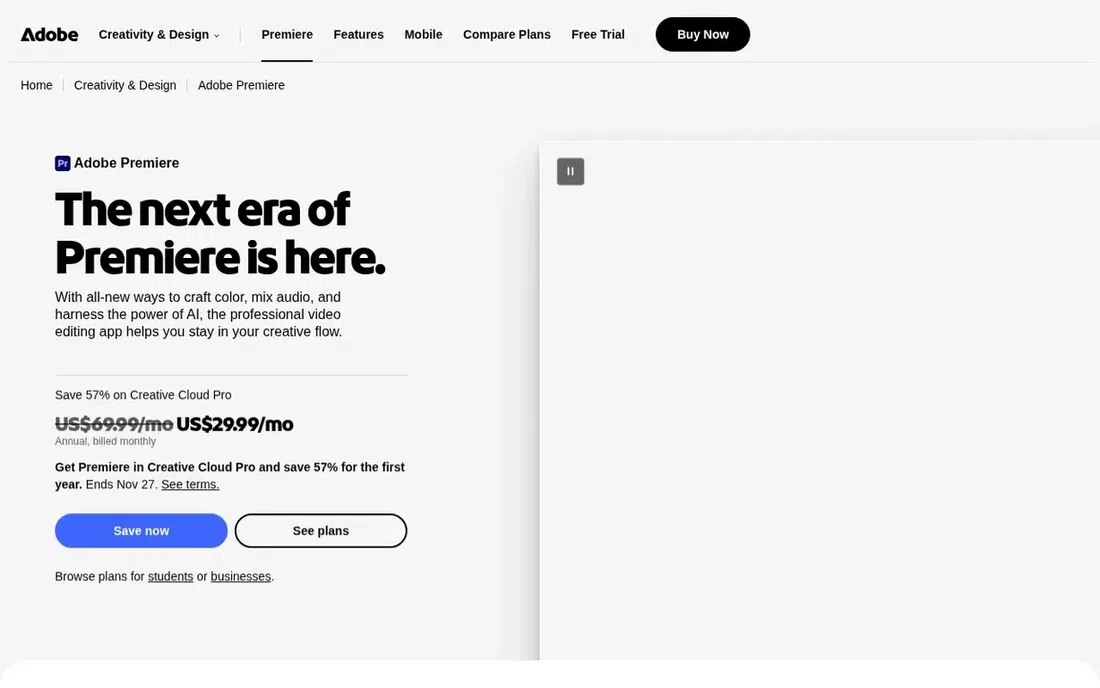
For professional editing and postproduction, Adobe Premiere Pro is a natural candidate. Adobe Premiere Pro is professional video editing and postproduction software. It handles editing and trimming, effects, audio mixing and video extension, so it fits editors working on client projects, long-form content and productions that require a full timeline.
The breadth of controls means a steeper ramp-up time, and casual creators may find it more than they need. On top of that, teams already inside Adobe workflows will find it familiar. Adobe Premiere Pro shows no starting price here, so confirm the cost on the vendor site. Trial and free access: Not stated.
Upsides: Deep editing and trimming toolset. Where it falls short: Needs a capable computer.
- Audio mixing and video extension
- Effects
- Dense interface for newcomers
Final Cut Pro was built for Mac and iPad editors. Final Cut Pro is Apple's professional editing application, packed with intelligence features that aim to make pro-quality video creation and editing simpler on Mac and iPad.
It is tied to Apple hardware, so Windows and Linux users need a different choice. It also centers on a timeline instead of a transcript, so anyone whose central goal is editing video by editing text should compare it against a dedicated text based tool before committing. This comparison lists no price for Final Cut Pro; ask the vendor. As for free access: Not stated.
Watch-outs: Restricted to Apple devices.
- Made for pro-quality video creation
- Runs on Mac and iPad
- Not a transcript-first editor
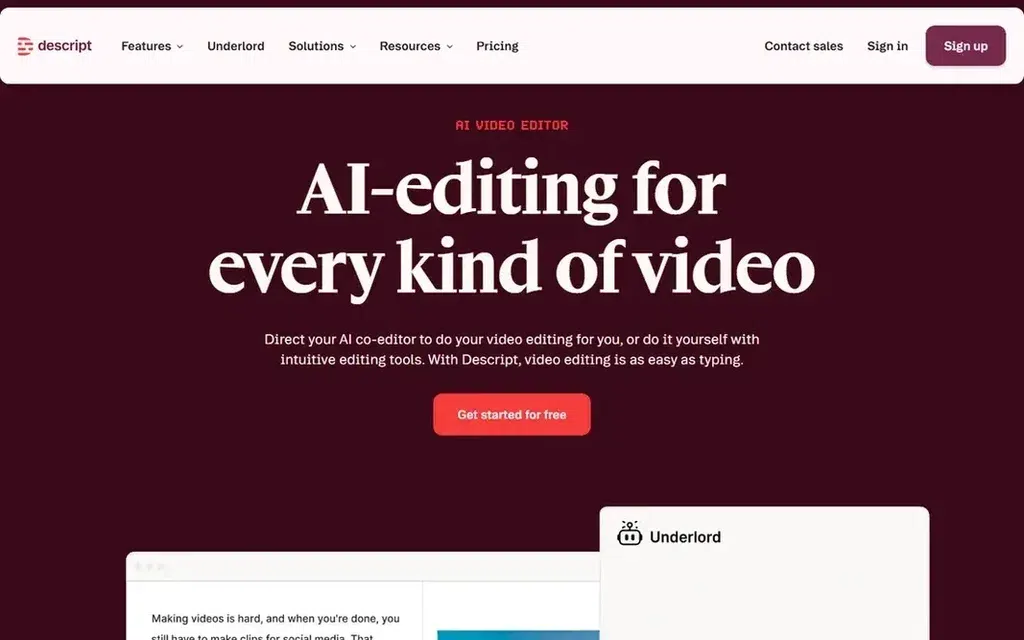
Descript is a good fit for Transcript-first editing for talk videos. Since the workflow centers on transcripts, projects that depend on heavy visual effects, multicam choreography or precise frame-level compositing may feel constrained.
Descript pricing: $16 per person per month. Free access exists with Descript.
Where it is weaker: Text workflow relies on transcription accuracy.
- Edit and publish in one tool
- Deals with both video and audio projects
- Less suited to complicated visual effects work
CapCut serves quick social video with templates. CapCut is an AI video editor designed for YouTube and Instagram style content, with smart templates, creative effects and AI tools.
Upsides: Geared toward YouTube and Instagram content.
No starting price is listed for CapCut here; confirm pricing on the vendor site. You can start on CapCut without paying. Watch-outs: Fewer deep postproduction controls.
- Desktop
- AI tools and smart templates
- Template-led results can look similar
Kapwing is aimed squarely at prompt-driven project generation. Kapwing lets creators generate full video projects from a single prompt and then edit them in the browser.
The main drawbacks: Generated drafts still need manual review.
Choose a desktop suite when precision and long timelines matter more than speed of first draft. Kapwing pricing: $16 per month. You can start on Kapwing without paying.
- Web-based editing for every channel
- Geared toward modern content creators
- Browser editing may limit large projects
How the list was put together
Selection started from tools commonly considered for rated text based video editing software, then narrowed to 5 that have clear pricing information or a clear quote process. Prices and plan limits come from vendor pages and can change, so confirm them on the vendor site before you buy. Order on the page follows fit for the typical buyer first, then price transparency and free access. Your own requirements should decide the final pick.
Before you commit
- Confirm the entry price on the vendor page. For Adobe Premiere Pro, Final Cut Pro and CapCut that means a quote rather than a fixed price.
- Check what the free option really includes: Descript, CapCut and Kapwing offer a free plan, and usage caps differ.
- Read the limits listed for Adobe Premiere Pro first: dense interface for newcomers.
- Confirm that Final Cut Pro connects to the apps your team already uses, on the plan you would actually buy.
- Total up the real monthly cost of Adobe Premiere Pro, including add-ons, extra users and usage-based fees.
FAQ
How are the tools for rated text based video editing software ordered?
The order follows typical fit for rated text based video editing software, with Adobe Premiere Pro first and Kapwing last, then price clarity and free access. It is editorial judgement, not a score, so another team could rank the tools differently.
Can I try these options before paying?
Often, yes. Descript, CapCut and Kapwing have a free plan. Use your own data and a real task during the test, and check what the free tier or trial limits before you rely on it.
What does text based video editing mean?
It means editing video by working with a transcript of the spoken audio. Deleting words in the text removes the matching footage, which accelerates interviews, tutorials and other dialogue-heavy content.
Which tool is best for beginners?
Adobe Premiere Pro comes first here and is built for professional editing and postproduction. Buyers with other needs may prefer Final Cut Pro (for Mac and iPad editors) or Descript (for Transcript-first editing for talk videos). Compare costs and limits first.
Is Adobe Premiere Pro the right pick for everyone comparing rated text based video editing software?
No single tool suits every team. Adobe Premiere Pro comes first because it fits professional editing and postproduction, while Final Cut Pro suits Mac and iPad editors and Descript suits Transcript-first editing for talk videos. Match the tool to your own size, budget and workflow before deciding.
Which options for rated text based video editing software have a free plan?
Descript, CapCut and Kapwing offer a free plan in this list. Free plans usually cap users, projects or features, so check the limits on the vendor page.
Sources
- https://www.adobe.com/products/premiere.html
- https://www.apple.com/final-cut-pro
- https://www.descript.com
- https://www.capcut.com
- https://www.kapwing.com