Choosing Rated Image Animation Software in 2026: 5 Options Compared
5 tools for the top rated image animation software, compared on pricing, free plans and best-fit use. Each pick lists its main limit. Current for November 2026.
- Editor's choice
 Toon Boom Harmony
End-to-end 2D character animation
Starts atSee websiteVisit toonboom.comFull review - Great alternative
 Vyond
Business video creation with AI assistance
Starts at$58 a monthVisit vyond.comFull review - Also considerPowtoon
Branded business videos and presentations
Starts at$8 a monthVisit powtoon.comFull review
Direct answer
Toon Boom Harmony leads the list, best for end-to-end 2D character animation. Listed starting prices: Vyond from $58 a month, Powtoon from $8 a month and Animaker from $10 a month. Vyond is better for business video creation with AI assistance, and Powtoon is better for branded business videos and presentations. Details, prices and limits for the rest of the 5 tools are below.
TL;DR:
- Top of the list is Toon Boom Harmony, which targets end-to-end 2D character animation.
- What to know about Toon Boom Harmony first: complicated for casual users.
- Animaker fits beginner-friendly online animated videos.
- Powtoon is the only tool of the 5 with a free plan.
Last checked November 2026. Prices and plan details were read from the vendors' own pages in November 2026; vendors change plans often, so confirm the current price on the vendor site before you buy.
Quick comparison
| Tool | Best for | Starts at | Free plan? | |
|---|---|---|---|---|
| Toon Boom Harmony | End-to-end 2D character animation | See website | Not stated | Visit |
| Vyond | Business video creation with AI assistance | $58 a month | Free trial | Visit |
| Powtoon | Branded business videos and presentations | $8 a month | Yes | Visit |
 Adobe After Effects | Professional motion graphics and compositing | See website | Not stated | Visit |
 Animaker | Beginner-friendly online animated videos | $10 a month | Free trial | Visit |
Rated Image Animation Software profiles
LinkVetted compared 5 tools for rated image animation software. The goal is a practical shortlist: published prices, free plan facts, best-fit use cases and honest limits for every entry.
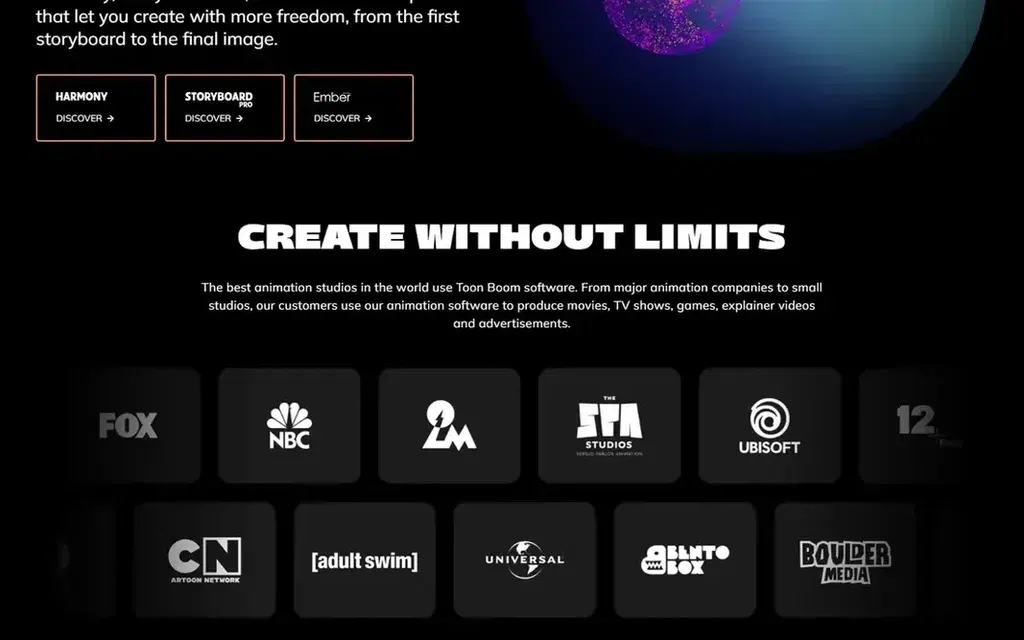
In short, Toon Boom Harmony is for end-to-end 2D character animation. Toon Boom Harmony lets animators produce art in every style with one capable end-to-end 2D animation software, based on its vendor. It is pitched at productions that require a full pipeline from drawing through animation and compositing.
Beyond that, studios and serious 2D animators who want one environment for the entire process are the clearest fit. As for the details, consider it when 2D character animation is the core of your work instead of an occasional task. The breadth of the pipeline makes it heavier to learn than entry-level animation makers, and casual users may not need its full depth. For everyday use, solo creators on straightforward projects might prefer a lighter tool. No starting price is listed for Toon Boom Harmony here; confirm pricing on the vendor site. As for free access: Not stated.
Where it is weaker: Complicated for casual users.
- End-to-end 2D animation pipeline
- Designed for studio-style production
- Requires structured onboarding
In short, Vyond is for business video creation with AI assistance. The system is oriented toward business content, so animators seeking fine frame-by-frame control may find it limiting. Teams that require consistent business video output without a dedicated animation department are the primary audience.
Vyond is an AI video creation product for business, described by its vendor as a way to build videos in any style instantly and easily. It targets workplace communication for example training, internal messaging and marketing explainers. Custom artistic direction is narrower than in professional animation suites. Vyond starts at: $58 per month. On free options: Free trial.
The main drawbacks: Less suited to custom frame-by-frame animation.
- AI-assisted video creation system
- Produce videos in any style
- Business focus limits artistic control
Powtoon
Best for: Branded business videos and presentations
In short, Powtoon is for branded business videos and presentations. Its documented features contain doc-to-video, AI avatars, text-to-speech and AI translation. The template-driven approach can feel restrictive for original character animation, and artistic control is narrower than in dedicated suites.
Where it falls short: Less depth for character animation.
Those producing cinematic or series animation should look elsewhere. It performs best when speed, branding and presentation format are the priorities. Entry price for Powtoon: $8 per month. You can start on Powtoon without paying.
- Text-to-speech and AI translation
- Doc-to-video and AI avatar features
- Template-driven feel for custom work
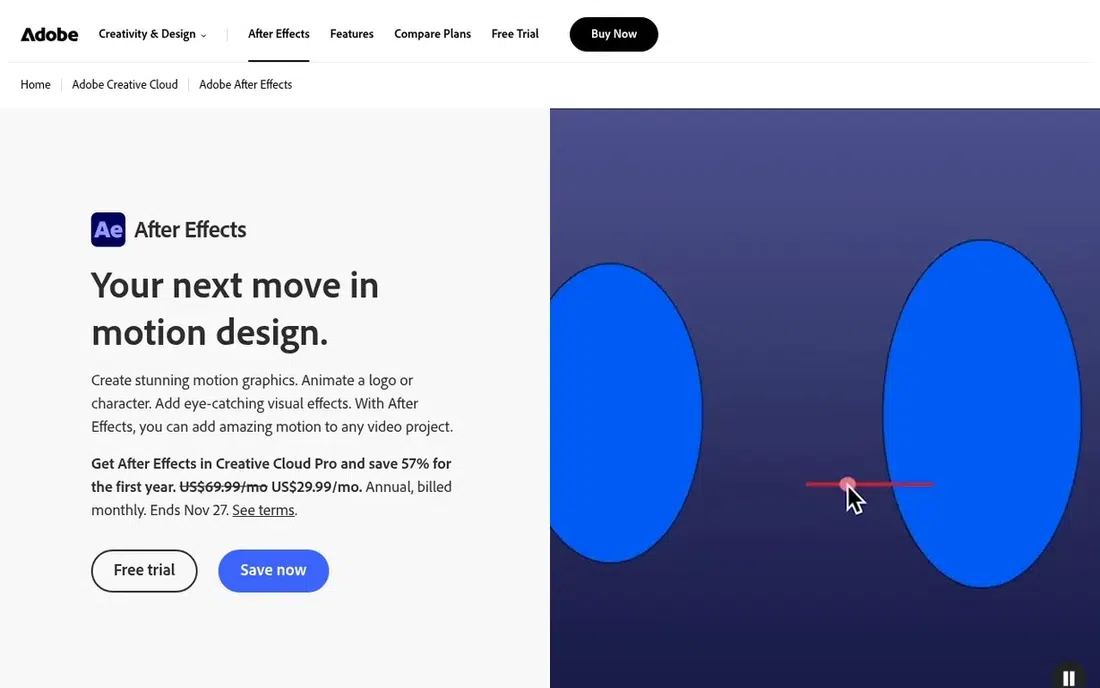
Think of Adobe After Effects for professional motion graphics and compositing. Teams already working inside Adobe creative workflows will find it a natural centerpiece for image animation projects.
What Adobe After Effects does well: Suits film, TV.
On top of that, pick something lighter if you primarily need template-driven explainer videos instead of custom motion design. In daily use, hardware demands rise with complicated compositions. Adobe After Effects does not show a starting price in this comparison, so check the vendor site for current pricing. Trial and free access: Not stated. Honest limits: Steep ramp-up time for newcomers.
- Capable integration with other Adobe apps
- Video and web workflows
- Demanding on hardware for complicated projects
Animaker serves beginner-friendly online animated videos. Animaker is an online animation maker that its vendor positions for both beginners and pros, with the promise of creating animated videos in minutes. Also, browser-based editing can feel constrained on large or complicated projects, and fine animation control is lighter than in desktop suites.
Drawbacks to consider: Less control than desktop suites.
Since it runs in the browser, it fits marketers, educators and small teams who want animated content without installing desktop software. It is a practical starting point for straightforward explainer and social videos. Starting cost for Animaker: $10 per month. Free plan details: Free trial.
- Aimed at beginners and pros
- Fast animated video creation
- Browser-based limits heavy projects
How these tools were picked
For each of the 5 tools we noted price, free plan or trial, fit for rated image animation software and the main limit, using vendor pages and documentation. Treat prices as a snapshot: vendors change plans often, so check the vendor site for the figure that applies today. The ranking is editorial: typical fit first, then clear pricing, then free access. If your needs are unusual, read the profiles rather than relying on position.
Questions to settle before buying
- Ask Toon Boom Harmony and Adobe After Effects for a written quote, since no starting price is shown.
- Look at the free plan from Powtoon closely: its caps decide whether it is usable for real work.
- Take the trial from Vyond and Animaker and push a live task through it before you pay.
- Before choosing Toon Boom Harmony, weigh its main limit: complicated for casual users.
- Confirm you can export your data from Toon Boom Harmony, so leaving later does not mean losing records.
- List the apps you already depend on and check that Vyond supports each one on the plan you would buy.
FAQ
Do these tools publish their prices?
Not all of them. Toon Boom Harmony and Adobe After Effects publish no starting price, so expect a quote request for those. The rest, Vyond included, show a starting price, though seats and billing terms still change the final cost.
What is the cheapest option for rated image animation software in this list?
On published monthly entry prices, Powtoon is the lowest here at $8 per month. Entry price is only part of the cost, because seats, add-ons and billing terms can change the total. Each of the 5 options in this rated image Animation software guide has its own card above with the price, free plan and limits.
Which tool is a good match for professional motion graphics?
This list starts with Toon Boom Harmony, which fits end-to-end 2D character animation. For other needs, Vyond is aimed at business video creation with AI assistance, and Powtoon at branded business videos and presentations. Check each tool's price and main limit first.
How are the tools for rated image animation software ordered?
The order follows typical fit for rated image animation software, with Toon Boom Harmony first and Animaker last, then price clarity and free access. It is editorial judgement, not a score, so another team could rank the tools differently.
Which options for rated image animation software have a free plan?
Powtoon is the only tool in this list with a free plan. Free plans usually cap users, projects or features, so check the limits on the vendor page. Several others offer a trial instead. All 5 picks in this rated image Animation software comparison list a starting price, free plan details and the main limits on their cards above.
What is the best choice for 2D character animation?
For most readers this guide would start with Toon Boom Harmony, built for end-to-end 2D character animation. Vyond is the alternative for business video creation with AI assistance, and Powtoon for branded business videos and presentations. The right answer depends on budget and workflow.
Sources
- https://www.toonboom.com/products/harmony
- https://www.vyond.com
- https://www.powtoon.com
- https://www.adobe.com/products/aftereffects.html
- https://www.animaker.com