Best RAG Software for People Search (2026): 5 Picks Checked on Vendor Pages
Shortlisting the top RAG software for people search? 5 products compared on cost, free access and ideal buyer. Read the caveats before you buy. Facts only.
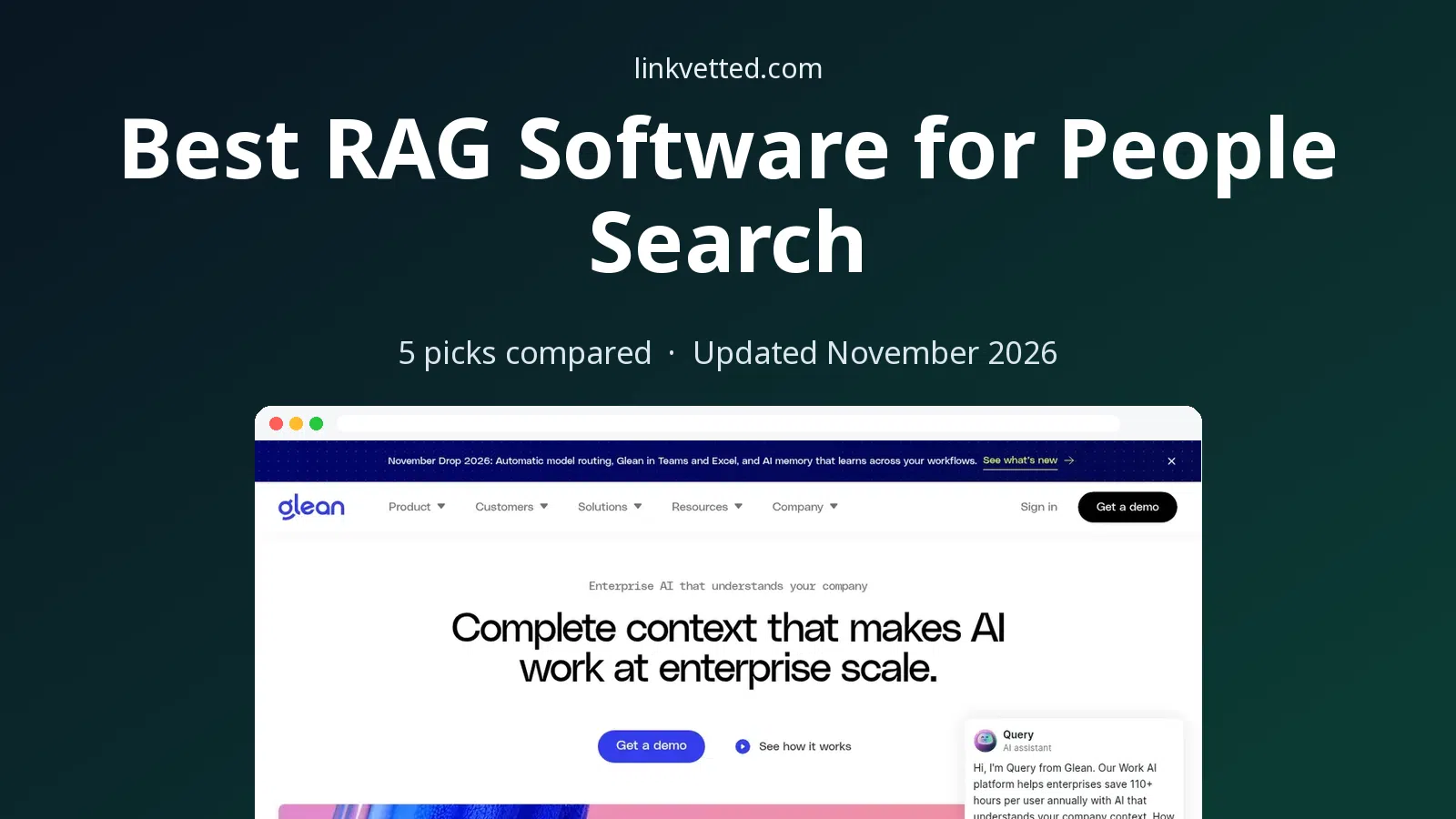
- Editor's choice
 Pinecone
Managed vector database for RAG
Starts at$20 a monthVisit pinecone.ioFull review - Great alternative
 Weaviate
Developer-friendly AI-native vector database
Starts at$45 per monthVisit weaviate.ioFull review - Also consider
 Glean
Enterprise-wide AI search and assistants
Starts atSee websiteVisit glean.comFull review
Direct answer
If you need managed vector database for RAG, Pinecone is the first tool to look at here. Listed starting prices: Pinecone from $20 a month and Weaviate from $45 per month. If your case is different, Weaviate suits developer-friendly AI-native vector database and Glean suits enterprise-wide AI search and assistants. All 5 tools are compared below on price, free plan and limits.
TL;DR:
- This list starts with Pinecone, which is built for managed vector database for RAG.
- Free plans exist at 2 of 5 tools (Weaviate, Amazon Q Business).
- The cheapest monthly starting price in the list is $20 per month, offered by Pinecone.
- Amazon Q Business suits AWS-centric enterprise knowledge assistants.
Last checked November 2026. Prices and plan details were read from the vendors' own pages in November 2026; vendors change plans often, so confirm the current price on the vendor site before you buy.
Quick comparison
| Tool | Best for | Starts at | Free plan? | |
|---|---|---|---|---|
| Pinecone | Managed vector database for RAG | $20 a month | Free trial | Visit |
| Weaviate | Developer-friendly AI-native vector database | $45 per month | Yes | Visit |
| Glean | Enterprise-wide AI search and assistants | See website | Not stated | Visit |
 Elasticsearch | Custom search with vector and keyword retrieval | See website | Not stated | Visit |
 Amazon Q Business | AWS-centric enterprise knowledge assistants | See website | Yes | Visit |
Our 5 picks for RAG software for people search
LinkVetted put together this guide to RAG software for people search for readers who want a clear shortlist without reading every vendor page. It compares 5 tools on starting price, free plans, who each one suits and where each one falls short.
Pinecone targets managed vector database for RAG. Pinecone describes itself as an AI knowledge company, with a product spanning a database, Nexus and a marketplace for accurate, quick and economical AI. Pinecone supplies retrieval infrastructure, so the connectors, ingestion jobs and user interface are yours to build.
Highlights: Dedicated AI knowledge product.
It is not an out-of-the-box people directory. For people search, it serves as the vector store where employee profiles and related documents are embedded and retrieved before a model answers. The starting price for Pinecone: $20 per month. On free options: Free trial.
Downsides: Vector infrastructure only.
- Positioned for quick
- Economical AI
- You supply data pipelines and app logic
Weaviate was built for developer-friendly AI-native vector database. Teams without engineering capacity may struggle to ship a refined people-search experience on it alone.
For people search, it keeps embeddings for profiles and documents and supports retrieval that grounds model answers in real records. Price to start with Weaviate: $45 per month. Weaviate has a free plan.
Where it falls short: Needs in-house ML and ops skills.
- Avoids vendor lock-in
- Aims to cut hallucination and data leakage
- Developer-oriented, not turnkey
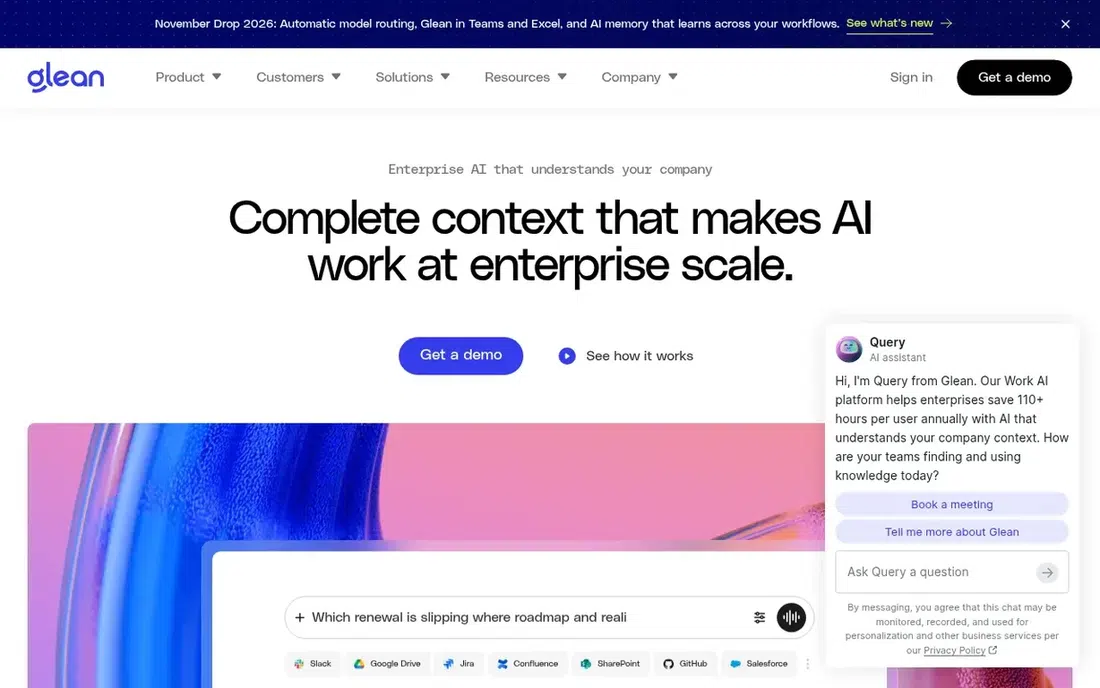
Glean is built with enterprise-wide AI search and assistants in mind. Glean is an enterprise AI product that links to your organization's data so people can find, produce and automate things in one place. Its homepage flags agents, an assistant and search working together.
Since Glean is positioned as an enterprise system, smaller teams may find the scope broader than they need for a straightforward people lookup. Results rely on which data sources you link and how well they are maintained. If you only need a vector store to power your own retrieval code, a database-first choice may be a better fit. Check the vendor site for Glean pricing; none is listed in this comparison. On free options: Not stated.
What users get: Aimed at finding and automating work. The main drawbacks: Enterprise-focused scope.
- Assistant and agents
- Merges search
- Needs access to internal data sources
Elasticsearch serves custom search with vector and keyword retrieval. For people search, teams use it as the retrieval backbone, combining keyword matching with vector search and then feeding results to a language model.
Where it is weaker: You build the RAG layer yourself.
Operating it at scale takes real expertise. No starting price is listed for Elasticsearch here; confirm pricing on the vendor site. Free plan details: Not stated.
Best features of Elasticsearch: RESTful search engine.
- Open source foundation
- Distributed
- Requires engineering effort
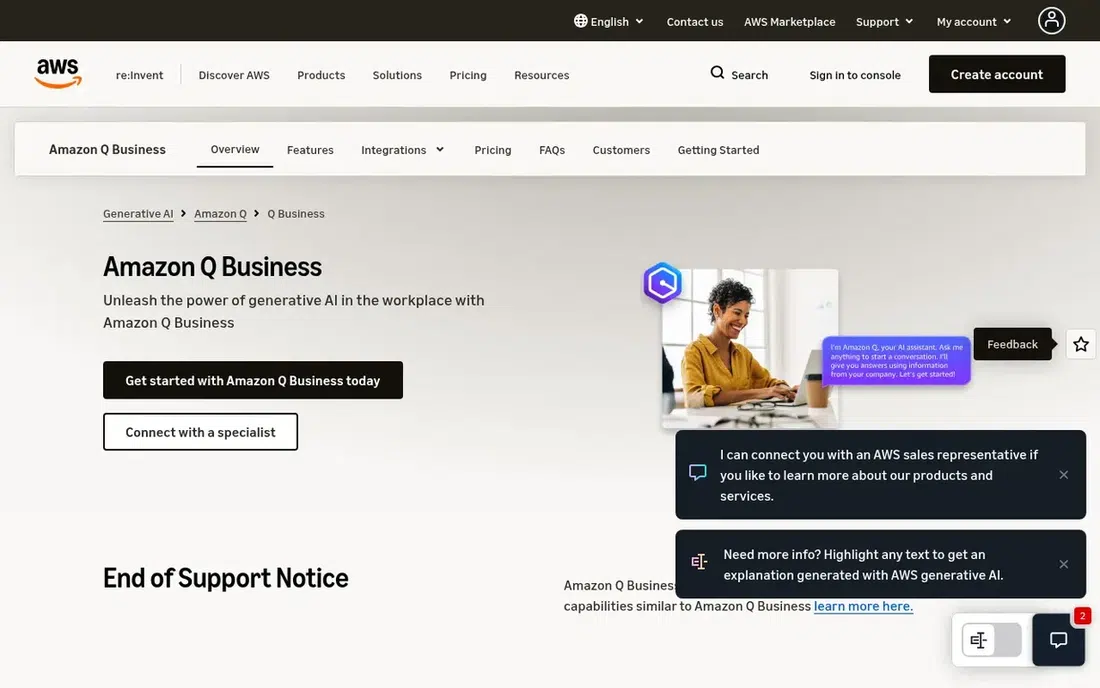
Amazon Q Business makes the most sense for AWS-centric enterprise knowledge assistants. Amazon Q Business is an enterprise knowledge assistant that links to your enterprise data to answer questions, create summaries and automate tasks.
Limits to weigh: Best fit for AWS-oriented stacks.
Also, for people search, it can act as a conversational front end over internal knowledge, letting users ask natural-language questions rather than navigating directories. As for the details, the quality of answers relies on which data sources are connected and how current they are. Check the vendor site for Amazon Q Business pricing; none is listed in this comparison. You can start on Amazon Q Business without paying.
- Answers questions and creates summaries
- Automates tasks
- Connector coverage shapes results
Selection criteria
Questions to settle before buying
- Get a written quote from Glean, Elasticsearch and Amazon Q Business; the list shows no starting price for them.
- Check what the free option really includes: Weaviate and Amazon Q Business offer a free plan, and usage caps differ.
- Use real work to test the free trial from Pinecone, rather than a demo project.
- Before choosing Pinecone, weigh its main limit: vector infrastructure only.
- Ask Pinecone how an export works before you move any records in; an easy exit lowers the risk.
- Confirm the exact Amazon Q Business plan that includes your must-have features.
FAQ
How are the tools for RAG software for people search ordered?
Pinecone sits first and Amazon Q Business last because the order follows typical fit for RAG software for people search, then price clarity and free access. It is a judgement call, so read each profile for fit and limits.
Do these tools publish their prices?
Not all of them. Glean, Elasticsearch and Amazon Q Business publish no starting price, so expect a quote request for those. The rest, Pinecone included, show a starting price, though seats and billing terms still change the final cost.
Which options for RAG software for people search have a free plan?
On this list, Weaviate and Amazon Q Business include a free plan. Caps on seats, usage or features are common, so test the free plan against your real workload. One other tool offers a trial instead.
How important are permissions in people search?
They are critical, since people search commonly touches sensitive employee data. Confirm that any tool respects existing access rules so users only see records they are allowed to see. Ask vendors how permissions are enforced at retrieval time.
Is Pinecone the right pick for everyone comparing RAG software for people search?
No single tool suits every team. Pinecone comes first because it fits managed vector database for RAG, while Weaviate suits developer-friendly AI-native vector database and Glean suits enterprise-wide AI search and assistants. Match the tool to your own size, budget and workflow before deciding.
What does RAG mean for people search?
RAG, or retrieval-augmented generation, retrieves relevant records for example employee profiles and documents, then has a language model answer using that retrieved context. For people search, this lets users ask natural-language questions and get grounded answers rather than scanning directories.
Sources
- https://www.pinecone.io
- https://weaviate.io
- https://www.glean.com
- https://www.elastic.co/elasticsearch
- https://aws.amazon.com/q/business