Best AI Tool for People Search in 2026: 8 Tools Compared
Compare the best AI people search tools for lawful reconnecting, identity checks, and contact lookup, with privacy notes, limits, and pricing guidance included.
- Editor's choice
 TruthFinder
Deep public record reports
Starts atSee websiteVisit truthfinder.comFull review - Great alternative
 BeenVerified
All round people search
Starts atSee websiteVisit beenverified.comFull review - Also consider
 Intelius
Classic public record reports
Starts atSee websiteVisit intelius.comFull review
TL;DR:
- Use people search tools only for lawful purposes, such as reconnecting, verifying a contact, or checking your own record.
- None of these tools are FCRA compliant, so never use them for hiring, tenant, credit, or insurance decisions.
- Public records can be outdated or mismatched, so verify important findings with a second source.
- Reverse phone and reverse image searches are often the fastest starting points.
- Read billing terms before you pay, because most full reports need a subscription.
Quick comparison
| Tool | Best for | Starts at | Free plan? | |
|---|---|---|---|---|
| TruthFinder | Deep public record reports | See website | No | Visit |
| BeenVerified | All round people search | See website | No | Visit |
| Intelius | Classic public record reports | See website | Free trial | Visit |
 Spokeo | Social and contact discovery | See website | No | Visit |
 Whitepages | Quick phone and address lookup | See website | Yes | Visit |
 PeopleFinders | Guided simple searches | See website | No | Visit |
 Instant Checkmate | Detailed background style reports | See website | No | Visit |
 Social Catfish | Reverse image and identity checks | See website | No | Visit |
The best ai tool for people search
We compared official feature pages, pricing pages, and public reviews to build this list. The eight options below cover different budgets and skill levels, so start with your main need and then check price, limits, and support before you commit. Disclaimer: use these tools only for lawful purposes, never for stalking, harassment, or regulated screening decisions.
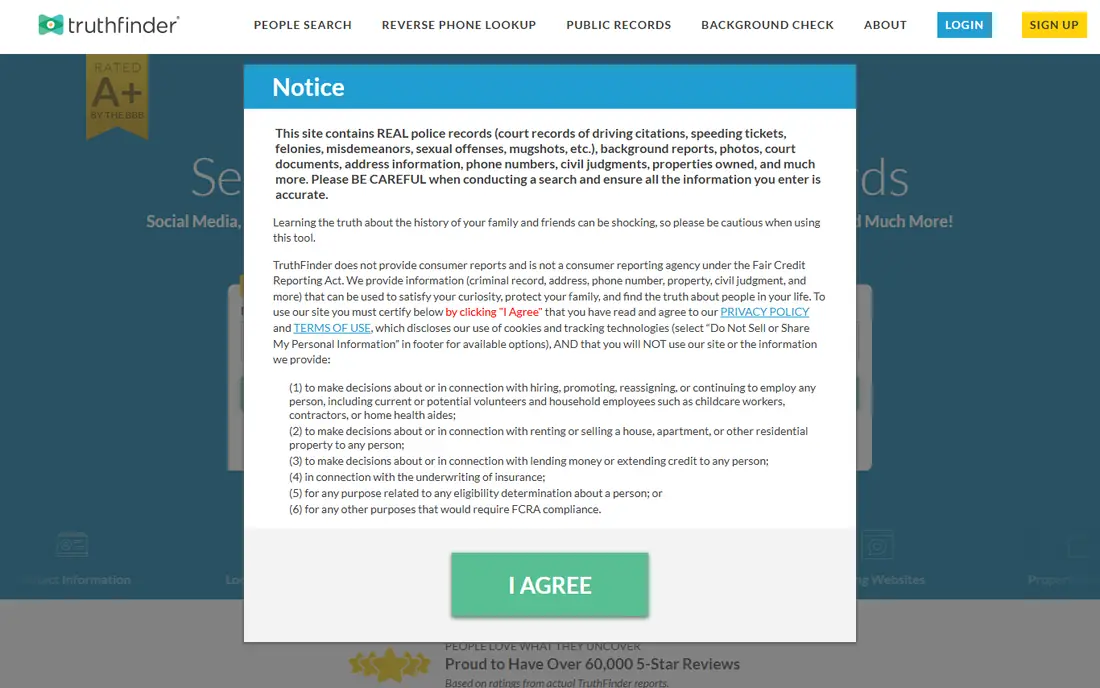
TruthFinder is known for detailed reports that pull together address history, possible relatives, phone numbers, and public records in one place. For someone trying to reconnect with a relative or verify a contact, that depth can save hours of manual searching across separate sources. The report layout is also easy to follow for first time users.
Use TruthFinder only for lawful personal purposes, such as reconnecting or verifying your own contacts. It is not FCRA compliant and must not be used for hiring, tenant screening, credit, or other regulated decisions. Always cross check important details, because public records can be old or matched to the wrong person with a similar name.
- Detailed reports with address history and relatives
- Dark web monitoring on premium plans
- Clear report layout
- Not FCRA compliant
- Subscription required for full reports
- Data can be dated
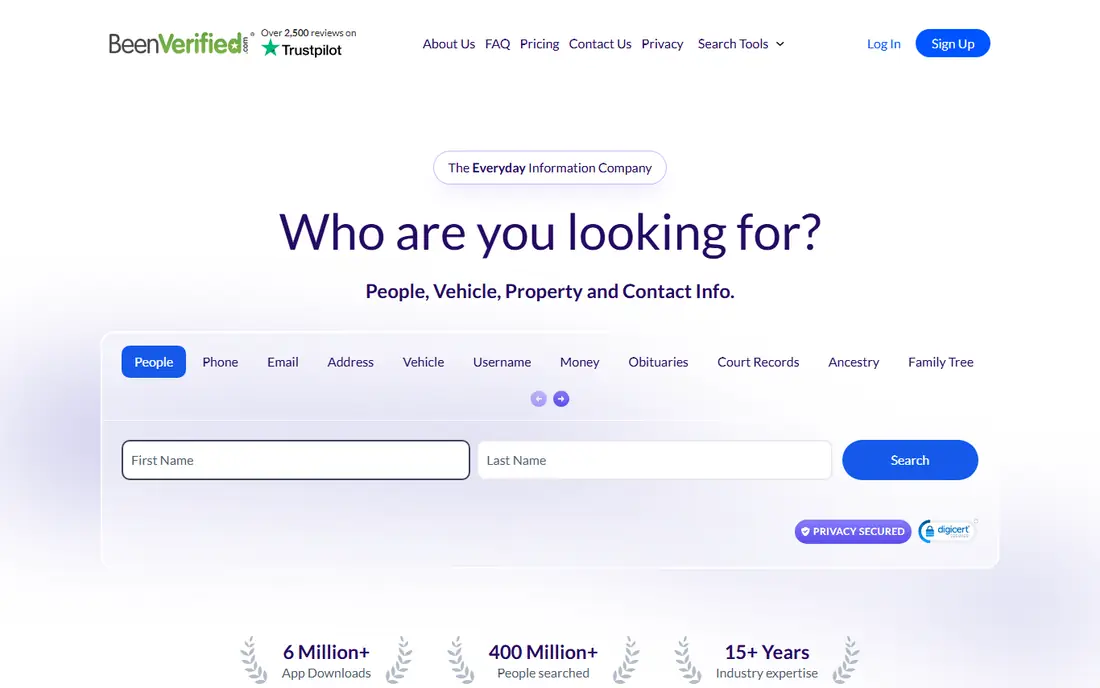
BeenVerified covers the main search types in one subscription: name, phone, email, and address lookup, plus background style reports from public data. That breadth suits people who search in different ways, such as starting from a phone number one day and an old address the next. The mobile app makes quick lookups easier away from a desk.
As with every tool here, results are only as good as the public records behind them. Treat a report as a starting point, not proof, and verify key facts through a second source. BeenVerified is also not a consumer reporting agency, so do not use it for employment or housing decisions.
- Name, phone, email, and address search
- Background reports
- Mobile app
- Subscription cost adds up
- Some data may be incomplete or outdated
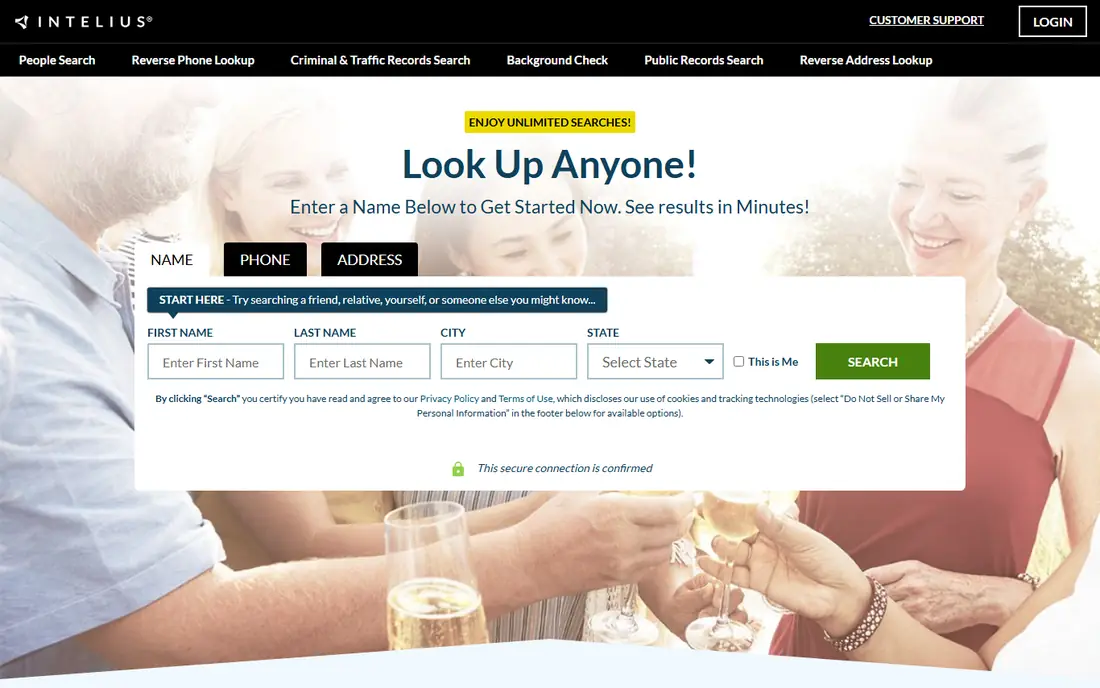
Intelius is one of the longest running public record search services, and its reports focus on address history, aliases, court records, and possible associates. That depth helps when you need context around a person, not just a single phone number. Reverse phone lookup is useful when an unknown caller is the starting point.
Read the billing terms carefully before you sign up, and set a reminder to review the subscription. Public reviews mention auto renewal friction, so check cancellation steps in advance. Use Intelius only for lawful personal use, and confirm any sensitive finding before you act on it.
- Long history in public records
- Address and court record coverage
- Reverse phone lookup
- Auto renewal complaints in public reviews
- Full reports need a paid plan
Spokeo is stronger than many rivals at connecting a name, email, or username to social profiles and online footprints. That makes it useful for identifying an unknown contact, checking whether an online seller is who they claim to be, or reconnecting with someone through a known username. The interface is simple for casual users.
Spokeo is not the best choice for deep criminal or court history, and older records can mislead if you do not verify them. It is also not for stalking, harassment, or covert surveillance. Use it for lawful, transparent purposes, and respect privacy and local law at every step.
- Email, username, and social profile search
- Phone and address lookup
- Lower cost entry options
- Criminal record coverage is limited
- Some records can be one to three years old
Whitepages is the fastest starting point when you have a phone number or address and need a likely name. Basic results are often free, which helps you decide whether a paid report is worth it. The brand is widely known, and its phone focused search suits everyday caller identification.
Depth is the trade off. Whitepages will not always give the full history that TruthFinder or BeenVerified provide. Use it for quick triage, then move to a deeper report tool if you need history, relatives, or records. As always, do not use results for regulated screening decisions.
- Fast reverse phone lookup
- Basic address results
- Well known brand
- Full reports need a paid plan
- Depth is lower than dedicated report tools
PeopleFinders guides you through a simple search by name, phone, or address, which helps people who find larger report tools overwhelming. One time report options can also suit a single lookup better than a monthly subscription. That flexibility is useful when you need one answer, not ongoing searches.
Report depth varies, and some people have far more public data than others. If a first search returns little, try a different spelling, a former address, or a relative name before you assume the person has no records. Confirm billing choice at checkout so you do not buy a subscription by mistake.
- Simple guided search flow
- One time reports available
- Phone and address lookup
- Report depth varies by person
- Subscription upsells can confuse first buyers
Instant Checkmate offers detailed reports that include location history, possible relatives, and criminal and court record sections drawn from public data. For users who want a thorough personal report in one place, that depth can be helpful. Report monitoring can also alert you to changes in a report you follow.
The limits are the same as for other tools in this group. It is not FCRA compliant, it cannot be used for hiring or tenant screening, and public record data can contain errors. Use it for lawful personal research only, verify important claims, and consider an official source for any decision that affects someone else.
- Deep reports with location history
- Criminal and court record sections
- Report monitoring
- Subscription required
- Not FCRA compliant
- Data accuracy varies by source
How we picked these
We compared official feature pages, search types, privacy policies, and public pricing pages. We excluded tools marketed for stalking or covert surveillance, and we only listed services with clear consumer facing privacy and opt out information. We did not run searches on real private individuals for this guide, and we did not claim hands-on testing of report accuracy.
Using people search tools lawfully and safely
Know what you may and may not do
Lawful uses include reconnecting with a relative, verifying a business contact, checking your own public record, or identifying an unknown caller. Unlawful or harmful uses include stalking, harassment, doxxing, and screening for jobs or housing. If you are unsure whether a use is allowed, do not proceed until you have checked the service terms and local law.
Verify before you act
Public records contain errors, old addresses, and people with the same name. Before you contact someone, share a finding, or make a decision, confirm the identity with a second source, such as a known email, a mutual contact, or an official record. A single report is a lead, not proof, and acting on a wrong match can harm an innocent person.
Protect your own privacy
Most of these services offer opt out or data removal processes, though steps and timing vary. If you find your own record, follow the opt out link on that service and keep a note of the request date. Use strong passwords, review subscriptions monthly, and avoid sharing report details about other people publicly.
FAQ
What is the best AI people search tool?
TruthFinder and BeenVerified offer the deepest all round reports, while Whitepages is best for quick phone lookup and Social Catfish is best for reverse image checks. The best tool depends on your starting detail, such as a name, phone number, email, or photo.
Are people search tools legal?
People search tools that use public records are legal for many personal purposes in the United States, but uses are limited by law and service terms. They must not be used for stalking, harassment, or regulated screening. Check the terms for each service and your local rules before you search.
Can I use a people search tool for hiring?
No, these consumer tools are not FCRA compliant and must not be used for employment, tenant, credit, or insurance decisions. For those decisions, use a licensed consumer reporting agency that follows FCRA notice and consent rules.
How accurate are people search results?
Accuracy varies by source, name commonness, and how recently records were updated. Common names produce more mismatches, and old addresses can appear as current. Cross check results with a second tool or an official record before you rely on them.
Can I remove my information from people search sites?
Most major services offer an opt out or suppression process on their websites. Steps differ, and removal from one site does not remove data from other sites or original public records. Keep a list of sites you contacted and check back after the stated processing time.
Social Catfish
Best for: Reverse image and identity checks
Social Catfish is different because it starts with images, usernames, and online identity signals. That makes it useful for checking whether a profile photo appears elsewhere online, or whether an online contact matches other public profiles. For people worried about romance scams or fake profiles, that focus is practical.
Social Catfish is not a full background check service and should not be used for employment or housing decisions. Manual investigations, where offered, cost more than standard searches. Use it to verify an online identity for your own safety, and report suspected scams to the relevant platform and authorities.