Software to Erase People from Pictures in 2026: The 5 Best Options Side by Side
Weighing the best software to erase people from pictures? We lined up 5 products by cost, free access and fit. Limits and pricing notes included. Choose faster.

- Editor's choice
 Canva
Design-first edits with straightforward retouching
Starts atSee websiteVisit canva.comFull review - Great alternative
 Picsart
Creative edits with AI-assisted tools
Starts at$10.5 per monthVisit picsart.comFull review - Also consider
 Fotor
Straightforward online retouching and enhancement
Starts atSee websiteVisit fotor.comFull review
Direct answer
If you need design-first edits with straightforward retouching, Canva is the first tool to look at here. Listed starting prices: Picsart from $10.5 per month. Alternatives: Picsart for creative edits with AI-assisted tools, and Fotor for straightforward online retouching and enhancement. Prices, free plans and limits for all 5 tools follow.
TL;DR:
- Top of the list is Canva, which targets design-first edits with straightforward retouching.
- Before buying Canva, weigh this: restricted precision for complicated removal.
- Fotor stands alone as the one tool in this list with a free plan.
- Adobe Photoshop is the one to check for deep retouching and complicated removals.
- Picsart is the lowest-priced starter here at $10.5 per month.
Last checked November 2026. Prices and plan details were read from the vendors' own pages in November 2026; vendors change plans often, so confirm the current price on the vendor site before you buy.
Quick comparison
| Tool | Best for | Starts at | Free plan? | |
|---|---|---|---|---|
| Canva | Design-first edits with straightforward retouching | See website | Not stated | Visit |
| Picsart | Creative edits with AI-assisted tools | $10.5 per month | Not stated | Visit |
| Fotor | Straightforward online retouching and enhancement | See website | Yes | Visit |
 Pixelmator Pro | Mac and iPad photo repair | See website | Not stated | Visit |
 Adobe Photoshop | Deep retouching and complicated removals | See website | Not stated | Visit |
Every option for software to erase people from pictures explained
If you are comparing software to erase people from pictures, this page covers 5 tools in one place: what each is best for, what it costs to start, whether it has a free plan, and the main limit to know about.

Canva is a good fit for design-first edits with simple retouching. Canva is an online visual suite for social posts, presentations, posters, and more. Its photo editing tools let you adjust, crop, and retouch images inside a design project.
Honest limits: Restricted precision for complicated removal.
So it does well when the cleaned-up photo is destined for a graphic. It is the better choice when layout matters more than pixel-level repair. Worth adding: for heavy retouching, pair it with a dedicated editor. This comparison lists no price for Canva; ask the vendor. As for free access: Not stated.
- Simple export and sharing
- Templates and layout tools
- Not a dedicated photo retoucher
Where Picsart fits: creative edits with AI-assisted tools. Removing a person from a crowded or textured scene may need additional manual cleanup. It lets you edit photos and build content quickly, which fits creators who want to remove a distraction and then style the result for social media in the same session.
Where it is weaker: Results vary by scene complexity.
Its strengths lean toward creative composition instead of meticulous retouching. From a buyer's view, pick a dedicated photo editor when accuracy on edges and background texture is the priority. Picsart pricing: $10.5 per month. Free access: Not stated.
- AI design and editing tools
- Mobile and web access
- Creative focus over precise retouching
Fotor is built with straightforward online retouching and enhancement in mind. It takes care of everyday cleanup tasks and straightforward distraction removal without a steep ramp-up time, making it a reasonable pick for bloggers, small companies, and casual users who want to edit in a browser.
From a buyer's view, Fotor works best for small, isolated distractions. This comparison lists no price for Fotor; ask the vendor. Fotor offers a free plan.
Where it falls short: Less control on fine edges.
- Straightforward interface
- Retouch and effect tools
- Advanced work may need another tool
Pick Pixelmator Pro if this describes you: Mac and iPad photo repair. Its repair capabilities and layer-based workflow make it a solid choice for removing people from photos on Apple devices, particularly for users who want desktop power without a subscription-style web tool.
Drawbacks to consider: Apple products only.
Complicated removals still demand careful masking and cleanup. Pricing for Pixelmator Pro is not stated here, so ask the vendor for current figures. On free options: Not stated.
- Designed for Mac and iPad
- Repair and AI features
- Not available in a browser
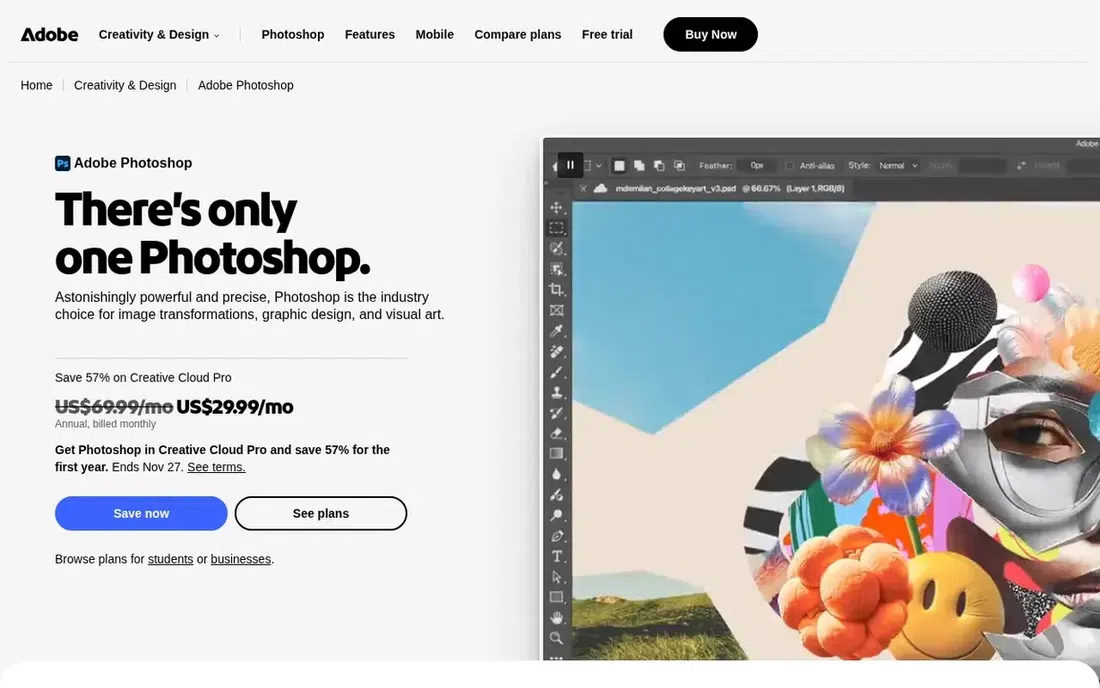
Choose Adobe Photoshop for deep retouching and complicated removals. Its healing, cloning, and content-aware tools let you select a figure precisely, delete it, and rebuild the background with control over edges and texture. If you only want to brush someone out of a snapshot, a lighter editor like Photoshop Express or Fotor may be quicker.
The depth includes complexity, and newcomers may need time to learn selections, masks, and layers. It is also more than casual users need for a single fast fix. Adobe Photoshop does not show a starting price in this comparison, so check the vendor site for current pricing. As for free access: Not stated.
Watch-outs: Ramp-up time for beginners.
- Content-aware fill and cloning tools
- Works online or on desktop
- Heavier than straightforward mobile editors
How we chose
We compared the tools on published pricing, free plan or trial availability, feature coverage for software to erase people from pictures, and the limits each vendor documents. Seat minimums, billing terms and add-ons can move the real cost, so the starting prices here are a guide and not a quote. The sequence is a judgement call: typical use case first, then pricing transparency, then free access. Use the profiles to check fit.
Pre-purchase checklist
- Ask Canva, Fotor, Pixelmator Pro and Adobe Photoshop for a written quote, since no starting price is shown.
- Look at the free plan from Fotor closely: its caps decide whether it is usable for real work.
- Read the limits listed for Canva first: restricted precision for complicated removal.
- Check the integration list for Pixelmator Pro against the tools you run today, and note which ones need a higher plan.
- See whether Canva offers onboarding or training, and whether it is included in the price.
FAQ
How are the tools for software to erase people from pictures ordered?
Canva sits first and Adobe Photoshop last because the order follows typical fit for software to erase people from pictures, then price clarity and free access. It is a judgement call, so read each profile for fit and limits.
Is Canva the right pick for everyone comparing software to erase people from pictures?
No single tool suits every team. Canva comes first because it fits design-first edits with simple retouching, while Picsart suits creative edits with AI-assisted tools and Fotor suits simple online retouching and enhancement. Match the tool to your own size, budget and workflow before deciding.
What is the cheapest option for software to erase people from pictures in this list?
On published monthly entry prices, Picsart is the lowest here at $10.5 per month. Entry price is only part of the cost, because seats, add-ons and billing terms can change the total. For the full picture, the cards above cover all 5 entries of this software to erase people from Pictures list, including price, free plan and limits.
Do these tools publish their prices?
Not all of them. Canva, Fotor, Pixelmator Pro and Adobe Photoshop publish no starting price, so expect a quote request for those. The rest, Picsart included, show a starting price, though seats and billing terms still change the final cost.
Do I need design skills to remove someone from a photo?
Entry-level removal is approachable in most of these tools, particularly mobile apps and browser editors with guided retouching. Complicated scenes with overlapping subjects and patterns benefit from learning selections and masks in a fuller editor.
Sources
- https://www.canva.com
- https://picsart.com
- https://www.fotor.com
- https://www.pixelmator.com/pro
- https://www.adobe.com/products/photoshop.html