6 Monitoring Tools for Log Analysis Worth Shortlisting in 2026
Searching for the top monitoring tools for log analysis? Here are 6 options with prices and free plans. Every pick includes one clear drawback. Details below.
- Editor's choiceSolarWinds Log Analyzer
Hybrid IT teams needing straightforward log monitoring
Starts at$2 per node per monthVisit solarwinds.comFull review - Great alternative
 Elastic Observability
Search-driven log analysis on Elasticsearch
Starts atSee websiteVisit elastic.coFull review - Also considerSplunk Enterprise
Large-scale security and observability data
Starts at$6 per month, per CPU core, billed annuallyVisit splunk.comFull review
Direct answer
Our first pick is SolarWinds Log Analyzer, best for hybrid IT teams needing straightforward log monitoring. Listed starting prices: SolarWinds Log Analyzer from $2 per node per month, Splunk Enterprise from $6 per month, per CPU core, billed annually and New Relic from $10 per user a month. Elastic Observability is better for search-driven log analysis on Elasticsearch, and Splunk Enterprise is better for large-scale security and observability data. The other 3 tools in the list cover narrower or pricier cases.
TL;DR:
- SolarWinds Log Analyzer is the opening pick, best for hybrid IT teams needing straightforward log monitoring.
- Sumo Logic is the one to check for cloud log management and SIEM.
- Free plans exist at 2 of 6 tools (Splunk Enterprise, New Relic).
- The main caution on SolarWinds Log Analyzer: less centered on AI-driven correlation.
- SolarWinds Log Analyzer has the lowest monthly starting price in this list: $2 per node per month.
Last checked November 2026. Prices and plan details were read from the vendors' own pages in November 2026; vendors change plans often, so confirm the current price on the vendor site before you buy.
Quick comparison
| Tool | Best for | Starts at | Free plan? | |
|---|---|---|---|---|
| SolarWinds Log Analyzer | Hybrid IT teams needing straightforward log monitoring | $2 per node per month | Free trial | Visit |
| Elastic Observability | Search-driven log analysis on Elasticsearch | See website | Free trial | Visit |
| Splunk Enterprise | Large-scale security and observability data | $6 per month, per CPU core, billed annually | Yes | Visit |
 New Relic | Correlating telemetry to isolate root causes | $10 per user a month | Yes | Visit |
| Datadog Log Management | Cloud-native teams correlating logs and metrics | $8 per committer a month | Free trial | Visit |
| Sumo Logic | Cloud log management and SIEM | See website | Free trial | Visit |
Tool-by-tool breakdown
This LinkVetted guide covers 6 options for monitoring tools for log analysis. Each profile lists a starting price, free plan details, strengths and drawbacks, so you can drop poor fits quickly.
SolarWinds Log Analyzer
Best for: Hybrid IT teams needing straightforward log monitoring
SolarWinds Log Analyzer targets hybrid IT teams needing straightforward log monitoring. SolarWinds Log Analyzer is part of SolarWinds' hybrid IT observability and IT management software, which the homepage describes as straightforward, capable and secure.
It is less oriented toward AI-driven telemetry correlation than some systems here. In practice, choose SolarWinds when straightforward hybrid IT log monitoring is the goal. SolarWinds Log Analyzer cost at the entry level: $2 per node per month. Free options: Free trial.
The main drawbacks: Less centered on AI-driven correlation.
Best features of SolarWinds Log Analyzer: Part of broader IT management software.
- Secure hybrid IT observability
- Suits infrastructure-focused teams
- Best value alongside other SolarWinds tools

Pick Elastic Observability if this describes you: search-driven log analysis on Elasticsearch. Search-driven products reward teams with indexing and query skills, and self-managed deployments add operational work.
Main advantages: observability and security.
Downsides: Self-management layers on operational effort.
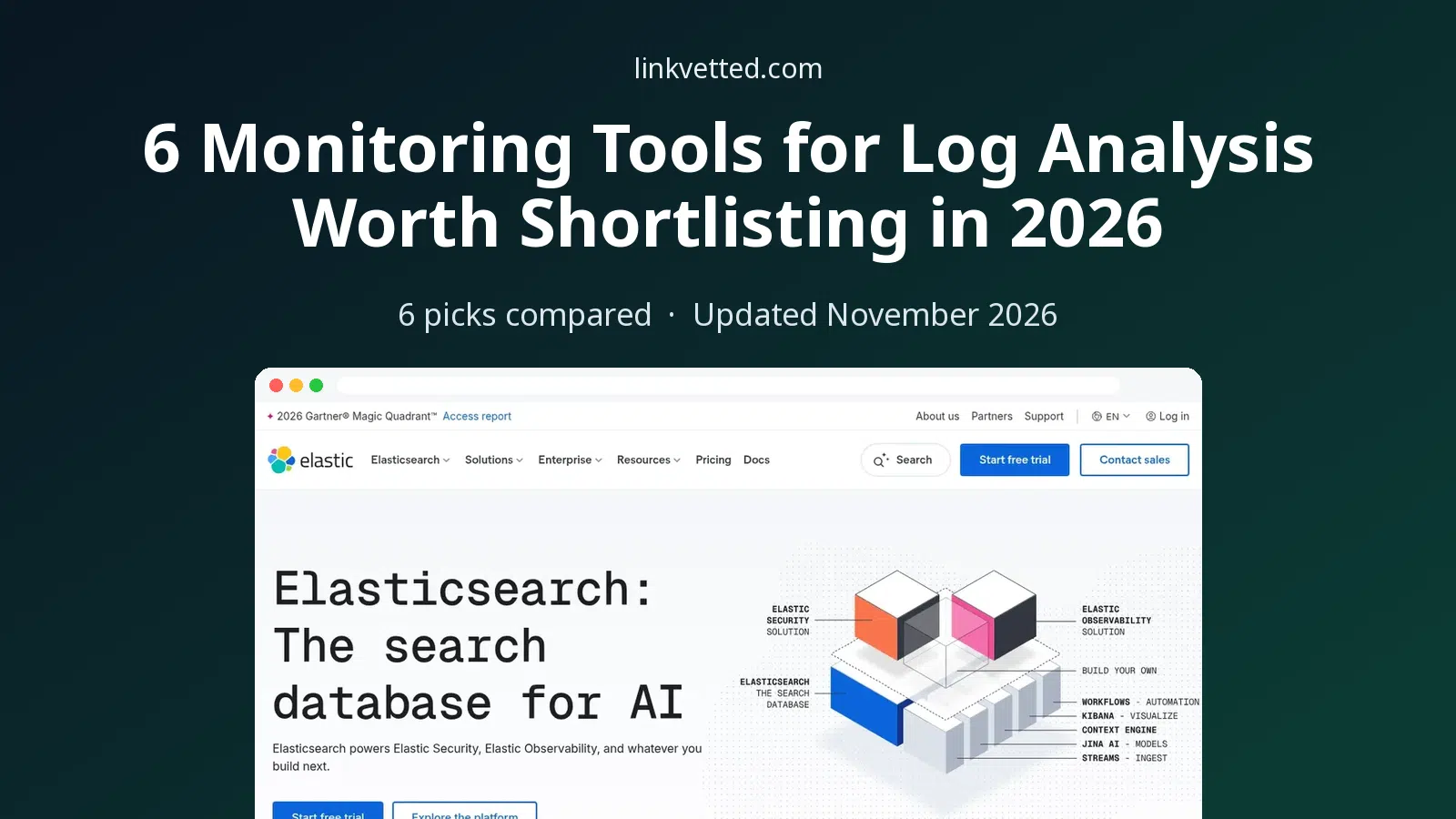
From a buyer's view, Elastic Observability is part of the Elastic product, which its homepage describes as the search database for AI handling search, AI agents, observability and security, powered by Elasticsearch. Also, if you prefer a fully managed cloud monitoring service, Datadog may be more straightforward. No starting price is listed for Elastic Observability here; confirm pricing on the vendor site. Free access: Free trial.
- Merges search
- Supports AI agent workflows
- Requires search and index knowledge
Splunk Enterprise
Best for: Large-scale security and observability data

In short, Splunk Enterprise is for large-scale security and observability data. Administration and data onboarding take planning.
Trade-offs to know: Wide scope may exceed straightforward log search needs.
Splunk Enterprise is a data product positioned for security, observability and AI workloads. What you pay to start with Splunk Enterprise: $6 per month, per CPU core, billed annually. Splunk Enterprise has a free plan.
- Manages petabyte-scale data volumes
- Supports threat detection and downtime prevention
- Product depth can need dedicated administration
New Relic works best for correlating telemetry to isolate root causes. For log analysis, it suits organizations that want logs connected to traces and metrics instead of examined in isolation.
Where it falls short: Log analysis sits within broader observability.
If log-first search is the priority, Elastic Observability is a better fit. Entry price for New Relic: $10 per user per month. Free access exists with New Relic.
- Correlates telemetry across the stack
- Aims to cut mean time to resolution
- Full value relies on wide telemetry coverage
Datadog Log Management
Best for: Cloud-native teams correlating logs and metrics
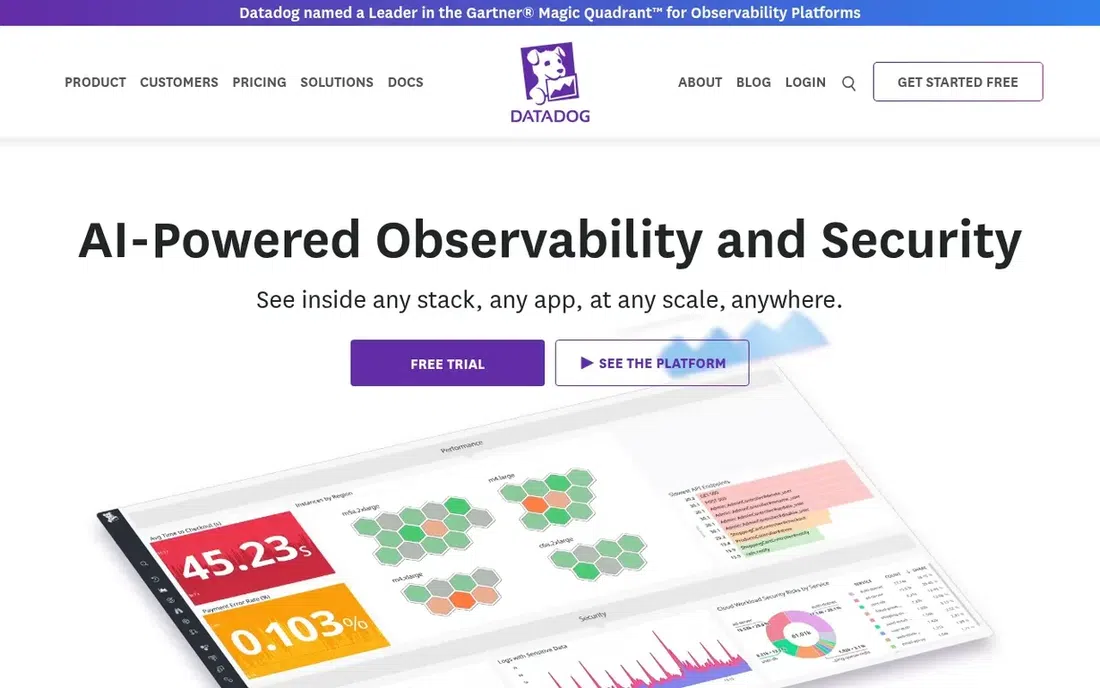
Datadog Log Management serves cloud-native teams correlating logs and metrics. For log analysis, it fits cloud-native teams that want logs alongside infrastructure and application telemetry instead of as a standalone silo.
Points against: Centred on cloud environments.
More specifically, the service is oriented toward cloud monitoring, so heavily on-premises estates may need additional work to fit. Datadog Log Management cost at the entry level: $8 per committer per month. Free options: Free trial.
- Cloud monitoring as a service
- Metrics from apps and services in one place
- Feature breadth can take time to configure
Sumo Logic
Best for: Cloud log management and SIEM
Sumo Logic makes the most sense for cloud log management and SIEM. Sumo Logic presents itself as a cloud log management, monitoring and SIEM product with live insights for web and SaaS-based applications.
What to check first: Centered on cloud and SaaS sources.
Teams wanting deep custom search may prefer Elastic. On top of that, consider Sumo Logic when cloud log management and SIEM belong together. Sumo Logic does not show a starting price in this comparison, so check the vendor site for current pricing. As for free access: Free trial.
- Live insights for web and SaaS apps
- Cloud monitoring and log management
- Security features may overlap other tools
How these tools were picked
LinkVetted looked at what each vendor publishes: pricing, plan limits, feature coverage for monitoring tools for log analysis and stated drawbacks. No hands-on testing is claimed. Where a vendor does not publish a price, the entry says quote. Where a price depends on seats or billing term, the entry says so. The sequence is a judgement call: typical use case first, then pricing transparency, then free access. Use the profiles to check fit.
A buyer's checklist
- Confirm the entry price on the vendor page. For Elastic Observability and Sumo Logic that means a quote rather than a fixed price.
- Look at free plan limits closely: Splunk Enterprise and New Relic have one, and the caps decide whether it is usable for real work.
- Run a trial of SolarWinds Log Analyzer, Elastic Observability, Datadog Log Management and Sumo Logic with real work before paying for a year; your own workflow is the best test.
- Before choosing SolarWinds Log Analyzer, weigh its main limit: less centered on AI-driven correlation.
- Confirm minimum seats and billing terms with SolarWinds Log Analyzer before you commit to an annual plan.
- Check the support hours and onboarding help New Relic offers; smaller vendors vary a lot here.
FAQ
How are the tools for monitoring tools for log analysis ordered?
SolarWinds Log Analyzer sits first and Sumo Logic last because the order follows typical fit for monitoring tools for log analysis, then price clarity and free access. It is a judgement call, so read each profile for fit and limits.
Is SolarWinds Log Analyzer the right pick for everyone comparing monitoring tools for log analysis?
No single tool suits every team. SolarWinds Log Analyzer comes first because it fits hybrid IT teams needing simple log monitoring, while Elastic Observability suits search-driven log analysis on Elasticsearch and Splunk Enterprise suits large-scale security and observability data. Match the tool to your own size, budget and workflow before deciding.
Which options for monitoring tools for log analysis have a free plan?
On this list, Splunk Enterprise and New Relic include a free plan. Caps on seats, usage or features are common, so test the free plan against your real workload. Several others offer a trial instead.
What is the cheapest option for monitoring tools for log analysis in this list?
On published monthly entry prices, SolarWinds Log Analyzer is the lowest here at $2 per node per month. Entry price is only part of the cost, because seats, add-ons and billing terms can change the total. Each of the 6 options in this monitoring tools for log analysis guide has its own card above with the price, free plan and limits.
Sources
- https://www.solarwinds.com
- https://www.elastic.co
- https://www.splunk.com
- https://newrelic.com
- https://www.datadoghq.com
- https://www.sumologic.com