Health Benefits Software in 2026: The 5 Best Options Side by Side
5 options for the top health benefits software, with entry costs, free tiers and the buyer each one serves. Pros and cons for every tool. Clear verdicts.
- Editor's choice
 Rippling
Unified HR, IT, and finance on one product
Starts at$8 per employee a monthVisit rippling.comFull review - Great alternative
 ADP Workforce Now
Firms seeking integrated payroll, HR, and benefits
Starts atSee websiteVisit adp.comFull review - Also consider
 Benefitfocus
Dedicated benefits administration for employers and health plans
Starts atSee websiteVisit benefitfocus.comFull review
Direct answer
Our first pick is Rippling, best for unified HR, IT, and finance on one product. Listed starting prices: Rippling from $8 per employee a month. If your case is different, ADP Workforce Now suits companies seeking integrated payroll, HR, and benefits and Benefitfocus suits dedicated benefits administration for employers and health plans. The other 2 tools in the list cover narrower or pricier cases.
TL;DR:
- Rippling sits first on this list: unified HR, IT, and finance on one system.
- None of the 5 tools, from Rippling to TriNet, has a free plan, so budget for a subscription or use a trial.
- A fair warning about Justworks: PEO model may not suit all companies.
- TriNet fits HR outsourcing with payroll and benefits.
Last checked November 2026. Prices and plan details were read from the vendors' own pages in November 2026; vendors change plans often, so confirm the current price on the vendor site before you buy.
Quick comparison
| Tool | Best for | Starts at | Free plan? | |
|---|---|---|---|---|
| Rippling | Unified HR, IT, and finance on one product | $8 per employee a month | Not stated | Visit |
| ADP Workforce Now | Firms seeking integrated payroll, HR, and benefits | See website | Not stated | Visit |
| Benefitfocus | Dedicated benefits administration for employers and health plans | See website | Not stated | Visit |
 Justworks | Small companies needing PEO and HR support | See website | Not stated | Visit |
 TriNet | HR outsourcing with payroll and benefits | See website | Not stated | Visit |
The best health benefits software
LinkVetted compared 5 tools for health benefits software. The goal is a practical shortlist: published prices, free plan facts, best-fit use cases and honest limits for every entry.
Rippling is built with unified HR, IT, and finance on one system in mind. Rippling provides a unified system that merges HR, IT, and Finance applications on a single data product. It aims to eliminate friction from running a business by integrating benefits with other functions.
Whereas Rippling spans plenty of areas, its benefits features may not be as deep as specialized options. Also, if benefits administration is your primary need, consider a dedicated product. Rippling cost at the entry level: $8 per employee per month. Free plan details: Not stated.
Where it falls short: Focus on breadth might cut depth in benefits. Where it shines: Finance apps.
- Unified data platform
- Merges HR, IT
- May be overwhelming for very small teams
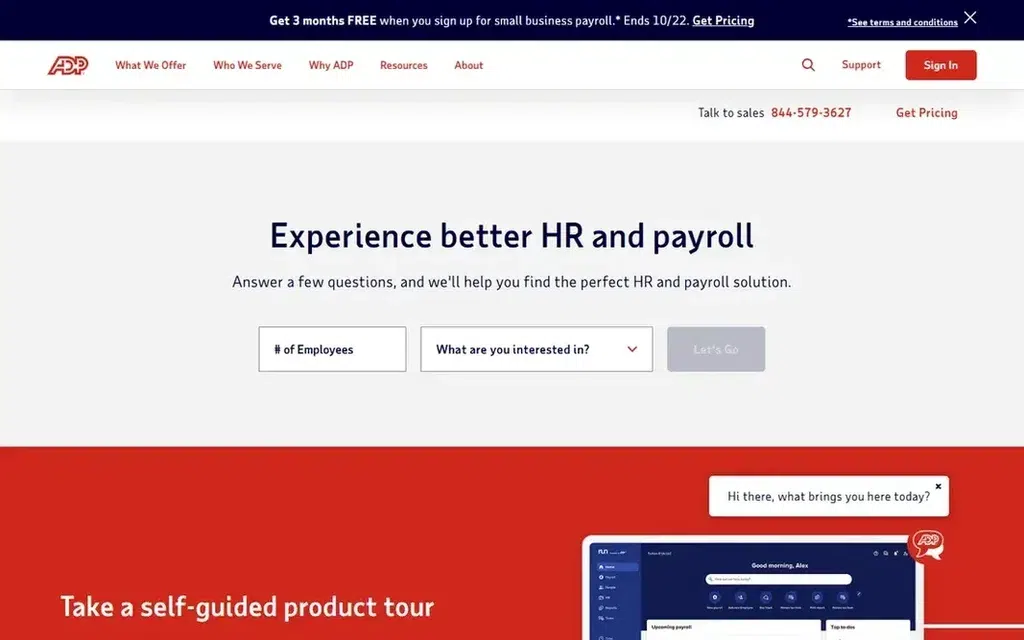
Choose ADP Workforce Now for companies seeking integrated payroll, HR, and benefits. If you only need benefits administration, a specialized tool might be more economical.
Pricing for ADP Workforce Now is not stated here, so ask the vendor for current figures. Free options: Not stated.
Honest limits: Pricing may be higher for full features.
- Merges payroll, tax, HR
- Scalable for several business sizes
- Can need training to use effectively
Benefitfocus
Best for: Dedicated benefits administration for employers and health plans
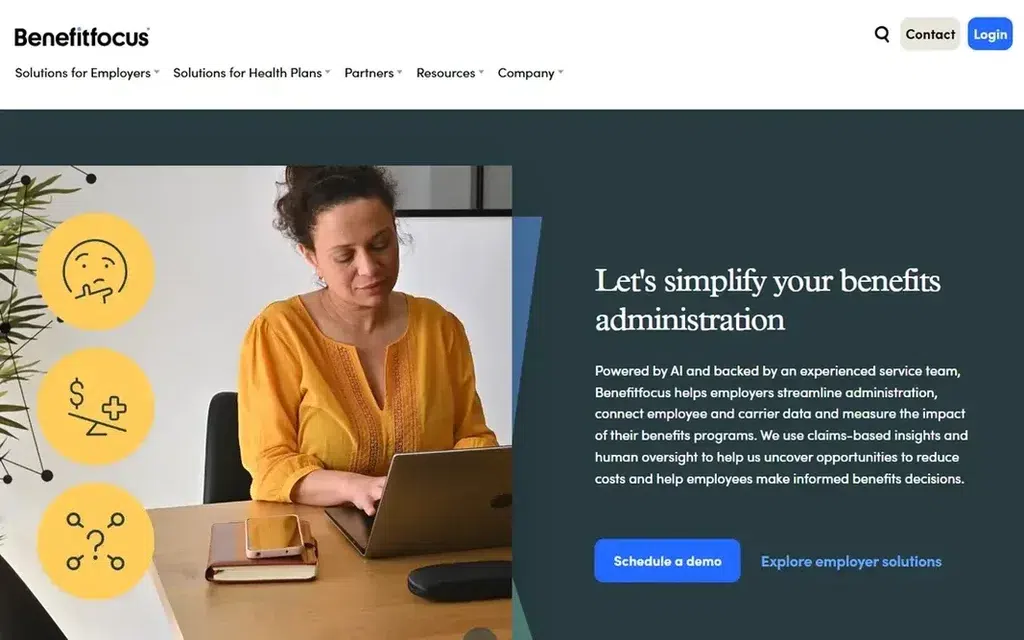
Benefitfocus targets dedicated benefits administration for employers and health plans. Its data-driven approach aims to ease management and boost outcomes.
Where it falls short: Focus on benefits instead of full HR suite.
That said, Benefitfocus focuses primarily on benefits, so it may not handle all HR needs. In daily use, if you need an integrated HR, payroll, and benefits system, consider a broader HCM suite instead. Pricing for Benefitfocus is not stated here, so ask the vendor for current figures. On free options: Not stated.
- Supports employers and health plans
- Data-driven benefits management
- May need integration with existing HR systems
Choose Justworks for small firms needing PEO and HR support. Justworks is a professional employer organization (PEO) that merges easy-to-use HR software with real human support.
What to check first: Restricted customization for bigger businesses.
It takes care of payroll and benefits, making it well suited to small companies that want to offload administrative tasks. Worth adding: if you prefer to retain full control or have complex needs, a different option might be better. Justworks does not show a starting price in this comparison, so check the vendor site for current pricing. Free access: Not stated.
- Merges HR software with human support
- Aimed at small companies
- PEO model may not suit all companies
TriNet is designed for HR outsourcing with payroll and benefits. Consider alternatives if you prefer standalone software. Worth adding: like other PEOs, TriNet's model may not suit businesses that require full control over HR.
Trade-offs to know: May be expensive for small teams.
Also, costs can be higher for very small companies. In practice, TriNet supplies HR solutions including payroll, benefits, risk management, and compliance in one place. It serves as a PEO, offering outsourced HR support. TriNet shows no starting price here, so confirm the cost on the vendor site. On free options: Not stated.
- Thorough HR options
- Contains payroll, benefits
- PEO model may limit adaptability
How we chose
We compared the tools on published pricing, free plan or trial availability, feature coverage for health benefits software, and the limits each vendor documents. Where a price is missing, the vendor does not list one publicly or ties it to a quote. Always confirm before budgeting. Position on the page reflects fit for a typical buyer first, with price clarity and free access breaking ties. Treat it as a guide, not a ruling.
Pre-purchase checklist
- Get a written quote from ADP Workforce Now, Benefitfocus, Justworks and TriNet; the list shows no starting price for them.
- Before choosing Rippling, weigh its main limit: may be overwhelming for very small teams.
- Run a one or two week pilot of Justworks with the people who will use it every day.
- Compare total cost, not headline price: for Rippling, add extra seats, add-ons and any usage-based charges.
- Make sure TriNet lets you export your data in a format another tool can read.
FAQ
Can I try these options before paying?
Not by default. None of the tools, from Rippling to TriNet, lists a free plan or a free trial here, so ask each vendor for a demo before committing.
Do these tools publish their prices?
Not all of them. ADP Workforce Now, Benefitfocus, Justworks and TriNet publish no starting price, so expect a quote request for those. The rest, Rippling included, show a starting price, though seats and billing terms still change the final cost.
Is Rippling the right pick for everyone comparing health benefits software?
No single tool suits every team. Rippling comes first because it fits unified HR, IT, and finance on one platform, while ADP Workforce Now suits businesses seeking integrated payroll, HR, and benefits and Benefitfocus suits dedicated benefits administration for employers and health plans. Match the tool to your own size, budget and workflow before deciding.
Does any tool for health benefits software here have a free plan?
No tool in this list, Rippling and TriNet included, has a permanent free plan. Trials and quotes are the usual route, so plan a short evaluation period.
What is health benefits software?
Health benefits software helps employers administer employee health insurance and related benefits, including enrollment, compliance, and communication. It can be standalone or part of a broader HR system.
Sources
- https://www.rippling.com
- https://www.adp.com
- https://www.benefitfocus.com
- https://www.justworks.com
- https://www.trinet.com