Choosing Benefits Decision Support Software in 2026: 6 Options Compared
6 products for the best benefits decision support software, ranked by fit, with starting costs and free tiers. Pros and cons for every tool. Pick by budget.
- Editor's choice
 PlanSource
HR teams needing guided benefits administration
Starts atSee websiteVisit plansource.comFull review - Great alternative
 Rippling
Unified HR, IT, and finance system
Starts at$8 per employee a monthVisit rippling.comFull review - Also considerAlegeus
Consumer-directed benefits and account support
Starts atSee websiteVisit alegeus.comFull review
Direct answer
PlanSource leads the list, best for HR teams needing guided benefits administration. Listed starting prices: Rippling from $8 per employee a month. Alternatives: Rippling for unified HR, IT, and finance system, and Alegeus for consumer-directed benefits and account support. Prices, free plans and limits for all 6 tools follow.
TL;DR:
- PlanSource sits first on this list: HR teams needing guided benefits administration.
- What to know about ADP first: several products can complicate selection.
- Neither PlanSource nor Benefitfocus, nor any of the other 4 tools, has a permanent free plan; trials and quotes are the norm.
- The lowest published monthly entry price here is $8 per employee per month, from Rippling.
- Benefitfocus suits data-driven benefits for employers and health plans.
Last checked November 2026. Prices and plan details were read from the vendors' own pages in November 2026; vendors change plans often, so confirm the current price on the vendor site before you buy.
Quick comparison
| Tool | Best for | Starts at | Free plan? | |
|---|---|---|---|---|
| PlanSource | HR teams needing guided benefits administration | See website | Not stated | Visit |
| Rippling | Unified HR, IT, and finance system | $8 per employee a month | Not stated | Visit |
| Alegeus | Consumer-directed benefits and account support | See website | Not stated | Visit |
 ADP | Payroll-integrated benefits for all sizes | See website | Not stated | Visit |
| UKG | Workforce intelligence with HR and payroll | See website | Not stated | Visit |
 Benefitfocus | Data-driven benefits for employers and health plans | See website | Not stated | Visit |
Benefits Decision Support Software, one by one
If you are comparing benefits decision support software, this page covers 6 tools in one place: what each is best for, what it costs to start, whether it has a free plan, and the main limit to know about.
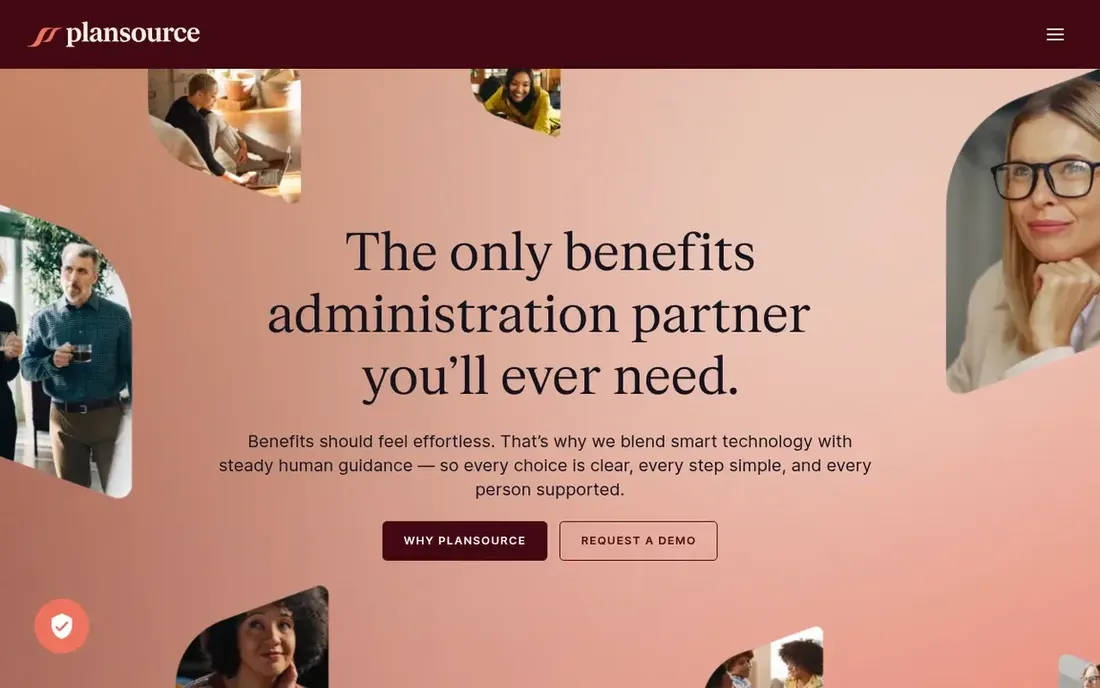
PlanSource is designed for HR teams needing guided benefits administration. PlanSource is primarily a benefits administration tool, so organizations seeking a full HR and payroll suite may need extra systems.
Drawbacks to consider: May need implementation effort.
- Benefits administration software for HR
- Easy benefits positioning
- Less suited to very small teams
Rippling targets unified HR, IT, and finance product. Consider Rippling when you want to unify HR, IT, and finance operations with benefits included.
Beyond that, Rippling combines HR, IT, and finance apps on a unified data product, with benefits administration available as part of its workforce management system. On top of that, Rippling is a wide workforce management system, so benefits decision support is one part of a bigger suite. On cost, Rippling starts like this: $8 per employee per month. Trial and free access: Not stated.
The main drawbacks: May be more than needed for benefits alone.
- Unified data system
- HR, IT
- Benefits support is part of a broader suite
Alegeus
Best for: Consumer-directed benefits and account support
Alegeus makes the most sense for consumer-directed benefits and account support. Alegeus is a benefits administration system centered on consumer-directed accounts and decision support.
If you need a wide HR suite with payroll and talent management in one place, a wider product may be a better fit. Pricing for Alegeus is not stated here, so ask the vendor for current figures. Free plan details: Not stated.
The main drawbacks: Restricted public detail on homepage.
- Supports consumer-directed benefit accounts
- Decision tools for plan selection
- May suit account-based plans more than general HR
ADP makes the most sense for payroll-integrated benefits for all sizes. ADP gives you payroll, tax, HR, and HCM options for firms of every size, with benefits administration often available alongside payroll. In daily use, ADP's range of products means the benefits experience can differ based on which option you use.
It is not solely a benefits decision support tool, so evaluate the specific module you need. ADP is widely known for scaling from small companies to bigger employers. From a buyer's view, choose ADP when payroll integration and a single provider for HR and benefits are priorities. ADP shows no starting price here, so confirm the cost on the vendor site. As for free access: Not stated.
Points against: Several products can complicate selection.
- Scales from small to large employers
- Benefits tied to payroll data
- Service experience varies by product
UKG
Best for: Workforce intelligence with HR and payroll
UKG is a good fit for workforce intelligence with HR and payroll. UKG is a wide workforce product, so benefits decision support is one component among plenty of.
Trade-offs to know: Wide suite may need configuration.
UKG gives you an HR, pay, and workforce management system with workforce intelligence made for modern operations. For everyday use, benefits administration is usually part of its broader HCM capabilities, making it a fit for organizations that want benefits decisions connected to workforce data. UKG does not show a starting price in this comparison, so check the vendor site for current pricing. Trial and free access: Not stated.
What works well: Aimed at modern operations.
- Workforce intelligence product
- HR, pay
- Not a dedicated benefits-only tool
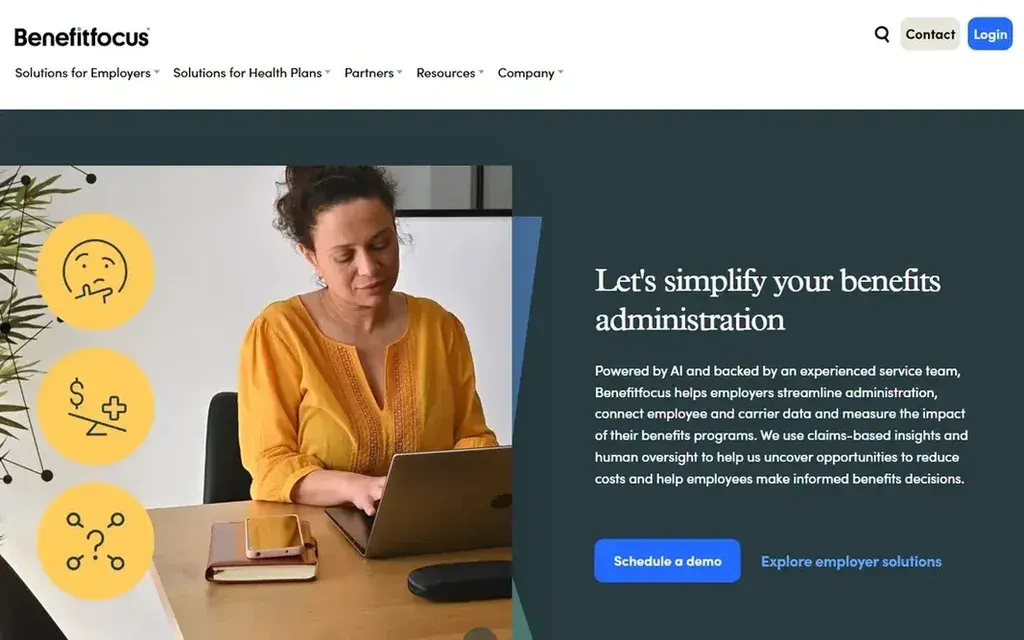
Benefitfocus serves data-driven benefits for employers and health plans. It is not a full payroll or HR suite on its own.
Check the vendor site for Benefitfocus pricing; none is listed in this comparison. As for free access: Not stated.
The main drawbacks: Enterprise focus may not suit small teams.
- Data-driven benefits management
- Serves employers and health plans
- Implementation can be involved
Selection criteria
The comparison looks at four things: starting price, free access, how well the feature set matches benefits decision support software, and the main limit of each tool. Figures are shown as the vendors publish them. Billing terms, seat minimums and add-ons can change the real cost. Tools are placed by general fit for benefits decision support software, with price clarity and free access as tie-breakers. A different team can reasonably rank them differently.
Questions to settle before buying
- Get a written quote from PlanSource, Alegeus, ADP and others; the list shows no starting price for them.
- Before choosing PlanSource, weigh its main limit: may need implementation effort.
- Check whether Rippling bills monthly or annually, and what cancelling early costs.
- List the apps you already depend on and check that ADP supports each one on the plan you would buy.
- Work out what PlanSource costs with your real seat count, add-ons and usage, not just the entry price.
FAQ
Do these tools publish their prices?
Not all of them. PlanSource, Alegeus, ADP and others publish no starting price, so expect a quote request for those. The rest, Rippling included, show a starting price, though seats and billing terms still change the final cost.
How should I evaluate benefits decision support features?
Look for plan comparison tools, cost estimators, and guided enrollment support that match your employee population. Also consider reporting and data insights for HR. On top of that, request a demonstration to see how decision support works in practice.
Is PlanSource the right pick for everyone comparing benefits decision support software?
No single tool suits every team. PlanSource comes first because it fits HR teams needing guided benefits administration, while Rippling suits unified HR, IT, and finance platform and Alegeus suits consumer-directed benefits and account support. Match the tool to your own size, budget and workflow before deciding.
Does any tool for benefits decision support software here have a free plan?
No tool in this list, PlanSource and Benefitfocus included, has a permanent free plan. Trials and quotes are the usual route, so plan a short evaluation period.
How are the tools for benefits decision support software ordered?
The order follows typical fit for benefits decision support software, with PlanSource first and Benefitfocus last, then price clarity and free access. It is editorial judgement, not a score, so another team could rank the tools differently.
Sources
- https://www.plansource.com
- https://www.rippling.com
- https://www.alegeus.com
- https://www.adp.com
- https://www.ukg.com
- https://www.benefitfocus.com