Choosing Benefits Administration Software for Mid-Size Employers in 2026: 5 Options Compared
5 best benefits administration software for Mid-Size employers, with entry costs, free tiers and the buyer each one serves. Each tool gets a one-line verdict.
- Editor's choice
 Paycom
Single-database HR and payroll automation
Starts atSee websiteVisit paycom.comFull review - Great alternative
 BambooHR
Lean HR teams managing benefits
Starts at$10 per employee per monthVisit bamboohr.comFull review - Also consider
 Workday HCM
Unified HR, finance and benefits
Starts atSee websiteVisit workday.comFull review
Direct answer
Start with Paycom if you need single-database HR and payroll automation. Listed starting prices: BambooHR from $10 per employee per month and Rippling from $8 per employee a month. For a different need, BambooHR covers lean HR teams managing benefits and Workday HCM covers unified HR, finance and benefits. The full list of 5 tools follows, with prices and free plan facts.
TL;DR:
- The list opens with Paycom, aimed at single-database HR and payroll automation.
- The main caution on UKG Pro: breadth can slow initial setup.
- Paycom, Rippling and the 3 others all need a premium plan or a trial, since no free plan is listed.
- For benefits tied to HR, IT and finance, Rippling is worth a look.
- Starting prices begin at $8 per employee per month with Rippling.
Last checked November 2026. Prices and plan details were read from the vendors' own pages in November 2026; vendors change plans often, so confirm the current price on the vendor site before you buy.
Quick comparison
| Tool | Best for | Starts at | Free plan? | |
|---|---|---|---|---|
| Paycom | Single-database HR and payroll automation | See website | Not stated | Visit |
| BambooHR | Lean HR teams managing benefits | $10 per employee per month | No | Visit |
| Workday HCM | Unified HR, finance and benefits | See website | Not stated | Visit |
 UKG Pro | Workforce-heavy mid-sized operations | See website | Not stated | Visit |
 Rippling | Benefits tied to HR, IT and finance | $8 per employee a month | Not stated | Visit |
Our 5 benefits administration software for Mid-Size employers
LinkVetted put together this guide to benefits administration software for Mid-Size employers for readers who want a clear shortlist without reading every vendor page. It compares 5 tools on starting price, free plans, who each one suits and where each one falls short.
Pick Paycom if this describes you: single-database HR and payroll automation. Paycom presents itself as HR and payroll software that automates decisions across the employee life cycle in a single database.
Worth adding: for mid-sized employers, that means benefits enrollment, payroll deductions and record changes stay connected instead of synchronized between systems. Check the vendor site for Paycom pricing; none is listed in this comparison. Free options: Not stated.
Where it is weaker: Less adaptable for unusual workflows.
- Automation across the employee life cycle
- Benefits and payroll in one database
- Vendor-driven implementation approach
BambooHR works best for lean HR teams managing benefits. Employees get self-service access to benefits information alongside their core HR profile.
For everyday use, if you need advanced scheduling or global payroll, look at a bigger suite. Entry price for BambooHR: $10 per employee per month. BambooHR has no permanent free option.
Drawbacks to consider: Less depth for complicated benefits structures.
- Benefits alongside core HR and payroll
- Approachable interface for HR teams
- Restricted fit for highly global needs
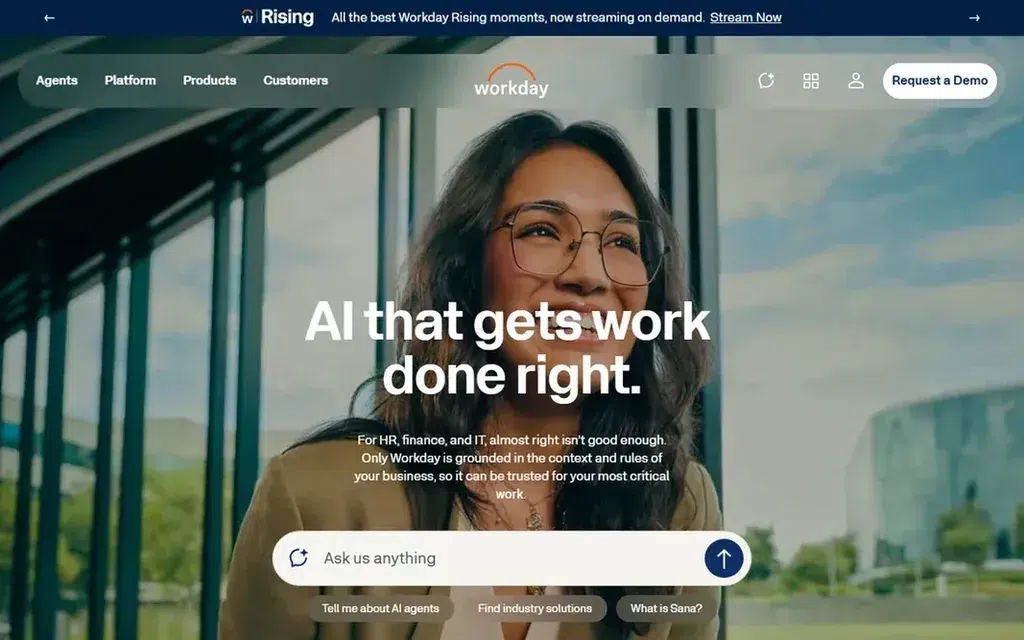
Workday HCM is aimed squarely at unified HR, finance and benefits. If you need quicker setup with lighter overhead, a more straightforward HR suite may serve you better.
In daily use, choose Workday HCM when integration depth and long-term scalability matter more than speed to launch. Workday HCM does not show a starting price in this comparison, so check the vendor site for current pricing. As for free access: Not stated.
Limits to weigh: Implementation effort is significant.
- Benefits sit inside one HR and finance system
- Solid reporting and analytics depth
- Configuration can be complicated
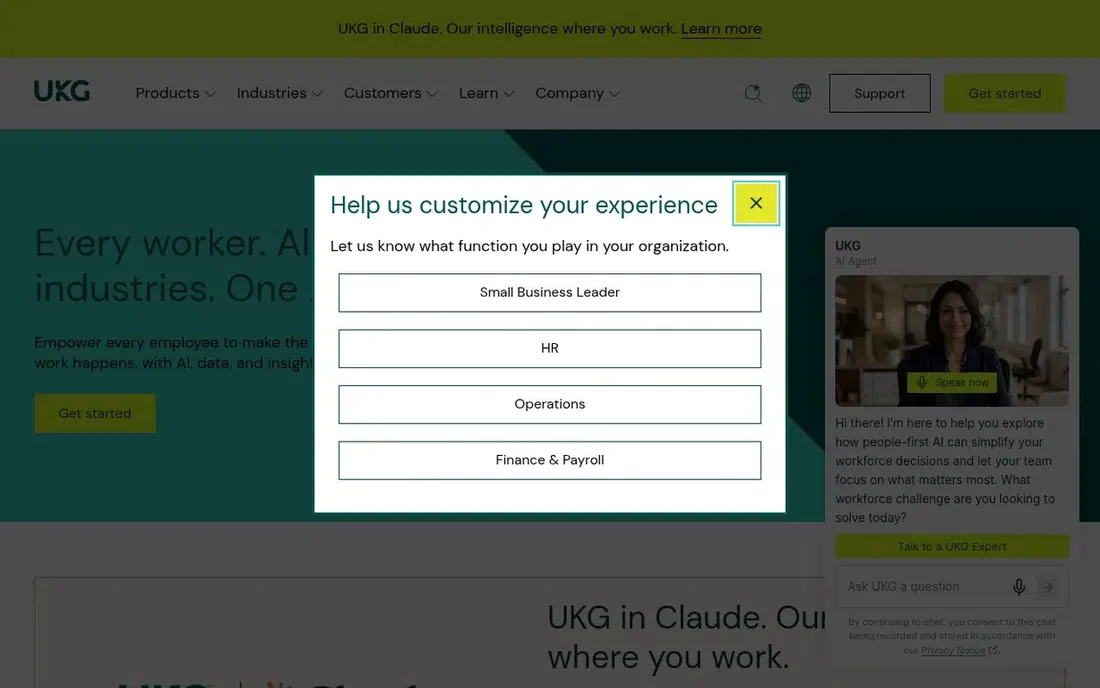
UKG Pro is aimed squarely at Workforce-heavy mid-sized operations. Because the platform spans payroll, time and benefits, initial setup and process design take planning.
Limits to weigh: May be more than straightforward offices need.
Worth adding: UKG Pro is an HR, pay and workforce management product built around workforce intelligence for modern operations. Pricing for UKG Pro is not stated here, so ask the vendor for current figures. Free plan details: Not stated.
- Fits complicated scheduling environments
- Benefits combined with payroll and time
- Breadth can slow initial setup
Rippling works best for benefits tied to HR, IT and finance. If benefits administration is your only need, a more straightforward HR suite may be quicker to adopt.
Trade-offs to know: May exceed entry-level benefits needs.
The starting price for Rippling: $8 per employee per month. On free options: Not stated. What users get: Unified HR.
- Benefits connected to device and app access
- IT and finance data system
- Very wide scope to configure
How we compared the tools
We compared the tools on published pricing, free plan or trial availability, feature coverage for benefits administration software for Mid-Size employers, and the limits each vendor documents. Where a price is missing, the vendor does not list one publicly or ties it to a quote. Always confirm before budgeting. We ordered the tools by general fit, then by how clearly pricing is shown, then by free access. A buyer with unusual needs may reorder them.
Things to verify first
- Ask Paycom, Workday HCM and UKG Pro for a written quote, since no starting price is shown.
- Before choosing Paycom, weigh its main limit: vendor-driven implementation approach.
- See whether BambooHR offers onboarding or training, and whether it is included in the price.
- Map your must-have features to a specific Paycom plan before you compare prices.
- Get the contract term, renewal terms and any onboarding fees from Workday HCM in writing.
FAQ
Do these tools publish their prices?
Not all of them. Paycom, Workday HCM and UKG Pro publish no starting price, so expect a quote request for those. The rest, BambooHR included, show a starting price, though seats and billing terms still change the final cost.
How long should implementation take for a mid-sized employer?
Timelines vary with the number of benefits plans, carrier integrations and payroll complexity, so ask each vendor for a scoped plan. Broader systems normally need more configuration and internal staff time than focused HR suites.
Can I try these tools before paying?
Not by default. None of the tools, from Paycom to Rippling, lists a free plan or a free trial here, so ask each vendor for a demo before committing.
What is the cheapest option for benefits administration software for Mid-Size employers in this list?
On published monthly entry prices, Rippling is the lowest here at $8 per employee per month. Entry price is only part of the cost, because seats, add-ons and billing terms can change the total. Each of the 5 options in this benefits administration software for Mid-Size employers guide has its own card above with the price, free plan and limits.
How are the tools for benefits administration software for Mid-Size employers ordered?
Paycom sits first and Rippling last because the order follows typical fit for benefits administration software for Mid-Size employers, then price clarity and free access. It is a judgement call, so read each profile for fit and limits.
Sources
- https://www.paycom.com
- https://www.bamboohr.com
- https://www.workday.com
- https://www.ukg.com
- https://www.rippling.com