Best All-in-One HR Platforms for Mid-Market in 2026: 8 Platforms Compared
Compare the best all-in-one hr platform for mid-market companies in 2026, with payroll, benefits, hiring and analytics for 50 to 1,000 staff and pricing.
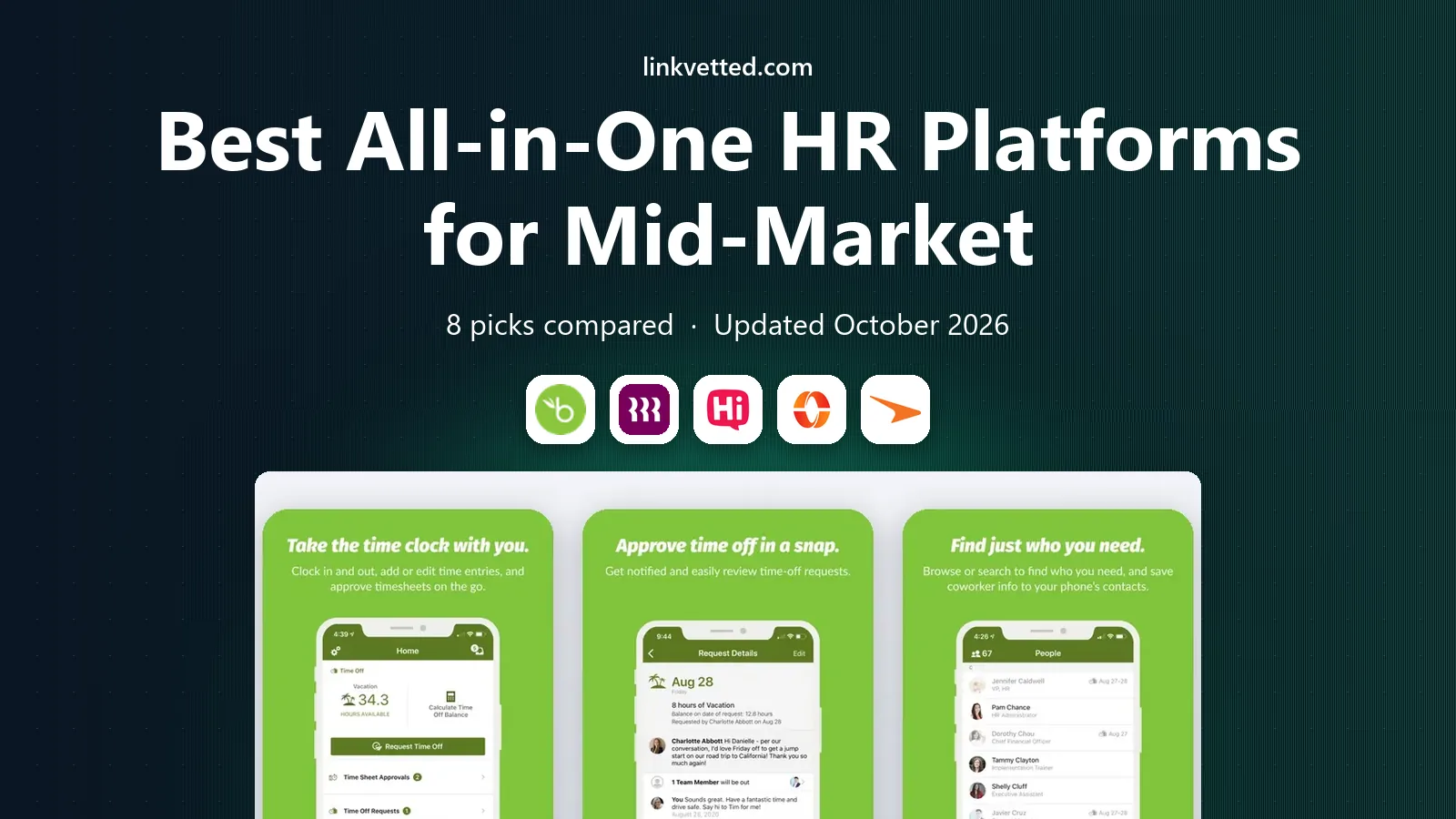
- Editor's choice
 BambooHR
Clear HR records and steady hiring
Starts at$10 per monthVisit bamboohr.comFull review - Great alternative
 Rippling
HR, payroll and IT in one system
Starts at$8 per monthVisit rippling.comFull review - Also consider
 HiBob
People analytics and employee experience
Starts atSee websiteVisit hibob.comFull review
TL;DR:
- BambooHR and Rippling are our top picks for mid-market teams that want a clear system of record with room to add payroll and benefits.
- HiBob suits mid-market companies that value people analytics, compensation planning and a modern employee experience.
- Paylocity, Paycor and UKG Pro fit larger mid-market employers with complex scheduling, time and compliance needs.
- ADP Workforce Now and Paycom are the safest enterprise-grade options for companies heading toward 1,000 or more employees.
- Mid-market pricing is mostly quote-based beyond the published leaders, so compare full quotes for the same modules.
Quick comparison
| Tool | Best for | Starts at | Free plan? | |
|---|---|---|---|---|
| BambooHR | Clear HR records and steady hiring | $10 per month | Free trial | Visit |
| Rippling | HR, payroll and IT in one system | $8 per month | Free trial | Visit |
| HiBob | People analytics and employee experience | See website | No | Visit |
 Paylocity | Engagement plus payroll and time | See website | No | Visit |
 Paycor | HR plus scheduling and analytics | See website | No | Visit |
 UKG Pro | Enterprise-grade workforce management | See website | No | Visit |
 ADP Workforce Now | Large mid-market companies heading to enterprise scale | See website | No | Visit |
 Paycom | Single-database HR and payroll | See website | No | Visit |
The best all-in-one hr platforms for mid-market
Mid-market means roughly 50 to 1,000 employees, where spreadsheets stop working but enterprise software can feel heavy. We compared HR records, payroll, benefits, hiring, time tracking and analytics for platforms built for that range.
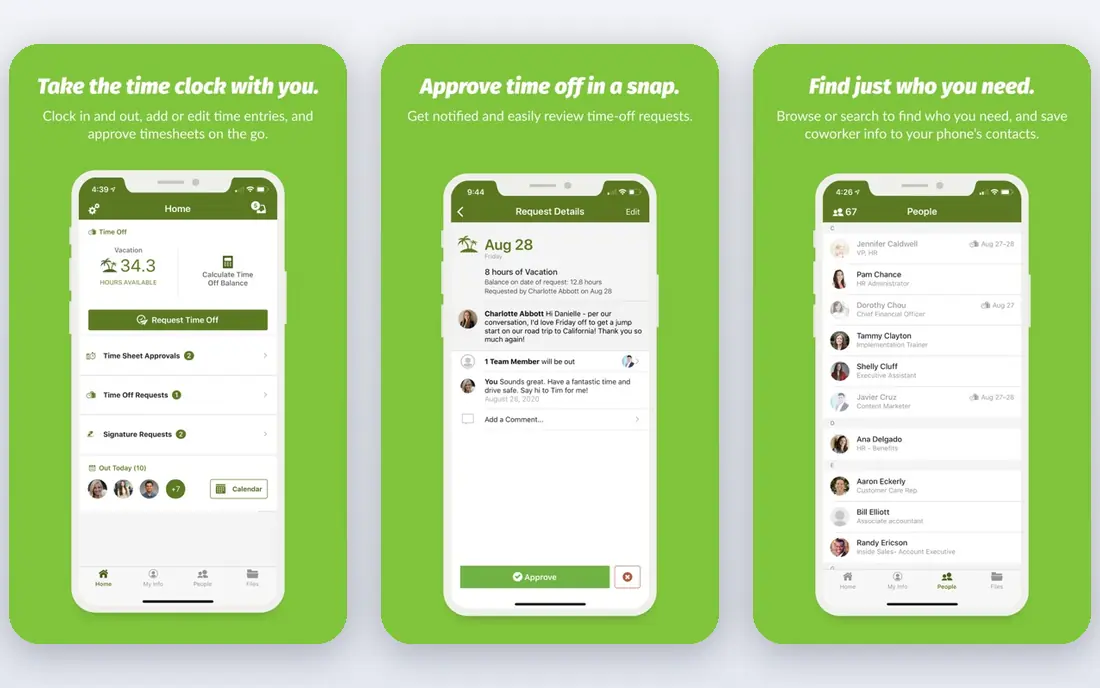
BambooHR Core starts at $10 per employee per month above 25 employees, with a flat rate from $250 per month for smaller teams. Pro at $17 adds performance tools and more job postings, while Elite at $25 adds compensation management and deeper analytics. For a mid-market team, Pro is often the sweet spot, since performance reviews and 1:1 tools sit at that level.
The platform covers employee records, hiring, onboarding, time off, benefits tracking and reporting in one place, with over 150 integrations. Payroll and benefits administration are add-ons, so the total cost depends on whether you buy them from BambooHR or keep a separate payroll provider. Implementation typically takes four to six weeks, which is manageable for a mid-sized team.
- Published core pricing
- Strong onboarding, time-off and reporting tools
- 7-day free trial
- Payroll and benefits are quoted add-ons
- Global payroll runs through a partner
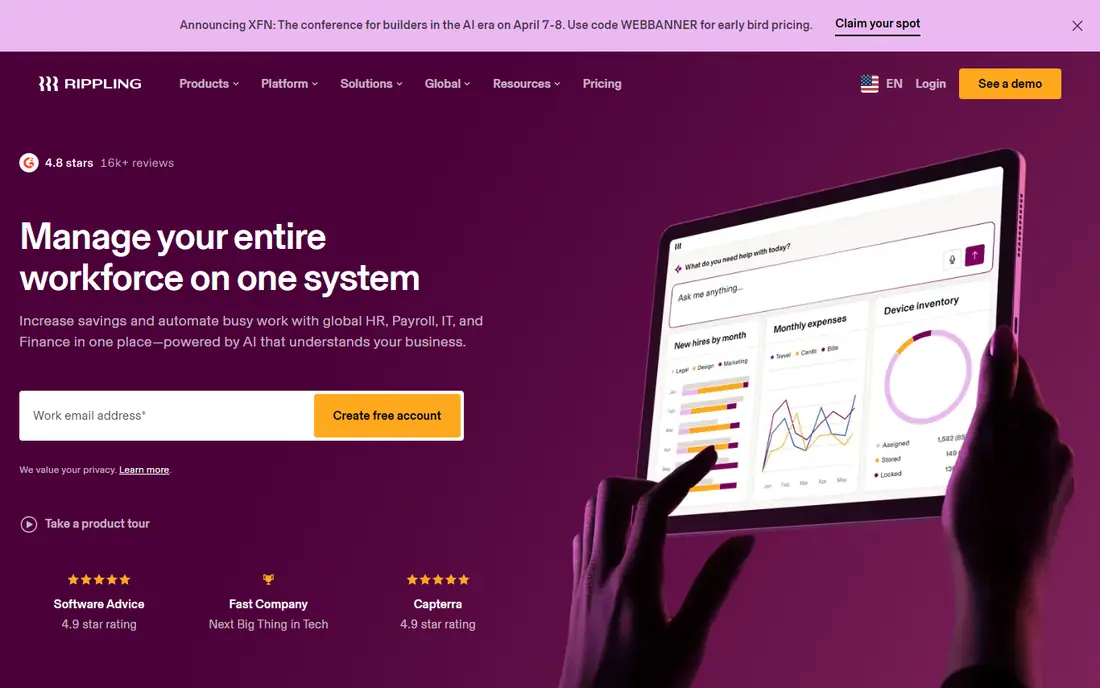
Rippling core starts at $8 per employee per month plus a $40 monthly base fee, with payroll, benefits, time and IT modules priced on top. The advantage for a mid-market company is automation: a single change to an employee record can update payroll, benefits, app access and device management together. Onboarding workflows can provision accounts and devices without manual tickets for each system.
Rippling also offers global payroll and employer of record services, which helps a mid-market company that starts hiring abroad. The budgeting challenge is the modular model, since each product adds a line to the quote. Ask for pricing at your current headcount and at your expected headcount in two years, with every module you plan to use.
- One record drives HR, payroll, benefits and IT
- Strong automation
- Global hiring options
- Modular pricing varies by quote
- Costs rise as modules are added
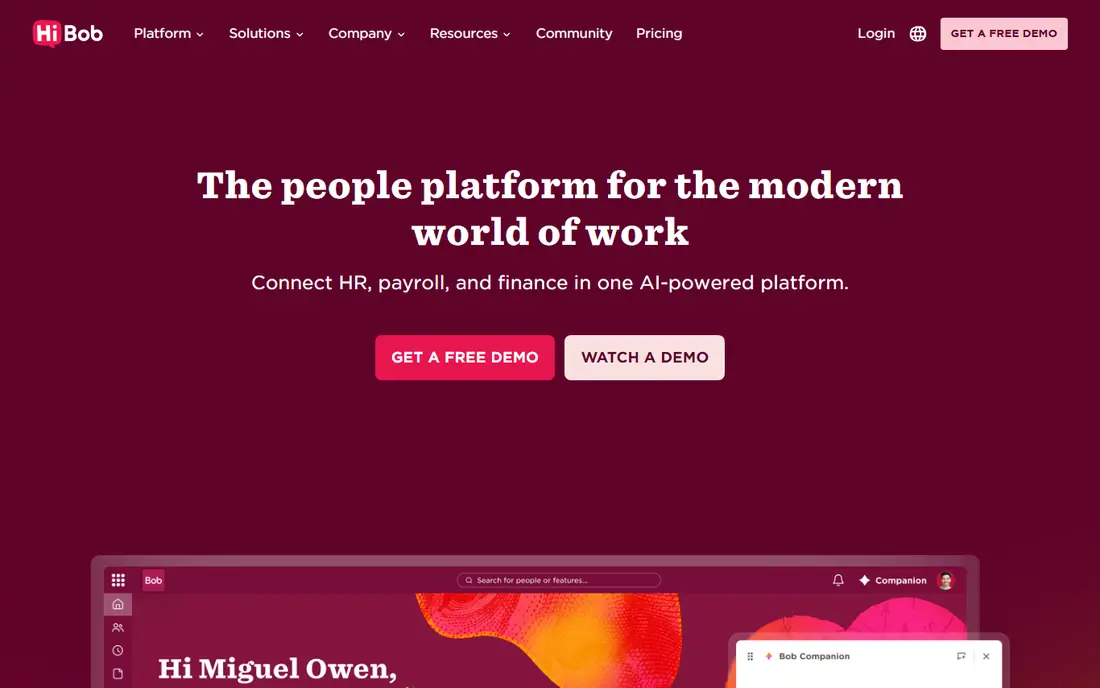
HiBob is built for companies in the roughly 50 to 2,000 employee range, which puts it squarely in the mid-market. Its product, Bob, combines core HR, onboarding, time off, performance, compensation planning and engagement surveys with analytics dashboards covering headcount, attrition and pay patterns. The feed-style home page encourages staff to use it, which improves data quality.
HiBob does not include native payroll, instead integrating with ADP, Paychex, Gusto, Paylocity and other payroll providers. That suits HR-led teams that are happy to keep payroll separate. It also means total cost includes both HiBob and payroll, so compare the combined figure against an all-in-one payroll platform before deciding.
- Modern interface with high adoption
- Analytics, compensation and surveys built in
- Multi-country support
- Pricing is quote-only
- No native US payroll
Paylocity covers payroll, HR, time and labour, talent, benefits and employee experience, with finance and IT modules added through Airbase. For a mid-market employer, the combination of payroll accuracy and employee engagement tools is the draw: managers can run payroll, track time and communicate with staff from one system, while employees use one app for pay, time and benefits.
Pricing is custom, with a nonrefundable implementation fee and some items such as W-2 preparation billed separately. Third-party estimates place the full suite in a mid-range per-employee band, but your quote will depend on headcount and modules. Ask for a line-by-line quote and check which engagement features are included at your tier.
- Broad HCM suite with payroll, time and talent
- Engagement and communication tools
- Many integrations
- Pricing is quote-only
- Implementation fees apply
Paycor serves companies under 50, from 50 to 1,000, and above 1,000 employees, with five plans from Basic to Complete plus an administrative services organisation option. The suite covers HR and payroll, talent acquisition and management, workforce management including time and scheduling, benefits administration and analytics. That breadth suits mid-market employers with shift staff, multiple locations or complex time rules.
The plan range is flexible but can confuse comparison, since the same feature may sit at different tiers across vendors. Request quotes for the same scope from each shortlisted vendor, including scheduling, benefits and analytics. Paycor also offers expense management, which may replace a separate tool for some teams.
- HR, payroll, talent, time, scheduling and benefits in one suite
- Analytics
- Five plan levels
- Pricing is quote-only
- Plan differences need careful comparison
UKG Pro, formerly UltiPro, is positioned for enterprise organisations but is also used by larger mid-market employers with complex needs. It covers HR, HR service delivery, payroll, talent, time and attendance, scheduling and strategic workforce planning. That depth helps companies with varied pay rules, multiple unions or complex scheduling, where simpler tools start to strain.
Implementation fees are often higher than for smaller platforms, reflecting greater configuration. Pricing is quoted per company, and multi-year discounts are common. UKG Pro is best shortlisted when workforce complexity is the main problem, rather than when a simple HR record is enough.
- Deep HR, payroll, talent, time and scheduling tools
- Workforce planning
- Strong compliance support
- Pricing is quote-only
- Implementation can be longer and more costly than simpler platforms
ADP Workforce Now is a safe choice for a mid-market company that expects to keep growing. It handles multi-state payroll, benefits administration, time tracking, talent tools and compliance reporting in one suite, with the backing of a large vendor that serves employers of all sizes. That scale matters when headcount, locations and regulatory complexity all rise together.
Smaller mid-market teams may find the interface and implementation heavier than BambooHR or Rippling. Pricing requires a sales conversation, and support experience can vary by account size. For a company planning to pass 500 or 1,000 employees, ADP offers a path that does not require another system change soon.
- Very broad coverage across HR, payroll, time, talent and benefits
- Strong compliance and tax handling
- Proven at scale
- Pricing is quote-only
- Can feel heavy for teams at the smaller end of mid-market
Paycom runs HR, payroll, talent and time from a single database, so data entered once flows through the whole system. Employees manage time, leave, pay and benefits from one self-service app, while managers approve changes that update payroll directly. That structure reduces errors that come from syncing separate HR and payroll systems.
Paycom targets mid-market and enterprise employers and does not publish prices. Its integration catalogue is narrower than some competitors, so check connections to your applicant tracking, benefits carriers and accounting systems early. For a team that values payroll accuracy and self-service over a large app marketplace, Paycom is a strong option.
- One database for HR, payroll, talent and time
- Strong employee self-service
- Compliance tools
- Pricing is quote-only
- Integration depth is narrower than some rivals
How we picked these
We compared official product pages, HR and payroll coverage, hiring and talent tools, time and scheduling depth, analytics and mid-market positioning. We kept platforms that combine HR records with payroll (native or as a clear add-on) and at least one of talent, time or analytics, since mid-market teams need more than a record store. We left out small-business-only tools and enterprise-only suites with no mid-market track record.
What to check before you choose a mid-market HR platform
Start with headcount and growth. A platform that fits 60 people may charge very differently at 300, and a platform built for 1,000 may be slow to implement at 60. Get quotes at your current size and at your size in two years, and ask whether pricing changes at headcount thresholds.
Payroll, benefits and time in one flow
Test the full cycle: hire, enrol in benefits, record time, run payroll, and report on labour cost. Check that time, differentials and overtime flow into payroll without manual work, and that benefits deductions update automatically. Ask who handles tax registration in new states and what happens when an employee moves location.
Analytics, integrations and data quality
Mid-market leaders need reliable people data for planning. Check reporting on headcount, turnover, time to hire and pay, and whether custom reports are included or paid. Confirm integrations with your recruiting, accounting, identity and benefits systems, and ask how data exports work if you leave.
Implementation, support and contract terms
Ask for a written implementation plan with dates, training for managers and staff, and a named contact. Check support hours, response times and whether a dedicated success manager is included. Review contract length, renewal increases and minimum user counts, since multi-year terms are common at this size.
FAQ
What is the best all-in-one HR platform for mid-market companies?
For most mid-market teams, BambooHR or Rippling are our top picks for clarity and breadth. HiBob is better if analytics and employee experience matter most, while Paylocity, Paycor and UKG Pro suit larger mid-market employers with complex scheduling or compliance needs.
How much does a mid-market HR platform cost?
BambooHR core starts at $10 per employee per month above 25 employees, and Rippling core starts at $8 per employee per month plus a $40 base fee, with modules on top. Most other platforms on this list are quote-only, so a full HR and payroll quote for 100 employees commonly runs into thousands per month depending on modules.
Does mid-market HR software include payroll?
Some platforms include payroll natively, such as Rippling, Paylocity, Paycor, UKG Pro, ADP and Paycom. BambooHR and HiBob offer payroll as an add-on or through integrations, so total cost and setup differ. Confirm whether payroll is native, partner-powered or integrated before comparing prices.
How long does implementation take for a mid-market company?
BambooHR implementations commonly take four to six weeks, and Rippling can go live in one to three weeks for smaller teams. Larger mid-market deployments with payroll, benefits and time configuration often take two to four months. Ask for a timeline tied to your payroll calendar.
Should we choose a platform with native payroll or keep payroll separate?
Native payroll reduces duplicate entry and payroll errors, and it keeps HR and pay data in sync. Separate payroll can work well if you already have a trusted payroll provider or need a specialist. The deciding factor is usually error rate and admin time, not the headline software price.
What should mid-market companies check about analytics?
Check whether headcount, turnover, hiring and pay reports are included, and whether you can build custom reports without paying for a higher tier. Ask for sample reports using your own data structure, and confirm that analytics update from the same HR record that drives payroll.