Best Benefits Administration Software in 2026: 8 Tools Compared
Compare the best benefits administration software for 2026, with open enrollment, carrier links, ACA and COBRA help, and picks for small and large teams.
- Editor's choice
 Rippling
HR, payroll, and benefits in one platform
Starts at$8 per employee per monthVisit rippling.comFull review - Great alternative
 BambooHR
Small teams wanting simple benefits admin
Starts atSee websiteVisit bamboohr.comFull review - Also consider
 Employee Navigator
Benefits-first enrollment and compliance
Starts at$630 per monthVisit employeenavigator.comFull review
TL;DR:
- Rippling and BambooHR suit smaller teams that want benefits inside a wider HR platform, while bswift and Workday suit large, complex employers.
- Employee Navigator is a strong benefits-first pick for brokers and mid-size employers focused on enrollment and compliance.
- Check carrier connections before you buy, because direct EDI and API links reduce manual enrollment errors.
- ACA reporting, COBRA administration, and life-event handling should be included or clearly priced, not discovered as add-ons later.
- Run open enrollment as a pilot with one employee group first, and test plan comparison, elections, and payroll deductions end to end.
Quick comparison
| Tool | Best for | Starts at | Free plan? | |
|---|---|---|---|---|
| Rippling | HR, payroll, and benefits in one platform | $8 per employee per month | No | Visit |
| BambooHR | Small teams wanting simple benefits admin | See website | Free trial | Visit |
| Employee Navigator | Benefits-first enrollment and compliance | $630 per month | No | Visit |
 bswift | Large employers with complex benefits | See website | No | Visit |
 Workday | Enterprise HR and benefits at scale | See website | No | Visit |
 Gusto | Small business payroll plus benefits | See website | Free trial | Visit |
 Namely | Mid-size teams with HR and benefits | See website | No | Visit |
 PlanSource | Benefits shopping and enrollment | See website | No | Visit |
The best benefits administration software
Benefits administration software manages employee enrollment, plan comparison, eligibility, carrier connections, and compliance for health, dental, vision, retirement, and voluntary benefits. The tools below differ in whether benefits are the core product or one module inside a wider HR platform, and that difference should drive your shortlist.
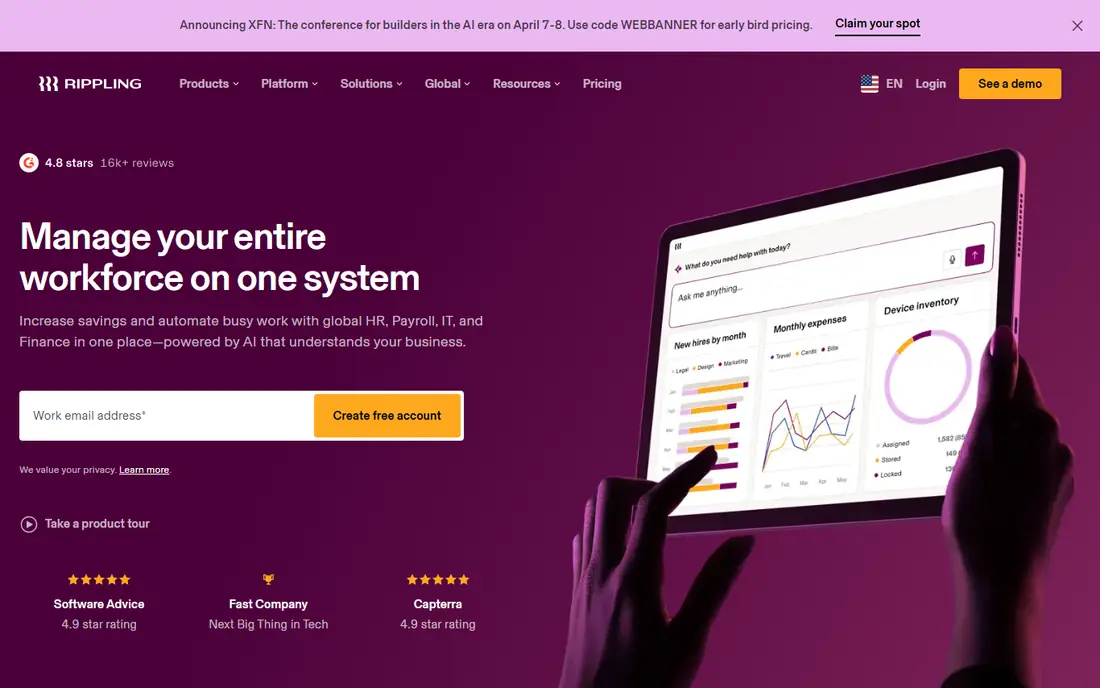
Rippling's Benefits Administration app brings health insurance, FSA, HSA, life, disability, and commuter benefits into the same employee record as payroll and HR. That single record reduces duplicate data entry, and direct EDI and API connections with carriers help keep enrollment data accurate. Employers can bring their own broker, use Rippling's brokerage, or join its PEO, depending on size and needs.
The starting figure of $8 per employee per month is for the benefits module on top of a base fee, so get a full quote for your modules before comparing. Smaller teams may find the breadth more than they need, while growing teams that want HR, IT, and finance together will value the unified model.
- Benefits, payroll, HR, and IT in one record
- Direct carrier connections
- ACA and COBRA tools
- Broker or Rippling brokerage options
- Total price rises as modules are added
- Broader platform takes longer to configure
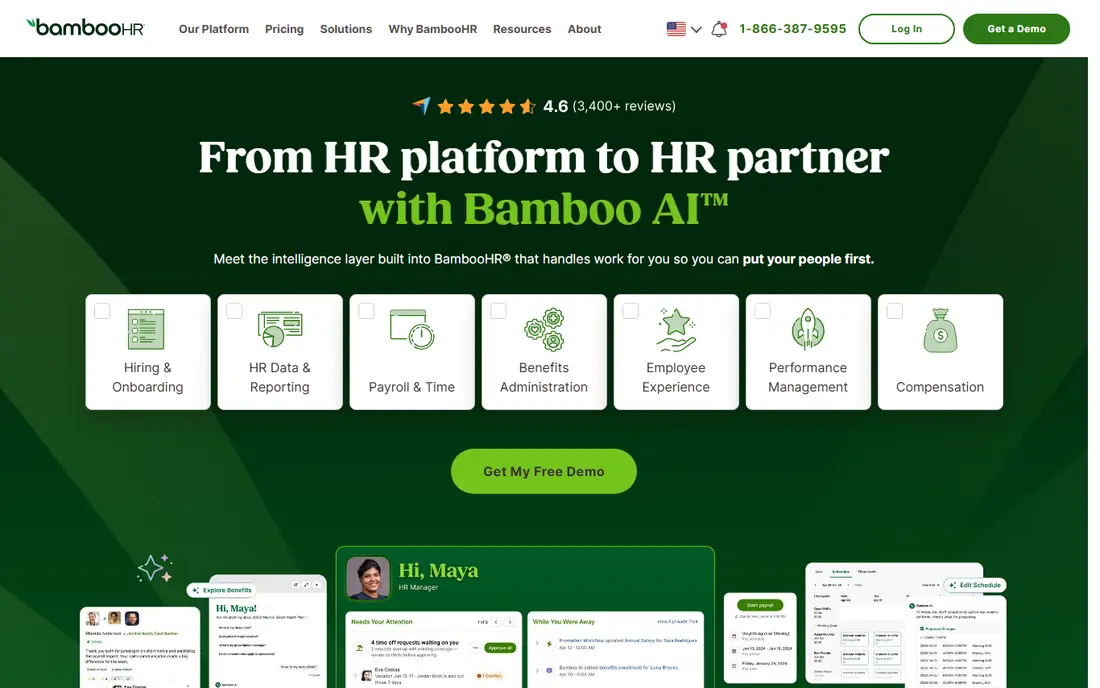
BambooHR adds benefits administration to a friendly HR platform, giving employees a clear view of their plans and HR a simple way to track elections, deductions, and compliance. Open enrollment is straightforward, and the interface is easy for small HR teams without dedicated benefits staff. That simplicity is its main selling point.
Larger employers with complex plan structures, multiple carriers, or detailed ACA needs may outgrow it. If your benefits are standard and your team is small, BambooHR keeps enrollment manageable without a specialist tool. If your plans are complex, compare it against Employee Navigator or bswift before deciding.
- Clear employee benefits view
- Simple open enrollment
- Payroll deduction tracking
- Easy HR integration
- Benefits depth is less than benefits-first tools
- Complex carrier needs may need extra work

Employee Navigator takes a benefits-first approach, with open enrollment, plan comparisons, COBRA administration, and ACA reporting including 1094-C and 1095-C filings built in. Brokers and HR teams use it to manage benefits workflows without third-party add-ons for compliance. The flat monthly starting price makes budgeting predictable.
It is not a full HR, payroll, or IT platform, so teams that want one system for everything will need integrations. For employers whose core problem is benefits and compliance, that focus is a strength, not a weakness. If benefits are your main pain point, Employee Navigator deserves a top shortlist spot.
- Deep benefits and ACA focus
- COBRA administration
- Plan comparison tools
- Broker-friendly workflows
- Predictable flat monthly price
- Narrower HR scope than Rippling or Workday
- Payroll integration depends on partner systems
bswift is a benefits administration platform built for large employers with complex plan designs, multiple employee populations, and detailed compliance needs. It handles enrollment, eligibility, carrier feeds, and ACA compliance at scale, with configurable rules for different employee groups. Large employers and their consultants often choose bswift when a general HR tool cannot handle plan complexity.
Small and mid-size teams will find it heavy and expensive, with implementation timelines to match. If your benefits program is large, multi-state, or highly customized, bswift's depth justifies the effort. If your program is simple, a smaller tool will launch faster and cost less.
- Built for large, complex benefits programs
- ACA compliance support
- Extensive carrier connections
- Configurable enrollment rules
- Quote-only pricing
- Implementation is a project
- Overkill for small teams
Workday puts benefits inside a full human capital management suite, alongside HR, payroll, talent, and workforce planning. That integration suits mid-market and enterprise employers that already run Workday or plan to consolidate HR systems. Benefits enrollment, eligibility, and reporting sit on the same data model as the rest of HR, which reduces reconciliation work.
Workday is not a small-business tool. Pricing is quoted, deployment is handled with Workday or its partners, and implementation is a significant project. For large employers standardizing on one HCM, it is a strong choice. For a team under a few hundred employees, a benefits-first or mid-market HR tool will be faster and cheaper.
- Benefits inside a full enterprise HCM
- Workforce planning
- Global support
- Strong reporting and security
- Quote-only pricing
- Deployment is a major project
- Not suited to small businesses
Gusto is a popular choice for small businesses that want payroll and benefits in one simple platform. Employees can enroll, view deductions, and manage benefits through self-service, while owners get payroll, tax filings, and benefits in one bill. That simplicity suits teams without a dedicated HR person.
Benefits availability and carrier options vary by state, so check what is offered where your employees live before you commit. Teams with complex plans or multi-state compliance needs may need a specialist tool. For a small, single-state team with standard benefits, Gusto is an easy, well-supported start.
- Simple payroll and benefits for small teams
- Health benefits in supported states
- Easy employee self-service
- Clear pricing tiers
- Benefits availability varies by state
- Depth is less than benefits-first platforms
Namely serves mid-size companies that want HR, payroll, and benefits together without enterprise complexity. Its benefits tools cover open enrollment, elections, and deductions, with reporting that helps HR teams track participation and costs. Broker support options help employers that work with an external benefits adviser.
Pricing is quoted, and the integration ecosystem is smaller than larger rivals, so check payroll and carrier connections for your setup. For a mid-size team that has outgrown a small-business tool but does not need Workday, Namely is a balanced middle option.
- HR, payroll, and benefits in one platform
- Open enrollment tools
- Reporting for mid-size teams
- Broker support options
- Quote-only pricing
- Smaller ecosystem than Rippling or Workday
PlanSource focuses on the employee shopping experience, helping staff compare plans, understand costs, and enroll with fewer errors. Behind the scenes, it offers configurable enrollment rules, carrier connections, and ACA support, which helps HR teams manage open enrollment at scale. That employee-facing clarity is its main advantage.
PlanSource is a benefits platform, not a full HR suite, so payroll and wider HR work will come from integrations or a separate system. If your main goal is a better enrollment experience and fewer enrollment errors, PlanSource is a strong pick. If you want one system for all HR, compare it against Rippling and Namely.
- Benefits shopping experience for employees
- Configurable enrollment
- Carrier and payroll connections
- ACA support
- Quote-only pricing
- HR and payroll depth depends on integrations
How we picked these
We compared official product pages, pricing information, and public feature documentation for benefits administration tools operating in the United States in 2026. We favored tools with open enrollment, plan comparison, carrier connections, and ACA or COBRA support, covering both benefits-first platforms and wider HR platforms with strong benefits modules. We excluded payroll-only tools without benefits enrollment and general HR tools with only basic benefits tracking. Prices shown are published figures where available, or a quote-only note where the vendor does not publish a price.
What to check before you buy
Start with your carrier and broker setup. Ask each vendor which carriers it connects to directly, whether connections are EDI or API, and how enrollment errors are handled. A tool without a direct link to your main carriers will create manual work every enrollment cycle.
Next, check compliance coverage in writing. Confirm ACA reporting, COBRA administration, life-event handling, eligibility rules, and audit trails are included in your quoted price. Ask who owns each compliance task, you, your broker, or the vendor, because gaps here cause penalties.
Open enrollment test
Run a pilot enrollment with one employee group, including plan comparison, elections, dependent verification, and payroll deduction checks. Test the employee experience on mobile, because many staff enroll on phones. Check that deductions match elections and that carrier files match payroll before you roll out to the full company.
Employee experience and support
Benefits software fails when employees cannot understand their choices. Look for plain-language plan comparisons, cost estimators, and decision support, plus support during open enrollment peaks. Ask about support hours, response times, and whether support covers employees directly or only HR staff.
FAQ
What is the best benefits administration software?
For small teams, Rippling and BambooHR are strong starts inside wider HR platforms. For benefits-first work, Employee Navigator is a strong pick. For large, complex employers, bswift and Workday offer the depth needed. The best tool depends on company size, plan complexity, and whether you want benefits alone or inside a full HR suite.
What is the best benefits admin software for small business?
Gusto and BambooHR suit small businesses with standard benefits, because they combine benefits with payroll and HR in a simple interface. Rippling also works for growing small teams that expect to add HR and IT modules later. Check state availability and carrier options before you choose.
Does benefits administration software handle ACA reporting?
Many tools do, but coverage varies. Employee Navigator, bswift, Rippling, and Workday all offer ACA tools, while smaller tools may offer basic reporting or rely on a partner. Confirm 1094-C and 1095-C filing, eligibility tracking, and audit support are included in your price, not sold separately.
How much does benefits administration software cost?
Published prices range from $8 per employee per month for Rippling's benefits module plus a base fee, and $630 per month for Employee Navigator, to quote-only pricing for bswift, Workday, Namely, and PlanSource. Total cost depends on employee count, modules, carriers, and implementation, so get a full written quote.
Should I choose a benefits-first tool or an HR platform?
Choose a benefits-first tool such as Employee Navigator, bswift, or PlanSource when benefits complexity and compliance are your main problems. Choose an HR platform such as Rippling, BambooHR, or Namely when you want benefits, payroll, and HR in one record and your benefits are standard. Many employers use a benefits tool alongside an HR platform through integrations.