Best Company Size for a PEO in 2026: 9 PEOs Compared
Best company size for a PEO: this guide lists 9 PEO services that fit different headcounts, from 2-person startups to 500-person companies, with size notes.
- Editor's choice
 Justworks
Teams of 2 to 75
Starts at$79 per employee per monthVisit justworks.comFull review - Great alternative
 Deel PEO
US teams with global hires
Starts at$125 per employee per monthVisit deel.comFull review - Also consider
 Rippling PEO
Teams of 10 to 300
Starts atSee websiteVisit rippling.comFull review
TL;DR:
- This article lists PEO services that fit different company sizes, because the best company size for a PEO depends on which provider you choose.
- Very small teams of 2 to 25 people fit Justworks and Deel best, thanks to published pricing and low minimums.
- Mid-size companies of 50 to 250 people fit TriNet, Insperity, and ADP TotalSource best, thanks to deeper HR support and larger benefit pools.
- There is no single best company size for a PEO: the right size is where admin savings and benefit access beat the per-employee fee for your team.
Quick comparison
| Tool | Best for | Starts at | Free plan? | |
|---|---|---|---|---|
| Justworks | Teams of 2 to 75 | $79 per employee per month | No | Visit |
| Deel PEO | US teams with global hires | $125 per employee per month | No | Visit |
| Rippling PEO | Teams of 10 to 300 | See website | No | Visit |
 TriNet | Teams of 15 to 500 | See website | No | Visit |
 Insperity | Teams of 25 to 500 | See website | No | Visit |
 ADP TotalSource | Teams of 50 to 500 | See website | No | Visit |
 Paychex PEO | Teams of 5 to 500 | See website | No | Visit |
 G and A Partners | Teams of 5 to 250 | See website | No | Visit |
 CoAdvantage | Teams of 10 to 250 | See website | No | Visit |
The best PEOs by company size
This article lists PEO services that fit different headcounts, because the right PEO depends on your company size.
A PEO, or professional employer organization, handles payroll, benefits, tax filings, and HR compliance under a co-employment model. The services below are real PEOs that fit different headcounts, so use the size notes to shortlist, then get a quote based on your census.
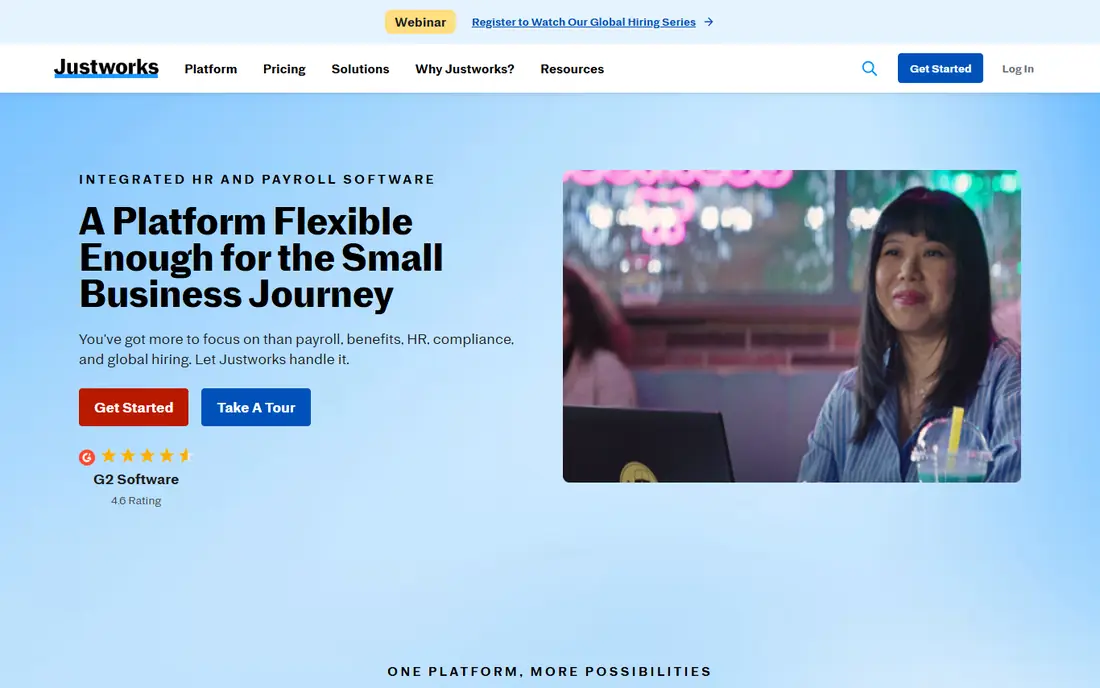
Justworks is the easiest PEO to budget, because it publishes PEO Basic at $79 and PEO Plus at $124 per employee per month in recent October 2026 checks, with no base fee. Its minimum is just 2 W-2 employees, and guides place its sweet spot at 10 to 75 people. That makes it our pick for small teams that want transparent pricing without a sales call.
The catch is that health insurance administration sits in the Plus tier, so a team that wants Justworks medical plans pays the higher price. Larger companies that need a named HR partner may also outgrow Justworks, but for a small team, the clarity is hard to beat.
- Published flat pricing
- Low 2-employee minimum
- Clear Basic and Plus tiers
- Health plans only on Plus tier
- Less hands-on HR support than Insperity
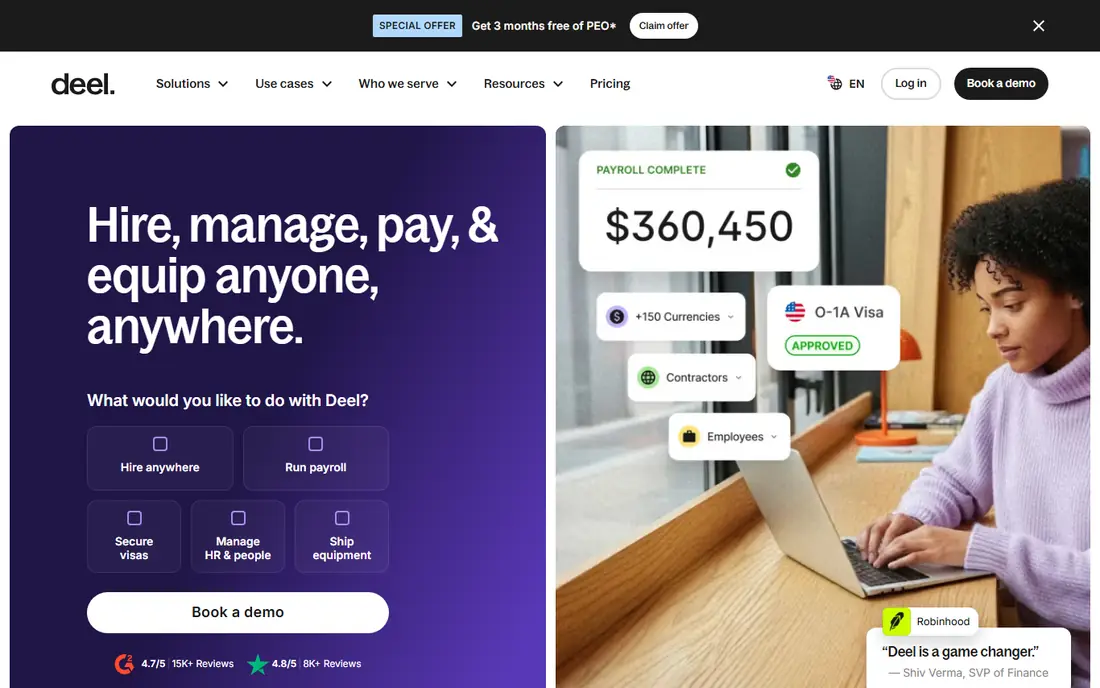
Deel PEO lists $125 per US PEO employee per month, one of only two major PEOs with a published PEO price in recent comparisons. It suits a US team that also hires abroad, because the same platform can handle international contractors and employees alongside the US PEO. Small and mid-size teams that plan global growth fit well here.
The trade is focus. Deel is strongest when global hiring is part of the plan. A US-only team with no global hires may get deeper domestic HR support from TriNet or Insperity, so compare service depth, not just the published price.
- Published US PEO price
- Pairs with global hiring
- Month-to-month list price
- Best for mixed US and global teams
- Less US-only HR depth than larger PEOs
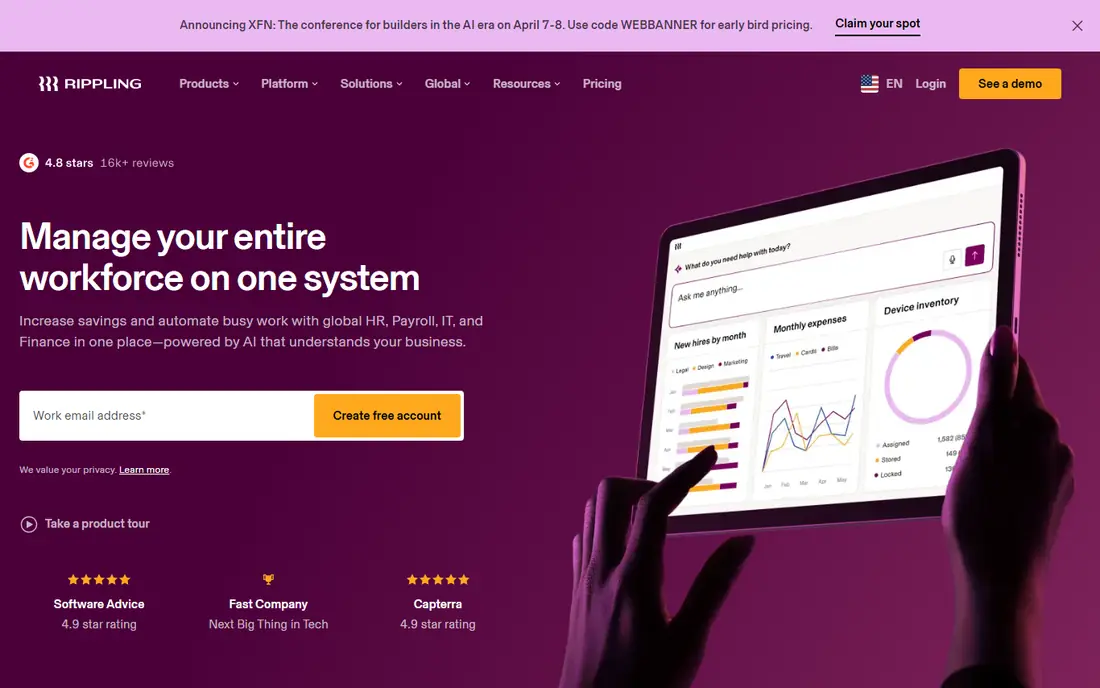
Rippling combines HR, payroll, IT, and device management with an in-house PEO, and guides place its sweet spot at 25 to 300 people, within a 10 to 1,000 range. One useful feature is exit flexibility: you can switch the PEO off and stay on Rippling HR, which reduces the fear of being locked into co-employment.
The downside is quoted pricing, so you cannot budget from the website alone. Recent guides report PEO bundles in a wide range, so get a census-based quote and ask what the flat employee rate covers, including benefits administration and workers compensation.
- HR, payroll, IT, and PEO in one platform
- Easy exit to non-PEO Rippling
- Strong automation
- PEO price is by quote
- IT features may exceed a pure HR need
TriNet serves 5 to 500 employees, with guides placing its sweet spot at 50 to 250, especially in tech, life sciences, and financial services. Industry-specific teams handle compliance and benefits for your sector, which matters for regulated or fast-growing companies. TriNet is also IRS-certified through a subsidiary, a useful trust signal.
The catch is contract and cost. Pricing is by quote, often in the $125 to $208 per employee per month range in third-party estimates, and contracts typically run annually with auto-renewal. Read notice terms before signing, and compare total cost including benefits, not just the admin fee.
- Deep industry verticals
- Strong benefits
- Dedicated HR consultants
- Quoted pricing
- Annual contract that auto-renews
Insperity targets companies from 10 to 5,000 employees, with a sweet spot of 50 to 200 in recent guides. Its strength is service: a dedicated HR business partner backed by regional teams, plus risk management and compliance support. That hands-on model suits a mid-size company that wants advice, not just software.
The downside is price structure. Insperity prices as a percentage of payroll by quote, with third-party estimates around $125 to $167 per employee per month, so total cost rises with salaries. Smaller teams under 25 may find Justworks cheaper and simpler.
- Named HR business partner
- Many regional offices
- Strong service model
- Percentage-of-payroll pricing
- Targets larger small companies
ADP TotalSource is the largest PEO in the US by worksite employees, and guides place its sweet spot at 75 to 200 people, within a 50 to 500 range. Its benefit plans and compliance depth suit a company that has outgrown a small PEO and wants enterprise-grade benefits without building an internal HR team.
The trade is fit for small teams. A 10-person company will likely pay more and get less personal service than with Justworks or Rippling. ADP TotalSource earns its place for companies approaching 100 staff, or planning to scale there fast.
- Largest US PEO by worksite employees
- Fortune 500-quality benefits
- Deep compliance
- Quoted pricing
- Best value at larger headcounts
Paychex PEO starts at 5 employees and serves up to 500, which makes it one of the few large PEOs that still fits a very small team. Its payroll and multi-state tax compliance bench is deep, which helps companies hiring across states for the first time.
The catch is quoted pricing, with third-party estimates around $100 to $150 per employee per month, and a service model that can feel more call-center than dedicated-partner at larger sizes. For a small team that values payroll strength, Paychex is a strong quote to get.
- Starts at 5 employees
- Deep payroll and tax compliance
- Wide service range
- Pricing by quote or percentage
- Service can feel less personal at scale
G and A Partners serves 5 to 250 employees, with a sweet spot of 50 to 200 in recent guides. Its pitch is personal service: dedicated account teams rather than a general support queue, which appeals to owners who want to know their HR contact by name.
The limit is footprint and quoted pricing. Companies outside its core regions should check service coverage first, and all buyers should get a census quote. For a mid-size team that values a named team, G and A is worth a quote alongside TriNet and Insperity.
- Personal service teams
- Dedicated account management
- Texas and Sun Belt strength
- Smaller national footprint than ADP or TriNet
- Pricing by quote
CoAdvantage serves 10 to 250 employees, with a focus on small businesses in Florida and the Southeast. Workers compensation pooling and competitive per-employee pricing help small teams that face high workers comp costs on their own.
The downside is regional focus and quoted pricing. A company outside its core states should confirm coverage and service levels first. Within its footprint, CoAdvantage is a solid small-business PEO to compare with Paychex and Justworks.
- Workers compensation pooling
- Competitive small-business pricing
- Southeast strength
- Regional focus
- Pricing by quote
How we picked these
We compared official PEO pages, IRS certification lists, and October 2026 PEO comparisons that list published prices, minimums, and size ranges. We kept PEOs with clear US coverage and a stated size fit, and we noted where pricing is by quote rather than published, because that changes how you should compare them.
What size actually makes a PEO worth it
There is no magic headcount where a PEO suddenly pays off. The math is admin time saved, plus benefit and compliance value, minus the per-employee fee and the cost of benefits themselves. A 5-person team with multi-state hires and no HR staff can gain more from a PEO than a 100-person team with a strong internal HR lead and cheap group benefits.
Small teams: 2 to 25 people
At this size, published pricing and low minimums matter most, because a quote-only PEO can waste weeks. Justworks and Deel publish prices, Paychex starts at 5, and Rippling fits from 10. Check whether health plans are included in the quoted tier, and ask about minimum fees that could raise the effective per-person cost for a tiny team.
Mid-size teams: 25 to 250 people
This is the core PEO range, where benefit pools, compliance support, and HR advice start to beat DIY payroll plus a broker. TriNet, Insperity, ADP TotalSource, G and A Partners, and CoAdvantage all compete here. Compare benefit plan quality, HR partner access, and total cost including benefits, not just the admin fee.
Larger teams: 250 to 500 people
At this size, ask whether you still need co-employment, or whether a strong HR platform plus a benefits broker would cost less. Many PEOs serve up to 500, but the value case weakens if you already have HR staff and negotiating power on benefits. Use the PEO quote as a benchmark, and compare it with an in-house HR cost model before renewing.
Questions to ask every PEO
Ask for the full fee breakdown, including admin fee, benefits cost, workers compensation, and any setup or termination fees. Ask about contract length, auto-renewal, notice periods, and what happens to benefits and payroll data if you leave. Ask who your day-to-day contact will be, and how fast they answer, because service quality matters more than a small price gap once you are live.
FAQ
What is the best company size for a PEO?
Most PEOs fit companies from about 5 to 500 employees, with the strongest value often between 10 and 250. Very small teams fit Justworks and Deel best, while mid-size teams fit TriNet, Insperity, and ADP TotalSource best.
Can a 2-person company use a PEO?
Yes, Justworks lists a 2-employee minimum, and some regional PEOs quote from a single worksite employee. Check whether health plans and minimum fees make the total cost sensible at that size.
Is a PEO worth it for a 10-person company?
It can be, if you hire across states, need group health benefits, or lack HR staff. Compare the total PEO cost with payroll software plus a benefits broker, and count the admin hours you save.
When should a company leave a PEO?
Many companies leave when they pass 200 to 500 staff, hire dedicated HR leadership, or find that in-house benefits cost less. Plan the exit early, because benefits, tax filings, and payroll data need a clean handover.
Does a PEO replace my HR team?
No, a PEO handles payroll, benefits, and compliance under co-employment, but you still manage hiring, performance, culture, and day-to-day work. Think of it as shared HR operations, not a replacement for management.
How much does a PEO cost per employee?
Published prices run from $79 per employee per month at Justworks Basic to $125 at Deel PEO, while quoted PEOs often land between $100 and $200 per employee per month for admin fees, before benefits costs. Get a census quote for your team.