Best Company for Household Employee Payroll in 2026: 8 Services Compared
Compare the best company for household employee payroll on nanny taxes, filings, pricing, and support for families hiring nannies and caregivers in 2026.
- Editor's choice
 Poppins Payroll
Overall household payroll
Starts at$49 per monthVisit poppinspayroll.comFull review - Great alternative
 HomePay by Care.com
Fully managed household payroll
Starts atSee websiteVisit care.comFull review - Also consider
 SurePayroll by Paychex
Simple automated pay runs
Starts at$45 per monthVisit surepayroll.comFull review
TL;DR:
- Poppins Payroll is our pick for most families because it focuses only on household payroll and handles federal and state filings in one flat plan.
- HomePay by Care.com suits families who want a fully managed service and do not mind paying more for hands-on help.
- SurePayroll works well when you already run a small business and want household payroll inside a broader payroll tool.
- Prices vary a lot, so compare the monthly fee, any year-end fee, and what filings are included before you sign up.
- Every service here can help you pay a nanny, caregiver, housekeeper, or other household employee on the books, with proper tax withholding.
Quick comparison
| Tool | Best for | Starts at | Free plan? | |
|---|---|---|---|---|
| Poppins Payroll | Overall household payroll | $49 per month | No | Visit |
| HomePay by Care.com | Fully managed household payroll | See website | No | Visit |
| SurePayroll by Paychex | Simple automated pay runs | $45 per month | No | Visit |
 HomeWork Solutions | Payroll plus tax guidance | See website | No | Visit |
 GTM Payroll Services | Expert support and workers comp help | See website | No | Visit |
 Nest Payroll | Catching up on back taxes | $42 per month | No | Visit |
 Savvy Nanny Payroll | Budget household payroll | $39 per month | No | Visit |
 NannyKeeper | Low-cost form generation | $10 per month | No | Visit |
The best companies for household employee payroll
Hiring someone to work in your home changes your tax duties. We compared household payroll services on filings, pricing, support, and how well they fit families rather than large employers.

Poppins Payroll keeps its scope narrow, and that focus is the point. It was built for families paying nannies, senior caregivers, housekeepers, and other household staff, so the setup questions match real home employment situations rather than office payroll. The service handles tax calculations, paydays, and filings, and it helps with employer account setup where needed.
The trade-off is that you do not get a general business payroll platform with benefits administration and time tracking for a large team. For most households, that is not a loss. If you want one service that understands household tax rules and keeps the monthly price easy to predict, Poppins is a strong first choice.
- Household-only focus
- Federal and state filings included
- Straightforward flat pricing
- No broader business payroll tools
- No free plan
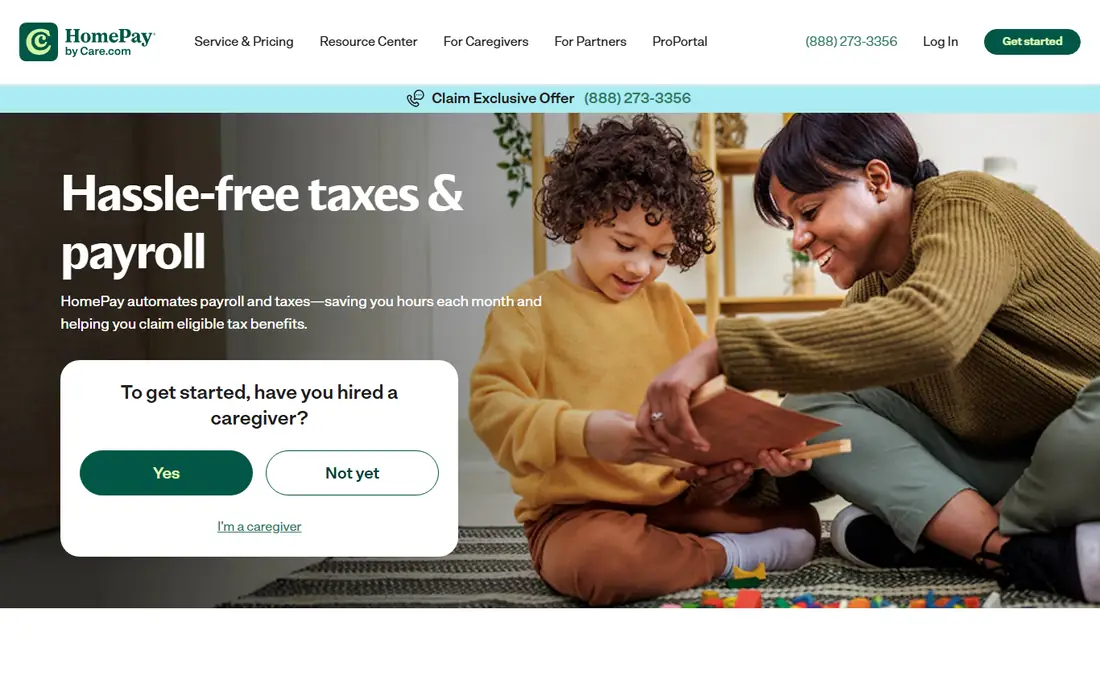
HomePay is the premium, done-for-you end of this list. It files quarterly forms and year-end documents such as W-2 forms and Schedule H on your behalf, and it can help with new-hire paperwork and state registrations. Families who feel nervous about tax deadlines often value that hand-holding more than a lower monthly fee.
That comfort comes at a cost, and HomePay is regularly more expensive than simpler rivals. It also makes most sense if you want the provider to file for you, not just prepare forms. If you are comfortable filing prepared forms yourself, a cheaper service may cover your needs.
- Managed filings and year-end forms
- Care.com connection for hiring
- Hands-on support
- Higher price than budget options
- Pricing varies by plan
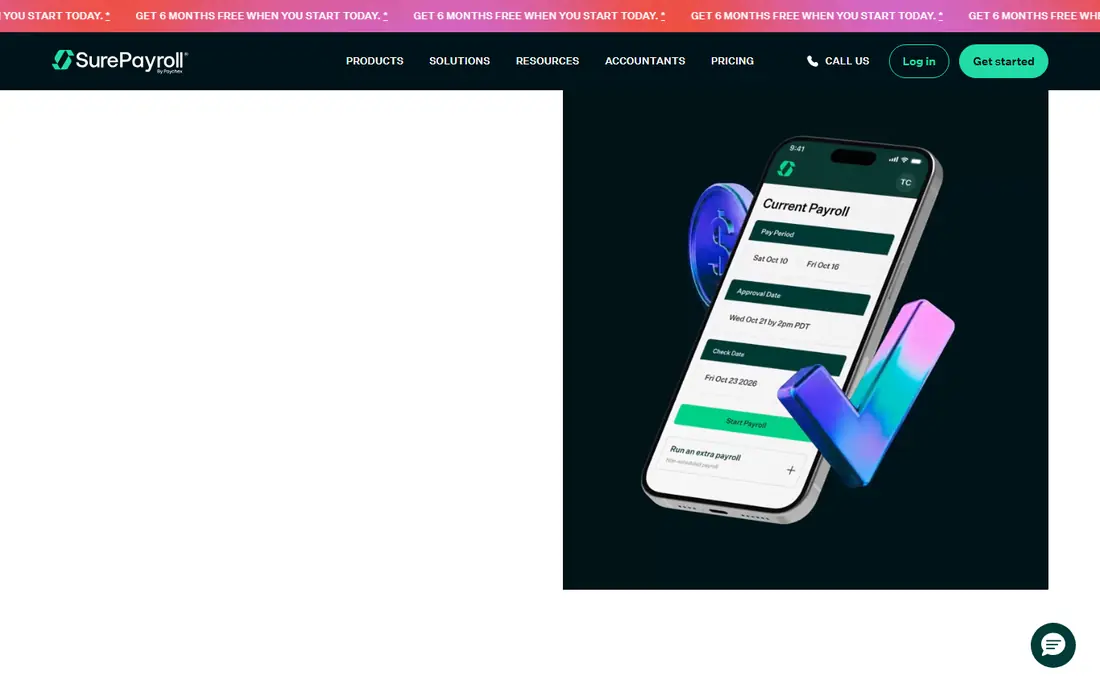
SurePayroll is a general small business payroll service that also supports household employers. Its strength is automation: you can set recurring pay runs, and the system calculates withholding and handles filings for the taxes it covers. If you already use payroll for a business, keeping household payroll in a familiar system can be convenient.
The weakness is specialization. SurePayroll does not focus only on household employment, so you may need to check that your state household filings and year-end household forms are covered in your plan. Families who want a household specialist may prefer Poppins or HomeWork Solutions, while business owners may like SurePayroll for its breadth.
- Automated pay runs
- Part of the larger Paychex system
- Useful add-ons
- Built mainly for small businesses
- Household help is less specialized
HomeWork Solutions has served household employers for many years, and its service reflects that experience. It offers payroll processing, tax filings, and guidance on household employer duties, including worker classification and state requirements. Payment options are flexible, which helps families who pay weekly, biweekly, or on a custom schedule.
Pricing is the main drawback, because the cost depends on your plan and number of employees, and you will need a quote for an exact figure. That is common for managed services, but it makes quick comparison harder. If you want experienced support and do not mind requesting a quote, HomeWork Solutions is a solid pick.
- Long household payroll history
- Tax support
- Multiple payment options
- Pricing is less transparent up front
- Plans vary by household size
GTM Payroll Services focuses on household payroll and related HR needs, with staff who understand nanny tax rules in detail. It can help with workers compensation placement, which matters if your state requires coverage or if you want protection when an employee is injured at work. That extra layer sets GTM apart from bare-bones payroll tools.
The catch is price and scope. GTM is positioned as a higher-touch service, so it will cost more than a self-service option. Families with a single part-time helper may not need this level of support, but families with multiple employees or complex state rules often find the guidance worth it.
- Dedicated household payroll expertise
- Workers compensation placement help
- HR support options
- Higher price tier
- Best value for families wanting full support
Nest Payroll is worth a close look if your household payroll history is messy. It is known for helping families sort out missed filings and back taxes, then moving them onto regular compliant payroll. That cleanup work can feel stressful, and having a provider that handles it without judgment is a real benefit.
For a family starting clean, Nest is still a capable monthly payroll service, though it lacks some of the broader HR extras offered by GTM or HomePay. Its pricing is competitive, and its household focus keeps the workflow simple. If back taxes are your main worry, start here.
- Help with back-tax cleanup
- Straightforward monthly pricing
- Household focus
- Smaller brand than the leaders
- Fewer add-on services
Savvy Nanny Payroll targets families who want compliant payroll without a premium price. The monthly fee covers core pay runs and tax handling for household employees, and setup is designed to be quick. For a family paying one nanny on a steady schedule, that simplicity is enough.
You should not expect the same concierge service you get from HomePay or GTM. Support is more standard, and add-on services are limited. If your situation is straightforward and you are comfortable answering a few setup questions yourself, Savvy offers good value.
- Low monthly price
- Covers core payroll and filings
- Simple setup
- Less hands-on support than premium services
- Fewer extras
NannyKeeper takes a different approach: it calculates payroll and generates your tax forms, but you file some of them yourself. That trade keeps the price far below managed services, with plans reported around $10 per month and no separate year-end fee on some plans. It also offers free payment tracking without a subscription.
This model only works if you are willing to spend about 15 minutes per quarter filing prepared forms. If that sounds fine, the savings are large. If you want a provider to submit every form for you, choose Poppins or HomePay instead and treat NannyKeeper as the budget alternative.
- Very low price
- Generates tax forms
- Free payment tracking option
- You file some forms yourself
- Less managed than full-service rivals
How we picked these
We compared official service pages, pricing pages, and independent reviews of household payroll providers, focusing on household-specific coverage rather than general business payroll features. We favored services that clearly handle federal and state household filings, year-end forms, and employer registration help, and we kept a mix of managed, mid-priced, and budget options. We did not claim hands-on testing, and prices here reflect published pricing at the time of writing, so confirm your quote before enrolling.
What to check before you choose a household payroll service
Start with the filings, not the monthly price. Ask whether federal filings, state filings, new-hire reporting, and year-end W-2 and Schedule H preparation are included, and whether the provider files them for you or only prepares them. A low monthly fee can cost more in time if you still have to file quarterly forms yourself.
Match the service to your household
A single part-time nanny on a fixed schedule needs far less than a family with two caregivers, a housekeeper, and employees in different states. Count your employees, note whether hours vary, and check whether overtime, paid time off, and bonuses are handled cleanly. If hours change weekly, look for easy time entry and clear pay stub records.
Watch the total yearly cost
Add the monthly fee across 12 months, plus any setup fee, year-end fee, and state registration charges. Managed services look expensive monthly but may include everything, while budget services may charge separately for year-end forms. Get the full yearly total in writing before you commit, and ask what happens if you add an employee mid-year.
Check workers compensation and state rules
Some states require workers compensation for household employees, and rules differ by state and hours worked. Ask the provider whether it helps you get coverage or only flags the requirement. Also confirm that the service supports your state, since household tax registration and filing rules are not identical everywhere.
FAQ
What is a household employee?
A household employee is someone you hire to work in or around your home, such as a nanny, senior caregiver, housekeeper, gardener, or private nurse. If you control when and how they work, they are usually an employee rather than an independent contractor. That status triggers withholding, employer taxes, and year-end reporting duties.
Do I need a payroll service for one nanny?
You are not legally required to use a service, but household tax rules are easy to get wrong. A service calculates withholding, tracks pay, and prepares or files the required forms, which reduces the risk of penalties for missed filings. Many families find the monthly fee cheaper than fixing a tax mistake later.
What taxes apply to household employees?
Household employers generally handle Social Security and Medicare taxes, federal unemployment tax, and state unemployment and withholding where required. Year-end reporting usually includes a W-2 for the employee and Schedule H with your personal tax return. Your provider should explain which of these it files for you.
How much does household payroll cost?
Monthly prices in this guide range from about $10 per month for form-generation tools to higher managed plans that can cost several hundred dollars per year. The right comparison is the full yearly total, including setup and year-end fees, not just the headline monthly rate. Always confirm what filings are included.
Can I switch payroll providers mid-year?
Yes, you can switch at any time, but timing matters for clean records. Switching at the start of a quarter is simplest, and you should confirm which provider will issue the year-end W-2. If both providers ran payroll during the year, your employee may receive two W-2 forms that together cover the full year.
Is paying cash under the table risky?
Paying off the books can lead to back taxes, penalties, and problems for both you and your employee, including lost Social Security credits and trouble proving income. Paying on the books protects your employee and gives you a clear record if questions arise. This article is general information, not tax advice, so talk to a tax professional about your situation.
Sources
- https://www.poppinspayroll.com
- https://www.care.com/homepay
- https://www.surepayroll.com
- https://www.homeworksolutions.com
- https://www.gtm.com
- https://www.nestpayroll.com
- https://www.savvynanny.com
- https://www.nannykeeper.com
- https://fitsmallbusiness.com/best-nanny-payroll-service/
- https://www.techrepublic.com/article/best-nanny-payroll-services/