Best HR Tools for Scaling Company Size in 2026: 8 Tools Compared
Searching for the best hr tools for scaling company size? We compare 8 HR platforms on payroll, hiring, compliance and pricing as teams grow and scale.

- Editor's choice
 Rippling
HR, payroll, IT and spend in one system
Starts at$8 per user per monthVisit rippling.comFull review - Great alternative
 Gusto
US payroll for growing teams
Starts at$49 per month plus $6 per personVisit gusto.comFull review - Also consider
 BambooHR
Clean people data and onboarding
Starts atSee websiteVisit bamboohr.comFull review
TL;DR:
- Scaling HR breaks in predictable places: payroll across states, onboarding volume, permissions and reporting.
- Rippling suits companies that want HR, payroll, IT and spend in one system as headcount passes 50.
- Gusto and BambooHR suit earlier stages, with Gusto leading on US payroll and BambooHR on clean people data.
- Deel and Remote solve international hiring, where a US-only tool cannot act as the legal employer abroad.
- Price the tool at your next headcount, not your current one, since per-person pricing grows fast.
Quick comparison
| Tool | Best for | Starts at | Free plan? | |
|---|---|---|---|---|
| Rippling | HR, payroll, IT and spend in one system | $8 per user per month | No | Visit |
| Gusto | US payroll for growing teams | $49 per month plus $6 per person | No | Visit |
| BambooHR | Clean people data and onboarding | See website | Free trial | Visit |
 Deel | Global hiring and payroll | See website | Yes | Visit |
 HiBob | Mid-market culture and analytics | See website | No | Visit |
 Paylocity | Mid-market US payroll and engagement | See website | No | Visit |
 Justworks | PEO bundling for US teams | See website | No | Visit |
 Lattice | Performance and growth at scale | $11 per user per month | No | Visit |
The best HR tools for scaling company size
We compared HR platforms on payroll, onboarding, permissions, reporting, compliance and pricing at growing headcounts, using vendor pricing pages and 2026 HR comparisons as cross-checks. The tools below cover different scaling paths, from a US team growing past 50 people to a distributed team hiring across borders, so pick the path that matches your next stage rather than only your current size.
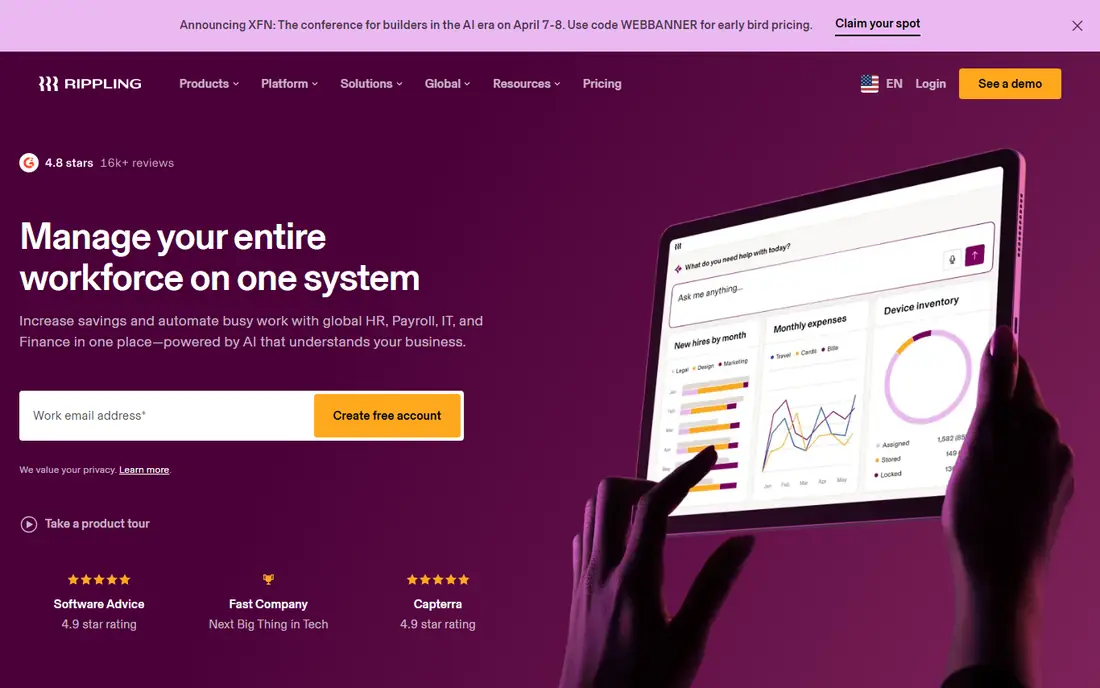
Rippling is the strongest pick for a company that wants to stop stitching together separate HR, payroll and IT tools as it scales. Onboarding can provision apps and devices alongside payroll and benefits, state tax registration is automated for multi-state teams, and permissions and reporting stay consistent across modules. That unity matters most once headcount passes 50 and manual workarounds start breaking.
The cost is the honest catch. The core HR price starts at $8 per user per month plus a base fee, but payroll, benefits, IT and spend modules add up, and realistic all-in figures run much higher. Implementation also needs planning. For a fast-growing company that wants one system of record, Rippling is worth the investment.
- One system for HR, payroll, IT provisioning and spend
- Automatic state tax registration
- Strong automation
- All-in cost rises fast with modules
- Implementation needs care as the stack grows
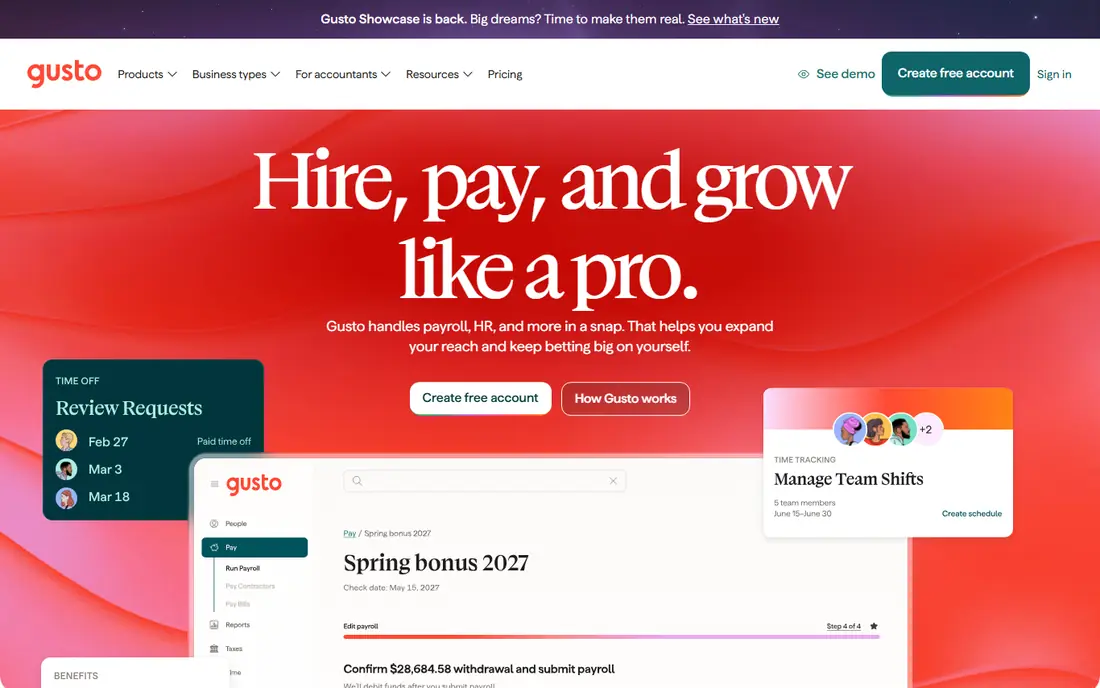
Gusto suits a US team scaling from a handful of people to around 50, where payroll accuracy matters more than global reach. The Simple plan starts at $49 per month plus $6 per person, with payroll and tax filing included, and higher tiers add multi-state payroll, time tracking and deeper HR tools. The interface is friendly for founders who handle HR themselves.
International hiring is the limit, since Gusto is built around US payroll, and advanced performance and reporting features are lighter than HiBob or Lattice. A team that starts hiring abroad will need Deel or Remote alongside it. For a US-only team that wants honest pricing and dependable payroll, Gusto is hard to beat.
- Clear published pricing
- Reliable multi-state US payroll
- Simple benefits administration
- International hiring is limited
- Advanced HR features sit on higher tiers
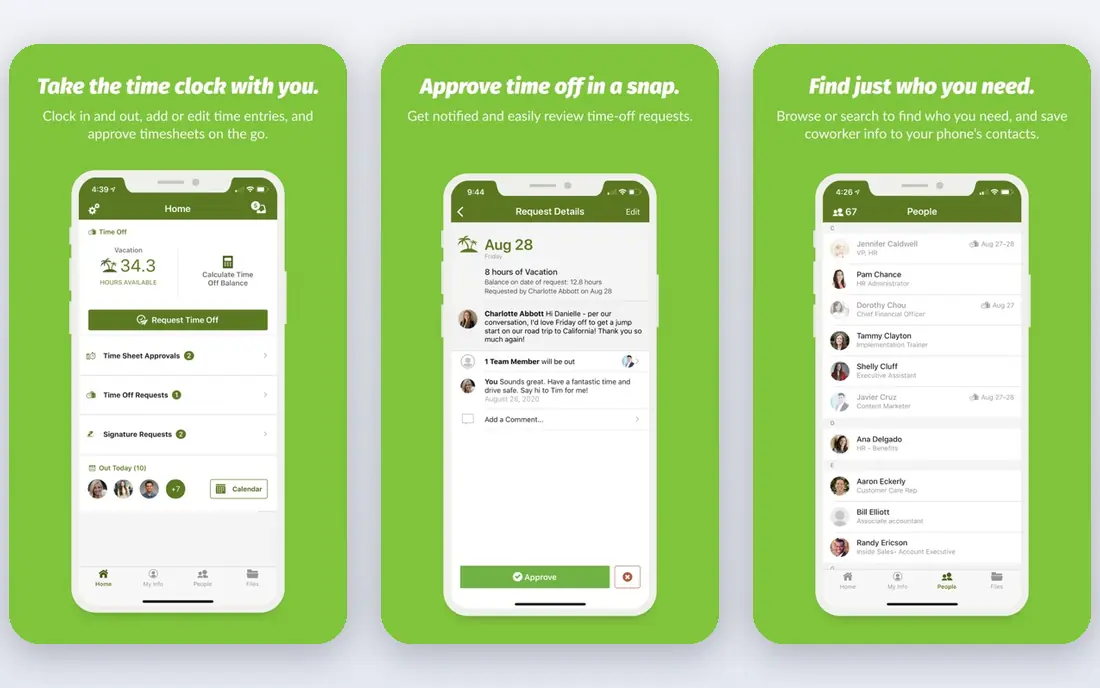
BambooHR fits companies scaling from 25 to a few hundred people that need a real system of record for people data. Employee records, onboarding workflows, time off and e-signatures are polished, and reporting gives managers a clear view of headcount, turnover and time off without spreadsheet work. The employee experience feels modern, which helps adoption.
Payroll is a separate add-on rather than part of the core price, so the total cost depends on whether you pair BambooHR with its payroll or keep a separate provider. Pricing is also quote-based on many plans, with core figures often cited around $10 per employee per month. For a company that prioritises clean people data, BambooHR is a strong core.
- Excellent employee records and onboarding workflows
- Clean reporting
- Strong employee experience
- Payroll is an add-on and not included in core pricing
- Quote-based pricing on many plans
Deel solves the scaling problem that US tools cannot, which is hiring legally in other countries without setting up a local entity. Its employer of record service acts as the legal employer abroad, handling contracts, payroll and benefits under local law, while contractor payments and core HR cover distributed teams. The core HR product is free for up to 200 employees, which makes it easy to start.
Employer of record pricing is high per employee, with figures starting around $599 per employee per month, so it suits key hires abroad rather than an entire low-cost workforce. US payroll is a separate offering with its own pricing. For a company scaling across borders, Deel is the most practical route.
- Hire employees and contractors in many countries
- Free core HR for up to 200 employees
- Compliant contracts
- Employer of record pricing starts high per employee
- US payroll is a separate product line
HiBob, often called Bob, suits mid-market companies from around 50 to 500 people that want culture, engagement and analytics alongside core HR. The interface feels modern, people analytics update live as headcount changes, and the platform handles multi-site and global teams well. Performance, onboarding and time off sit in the same system, which reduces tool sprawl.
Pricing is quote-based, so budgeting needs a sales conversation, and payroll coverage varies by region and partner. Companies that need native payroll everywhere may prefer Rippling or Paylocity. For a mid-market team that values employee experience and people data, HiBob is a strong choice.
- Modern employee experience
- Live people analytics
- Strong for mid-market global teams
- Quote-based pricing
- Payroll is handled through partners rather than natively in all regions
Paylocity fits US companies scaling into the mid-market, where payroll complexity, benefits and compliance need more depth than a startup tool offers. Payroll, time, benefits, learning and engagement tools sit together, and reporting helps HR teams track costs and headcount as the company grows. It is a natural step up from Gusto for a larger US team.
Pricing is quote-based and implementation takes more effort than a self-serve signup, especially for a team with many locations or complex pay rules. Smaller teams may find it more than they need. For a US company crossing into the hundreds of employees, Paylocity gives payroll depth with room to grow.
- Deep US payroll and HR for mid-market teams
- Engagement and learning tools
- Strong reporting
- Quote-based pricing
- Implementation can be involved for larger teams
Justworks suits US startups and small companies that want a professional employer organisation to handle payroll, benefits, compliance and HR support under one roof. The PEO model gives a small team access to large-group health benefits and takes compliance work off the founders, which is valuable when the team is growing fast but HR staff are few.
Per-person PEO pricing grows quickly, with published figures around $59 to $79 per person per month depending on plan, so a 50-person team faces a substantial monthly bill. Control is also lower than running payroll directly, since the PEO co-employs staff. For a team under 100 that wants benefits and compliance handled, Justworks is a practical shortcut.
- PEO model bundles payroll, benefits, compliance and HR support
- Access to large-group benefits
- Per-person PEO pricing grows fast with headcount
- Less control than running payroll in-house
Lattice is the performance layer that scaling companies add when reviews, goals and feedback start breaking down in spreadsheets. Its review cycles, goal tracking, one-to-ones and engagement surveys are among the best in the category, and analytics show how performance and engagement move as headcount grows. A core HRIS product is also available for companies that want records in the same system.
Lattice does not run payroll, so it pairs with Gusto, Rippling or another payroll tool rather than replacing one. Pricing starts around $11 per user per month for core HRIS, with performance tools as add-ons and annual minimums. For a company scaling past 50 where performance process matters, Lattice fills a gap that payroll tools leave open.
- Strong performance reviews, goals and feedback tools
- Good analytics
- Core HRIS available
- Payroll is not included
- Pricing minimums apply
- Best as a layer on top of payroll
How we picked these
We compared vendor pricing pages, plan scope, payroll and compliance coverage, and 2026 HR comparisons, with a focus on what breaks as headcount grows: multi-state payroll, onboarding volume, permissions, international hiring and reporting. We favored tools that publish at least a starting price or a clear pricing model, and we mixed US payroll, global hiring, PEO and performance tools so the list fits different scaling paths. We did not run these tools on live teams, and we do not claim hands-on testing.
How to choose HR software for your next stage
Start by naming the scaling pain you feel now, not the feature list you might want in two years. If payroll errors and state registrations dominate, prioritise payroll depth. If onboarding a new hire takes days of manual setup, prioritise automation and IT provisioning. If hiring abroad is the bottleneck, prioritise employer of record coverage.
Price it at the next headcount
Model the monthly cost at your current headcount and at double that number, including every module you actually need. Per-person pricing looks cheap at 10 people and grows fast, and a PEO bill can dwarf a payroll-only bill by 100 people. Ask about implementation fees, annual minimums and what happens when you add contractors, since those costs often hide in the fine print.
Trial with a real hiring cycle
Run the trial through a full hiring cycle, from offer letter to first payroll run, with the managers who will actually use it. Test permissions, approvals and reporting with real roles, not sample data. If managers avoid the tool during the trial, they will avoid it at scale, and no feature list fixes adoption.
FAQ
What is the best HR tool for a company scaling from 20 to 100 people?
Rippling is the best all-in-one choice if you want HR, payroll and IT in one system, while Gusto suits US-only teams that prioritise payroll and clear pricing. BambooHR is best if clean people data and onboarding matter most. Model the cost at 100 people before choosing, since per-person pricing grows fast.
Do I need a PEO when scaling?
A PEO such as Justworks helps when a small team wants bundled benefits, payroll and compliance without hiring HR staff. It costs more per person than payroll alone and gives less direct control. Once the team passes 100 people, running payroll in-house with Rippling, Paylocity or Gusto often becomes cheaper.
How do HR tools handle international hiring?
Deel and Remote act as employer of record, hiring staff legally in other countries without a local entity, and they handle local contracts, payroll and benefits. US-only tools such as Gusto cannot do that. For contractors abroad, Deel and Remote also offer contractor payment products at lower per-person rates.
What is the difference between an HRIS and payroll software?
An HRIS, such as BambooHR or HiBob, is the system of record for employee data, onboarding, time off and reporting. Payroll software calculates pay, taxes and filings. Many platforms combine both, but some, such as Lattice, focus on performance and pair with a separate payroll tool. Check which job each tool actually does before buying.
How much does HR software cost as a company scales?
Costs vary widely, from Gusto at $49 per month plus $6 per person to Rippling at $8 per user per month for core HR plus paid modules, to PEO pricing around $59 to $79 per person per month. Always model the all-in cost at your next headcount, including modules, implementation and benefits administration.
When should a company move from Gusto to Rippling or Paylocity?
Move when multi-state payroll, IT provisioning, permissions or reporting start consuming real HR time, or when headcount approaches 75 to 100 and manual workarounds break. Rippling suits companies wanting one unified system, while Paylocity suits larger US teams needing payroll depth. Trial both with a real hiring cycle before switching.