Best Benefits Support Software in 2026: 8 Tools Compared
Compare the best benefits support software for enrollment, employee questions, carrier links and HR support, with prices and features listed. (2026 guide)
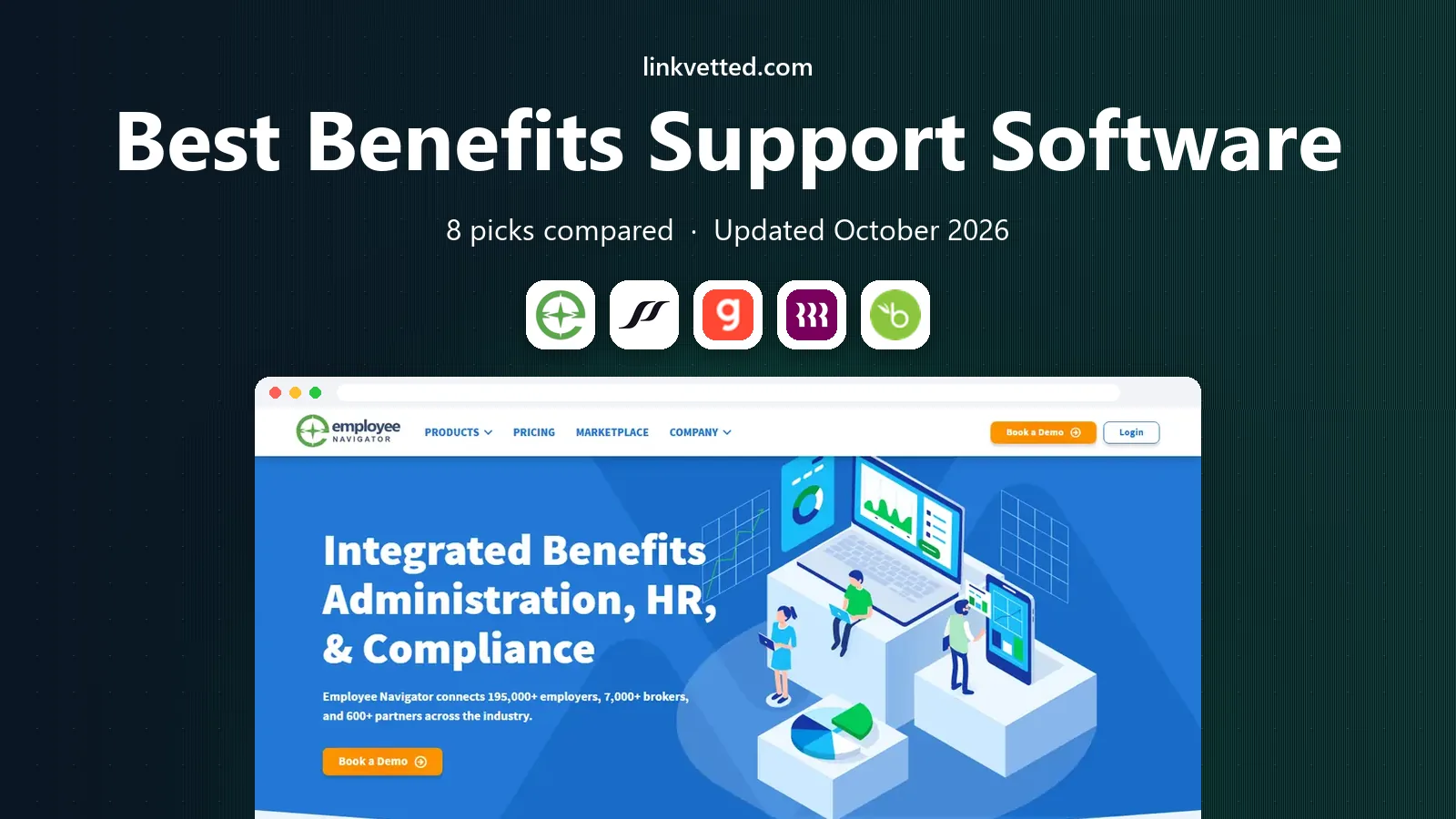
- Editor's choice
 Employee Navigator
Brokers and employers
Starts atSee websiteVisit employeenavigator.comFull review - Great alternative
 PlanSource
Benefits enrollment
Starts atSee websiteVisit plansource.comFull review - Also consider
 Gusto
Small business benefits plus payroll
Starts at$49 per monthVisit gusto.comFull review
TL;DR:
- Employee Navigator and PlanSource suit brokers and employers that need structured enrollment and carrier connections.
- Gusto, Rippling and BambooHR suit small and mid-size firms that want benefits support inside a payroll and HR system.
- Benefitfocus and Namely suit larger employers with complex plans, compliance needs and employee support at scale.
- The best benefits support software reduces employee questions by giving staff a clear portal, plain plan comparisons and fast help.
Quick comparison
| Tool | Best for | Starts at | Free plan? | |
|---|---|---|---|---|
| Employee Navigator | Brokers and employers | See website | No | Visit |
| PlanSource | Benefits enrollment | See website | No | Visit |
| Gusto | Small business benefits plus payroll | $49 per month | No | Visit |
 Rippling | Benefits inside a people platform | $8 per user per month | No | Visit |
 BambooHR | HR plus benefits tracking | See website | Free trial | Visit |
 Benefitfocus | Large employer benefits | See website | No | Visit |
 Namely | Mid-size HR and benefits | See website | No | Visit |
 Zenefits | Small team HR and benefits | See website | Free trial | Visit |
The best benefits support software
Benefits support software covers enrollment, plan communication, employee questions and carrier data. Some tools are built for brokers and benefits teams, while others bundle benefits into payroll and HR. The right choice depends on who runs benefits in your company.

Employee Navigator is a leading choice for brokers and employers that manage benefits enrollment together. It handles plan setup, eligibility, enrollment, life events and carrier data feeds, and gives employees a portal to compare plans and enroll. That structure reduces manual forms and errors during open enrollment.
The drawback is that pricing is quoted and the platform works best when a broker or benefits adviser guides setup. A small firm buying benefits directly may find a payroll-bundled tool simpler. For a company that works with a broker, Employee Navigator keeps enrollment, communication and carrier data in one place.
- Built for benefits enrollment and broker workflows
- Carrier connections
- Employee self-service portal
- Quote-based pricing
- Best value when a broker is involved
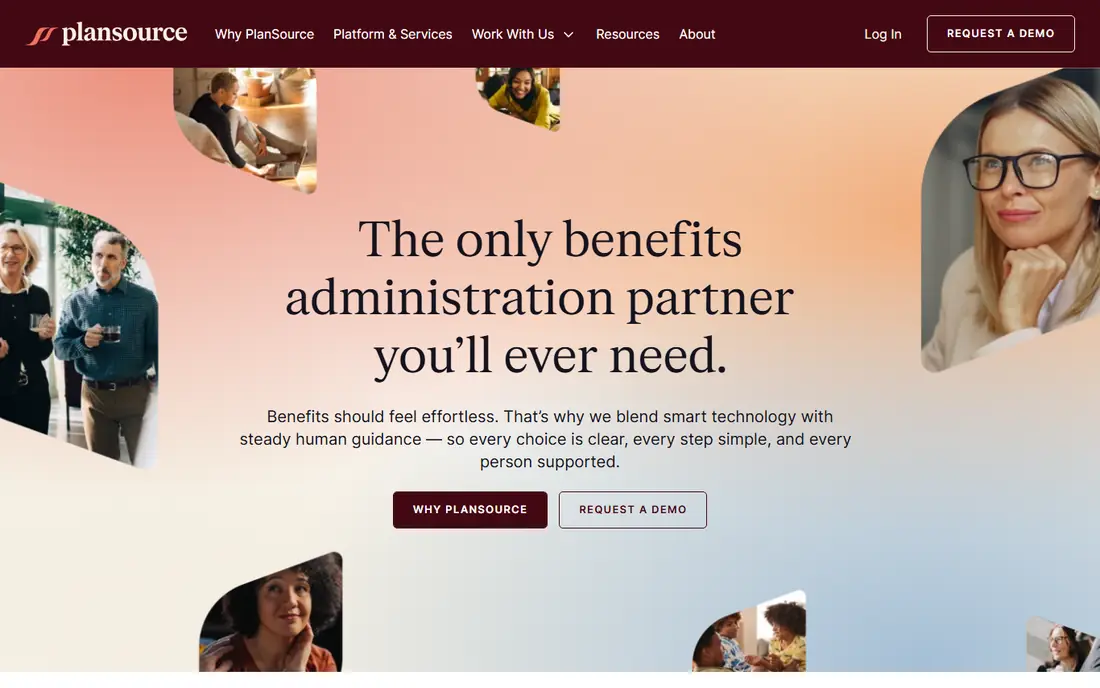
PlanSource focuses on the employee enrollment experience. Staff can compare medical, dental, vision and voluntary plans, see costs and coverage side by side, and enroll with guided decision support. Employers and brokers get reporting on enrollment progress, eligibility and carrier files.
PlanSource is quote-based, and complex plan designs need careful setup and testing before open enrollment. It is not a full payroll system, so firms will pair it with payroll and HR tools. For employers that struggle with low enrollment understanding and many employee questions, PlanSource addresses the core problem directly.
- Strong enrollment and shopping experience
- Decision support tools
- Carrier and payroll integrations
- Quote-based pricing
- Implementation needs planning for complex plans
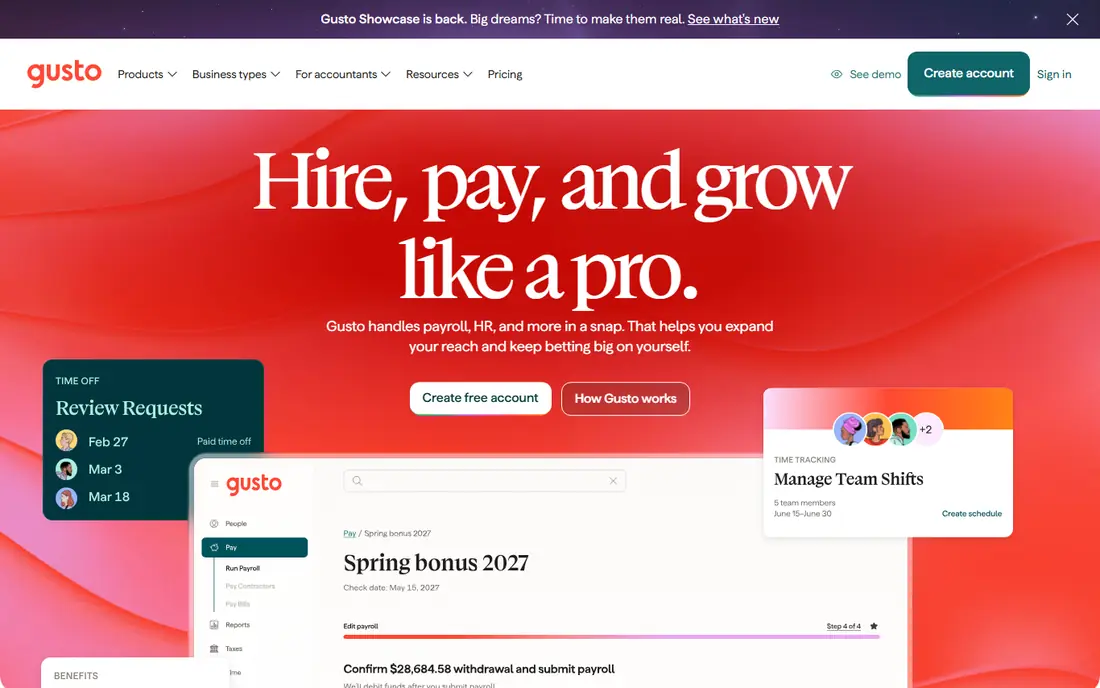
Gusto suits small US businesses that want benefits support without a separate broker platform. Health, dental, vision and retirement benefits can be administered in the same system as payroll, so deductions flow automatically and employees manage benefits in one portal. Published pricing starts at $49 per month plus $6 per person for Simple, with higher tiers adding HR features.
The limit is carrier choice and complexity. Options vary by state, and firms with complex, multi-carrier programs may need a broker platform such as Employee Navigator. For a typical small business with standard plans, Gusto makes benefits understandable for staff and manageable for the owner.
- Health, dental, vision and 401(k) support
- Benefits linked to payroll deductions
- Clear published pricing
- Carrier options vary by state
- Benefits depth is lighter than a dedicated broker platform
Rippling brings benefits into its wider people platform, so enrollment, payroll deductions, HR records and IT access stay linked to one employee record. That integration reduces manual updates when staff join, change plans or leave. Global teams can also manage benefits and payroll across countries through related modules.
Rippling is quote-based, with a starting figure of $8 per user per month plus a base fee, so small firms should get a full quote before comparing it with Gusto. It is also a larger platform than a firm that only needs enrollment may want. For a growing company that wants benefits, payroll and HR in one system, Rippling is a strong choice.
- Benefits, payroll and HR on one record
- Automated deductions
- Global benefits options
- Quote-based total cost
- More platform than a small firm may need
BambooHR suits HR teams that need benefits tracking inside a broader HR system. Employee records, time off, benefits elections and reporting sit together, which helps HR answer staff questions without switching tools. The interface is friendly for non-technical HR staff, and reporting supports audits and open enrollment checks.
BambooHR is not a dedicated benefits enrollment platform, so carrier feeds and complex plan shopping may need additional tools or broker support. Pricing is quoted, though a free trial helps HR teams test the workflow. For a mid-size firm that wants HR and benefits records in one place, BambooHR is a practical pick.
- Employee records and benefits tracking in one HR system
- Good reporting
- Easy for HR teams
- Benefits administration depth varies
- Pricing is quoted
Benefitfocus, now part of Voya, serves large employers with complex benefits programs. It supports enrollment, plan shopping, decision support, communications and carrier data at scale, with tools for HR teams and employees. Large firms with many locations, plan options and eligibility rules benefit most from that depth.
Small firms will find Benefitfocus heavy and expensive, and should look at Gusto or Employee Navigator instead. Implementation for a large employer also takes planning and carrier testing. For a large company where benefits support drives thousands of employee questions each year, Benefitfocus offers a proven enterprise platform.
- Enterprise benefits platform
- Shopping and decision support
- Strong carrier ecosystem
- Enterprise pricing
- Overkill for small firms
Namely suits mid-size companies that want HR, payroll and benefits in one system without enterprise complexity. Employees can view benefits, update information and get help through a portal, while HR tracks elections, deductions and reporting. That single system reduces the handoffs that cause benefits errors.
The drawback is that pricing is quoted and implementation needs care, especially for firms moving from spreadsheets or a legacy HR system. Namely is also less broker-focused than Employee Navigator or PlanSource. For a mid-size firm building a modern HR stack, Namely offers a balanced mix of benefits support and HR depth.
- HR, payroll and benefits in one mid-market platform
- Employee portal
- Reporting tools
- Quote-based pricing
- Implementation can take time
Zenefits, now part of TriNet, offers HR and benefits tools for small and mid-size teams, with employee self-service, onboarding and benefits tracking. It suits firms that want a simple HR system with benefits support, without buying a full enterprise platform. A free trial helps teams test onboarding and enrollment workflows.
Zenefits is less deep than dedicated broker platforms for complex carrier programs, and pricing depends on plan choices. Firms with complex benefits should compare it with Employee Navigator and PlanSource on carrier feeds and plan shopping. For a small team that needs HR plus benefits in one login, Zenefits remains a useful option.
- HR and benefits tools for small teams
- Employee self-service
- Integrations with payroll
- Benefits carrier depth varies
- Pricing depends on plan and add-ons
How we picked these
We compared official product pages, pricing pages and benefits software guides, and checked that each tool supports enrollment, employee support or benefits administration in October 2026. We favored tools with a live benefits focus and a distinct role, from broker platforms to payroll-bundled benefits to enterprise systems, and we used See website where pricing is quoted.
We did not run a live open enrollment for each tool. Our method was to compare vendor features, pricing, integrations and public reviews, which is enough to build a shortlist. Before you commit, test enrollment with your real plans, confirm carrier feeds, and check employee support hours during open enrollment.
How to choose benefits support software
Start with who runs benefits. If a broker runs enrollment, a broker platform such as Employee Navigator or PlanSource will fit best. If HR or the owner runs benefits inside payroll, Gusto, Rippling or BambooHR will be simpler. Matching the owner to the tool prevents a system that nobody maintains.
Enrollment, support and carrier data
Test the employee view first, because staff confusion drives most benefits support work. Can employees compare plans, see total costs, enroll and update life events without help? Check carrier data feeds, payroll deduction accuracy and support response times, especially during open enrollment. Also confirm compliance reporting, eligibility rules and data security, since benefits data is sensitive personal information.
Cost and open enrollment readiness
Price the tool for your real headcount, including seasonal and part-time staff, and ask what is included during open enrollment. Quote-based tools can add fees for implementation, carrier setup and support. Run a small pilot before open enrollment, train managers on common questions, and keep a clear help path for staff who cannot enroll online.
FAQ
What is the best benefits support software?
Employee Navigator is the best pick for broker-led enrollment, while Gusto is best for small businesses that want benefits inside payroll. PlanSource suits employers that need a strong employee shopping experience.
What does benefits support software do?
Benefits support software helps employees enroll in health, dental, vision and other plans, compares plan costs and coverage, manages eligibility and life events, and sends enrollment data to carriers and payroll. It also gives HR a portal to answer questions and track enrollment.
How much does benefits support software cost?
Costs vary widely. Gusto starts at $49 per month plus $6 per person, Rippling starts at $8 per user per month plus a base fee, and broker and enterprise platforms such as Employee Navigator, PlanSource and Benefitfocus are quote-based.
Can benefits support software connect to payroll?
Yes, most tools here connect to payroll or include payroll, so deductions flow automatically. Gusto and Rippling include payroll, while Employee Navigator and PlanSource integrate with payroll systems and carrier platforms.
How do employees get help with benefits questions?
Most tools offer an employee portal with plan comparisons, FAQs and support contacts. Check support hours, chat or phone options, and whether your broker provides extra help during open enrollment, because that support matters most when staff must choose a plan.