Choosing Candidate Screening Software in 2026: 6 Options Compared
Searching for the best candidate screening software? Here are 6 options with prices and free plans. Cost notes and weak points included. Updated for 2026.
- Editor's choice
 JazzHR
Small business recruiting made simple
Starts at$1,000 a yearVisit jazzhr.comFull review - Great alternative
 Workable
All-in-one HR system of record
Starts at$299 a monthVisit workable.comFull review - Also consider
 Ashby
All-in-one recruiting for ambitious teams
Starts at$100 per monthVisit ashbyhq.comFull review
Direct answer
JazzHR leads the list, best for small business recruiting made simple. Listed starting prices: JazzHR from $1,000 a year, Workable from $299 a month and Ashby from $100 per month. Workable is better for all-in-one HR system of record, and Ashby is better for all-in-one recruiting for ambitious teams. The other 3 tools in the list cover narrower or pricier cases.
TL;DR:
- Top of the list is JazzHR, which targets small business recruiting made easy.
- Neither JazzHR nor Greenhouse, nor any of the other 4 tools, has a permanent free plan; trials and quotes are the norm.
- Greenhouse is the one to check for complete hiring ecosystem and structured screening.
- Ashby has the lowest monthly starting price in this list: $100 per month.
Last checked November 2026. Prices and plan details were read from the vendors' own pages in November 2026; vendors change plans often, so confirm the current price on the vendor site before you buy.
Quick comparison
| Tool | Best for | Starts at | Free plan? | |
|---|---|---|---|---|
| JazzHR | Small business recruiting made simple | $1,000 a year | Not stated | Visit |
| Workable | All-in-one HR system of record | $299 a month | Free trial | Visit |
| Ashby | All-in-one recruiting for ambitious teams | $100 per month | Not stated | Visit |
 SmartRecruiters | Enterprise-grade AI hiring system | See website | Not stated | Visit |
| iCIMS | Enterprise recruiting with AI-powered ATS | See website | Not stated | Visit |
 Greenhouse | Complete hiring ecosystem and structured screening | See website | Not stated | Visit |
Every option for candidate screening software explained
If you are comparing candidate screening software, this page covers 6 tools in one place: what each is best for, what it costs to start, whether it has a free plan, and the main limit to know about.
Pick JazzHR if this describes you: small business recruiting made easy. It is a practical choice for small teams that require straightforward candidate screening without a steep ramp-up time.
Also, as a small-business-focused tool, it may lack some advanced features that bigger enterprises need. It may not scale as well for very high-volume hiring. JazzHR starts at: $1,000 per year. As for free access: Not stated.
The main drawbacks: May lack advanced features for enterprises.
- Designed for small to medium-sized firms
- Capable yet approachable
- Restricted scalability for very large teams
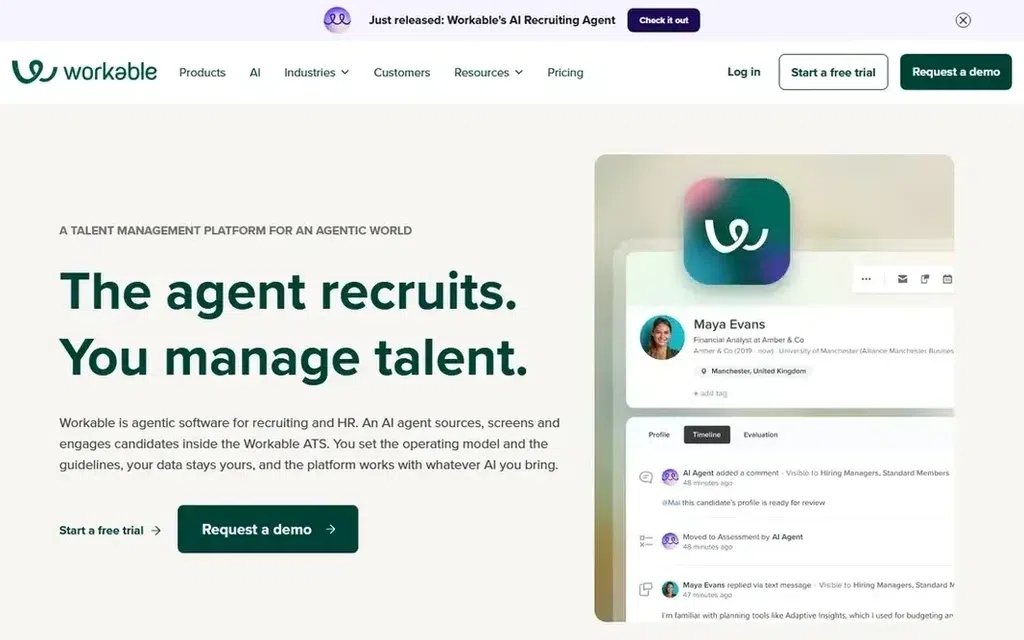
Workable is a good fit for all-in-one HR system of record. Since it includes a wide HR scope, some screening-specific features may be less deep than dedicated tools.
On top of that, if you only need candidate screening and already have an HR system, a focused tool might be a better fit. Workable cost at the entry level: $299 per month. On free options: Free trial.
Trade-offs to know: Wide HR focus may dilute screening depth.
- Serves as a system of record for HR
- Includes finding, hiring
- May be more than needed for hiring only
Ashby serves all-in-one recruiting for ambitious teams. Ashby supplies all-in-one recruiting software that consolidates your ATS, analytics, scheduling, and CRM. It is aimed at ambitious teams that want to simplify their whole recruiting workflow in a single system, from screening to scheduling and reporting.
More specifically, if you only need entry-level screening, a more straightforward tool could be a better fit. The thorough feature set may be more than early-stage teams need, and getting full value needs using several modules. What you pay to start with Ashby: $100 per month. As for free access: Not stated.
Where it falls short: May be more than early-stage teams need.
- Aimed at ambitious
- Consolidates ATS, analytics, scheduling, CRM
- Needs buy-in to use all modules
Pick SmartRecruiters if this describes you: enterprise-grade AI hiring product. SmartRecruiters is an enterprise-grade AI hiring product aimed at HR and recruiting talent. SmartRecruiters is a capable choice for enterprises that want AI-driven hiring and applicant tracking.
Where it falls short: May be complicated for small teams.
Worth adding: the enterprise focus may make it overkill for small businesses, and setup can be more involved. If you are a small team seeking a straightforward screening tool, consider a lighter choice. Pricing for SmartRecruiters is not stated here, so ask the vendor for current figures. Free options: Not stated.
- AI-powered hiring features
- All-in-one solution for tracking applicants
- Enterprise focus can mean a steeper setup
iCIMS
Best for: Enterprise recruiting with AI-powered ATS
Think of iCIMS for enterprise recruiting with AI-powered ATS. iCIMS is a leading talent acquisition system offering AI-powered applicant tracking, candidate engagement, onboarding, employer branding, and career site software to help organizations hire top talent at scale. It is built for enterprises that require a thorough suite to run high-volume hiring and complicated screening workflows.
If you need a straightforward screening tool without enterprise overhead, a more straightforward choice may suffice. iCIMS is best for large organizations that need a full-featured, AI-powered recruiting system. More specifically, the breadth of features can be complicated for small teams, and implementation may take time. Check the vendor site for iCIMS pricing; none is listed in this comparison. Free access: Not stated.
Where it falls short: Enterprise complexity may overwhelm small teams.
- Supports employer branding and career sites
- Comes with candidate engagement and onboarding
- Full features need significant setup
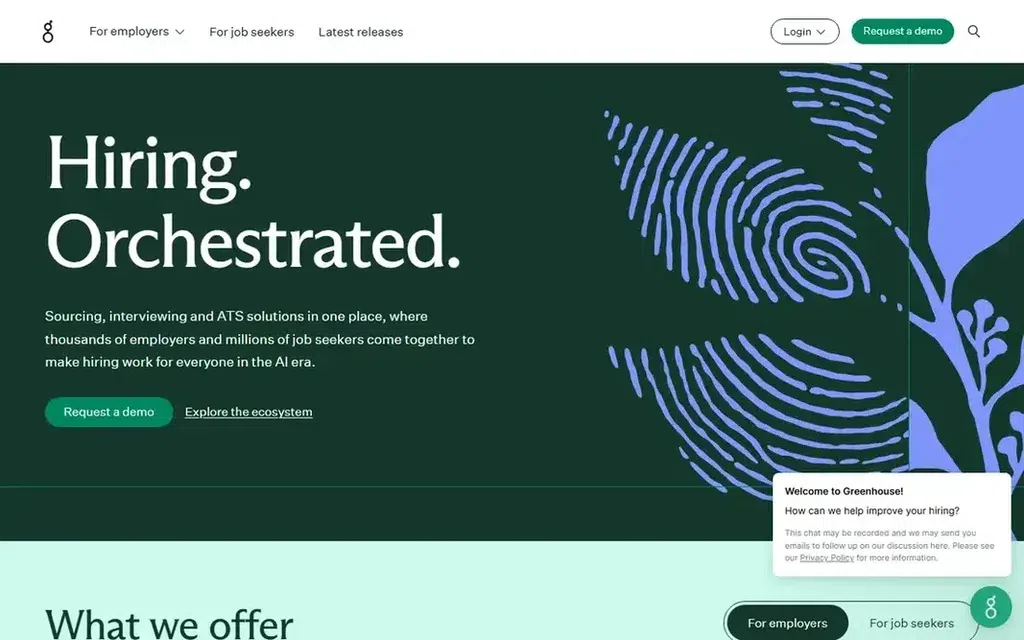
Greenhouse is aimed squarely at complete hiring ecosystem and structured screening. Greenhouse is described as more than a hiring product or ATS; it is a complete hiring ecosystem that links employers and job seekers. It is well suited for organizations that want a structured, collaborative screening process with clear stages and interviewer feedback.
The system can be more than a small business needs, and getting the most from it may need initial configuration. If you prefer a lighter tool for entry-level screening, consider a more straightforward choice. This comparison lists no price for Greenhouse; ask the vendor. Trial and free access: Not stated.
What to check first: May be more than small teams need.
- Connects with plenty of HR and productivity tools
- Brings employers and job seekers together in one place
- Needs setup to align with your process
How we built this list
Selection started from tools commonly considered for candidate screening software, then narrowed to 6 that have clear pricing information or a clear quote process. Plan names, prices and limits change often. Treat the figures here as a starting point and verify them with the vendor. The order reflects how well each tool fits the most common buying scenario for candidate screening software, then price clarity, then free plan access. It is a starting point, not a verdict.
A buyer's checklist
- Confirm the entry price on the vendor page. For SmartRecruiters, iCIMS and Greenhouse that means a quote rather than a fixed price.
- Run a trial of Workable with real work before paying for a year; your own workflow is the best test.
- Read the limits listed for JazzHR first: may lack advanced features for enterprises.
- List the apps you already depend on and check that Workable supports each one on the plan you would buy.
- The entry price of JazzHR is only the starting point; model the full cost with seats and extras.
FAQ
What is the cheapest option for candidate screening software in this list?
On published monthly entry prices, Ashby is the lowest here at $100 per month. Entry price is only part of the cost, because seats, add-ons and billing terms can change the total. Each of the 6 options in this candidate screening software guide has its own card above with the price, free plan and limits.
Does any tool for candidate screening software here have a free plan?
A permanent free plan is not offered by JazzHR, Greenhouse or the other tools here. Workable offer a trial. Plan a short evaluation period instead.
How are the tools for candidate screening software ordered?
JazzHR sits first and Greenhouse last because the order follows typical fit for candidate screening software, then price clarity and free access. It is a judgement call, so read each profile for fit and limits.
Can I try these options before paying?
Often, yes. Workable offers a free trial. Use your own data and a real task during the test, and check what the free tier or trial limits before you rely on it. All 6 picks in this candidate screening software comparison list a starting price, free plan details and the main limits on their cards above.
What is candidate screening software?
It usually contains features like application tracking, resume parsing, interview scheduling, and collaboration tools. These systems aim to make screening more efficient and structured.
Can candidate screening software integrate with other HR systems?
Plenty of products offer integrations with HRIS, payroll, and productivity tools to simplify data flow. Beyond that, look for open APIs or pre-built connectors to ease implementation.
Sources
- https://www.jazzhr.com
- https://www.workable.com
- https://www.ashbyhq.com
- https://www.smartrecruiters.com
- https://www.icims.com
- https://www.greenhouse.com