Employee Benefits Platforms: 8 Options Side by Side (2026)
Best employee benefits platforms in 2026: 8 contenders with entry costs and free tiers. Every pick gets a straight assessment. Current for November 2026.
- Editor's choice
 bswift
Enterprises running complicated multi-carrier programs
Starts atSee websiteVisit bswift.comFull review - Great alternative
 Rippling
Expanding firms unifying HR, IT and finance
Starts at$8 per user/month + $40 a month base feeVisit rippling.comFull review - Also consider
 Gusto
Small firms combining payroll and benefits
Starts at$49 a month + $6 per person per month (Simple plan)Visit gusto.comFull review
TL;DR:
- Bswift is the opening pick, best for enterprises running complicated multi-carrier programs.
- Check the limits for Gusto before you commit: health plan choices vary by state and can be thin outside major metros.
- Rippling has the lowest monthly starting price in this list: $8 per user/month + $40 per month base fee.
- bswift, TriNet and the 6 others all need a premium plan or a trial, since no free plan is listed.
Direct answer
Start with bswift if you need enterprises running complicated multi-carrier programs. Rippling fits expanding businesses unifying HR, IT and finance; Gusto fits small companies combining payroll and benefits. The full list of 8 tools follows, with prices and free plan facts.
Quick comparison
| Tool | Best for | Starts at | Free plan? | |
|---|---|---|---|---|
| bswift | Enterprises running complicated multi-carrier programs | See website | No | Visit |
| Rippling | Expanding firms unifying HR, IT and finance | $8 per user/month + $40 a month base fee | No | Visit |
| Gusto | Small firms combining payroll and benefits | $49 a month + $6 per person per month (Simple plan) | Free trial | Visit |
 Sequoia | Investor-backed startups wanting advisor-led benefits | See website | No | Visit |
 Employee Navigator | Broker-served firms concentrated on enrollment | See website | No | Visit |
 PlanSource | Large employers needing deep plan configurability | See website | No | Visit |
 BambooHR | HR-first teams adding benefits on top | $10 per employee/month (Core plan) | Free trial | Visit |
 TriNet | SMBs wanting Fortune 500-level plan access | See website | No | Visit |
Employee Benefits Platforms profiles
LinkVetted compared 8 employee benefits platforms. The goal is a practical shortlist: published prices, free plan facts, best-fit use cases and honest limits for every entry.
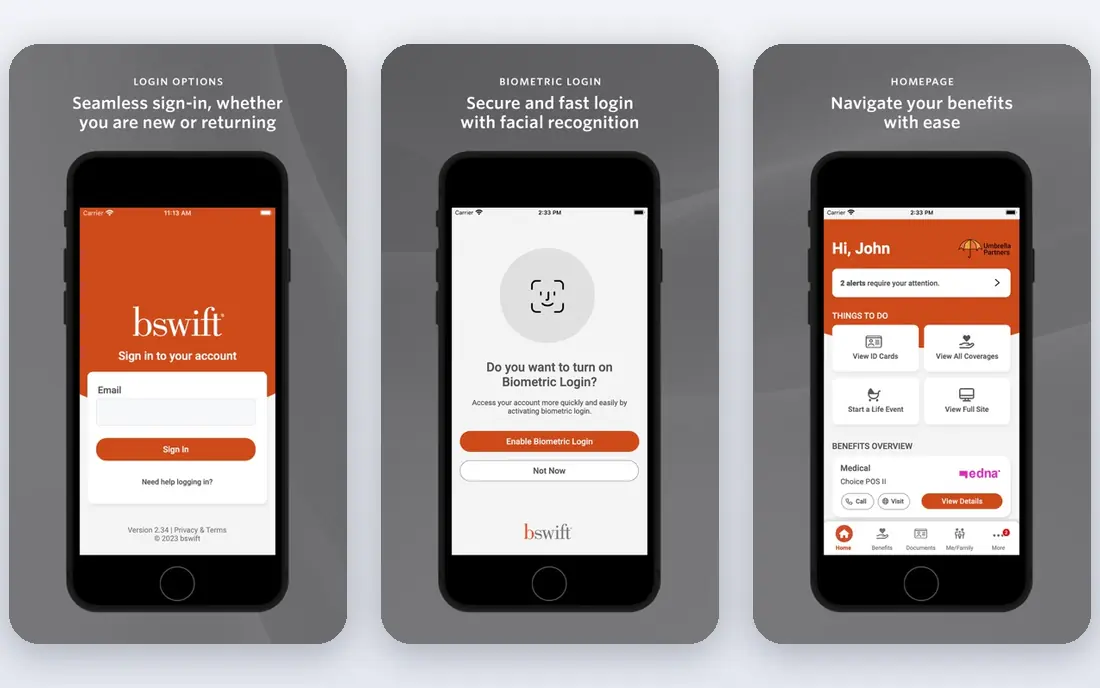
Where bswift fits: enterprises running complicated multi-carrier programs. bswift, part of Inovalon, is designed for scale. It serves hundreds of enterprise clients and millions of employees, with deep configurability for multi-location, multi-union and variable workforces.
Pricing is quote-only, implementations are measured in months, and the product is overkill for businesses under a handful of hundred employees. The enrollment experience bundles decision support and AI-assisted answers, and the company backs the software with service centers, COBRA administration and compliance reporting. bswift shows no starting price here, so confirm the cost on the vendor site. bswift has no free plan.
Limits to weigh: Implementation is a project, not a signup.
- Including unions and variable-hour populations
- Scales to very large and complicated workforces
- Enterprise sales cycle with no public pricing
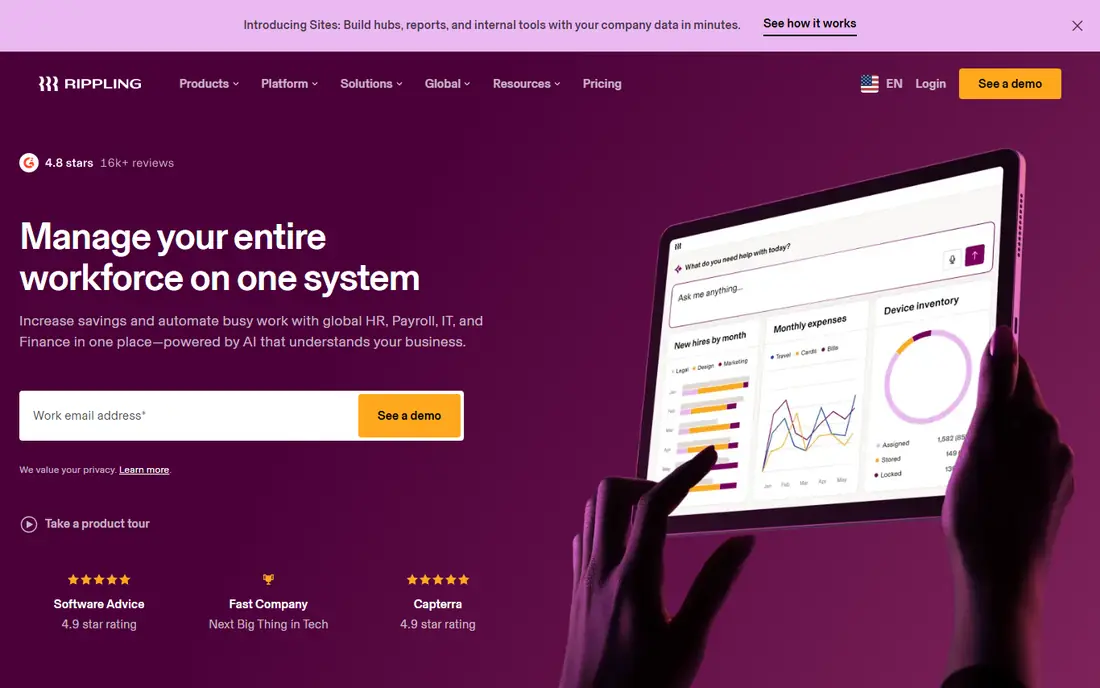
For expanding firms unifying HR, IT and finance, Rippling is a natural candidate. Rippling treats benefits as one module in a much larger system. On top of that, payroll, benefits administration and IT management each carry their own per-employee charges.
What Rippling does well: Capable workflow automation.
A company that needs all three can land well above more straightforward competitors. On top of that, get a line-item quote before you fall in love with the demo. Also, Offboard an employee and the system can remove them from benefits, revoke app access and trigger COBRA paperwork in one motion. The main limit is the pricing model. As for the details, businesses scaling from 30 to 300 employees get real value from that connective tissue. Starting cost for Rippling: $8 per user/month + $40 per month base fee. Rippling does not include a free plan.
Where it falls short: No free trial, only guided demos.
- 600+ integrations
- Benefits and IT provisioning
- Support quality gets mixed reviews at scale
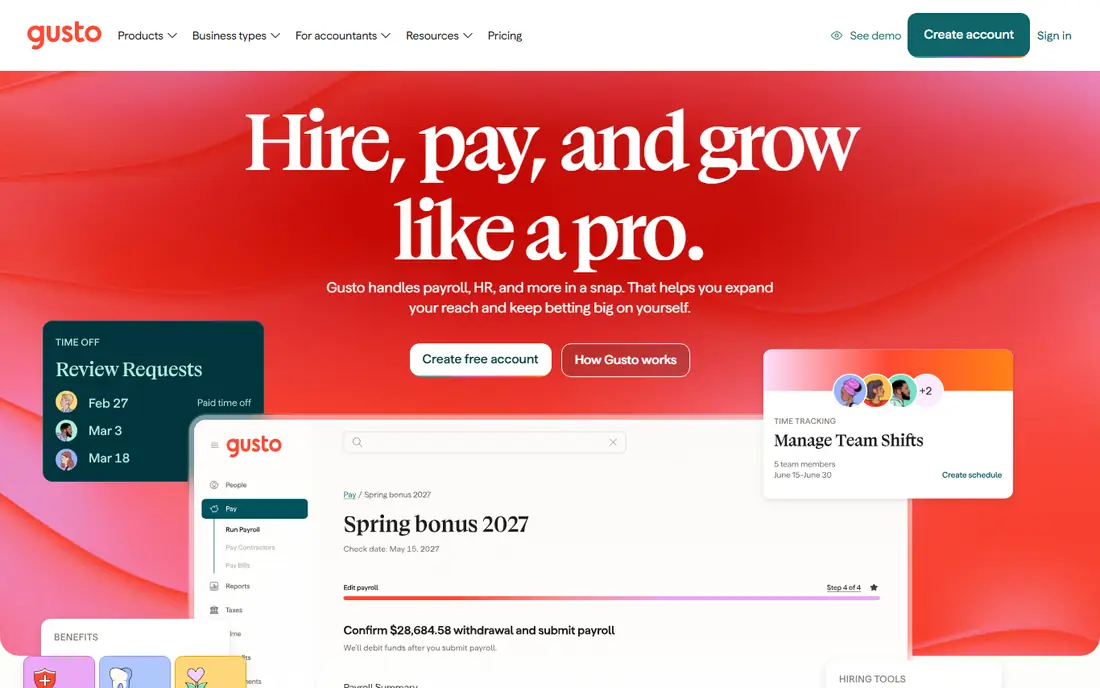
Gusto makes the most sense for small companies combining payroll and benefits. You run payroll in the same account where employees pick health plans, and deductions sync automatically.
Carrier premiums, workers comp and 401(k) recordkeeping are separate line items, so budget for those before comparing Gusto against a PEO quote. In daily use, the honest catch is that Gusto is a benefits administrator, not a broker with national buying power. On cost, Gusto starts like this: $49 per month + $6 per person per month. Free plan details: Free trial.
Best features of Gusto: Transparent published pricing. Where it falls short: Benefits premiums are separate from the subscription fee.
- Solid broker and carrier marketplace
- Benefits and onboarding in one flow
- Health plan choices vary by state and can be thin outside major metros
For investor-backed startups wanting advisor-led benefits, Sequoia is a natural candidate. This is not a self-serve product and it is not priced like one.
Trade-offs to know: Built around the startup lifecycle; No public pricing.
Also, traditional small businesses outside the tech ecosystem will find better value elsewhere. Sequoia shows no starting price here, so confirm the cost on the vendor site. Sequoia does not include a free plan.
Strengths: Capable fit for venture-backed tech firms.
- Benefits and risk experts on one team
- Advisory-first model with comp
- Less suited to traditional SMBs
Employee Navigator
Best for: Broker-served firms concentrated on enrollment
Employee Navigator targets Broker-served businesses focused on enrollment. Employee Navigator is the enrollment engine behind thousands of brokers.
Limits to weigh: Mobile app lags the desktop experience.
the main limit is the distribution model. On top of that, you usually buy Employee Navigator through a broker, not straight, which means the price and the service experience depend partly on that relationship. This comparison lists no price for Employee Navigator; ask the vendor. There is no free plan with Employee Navigator.
- 600+ payroll and carrier integrations
- Capable ACA compliance and 1094/1095 reporting
- Sold through brokers, so pricing and packaging vary
PlanSource was built for large employers needing deep plan configurability. Pricing is quote-based and sold through partners.
Where it is weaker: Implementation takes longer than more straightforward tools.
No starting price is listed for PlanSource here; confirm pricing on the vendor site. No free plan comes with PlanSource. Best features of PlanSource: employers and carriers.
- Highly customizable plan setup for complicated benefit designs
- Solid self-billing and invoice reconciliation
- Quote-only pricing sold through partners
BambooHR is aimed squarely at HR-first teams adding benefits on top. The published $10 figure handles the HR system only.
Also, core HR, time off, hiring and onboarding come first, and benefits administration is an add-on for US employees. BambooHR cost at the entry level: $10 per employee/month. Free access: Free trial.
Downsides: Advanced reporting sits on the top level.
- Clean interface HR teams adopt rapidly
- 150+ integrations
- Per-employee pricing climbs with headcount
TriNet makes the most sense for SMBs wanting Fortune 500-level plan access. As a co-employer, it pools thousands of small companies to negotiate health plans and benefits that a 30-person company could never get alone. For everyday use, pricing is entirely quote-based, usually landing in the low hundreds per employee a month, and renewal raises are a typical complaint.
Where it falls short: Quote-only pricing with no public rate card.
Beyond that, industry-specific packages for tech, healthcare, nonprofits and professional services add compliance guidance tuned to your sector. In practice, if you need a number before the first call, look elsewhere. This comparison lists no price for TriNet; ask the vendor. TriNet has no free tier.
- Industry-specific PEO options with deep compliance coverage
- ESAC-accredited and IRS-certified
- Support can be slow to reach by phone
What went into this list
Each tool was reviewed on what its vendor publishes: price, plan limits, core features and stated drawbacks. We did not run hands-on tests. Prices and plan limits come from vendor pages and can change, so confirm them on the vendor site before you buy. The ranking is editorial: typical fit first, then clear pricing, then free access. If your needs are unusual, read the profiles rather than relying on position.
Before you commit
- Get a written quote from bswift, Sequoia, Employee Navigator and others; the list shows no starting price for them.
- Run a trial of Gusto and BambooHR with real work before paying for a year; your own workflow is the best test.
- Read the limits listed for bswift first: enterprise sales cycle with no public pricing.
- Look at the help docs and support options for PlanSource before you commit.
- Add up seats, add-ons and usage charges for Gusto before comparing it with cheaper entries.
FAQ
Does any tool for employee benefits platforms here have a free plan?
A permanent free plan is not offered by bswift, TriNet or the other tools here. Gusto, BambooHR offer a trial. Plan a short evaluation period instead.
Can I try these options before paying?
Often, yes. Gusto and BambooHR offer a free trial. Use your own data and a real task during the test, and check what the free tier or trial limits before you rely on it.
How are the tools for employee benefits platforms ordered?
bswift sits first and TriNet last because the order follows typical fit for employee benefits platforms, then price clarity and free access. It is a judgement call, so read each profile for fit and limits.
Is bswift the right pick for everyone comparing employee benefits platforms?
No single tool suits every team. bswift comes first because it fits enterprises running complex multi-carrier programs, while Rippling suits growing companies unifying HR, IT and finance and Gusto suits small businesses combining payroll and benefits. Match the tool to your own size, budget and workflow before deciding.