6 Benefits Software for Employee Perks Worth Shortlisting in 2026
6 best benefits software for employee perks, compared on pricing, free plans and best-fit use. Weaknesses are named for every tool. Refreshed for 2026.
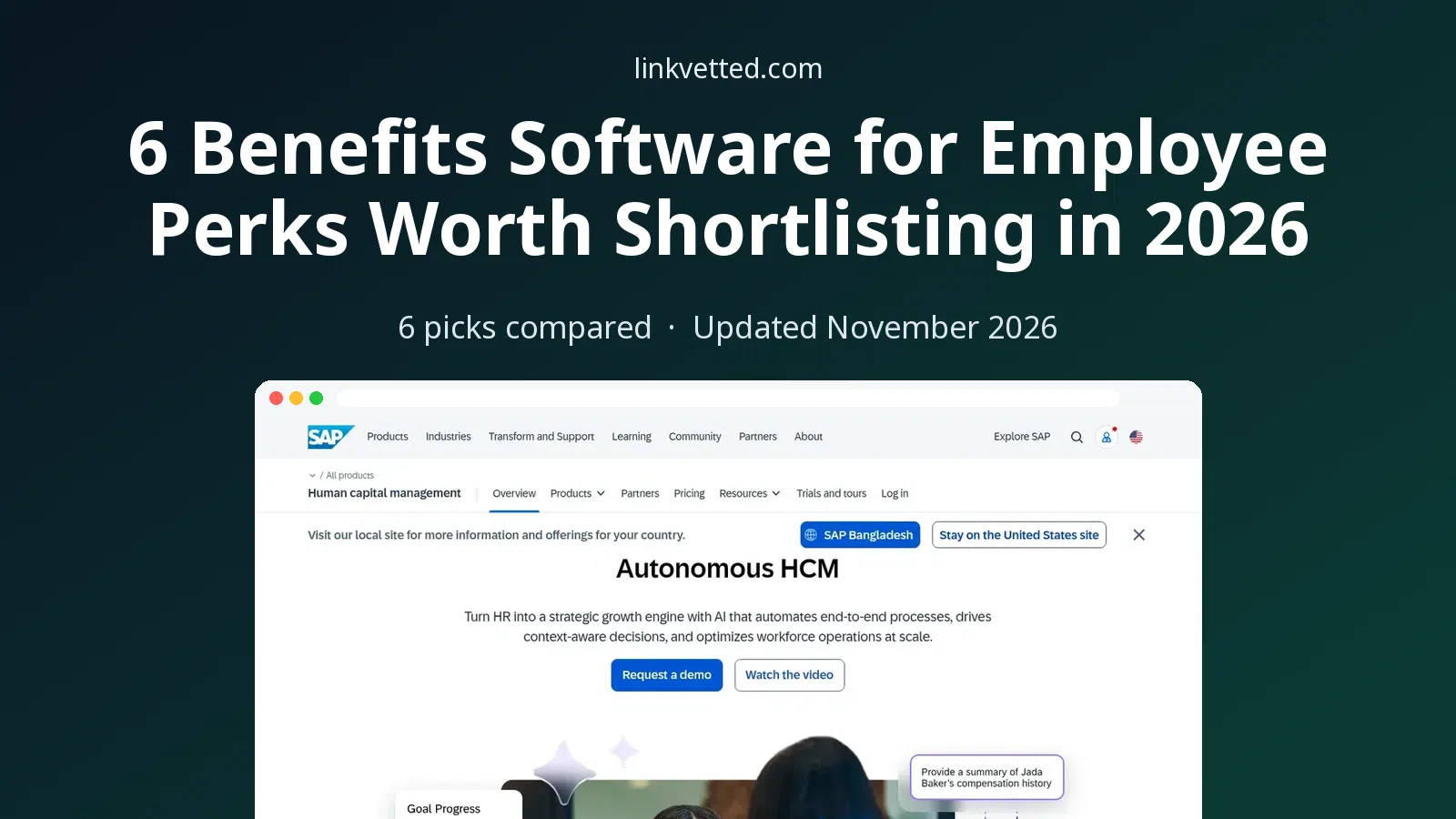
- Editor's choice
 SAP SuccessFactors
Automating HR and benefits processes
Starts atSee websiteVisit sap.comFull review - Great alternative
 BambooHR
Simplifying HR and benefits for smaller teams
Starts at$10 per employee per monthVisit bamboohr.comFull review - Also consider
 UKG Pro
Workforce intelligence with HR and pay
Starts atSee websiteVisit ukg.comFull review
Direct answer
Start with SAP SuccessFactors if you need automating HR and benefits processes. Listed starting prices: BambooHR from $10 per employee per month and Rippling from $8 per employee a month. Alternatives: BambooHR for Simplifying HR and benefits for smaller teams, and UKG Pro for Workforce intelligence with HR and pay. The full list of 6 tools follows, with prices and free plan facts.
TL;DR:
- Top of the list is SAP SuccessFactors, which targets automating HR and benefits processes.
- Rippling suits unifying HR, IT and finance data.
- A fair warning about UKG Pro: wide scope takes onboarding effort.
- None of the 6 tools, from SAP SuccessFactors to Rippling, has a free plan, so budget for a subscription or use a trial.
Last checked November 2026. Prices and plan details were read from the vendors' own pages in November 2026; vendors change plans often, so confirm the current price on the vendor site before you buy.
Quick comparison
| Tool | Best for | Starts at | Free plan? | |
|---|---|---|---|---|
| SAP SuccessFactors | Automating HR and benefits processes | See website | Not stated | Visit |
| BambooHR | Simplifying HR and benefits for smaller teams | $10 per employee per month | No | Visit |
| UKG Pro | Workforce intelligence with HR and pay | See website | Not stated | Visit |
 Justworks | Small firms wanting HR with support | See website | Not stated | Visit |
 Workday HCM | Large enterprises with complicated benefits needs | See website | Not stated | Visit |
 Rippling | Unifying HR, IT and finance data | $8 per employee a month | Not stated | Visit |
6 benefits software for employee perks in detail
If you are comparing benefits software for employee perks, this page covers 6 tools in one place: what each is best for, what it costs to start, whether it has a free plan, and the main limit to know about.
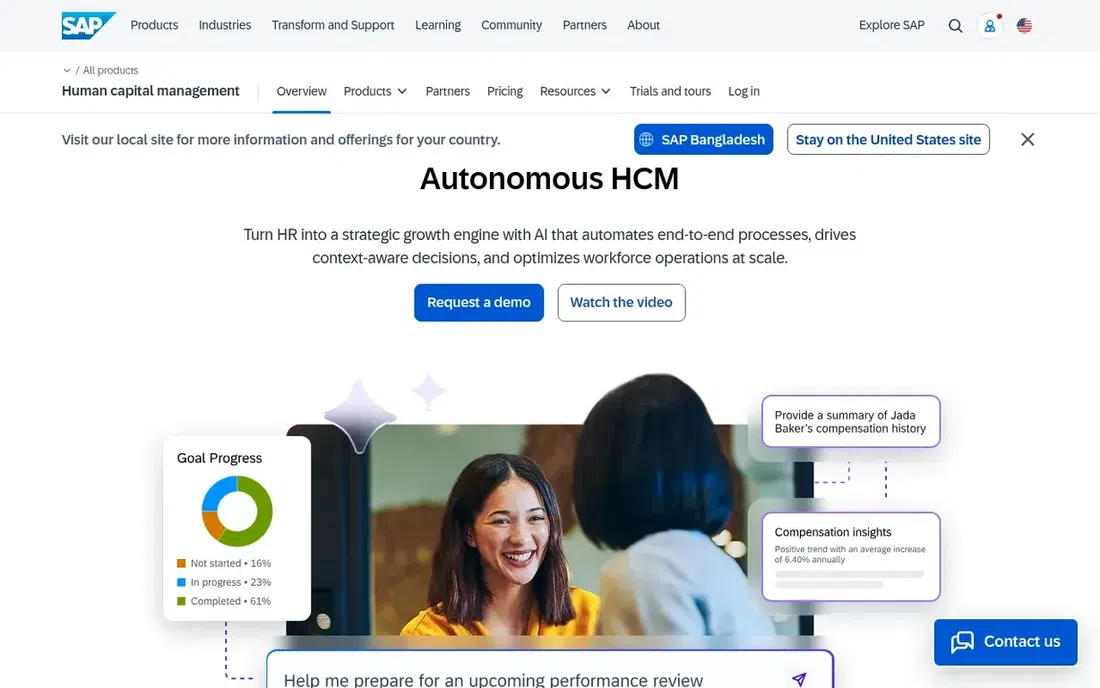
Where SAP SuccessFactors fits: automating HR and benefits processes. Benefits administration sits within a wider HR stack, which fits organizations that want perks managed next to talent and payroll data. It tends to fit mid-sized to large employers with structured HR operations.
Honest limits: Wide suite can feel complicated.
Since it is a wide suite, configuration takes planning and internal ownership. Teams wanting a narrow perks may find more than they need. SAP SuccessFactors does not show a starting price in this comparison, so check the vendor site for current pricing. Trial and free access: Not stated.
- Talent development built in
- Automation across workforce processes
- Configuration effort required
BambooHR serves Simplifying HR and benefits for smaller teams. BambooHR is positioned as complete HR software handling people, payroll and benefits, with a stated goal of simplifying HR from hire to retire.
Where it is weaker: Best fit for smaller organizations.
It suits HR generalists who value usability over deep configuration. Price to start with BambooHR: $10 per employee per month. BambooHR has no permanent free option.
- Focus on simplifying HR workflows
- Benefits alongside people and payroll
- Less depth for complicated global needs
UKG Pro targets Workforce intelligence with HR and pay. UKG Pro presents itself as a workforce intelligence system that eases HR, payroll and workforce management for modern operations.
Where it shines: HR.
Benefits and perks administration sit within that wider operational picture, which helps employers connect scheduling, pay and benefits data. UKG Pro shows no starting price here, so confirm the cost on the vendor site. On free options: Not stated.
Points against: Best value at bigger scale.
- Workforce intelligence positioning
- Built for operational complexity
- Broad scope takes onboarding effort
Justworks targets small companies wanting HR with support. Justworks merges HR software with real human support and positions itself around PEO and payroll options for small firms.
Limits to weigh: Less suited to very large employers.
Bigger organizations with in-house HR teams normally look to enterprise systems instead. More specifically, because the model leans on PEO and payroll services, the way benefits are structured follows that framework, which may not match every employer's preferences. This comparison lists no price for Justworks; ask the vendor. Free options: Not stated.
- Pitched at small firms
- PEO and payroll focus
- PEO model shapes how benefits work

In short, Workday HCM is for large enterprises with complicated benefits needs. If you want a lighter, faster-to-run benefits experience for a small company, a more straightforward HR system is typically the better choice.
In daily use, setup and continuing administration usually need internal expertise. Workday HCM is an enterprise product that brings HR, finance and IT together, with benefits administration living inside the same system as core employee records. This comparison lists no price for Workday HCM; ask the vendor. Trial and free access: Not stated.
What to check first: Enterprise-oriented complexity.
- Wide HR
- Benefits sit alongside core HR data
- Implementation can be involved
Rippling is a good fit for unifying HR, IT and finance data. Organizations seeking a narrow, benefits-only tool may prefer a focused HR system instead.
More specifically, the product's breadth means setup touches multiple departments, which can be more than a small team needs if benefits are the only priority. For everyday use, Rippling merges HR, IT and finance applications on a unified data product, so benefits and perks can be managed alongside devices, apps and payroll records. Price to start with Rippling: $8 per employee per month. As for free access: Not stated.
What to check first: Broad scope can be more than needed.
- Positions itself around reducing friction
- HR
- Setup spans several functions
Our selection method
Before you commit
- Ask SAP SuccessFactors, UKG Pro, Justworks and Workday HCM for a written quote, since no starting price is shown.
- Before choosing SAP SuccessFactors, weigh its main limit: wide suite can feel complicated.
- The entry price of Rippling is only the starting point; model the full cost with seats and extras.
- Confirm the exact BambooHR plan that includes your must-have features.
- A short pilot of UKG Pro with your real workflow tells you more than a feature table.
FAQ
Is SAP SuccessFactors the right pick for everyone comparing benefits software for employee perks?
No single tool suits every team. SAP SuccessFactors comes first because it fits automating HR and benefits processes, while BambooHR suits Simplifying HR and benefits for smaller teams and UKG Pro suits Workforce intelligence with HR and pay. Match the tool to your own size, budget and workflow before deciding.
How do PEO-style choices differ from standard HR software?
A PEO-oriented choice like Justworks pairs HR software with human support and payroll services, which can cut administrative load for small companies.
What is the cheapest option for benefits software for employee perks in this list?
On published monthly entry prices, Rippling is the lowest here at $8 per employee per month. Entry price is only part of the cost, because seats, add-ons and billing terms can change the total. All 6 picks in this benefits software for employee Perks comparison list a starting price, free plan details and the main limits on their cards above.
How are the tools for benefits software for employee perks ordered?
SAP SuccessFactors sits first and Rippling last because the order follows typical fit for benefits software for employee perks, then price clarity and free access. It is a judgement call, so read each profile for fit and limits.
Do these tools publish their prices?
Not all of them. SAP SuccessFactors, UKG Pro, Justworks and Workday HCM publish no starting price, so expect a quote request for those. The rest, BambooHR included, show a starting price, though seats and billing terms still change the final cost.
Sources
- https://www.sap.com/products/hcm.html
- https://www.bamboohr.com
- https://www.ukg.com
- https://www.justworks.com
- https://www.workday.com
- https://www.rippling.com