Choosing Employee Benefits Administration Software in 2026: 5 Options Compared
Best employee benefits administration software in 2026: 5 tools with starting prices, free plans and limits. Concise write-ups of every option. Details below.
- Editor's choice
 Rippling
Unified HR, IT and finance operations
Starts at$8 per employee per monthVisit rippling.comFull review - Great alternative
 Namely
All-in-one HCM with managed services
Starts atSee websiteVisit namely.comFull review - Also consider
 UKG Pro
Workforce-focused HR and pay teams
Starts atSee websiteVisit ukg.comFull review
Direct answer
For unified HR, IT and finance operations, Rippling is where this list starts. Listed starting prices: Rippling from $8 per employee per month. If your case is different, Namely suits all-in-one HCM with managed services and UKG Pro suits Workforce-focused HR and pay teams. Details, prices and limits for the rest of the 5 tools are below.
TL;DR:
- Rippling sits first on this list: unified HR, IT and finance operations.
- Check the limits for Namely before you commit: managed services model may not suit every team.
- None of the 5 tools, from Rippling to ADP Workforce Now, has a free plan, so budget for a subscription or use a trial.
- For firms wanting benefits with payroll, ADP Workforce Now is worth a look.
- Starting prices begin at $8 per employee per month with Rippling.
Last checked November 2026. Prices and plan details were read from the vendors' own pages in November 2026; vendors change plans often, so confirm the current price on the vendor site before you buy.
Quick comparison
| Tool | Best for | Starts at | Free plan? | |
|---|---|---|---|---|
| Rippling | Unified HR, IT and finance operations | $8 per employee per month | Not stated | Visit |
| Namely | All-in-one HCM with managed services | See website | Not stated | Visit |
| UKG Pro | Workforce-focused HR and pay teams | See website | Not stated | Visit |
| Workday Benefits | Large enterprises with complicated HR needs | See website | Not stated | Visit |
 ADP Workforce Now | Companies wanting benefits with payroll | See website | Not stated | Visit |
5 options for employee benefits administration software in detail
LinkVetted compared 5 tools for employee benefits administration software. The goal is a practical shortlist: published prices, free plan facts, best-fit use cases and honest limits for every entry.
Rippling makes the most sense for unified HR, IT and finance operations. Rippling merges HR, IT and finance apps on a unified data product, which the vendor says removes friction from running a business. The broad scope means the system goes well beyond benefits, which can be more than a small team needs.
Worth adding: Benefits administration sits within that connected system, so employee changes can flow across HR and related tools. Choose Rippling when connecting benefits to HR, IT and finance processes is the priority. On cost, Rippling starts like this: $8 per employee per month. Free plan details: Not stated.
Where it falls short: Focused benefits buyers may want less.
- Unified data product across functions
- Merges HR
- Wide scope may overwhelm very small teams
In short, Namely is for all-in-one HCM with managed services. Namely gives you an all-in-one HCM system with payroll and managed services, which the vendor says helps handle people more efficiently and accurately.
As for the details, the managed services approach may not fit teams that prefer full in-house control. The wide HCM scope can be more than a small business needs. This comparison lists no price for Namely; ask the vendor. As for free access: Not stated.
Downsides: Managed services model may not suit every team.
- Benefits and analytics
- All-in-one HCM system with managed services
- Wide HCM scope may exceed simple needs
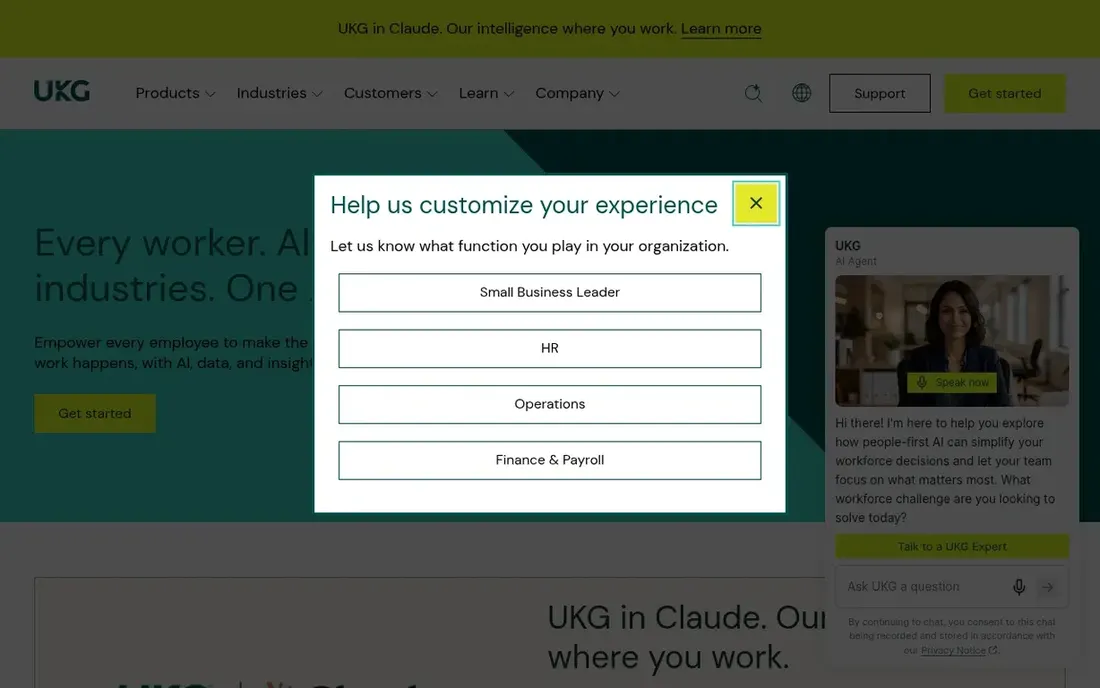
UKG Pro serves Workforce-focused HR and pay teams. Benefits administration sits within that broader HR environment, so employee data, pay and benefits stay connected.
Where it falls short: Not a standalone benefits-only tool.
Worth adding: the emphasis on workforce management means the product is broader than benefits alone, and configuration may take effort. In practice, teams wanting only a straightforward benefits enrollment tool may prefer something more focused. No starting price is listed for UKG Pro here; confirm pricing on the vendor site. Free access: Not stated.
- Pitched at modern operational needs
- Benefits alongside HR
- Wide product may need configuration effort
Workday Benefits
Best for: Large enterprises with complicated HR needs
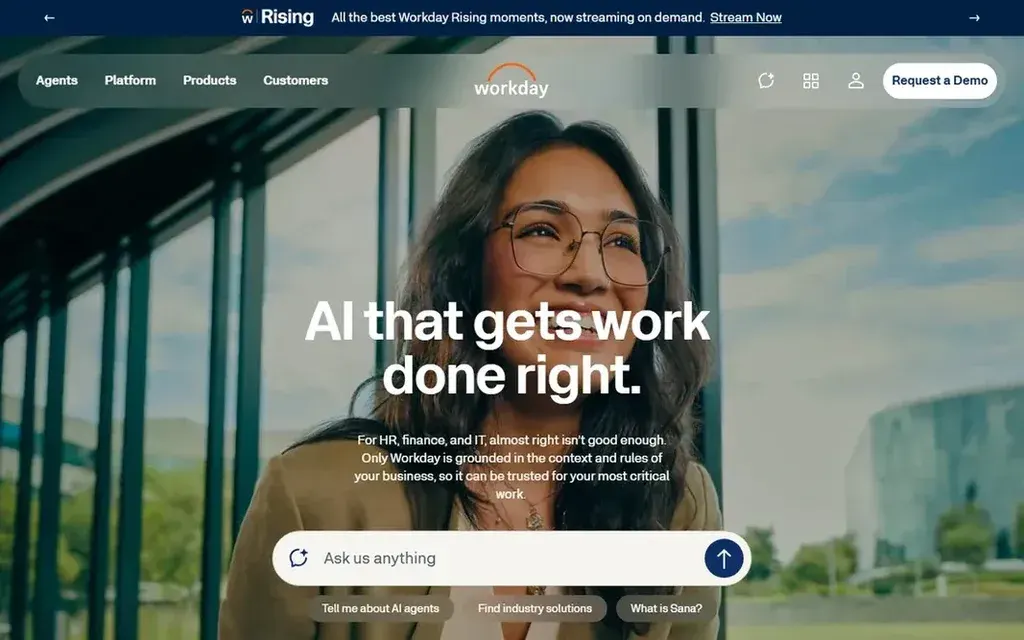
Workday Benefits is aimed squarely at large enterprises with complicated HR needs. Workday Benefits is part of the Workday enterprise product for HR, finance and IT, which the vendor describes as an AI product for those functions.
Downsides: Implementation can be involved.
The enterprise orientation means the system is usually geared toward larger organizations instead of small teams wanting a fast setup. Pricing for Workday Benefits is not stated here, so ask the vendor for current figures. Free access: Not stated.
- Finance and IT product
- Benefits sit within a wide HR
- Enterprise focus may not suit very small teams
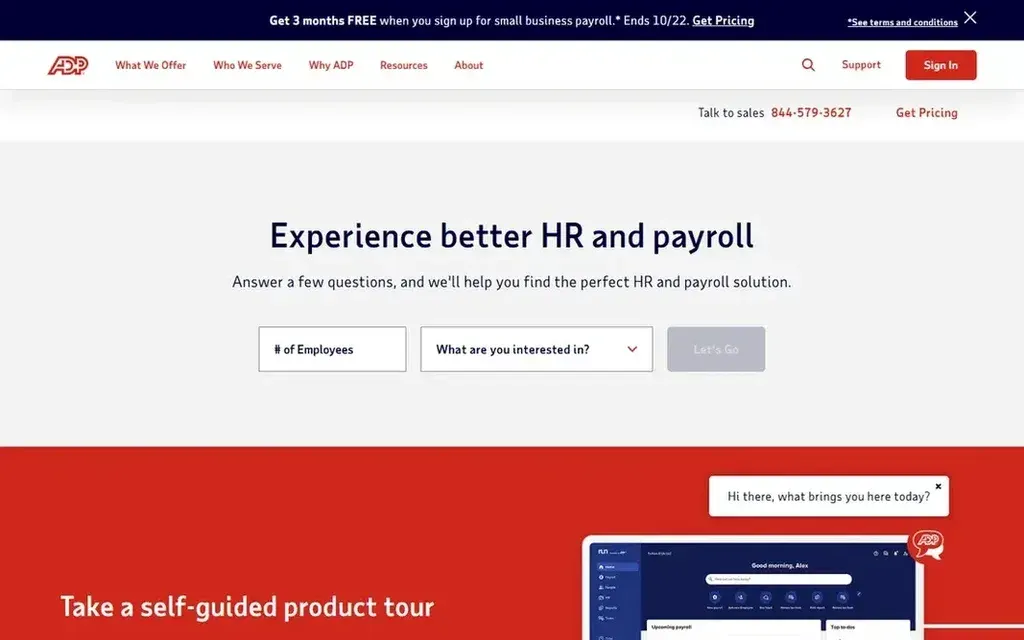
Where ADP Workforce Now fits: firms wanting benefits with payroll. Because the suite spans payroll, tax and HCM, setup and navigation can involve more moving parts than a focused benefits tool.
ADP Workforce Now shows no starting price here, so confirm the cost on the vendor site. On free options: Not stated.
Trade-offs to know: Wide suite can feel complicated to configure.
- Meant to scale across business sizes
- HR and HCM options
- Smaller firms may find the scope heavy
Our selection method
We compared the tools on published pricing, free plan or trial availability, feature coverage for employee benefits administration software, and the limits each vendor documents. Seat minimums, billing terms and add-ons can move the real cost, so the starting prices here are a guide and not a quote. Position on the page reflects fit for a typical buyer first, with price clarity and free access breaking ties. Treat it as a guide, not a ruling.
A buyer's checklist
- Get a written quote from Namely, UKG Pro, Workday Benefits and ADP Workforce Now; the list shows no starting price for them.
- Read the limits listed for Rippling first: wide scope may overwhelm very small teams.
- Test how quickly UKG Pro answers a pre-sales question; it hints at how support will feel later.
- Involve the people who will use ADP Workforce Now daily; a short pilot beats a long feature checklist.
- Confirm the exact Rippling plan that includes your must-have features.
FAQ
What should I look for in benefits administration software?
Focus on how enrollment links to payroll and HR data, which compliance and reporting features are included, and how much support you need during open enrollment. Integration with your carriers and existing systems matters as much as the feature list.
How are the tools for employee benefits administration software ordered?
The order follows typical fit for employee benefits administration software, with Rippling first and ADP Workforce Now last, then price clarity and free access. It is editorial judgement, not a score, so another team could rank the tools differently.
Do these tools publish their prices?
Not all of them. Namely, UKG Pro, Workday Benefits and ADP Workforce Now publish no starting price, so expect a quote request for those. The rest, Rippling included, show a starting price, though seats and billing terms still change the final cost.
Does any tool for employee benefits administration software here have a free plan?
A permanent free plan is not offered by Rippling, ADP Workforce Now or the other tools here. Plan a short evaluation period instead.
Can benefits administration software help with open enrollment?
Most systems support enrollment workflows and employee self-service, which can cut manual data entry. Check how each vendor deals with carrier connections and mid-year changes, since those details vary between products.
Can I try these options before paying?
Not by default. None of the tools, from Rippling to ADP Workforce Now, lists a free plan or a free trial here, so ask each vendor for a demo before committing.
Sources
- https://www.rippling.com
- https://www.namely.com
- https://www.ukg.com
- https://www.workday.com
- https://www.adp.com