7 Benefits Management Software Options Ranked for 2026
Best benefits management software: 7 contenders ranked by fit, with entry costs and free tiers. Each listing flags where it falls short. Read the profiles.
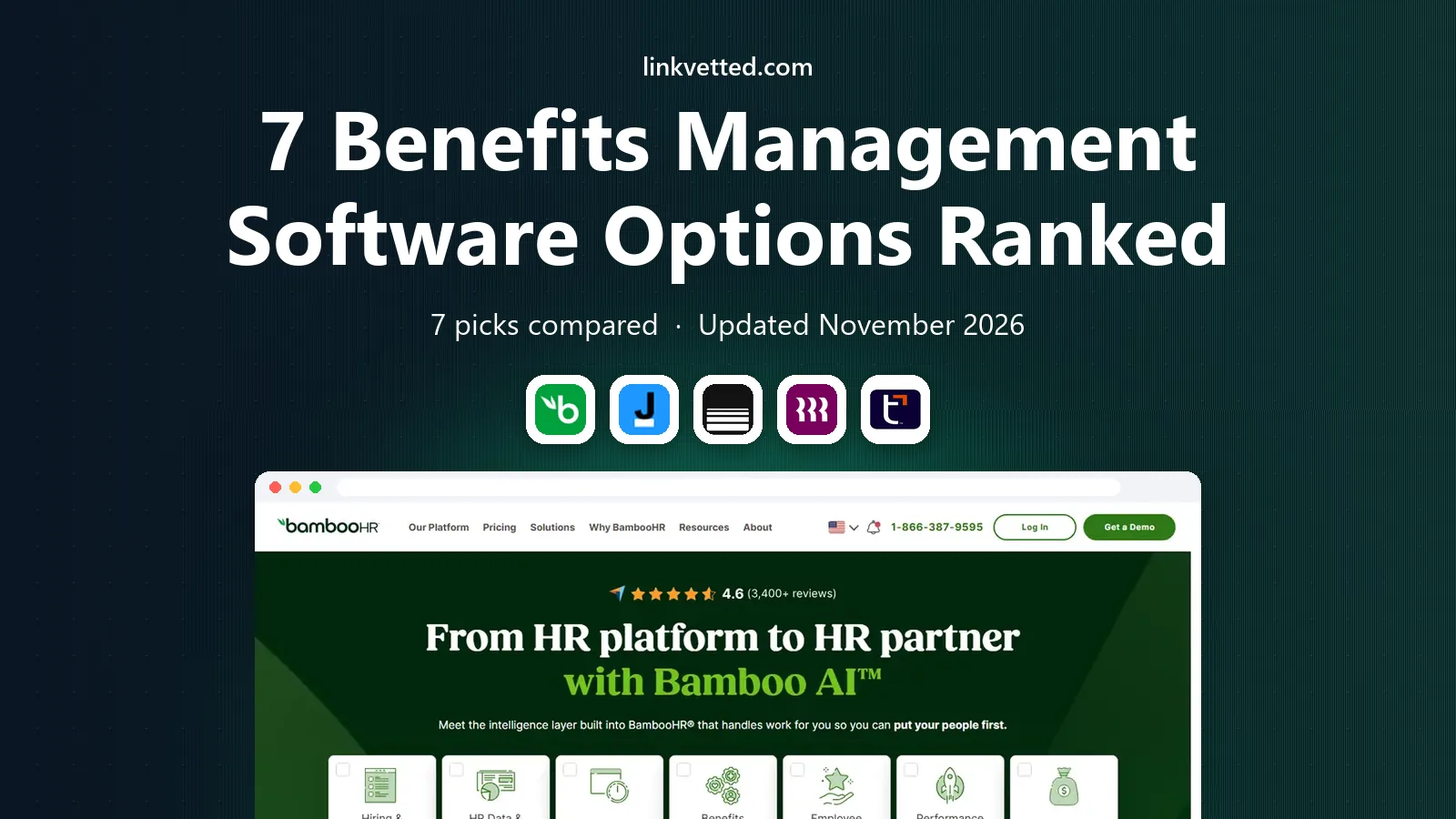
- Editor's choice
 BambooHR
One-person HR teams that require a simple all-in-one
Starts atSee website (quote-based)Visit bamboohr.comFull review - Great alternative
 Justworks
Small firms that want a PEO without a long enterprise
Starts at$50/month + $8 per employee/month (Payroll plan)Visit justworks.comFull review - Also consider
 Benepass
Global teams that want adaptable lifestyle benefits on one card
Starts atSee website (quote-based)Visit benepass.comFull review
Direct answer
If you need one-person HR teams that require a simple all-in-one, BambooHR is the first tool to look at here. Justworks is better for small companies that want a PEO without a long enterprise sales cycle, and Benepass is better for global teams that want flexible lifestyle benefits on one card.
TL;DR:
- The list opens with BambooHR, aimed at one-person HR teams that require an easy all-in-one.
- Neither BambooHR nor Employee Navigator, nor any of the other 5 tools, has a permanent free plan; trials and quotes are the norm.
- Starting prices begin at $49/month + $6 per employee/month with Gusto.
- For companies that buy their benefits through a broker, Employee Navigator is worth a look.
- What to know about BambooHR first: pricing needs a quote call.
Quick comparison
| Tool | Best for | Starts at | Free plan? | |
|---|---|---|---|---|
| BambooHR | One-person HR teams that require a simple all-in-one | See website (quote-based) | No | Visit |
| Justworks | Small firms that want a PEO without a long enterprise | $50/month + $8 per employee/month (Payroll plan) | No | Visit |
| Benepass | Global teams that want adaptable lifestyle benefits on one card | See website (quote-based) | No | Visit |
 Rippling | Expanding firms that want HR | See website (quote-based, per-employee modular pricing) | No | Visit |
 TriNet Zenefits | Small firms that want software plus access to real HR | See website (quote-based) | No | Visit |
 Gusto | Small teams that want payroll and benefits in one place | $49/month + $6 per employee/month (Simple plan) | Free trial | Visit |
 Employee Navigator | Businesses that buy their benefits through a broker | See website (sold through brokers) | No | Visit |
Benefits Management Software profiles
This LinkVetted guide covers 7 options for benefits management software. Each profile lists a starting price, free plan details, strengths and drawbacks, so you can drop poor fits quickly.

BambooHR targets one-person HR teams that need a simple all-in-one. Ask HR generalists which system they actually enjoy opening and BambooHR wins the poll most years. It started as core HR software and added payroll, time tracking and benefits administration around the same employee record.
Main advantages: Benefits enrollment links to payroll.
That simplicity is the entire pitch. Also, a single HR manager can run hiring, onboarding, benefits and payroll without a benefits specialist on staff. BambooHR does not show a starting price in this comparison, so check the vendor site for current pricing. No free plan comes with BambooHR.
What to check first: Pricing needs a quote call.
- More than 30,000 customers
- Time and employee records
- Payroll and benefits administration are extras to the core HRIS

Justworks serves small companies that want a PEO without a long enterprise sales cycle. Justworks did for PEOs what Gusto did for payroll: it made buying self-serve. PEO Basic is $79 per employee a month and PEO Plus is $124, both with access to national carriers and benefits like One Medical and Kindbody on the higher level.
Where it is weaker: PEO Basic at $79 per employee a month brings up rapidly.
From a buyer's view, three published levels handle the journey from payroll-only to full PEO. The math is the catch. The Payroll plan runs $50 per month plus $8 per employee. Also, per-employee PEO pricing gets costly past 30 or so people. Entry price for Justworks: $50/month + $8 per employee/month. Justworks does not include a free plan.
- No implementation fee
- Kaiser Permanente and UnitedHealthcare
- The Payroll plan comes with no health insurance
Benepass
Best for: Global teams that want adaptable lifestyle benefits on one card
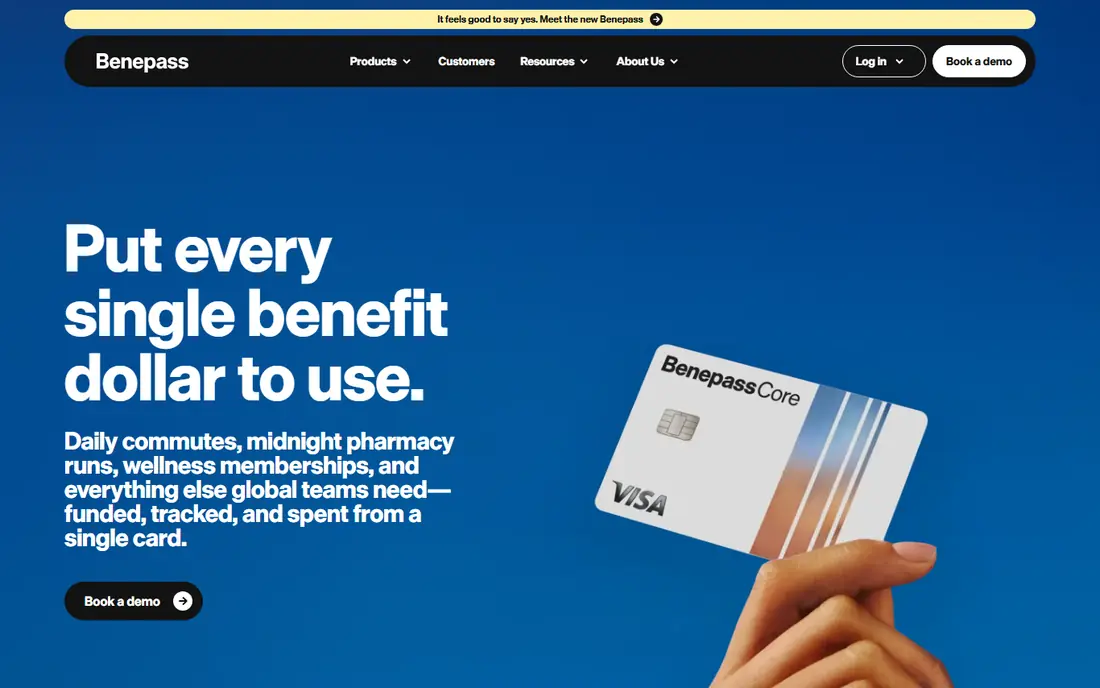
Benepass makes the most sense for global teams that want adaptable lifestyle benefits on one card. Rather than managing health insurance enrollment, it funds everything around it: wellness stipends, commuter benefits, childcare, phone, food and professional development. Beyond that, Benepass supports employees in more than 100 countries with localized web and mobile experiences.
Where it falls short: Quote-only pricing.
Admins get live spend tracking down to the penny. In daily use, Benepass replaces the spreadsheet of stipends and the shoebox of receipts, not your health plan administrator. Buy it as a complement to a product like Gusto or Rippling, not as a substitute. No starting price is listed for Benepass here; confirm pricing on the vendor site. Benepass has no permanent free option.
- Penny-precise tracking and reporting
- Works in 100+ countries with 50+ languages
- Overkill if you only need US medical, dental and vision
Choose Rippling for growing businesses that want HR, IT and finance on one employee record. Businesses between 50 and 500 employees that already feel the pain of five disconnected systems get the most from it. In daily use, change a job title once and payroll, device permissions, app access and benefits update together.
Where it falls short: No published pricing, so budgeting needs a sales call.
Each product, from payroll to benefits administration to device management, is bought separately on top of the required core product. In daily use, implementation is also a larger project than Gusto or BambooHR. Buy Rippling when disconnected systems are the problem, not when all you need is cleaner benefits enrollment. Check the vendor site for Rippling pricing; none is listed in this comparison. Rippling does not include a free plan.
- Benefits administration automates open enrollment and new-hire elections
- IT and finance apps together
- Support responsiveness is a recurring complaint in reviews
In short, TriNet Zenefits is for small businesses that want software plus access to real HR experts. The Zenefits name still exists, but the company is now TriNet. For benefits quality per dollar, the PEO is typically the more solid play under 100 people.
From a buyer's view, the main limit is commitment. PEO pricing relies on your industry, location and headcount, and leaving a PEO mid-year builds real administrative pain. The software route hands you HR, payroll and benefits administration to run yourself. Check the vendor site for TriNet Zenefits pricing; none is listed in this comparison. TriNet Zenefits does not include a free plan.
Where it falls short: Pricing is opaque and varies by industry.
- HR experts available by phone
- The PEO choice opens large-group health plan rates to small employers
- Two products (HR Platform software vs PEO) confuse buyers
Gusto is designed for small teams that want payroll and benefits in one place. If you need deep benefits consulting rather than clean administration, a PEO or broker-driven system serves you better. As your broker, it administers medical, dental, vision, life and disability plans for nothing beyond the premiums.
For everyday use, you build a free account, add your team, and run your first payroll. As for the details, more than 500,000 firms run on it. On benefits, Gusto works two ways. What you pay to start with Gusto: $49/month + $6 per employee/month. Trial and free access: Free trial.
The main drawbacks: Real HR advisory needs the Premium plan. Main advantages: Published pricing with month-to-month terms.
- Health insurance admin included at no additional cost when Gusto is your broker
- Setup is quick
- Straightforward plan spans single-state payroll only
Employee Navigator
Best for: Businesses that buy their benefits through a broker
Pick Employee Navigator if this describes you: businesses that buy their benefits through a broker. Plans run from Enhanced to Platinum, with 834 EDI feeds around $0.45 per employee a month on lower levels and included on Platinum. ACA filing starts near $5.20 per form.
Trade-offs to know: The mobile app is weaker than the desktop experience.
Beyond that, pricing flows through the broker channel. Your broker generally absorbs or passes through these costs, so ask what you are actually paying. For everyday use, if you want independence from any single broker, pick a direct product instead. Also, the main limit is the dependency. Also, there is a decent chance your broker already runs your benefits on Employee Navigator. Employee Navigator shows no starting price here, so confirm the cost on the vendor site. Employee Navigator has no permanent free option.
- 600+ integrations including major payroll systems
- 195,000+ employers and 7,000+ brokers on the product
- Support response times can lag during open enrollment
How the list was put together
For each of the 7 tools we noted price, free plan or trial, fit for benefits management software and the main limit, using vendor pages and documentation. Figures are shown as the vendors publish them. Billing terms, seat minimums and add-ons can change the real cost. The ranking is editorial: typical fit first, then clear pricing, then free access. If your needs are unusual, read the profiles rather than relying on position.
Questions to settle before buying
- Ask BambooHR, Benepass, Rippling and others for a written quote, since no starting price is shown.
- Use real work to test the free trial from Gusto, rather than a demo project.
- Before choosing BambooHR, weigh its main limit: pricing needs a quote call.
- Check whether Gusto bills monthly or annually, and what cancelling early costs.
- Find out what support Employee Navigator includes on your plan, and whether onboarding help costs extra.
FAQ
Can I try these options before paying?
Often, yes. Gusto offers a free trial. Use your own data and a real task during the test, and check what the free tier or trial limits before you rely on it.
Do these tools publish their prices?
Not all of them. BambooHR, Benepass, Rippling and others publish no starting price, so expect a quote request for those. The rest, Justworks included, show a starting price, though seats and billing terms still change the final cost.
What is the cheapest option for benefits management software in this list?
On published monthly entry prices, Gusto is the lowest here at $49/month + $6 per employee/month. Entry price is only part of the cost, because seats, add-ons and billing terms can change the total.
Is BambooHR the right pick for everyone comparing benefits management software?
No single tool suits every team. BambooHR comes first because it fits one-person HR teams that need an easy all-in-one, while Justworks suits small businesses that want a PEO without a long enterprise sales cycle and Benepass suits global teams that want flexible lifestyle benefits on one card. Match the tool to your own size, budget and workflow before deciding.
Is Ease still a safe choice?
No. Ease announced it will stop accepting new businesses in January 2027 and become read-only in July 2027, with integrations and support ending. Existing customers need a migration plan. New buyers should pick a product with a future.