6 Attendance Management Software Worth Shortlisting in 2026
Best attendance management software in 2026: 6 tools with starting prices, free plans and limits. Every pick gets a straight assessment. Refreshed for 2026.
- Editor's choiceUKG Pro Workforce Management
Complicated workforce operations
Starts atSee websiteVisit ukg.comFull review - Great alternative
 Rippling
Unified HR, IT and finance data
Starts at$8 per employee per monthVisit rippling.comFull review - Also consider
 Deputy
Shift scheduling with labor forecasting
Starts at$5 per user per monthVisit deputy.comFull review
Direct answer
Our first pick is UKG Pro Workforce Management, best for complicated workforce operations. Listed starting prices: Rippling from $8 per employee per month, Deputy from $5 per user per month and When I Work from $2.50 per user per month. If your case is different, Rippling suits unified HR, IT and finance data and Deputy suits shift scheduling with labor forecasting. All 6 tools are compared below on price, free plan and limits.
TL;DR:
- UKG Pro Workforce Management takes the first slot, best suited to complicated workforce operations.
- BambooHR suits attendance inside a full HR suite.
- What to know about UKG Pro Workforce Management first: targeted at larger operational complexity.
- The cheapest monthly starting price in the list is $2.50 per user per month, offered by When I Work.
- Homebase stands alone as the one tool in this list with a free plan.
Last checked November 2026. Prices and plan details were read from the vendors' own pages in November 2026; vendors change plans often, so confirm the current price on the vendor site before you buy.
Quick comparison
| Tool | Best for | Starts at | Free plan? | |
|---|---|---|---|---|
| UKG Pro Workforce Management | Complicated workforce operations | See website | Not stated | Visit |
| Rippling | Unified HR, IT and finance data | $8 per employee per month | Not stated | Visit |
| Deputy | Shift scheduling with labor forecasting | $5 per user per month | Free trial | Visit |
 When I Work | Straightforward shift scheduling and team messaging | $2.50 per user per month | Free trial | Visit |
 Homebase | Small hourly teams needing one app | $30 per location a month | Yes | Visit |
 BambooHR | Attendance inside a full HR suite | $10 per employee a month | No | Visit |
Our 6 picks for attendance management software
Short on time? The summary and table above give the quick view of 6 tools for attendance management software, and the profiles that follow give the detail behind each entry.
UKG Pro Workforce Management
Best for: Complicated workforce operations
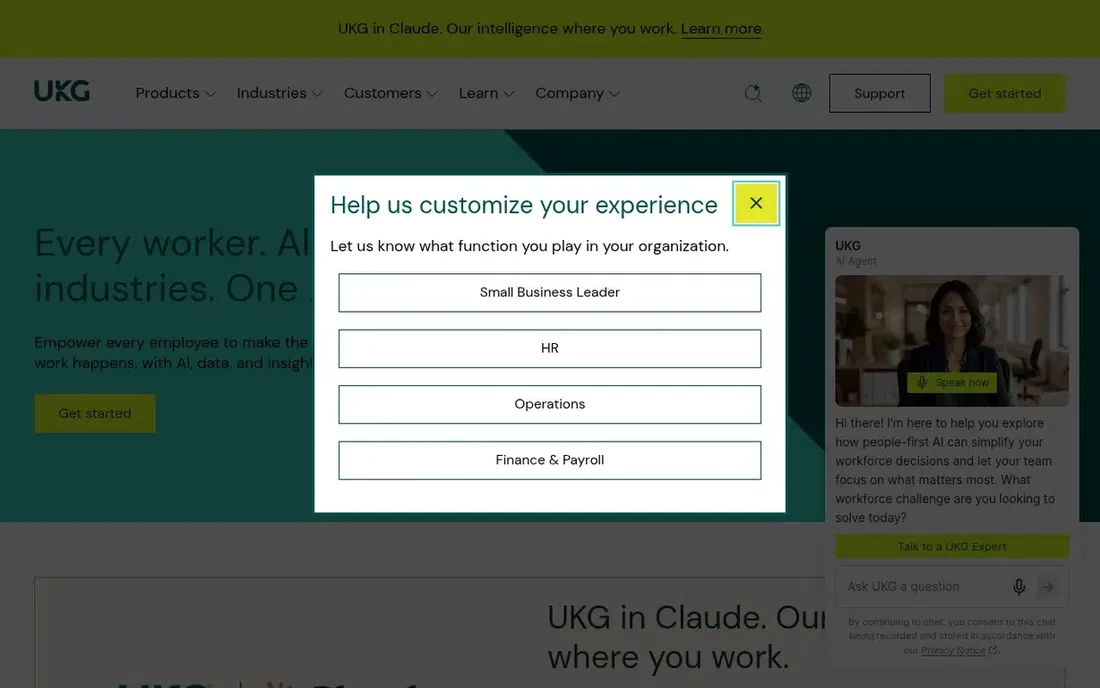
In short, UKG Pro Workforce Management is for complicated workforce operations. On top of that, bigger operational teams are the clearest fit.
Where it is weaker: Setup may be heavier than small teams need.
Also, verify the attendance modules available to you straight with the vendor. If your priority is straightforward shift scheduling and messaging, When I Work or Homebase may be simpler to adopt. Check the vendor site for UKG Pro Workforce Management pricing; none is listed in this comparison. As for free access: Not stated.
- Pay and workforce management
- Made for workforce intelligence and operations
- Geared toward bigger operational complexity
In short, Rippling is for unified HR, IT and finance data. It suits firms that want employee time and attendance data connected to the rest of their business systems.
Confirm the attendance features relevant to your setup with the vendor. Rippling cost at the entry level: $8 per employee per month. On free options: Not stated.
Limits to weigh: Attendance is one app among plenty of.
- Merges HR
- IT and finance apps
- Wide scope may be more than needed
Deputy makes the most sense for shift scheduling with labor forecasting. It suits shift-based firms such as retail, hospitality and healthcare that require dependable clock-ins and schedule coverage.
Honest limits: May not replace a full HR suite.
Review the attendance and payroll details on the vendor site before deciding. What you pay to start with Deputy: $5 per user per month. As for free access: Free trial.
- Employee scheduling and time tracking
- AI labor forecasting and payroll features
- Centred on shift-based workforces
Where When I Work fits: straightforward shift scheduling and team messaging. The product centers on scheduling and time tracking instead of full HR administration, so firms needing payroll and benefits depth may look elsewhere.
For everyday use, small and mid-size teams with changing weekly schedules are a solid fit. When I Work cost at the entry level: $2.50 per user per month. As for free access: Free trial.
Downsides: Best value for schedule-heavy workplaces.
- Schedule shifts
- Designed for hourly and shift teams
- Narrower than a full HR product
Think of Homebase for small hourly teams needing one app. Businesses needing workforce intelligence at scale should look at UKG Pro Workforce Management. Confirm the attendance and payroll features that apply to you with the vendor.
On top of that, owners who deal with HR themselves are the clearest audience. Homebase is designed around small hourly operations, so bigger enterprises with complicated rules may outgrow it. Entry price for Homebase: $30 per location per month. Homebase offers a free plan.
Limits to weigh: Oriented toward small firms.
Best features of Homebase: Scheduling.
- Time clocks and payroll together
- Aimed at hourly team management
- Fewer deep enterprise controls
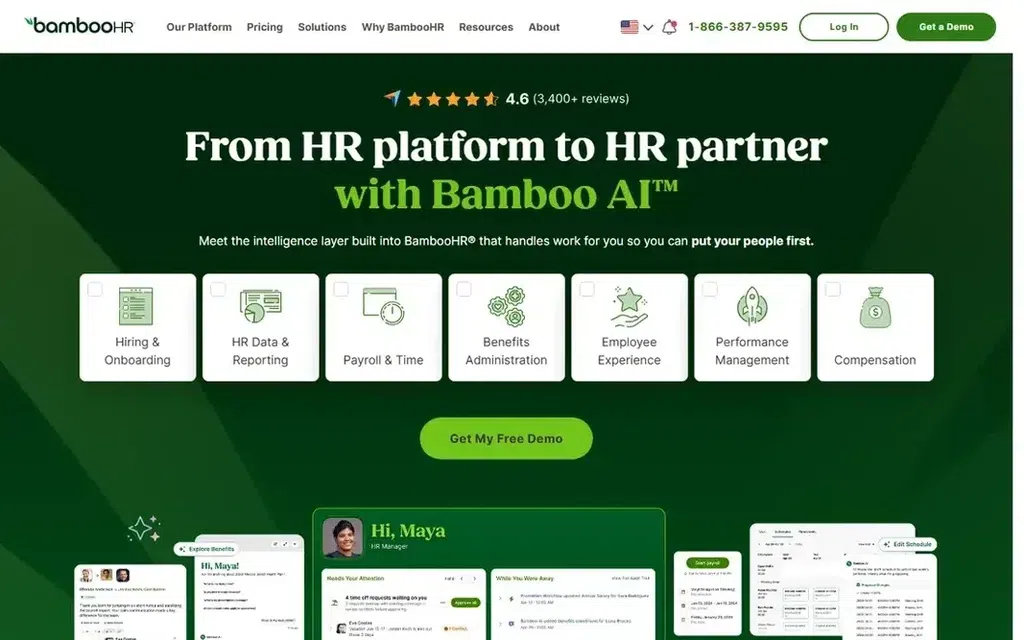
BambooHR is aimed squarely at attendance inside a full HR suite. BambooHR is a complete HR software including people, payroll and benefits, with attendance and time tracking sitting alongside core employee records. Firms wanting a focused scheduling tool with AI labor forecasting should look at Deputy instead.
Since it is a wide HR suite, smaller teams that only need shift clock-ins may find more than they need. In daily use, confirm which attendance features are included in your setup on the vendor site. Starting cost for BambooHR: $10 per employee per month. BambooHR has no permanent free option.
Drawbacks to consider: Wide suite may exceed straightforward needs.
- Merges HR records with time tracking
- Spans hire to retire workflows
- Attendance is one part of a bigger system
Our selection method
A buyer's checklist
- Confirm the entry price on the vendor page. For UKG Pro Workforce Management that means a quote rather than a fixed price.
- Test the free plan from Homebase against your real workload before relying on it.
- Use real work to test the free trial from Deputy and When I Work, rather than a demo project.
- Before choosing UKG Pro Workforce Management, weigh its main limit: geared toward bigger operational complexity.
- Let daily users try Homebase on real work; their feedback beats any feature checklist.
- Test how quickly When I Work answers a pre-sales question; it hints at how support will feel later.
FAQ
Which options for attendance management software have a free plan?
Homebase is the only tool in this list with a free plan. Free plans usually cap users, projects or features, so check the limits on the vendor page. Several others offer a trial instead. For the full picture, the cards above cover all 6 entries of this attendance management software list, including price, free plan and limits.
What should attendance management software bundle?
Look for time clock capture, shift scheduling, time-off tracking and reporting that links to payroll. Confirm which features are standard in the product you choose.
Can I try these options before paying?
Often, yes. Homebase has a free plan and Deputy and When I Work offer a free trial. Use your own data and a real task during the test, and check what the free tier or trial limits before you rely on it. Prices, free plan details and limits for all 6 tools in this attendance management software roundup sit on the individual cards above.
Do these tools publish their prices?
Not all of them. UKG Pro Workforce Management publishes no starting price, so expect a quote request for it. The rest, Rippling included, show a starting price, though seats and billing terms still change the final cost.
What is the cheapest option for attendance management software in this list?
On published monthly entry prices, When I Work is the lowest here at $2.50 per user per month. Entry price is only part of the cost, because seats, add-ons and billing terms can change the total. Each of the 6 options in this attendance management software guide has its own card above with the price, free plan and limits.
Sources
- https://www.ukg.com
- https://www.rippling.com
- https://www.deputy.com
- https://wheniwork.com
- https://www.joinhomebase.com
- https://www.bamboohr.com