The 6 Best Benefits Admin Software HR Tech in 2026, Ranked
Searching for the best benefits admin software HR tech? Here are 6 options with prices and free plans. Each listing flags where it falls short. Facts only.
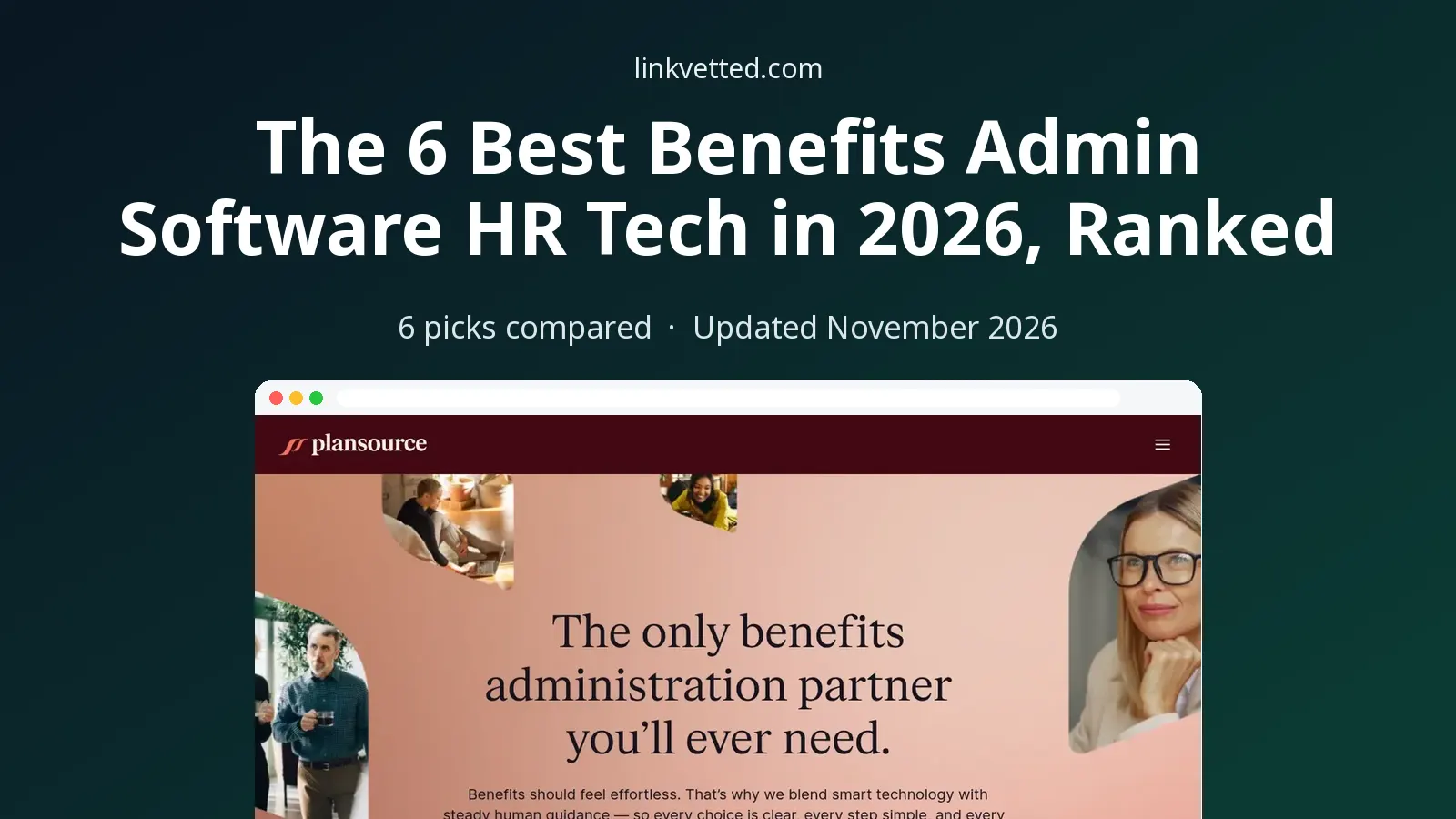
- Editor's choice
 PlanSource
Benefits admin with human guidance
Starts atSee websiteVisit plansource.comFull review - Great alternative
 Justworks
Small firms wanting HR support
Starts atSee websiteVisit justworks.comFull review - Also consider
 Benefitfocus
Data-driven benefits for employers and plans
Starts atSee websiteVisit benefitfocus.comFull review
Direct answer
PlanSource leads the list, best for benefits admin with human guidance. Listed starting prices: Rippling from $8 per employee per month. Justworks is the stronger choice for small businesses wanting HR support, while Benefitfocus suits data-driven benefits for employers and plans. Prices, free plans and limits for all 6 tools follow.
TL;DR:
- Top of the list is PlanSource, which targets benefits admin with human guidance.
- For unified HR, IT and finance data, Rippling is worth a look.
- Check the limits for Benefitfocus before you commit: wide audience may mean complicated setup.
- A permanent free plan is missing from all 6 tools, PlanSource and Rippling included; plan for a trial or a premium start.
Last checked November 2026. Prices and plan details were read from the vendors' own pages in November 2026; vendors change plans often, so confirm the current price on the vendor site before you buy.
Quick comparison
| Tool | Best for | Starts at | Free plan? | |
|---|---|---|---|---|
| PlanSource | Benefits admin with human guidance | See website | Not stated | Visit |
| Justworks | Small firms wanting HR support | See website | Not stated | Visit |
| Benefitfocus | Data-driven benefits for employers and plans | See website | Not stated | Visit |
 ADP Workforce Now | Scalable payroll, tax and HCM | See website | Not stated | Visit |
 Zenefits | HR, payroll and outsourcing in one | See website | Not stated | Visit |
 Rippling | Unified HR, IT and finance data | $8 per employee per month | Not stated | Visit |
Tool-by-tool breakdown
If you are comparing benefits admin software HR tech, this page covers 6 tools in one place: what each is best for, what it costs to start, whether it has a free plan, and the main limit to know about.
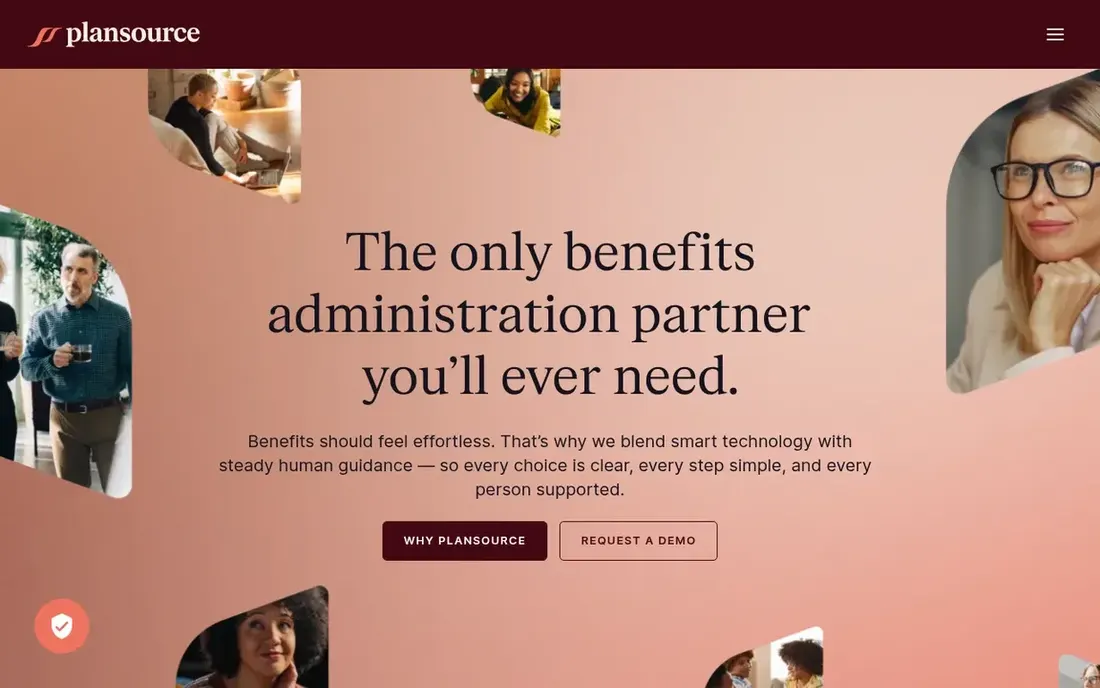
PlanSource is a good fit for benefits admin with human guidance. Businesses wanting a single vendor for all HR functions should compare full-suite choices.
PlanSource shows no starting price here, so confirm the cost on the vendor site. As for free access: Not stated.
Where it falls short: Payroll may need another system.
- Aimed at HR leaders
- Smart technology plus human guidance
- Narrower than full HCM suites
In short, Justworks is for small firms wanting HR support. Bigger organizations or those wanting full control of benefits infrastructure should compare other choices.
What to check first: PEO model may not fit every company.
More specifically, pick Justworks when small-business simplicity and human support matter most. In daily use, the PEO approach means the service model shapes how benefits and HR are delivered, which may not suit every company's structure or preferences. Pricing for Justworks is not stated here, so ask the vendor for current figures. As for free access: Not stated.
- PEO and payroll combined
- HR software with human support
- Less suited to large enterprises
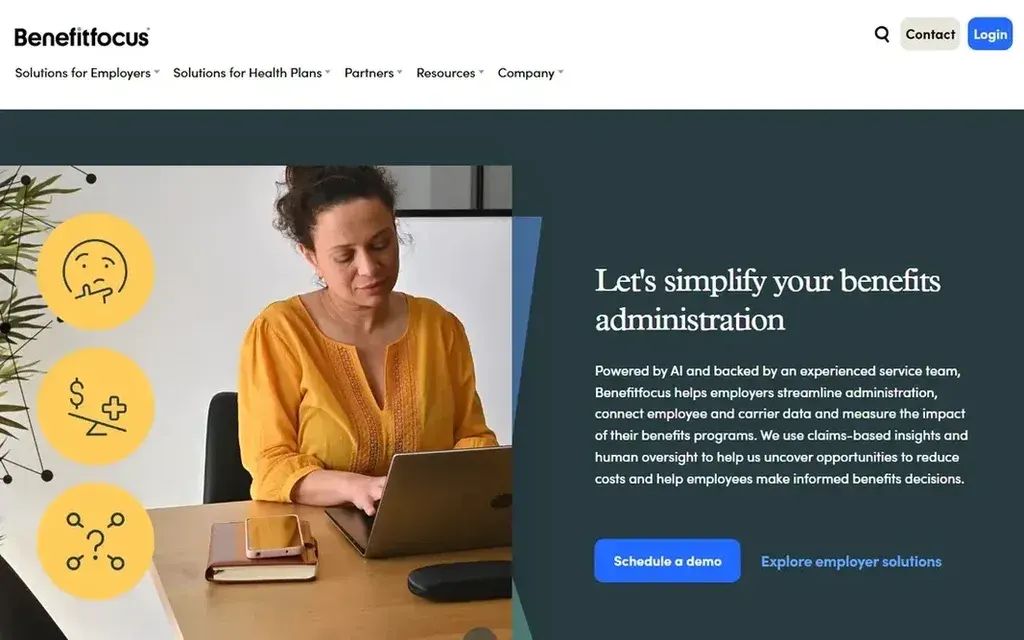
Benefitfocus was built for data-driven benefits for employers and plans. Benefitfocus gives you software for simplifying benefits administration and health plans, serving both employers and health plans with data-driven tools.
Downsides: Not a general HR suite.
Its dual focus on employers and health plans can introduce complexity for small teams with straightforward benefits needs. In practice, consider Benefitfocus when data-driven benefits management and health plan support are central requirements. Benefitfocus shows no starting price here, so confirm the cost on the vendor site. Free options: Not stated.
- Data-driven benefits management
- Serves employers and health plans
- Wide audience may mean complicated setup
For scalable payroll, tax and HCM, ADP Workforce Now is a natural candidate. For benefits administration, it suits employers that want benefits handled alongside payroll and compliance in a single established HCM environment, and that prefer a wide suite over a standalone benefits tool.
Downsides: Large suite can feel complicated.
Organizations wanting a benefits-only system with specialized guidance may prefer a focused vendor. Pricing for ADP Workforce Now is not stated here, so ask the vendor for current figures. Trial and free access: Not stated.
- Payroll, tax
- HR and HCM together
- Benefits is one module among many
Zenefits targets HR, payroll and outsourcing in one. Zenefits appears under TriNet, which supplies firms with HR options including payroll, benefits, risk management and compliance in one place.
Limits to weigh: May be more than straightforward enrollment needs.
Companies with in-house HR infrastructure may prefer standalone benefits administration. This comparison lists no price for Zenefits; ask the vendor. Free plan details: Not stated.
- Benefits and compliance together
- Contains HR outsourcing
- Positioning tied to TriNet services
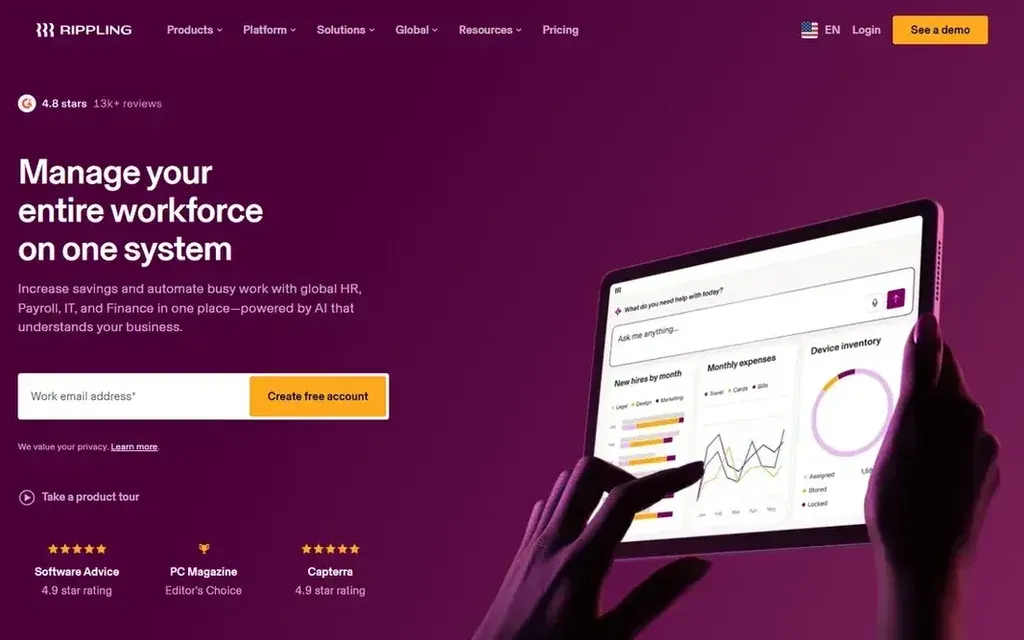
Rippling targets unified HR, IT and finance data. For benefits administration, that means employee and payroll data can flow into benefits workflows instead of sitting in separate systems. For everyday use, consider Rippling when integration across HR, IT and finance matters more than narrow depth in one area.
Beyond that, the breadth is the primary tradeoff: teams that only need benefits enrollment may find the wider system more than required. As for the details, organizations with deeply specialized benefits needs, such as complicated health plan structures, may prefer a benefits-focused vendor. Starting cost for Rippling: $8 per employee per month. Trial and free access: Not stated.
Where it is weaker: Setup spans several departments.
- Merges HR
- Benefits sit on one shared data system
- Wide scope may overwhelm narrow needs
How we compared the tools
Things to verify first
- Get a written quote from PlanSource, Justworks, Benefitfocus and others; the list shows no starting price for them.
- Before choosing PlanSource, weigh its main limit: narrower than full HCM suites.
- A short pilot of Zenefits with your real workflow tells you more than a feature table.
- Test the integrations you rely on with PlanSource before committing; some connectors sit on upper tiers.
- Work out what Rippling costs with your real seat count, add-ons and usage, not just the entry price.
FAQ
Do these tools publish their prices?
Not all of them. PlanSource, Justworks, Benefitfocus and others publish no starting price, so expect a quote request for those. The rest, Rippling included, show a starting price, though seats and billing terms still change the final cost.
Does any tool for benefits admin software HR tech here have a free plan?
No tool in this list, PlanSource and Rippling included, has a permanent free plan. Trials and quotes are the usual route, so plan a short evaluation period.
What should HR teams look for in benefits administration software?
Focus on enrollment workflows, eligibility handling, payroll integration and compliance reporting. Also confirm how much human support includes the product, since benefits questions often need guided help.
When does a PEO model make sense for benefits?
A PEO model can suit small companies that want payroll and benefits handled with human support instead of managing vendors separately. Bigger businesses or those wanting direct control of benefits infrastructure commonly prefer standalone products.
How are the tools for benefits admin software HR tech ordered?
PlanSource sits first and Rippling last because the order follows typical fit for benefits admin software HR tech, then price clarity and free access. It is a judgement call, so read each profile for fit and limits.
What is the cheapest option for benefits admin software HR tech in this list?
On published monthly entry prices, Rippling is the lowest here at $8 per employee per month. Entry price is only part of the cost, because seats, add-ons and billing terms can change the total. For the full picture, the cards above cover all 6 entries of this benefits admin software HR tech list, including price, free plan and limits.
Sources
- https://www.plansource.com
- https://www.justworks.com
- https://www.benefitfocus.com
- https://www.adp.com
- https://www.zenefits.com
- https://www.rippling.com