Top 5 Digital Media Software for 2026 (Prices and Free Plans)
Need the top digital media software? We compare 5 tools on cost, free access and who each suits. Each pick lists its main limit. Full profiles inside.
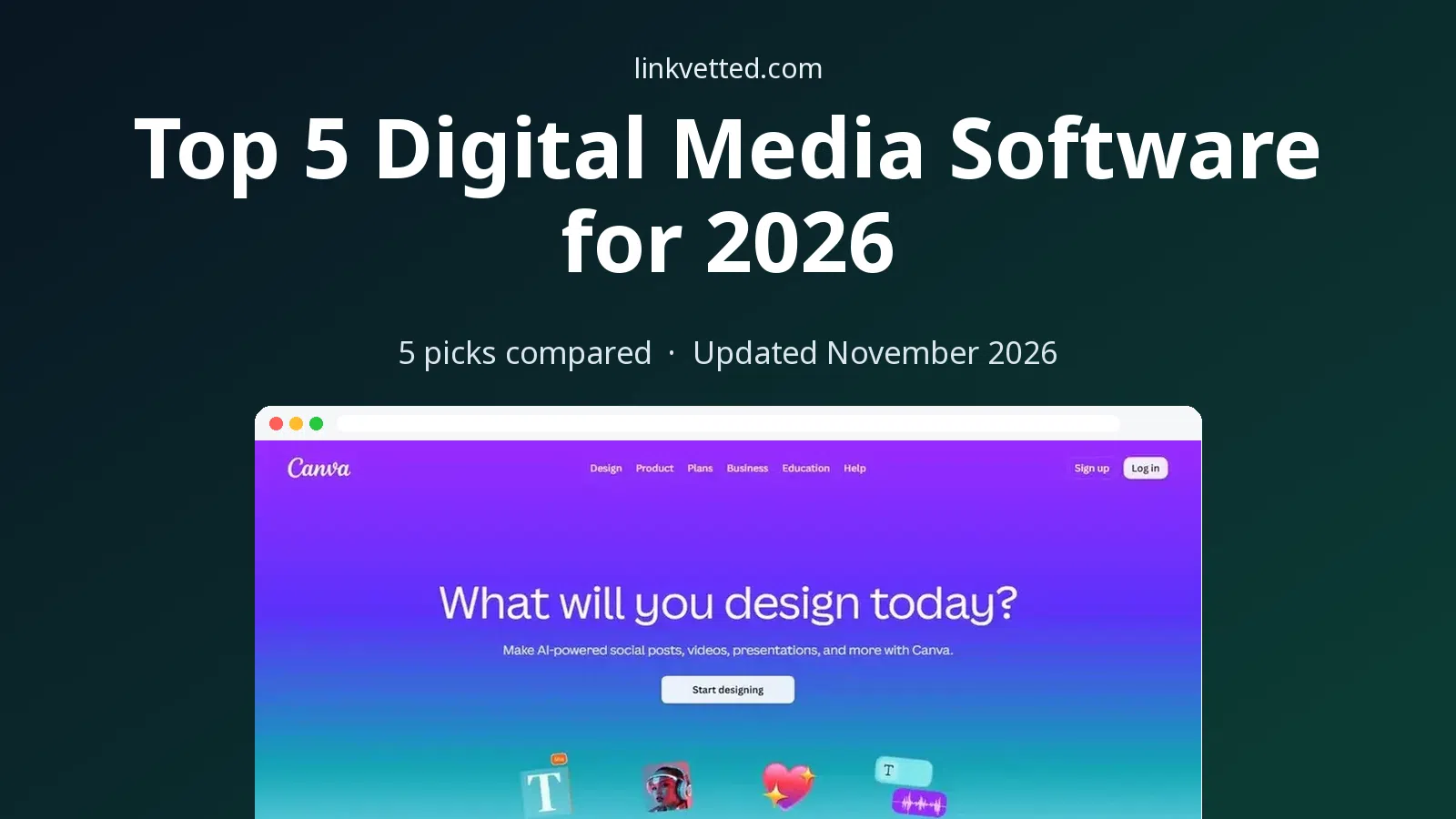
- Editor's choice
 Canva
Fast and simple online design
Starts atPricing on requestVisit canva.comFull review - Great alternative
 CorelDRAW Graphics Suite
Vector illustration and technical design
Starts atPricing on requestVisit coreldraw.comFull review - Also consider
 Affinity Designer
Precise vector design
Starts atPricing on requestVisit affinity.serif.comFull review
Direct answer
If you need fast and simple online design, Canva is the first tool to look at here. CorelDRAW Graphics Suite is the stronger choice for vector illustration and technical design, while Affinity Designer suits precise vector design. All 5 tools are compared below on fit, free plan and limits. None of these vendors publish plan prices, so pricing is on request for every option.
TL;DR:
- The list opens with Canva, aimed at fast and simple online design.
- None of the 5 tools, from Canva to Final Cut Pro, has a free plan, so budget for a subscription or use a trial.
- Check the limits for Adobe Creative Cloud before you commit: can be complicated for beginners.
- Final Cut Pro is the one to check for Mac and iPad video editing.
- Pricing across the list, from Canva to Final Cut Pro, is by quote only.
Last checked November 2026. Pricing on request: vendors did not publish plan prices when this guide was last checked (November 2026), so ask each vendor for a written quote.
Quick comparison
| Tool | Best for | Starts at | Free plan? | |
|---|---|---|---|---|
| Canva | Fast and simple online design | Pricing on request | Not stated | Visit |
| CorelDRAW Graphics Suite | Vector illustration and technical design | Pricing on request | Not stated | Visit |
| Affinity Designer | Precise vector design | Pricing on request | Not stated | Visit |
| Adobe Creative Cloud | Full professional creative suite | Pricing on request | Not stated | Visit |
 Final Cut Pro | Mac and iPad video editing | Pricing on request | Not stated | Visit |
The full digital media software list
Short on time? The summary and table above give the quick view of 5 tools for digital media software, and the profiles that follow give the detail behind each entry.
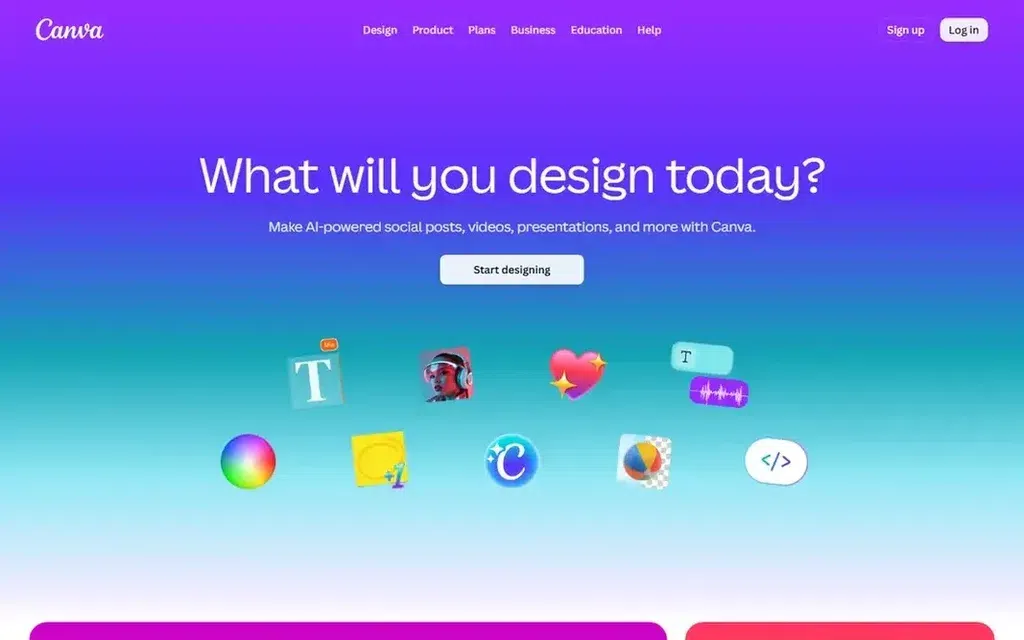
Canva is a good fit for fast and simple online design. Canva is a free-to-use online graphic design tool for creating social media posts, presentations, posters, videos, logos and more.
Where it falls short: Less advanced customization.
Also, for complicated vector work or print-ready files, consider Affinity Designer or CorelDRAW. Beyond that, Whereas Canva is well suited to fast projects, it supplies less precision and advanced control than professional design software. No starting price is listed for Canva here; confirm pricing on the vendor site. On free options: Not stated.
- Templates for social media and presentations
- Free-to-use online tool
- Restricted professional print controls
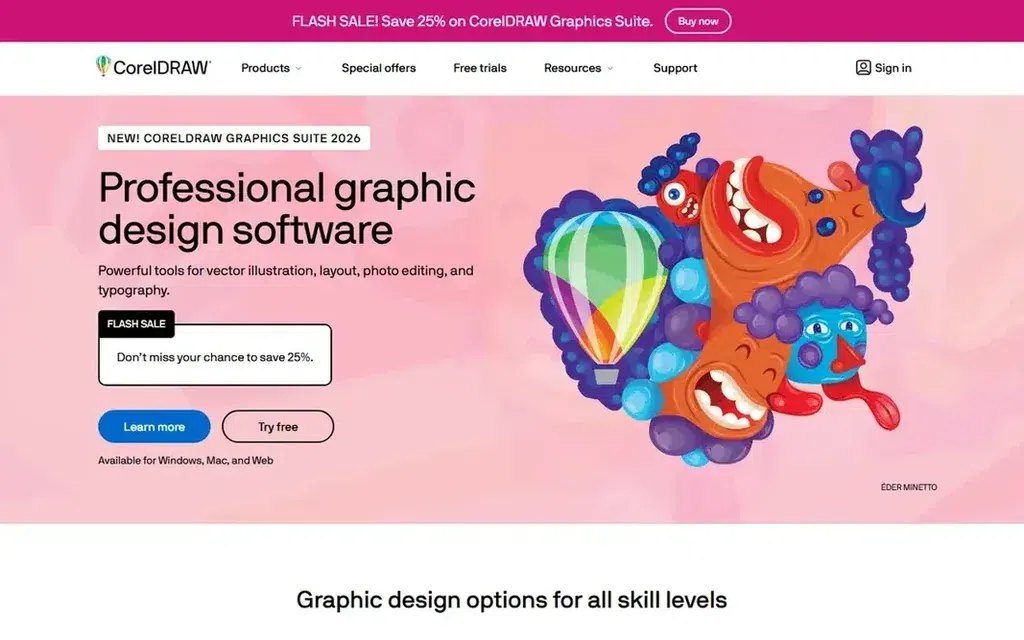
CorelDRAW Graphics Suite makes the most sense for vector illustration and technical design. CorelDRAW Graphics Suite is professional graphic design software with vector, technical illustration and CAD choices for designing logos, posters, drafting and prototypes.
This comparison lists no price for CorelDRAW Graphics Suite; ask the vendor. Free options: Not stated.
Points against: Steeper ramp-up time.
- CAD and drafting choices
- Vector and technical illustration tools
- Windows-centric heritage
Affinity Designer works best for precise vector design. Affinity Designer is professional design software aimed at precision, speed and freedom, concentrated on creating crisp vector art and bold graphics.
What to check first: Restricted video editing features.
If you need a complete multimedia suite, Adobe Creative Cloud is a better choice. No starting price is listed for Affinity Designer here; confirm pricing on the vendor site. Free options: Not stated.
- Crisp vector art and bold graphics
- Designed for precision and speed
- Smaller ecosystem than Adobe
Adobe Creative Cloud
Best for: Full professional creative suite
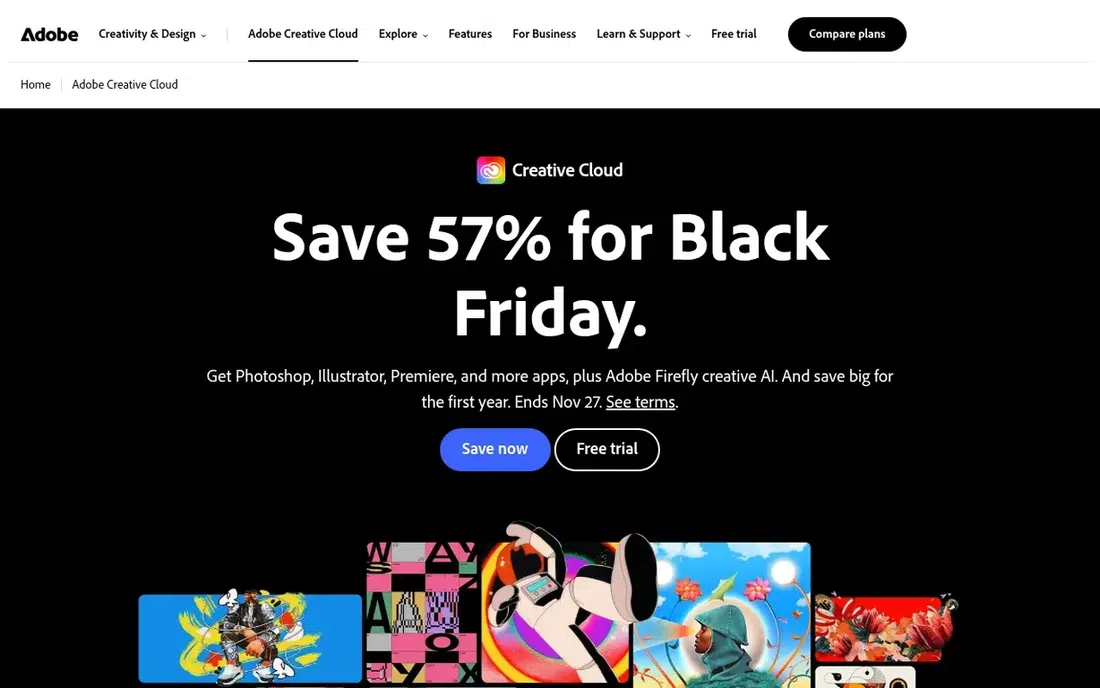
In short, Adobe Creative Cloud is for full professional creative suite. It suits designers, video editors and photographers who want a unified ecosystem of industry-standard tools for diverse media projects.
No starting price is listed for Adobe Creative Cloud here; confirm pricing on the vendor site. Free access: Not stated.
Honest limits: Can be complicated for beginners. What works well: Available on desktop.
- Contains Photoshop
- Illustrator and Premiere
- Needs a subscription
Choose Final Cut Pro for Mac and iPad video editing. Final Cut Pro is Apple's professional video editing software packed with capable intelligence features that make pro-quality video creation and editing simple on Mac and iPad.
It fits Apple-based editors who value performance and a simplified interface. Pricing for Final Cut Pro is not stated here, so ask the vendor for current figures. As for free access: Not stated.
Where it falls short: Less suited for complicated color work.
- Optimized for Mac and iPad
- Intelligent editing features
- Mac-only product
What went into this list
The comparison looks at four things: starting price, free access, how well the feature set matches digital media software, and the main limit of each tool. Treat prices as a snapshot: vendors change plans often, so check the vendor site for the figure that applies today. Order on the page follows fit for the typical buyer first, then price transparency and free access. Your own requirements should decide the final pick.
Before you commit
- Request quotes from Canva, Final Cut Pro and the others; the list shows no fixed prices.
- Before choosing Canva, weigh its main limit: less advanced customization.
- See whether CorelDRAW Graphics Suite offers onboarding or training, and whether it is included in the price.
- Confirm you can export your data from Final Cut Pro, so leaving later does not mean losing records.
- Map your must-have features to a specific Canva plan before you compare prices.
FAQ
Which tool is a good match for professional video editing?
This list starts with Canva, which fits fast and simple online design. For other needs, CorelDRAW Graphics Suite is aimed at vector illustration and technical design, and Affinity Designer at precise vector design. Check each tool's price and main limit first.
How are the tools for digital media software ordered?
The order follows typical fit for digital media software, with Canva first and Final Cut Pro last, then price clarity and free access. It is editorial judgement, not a score, so another team could rank the tools differently.
Is Canva the right pick for everyone comparing digital media software?
No single tool suits every team. Canva comes first because it fits quick and easy online design, while CorelDRAW Graphics Suite suits vector illustration and technical design and Affinity Designer suits precise vector design. Match the tool to your own size, budget and workflow before deciding.
What is the best digital media software for beginners?
Canva comes first here and is built for fast and simple online design. Buyers with other needs may prefer CorelDRAW Graphics Suite (for vector illustration and technical design) or Affinity Designer (for precise vector design). Compare costs and limits first.
Do these tools publish their prices?
No. None of the tools, from Canva to Final Cut Pro, shows a fixed starting price here, so budget time for quotes.
Can I try these options before paying?
Not by default. None of the tools, from Canva to Final Cut Pro, lists a free plan or a free trial here, so ask each vendor for a demo before committing.
Sources
- https://www.canva.com
- https://www.coreldraw.com
- https://affinity.serif.com/en-us/designer
- https://www.adobe.com/creativecloud.html
- https://www.apple.com/final-cut-pro