Best Cross-Platform Tools for Digital Media (2026): 6 Picks Checked on Vendor Pages
6 products for the best Cross-Platform tools for digital media, ranked by fit, with starting costs and free tiers. With pricing notes and limits. Details below.
- Editor's choiceAffinity Suite
Focused photo, design and layout
Starts atPricing on requestVisit affinity.serif.comFull review - Great alternative
 Final Cut Pro
Quick editing on Mac and iPad
Starts atPricing on requestVisit apple.comFull review - Also consider
 DaVinci Resolve
Editing, color and audio in one app
Starts atPricing on requestVisit blackmagicdesign.comFull review
Direct answer
If you need focused photo, design and layout, Affinity Suite is the first tool to look at here. Look at Final Cut Pro for quick editing on Mac and iPad, and at DaVinci Resolve for editing, color and audio in one app. The remaining 3 options are covered below with pricing notes and limits. None of these vendors publish plan prices, so pricing is on request for every option.
TL;DR:
- Top of the list is Affinity Suite, which targets focused photo, design and layout.
- None of the 6 tools, from Affinity Suite to Adobe Creative Cloud, has a free plan, so budget for a subscription or use a trial.
- Adobe Creative Cloud is the one to check for wide photo, design and video work.
- Affinity Suite, Adobe Creative Cloud and the 4 others all sell by quote; expect sales conversations before you see a price.
Last checked November 2026. Pricing on request: vendors did not publish plan prices when this guide was last checked (November 2026), so ask each vendor for a written quote.
Quick comparison
| Tool | Best for | Starts at | Free plan? | |
|---|---|---|---|---|
| Affinity Suite | Focused photo, design and layout | Pricing on request | Not stated | Visit |
| Final Cut Pro | Quick editing on Mac and iPad | Pricing on request | Not stated | Visit |
| DaVinci Resolve | Editing, color and audio in one app | Pricing on request | Not stated | Visit |
 Avid Media Composer | Professional post-production storytelling | Pricing on request | Not stated | Visit |
| Maxon Cinema 4D | 3D motion graphics and visualization | Pricing on request | Not stated | Visit |
| Adobe Creative Cloud | Wide photo, design and video work | Pricing on request | Not stated | Visit |
Cross-Platform Tools for Digital Media profiles
LinkVetted compared 6 tools for Cross-Platform tools for digital media. The goal is a practical shortlist: published prices, free plan facts, best-fit use cases and honest limits for every entry.
Affinity Suite
Best for: Focused photo, design and layout
Affinity Suite is a good fit for focused photo, design and layout. The suite centers on photo, design and layout instead of video or audio, so media teams producing motion content will still need another tool.
Where it is weaker: Smaller plugin ecosystem.
What Affinity Suite does well: Precise professional tools.
Choose Affinity when your output is primarily still images, branding and layout. This comparison lists no price for Affinity Suite; ask the vendor. Free options: Not stated.
- Photo
- Runs on several systems
- Fewer video features
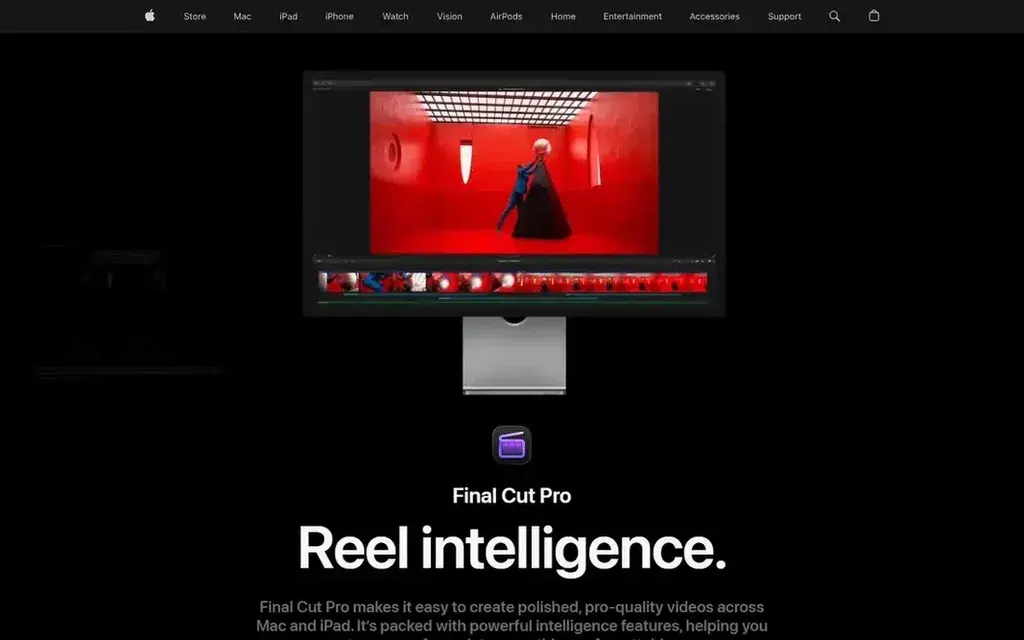
Final Cut Pro targets quick editing on Mac and iPad. It fits editors already in the Apple ecosystem who want a simplified interface and smooth handoff between a desktop and a tablet.
Drawbacks to consider: Less suited to mixed OS teams.
Choose Final Cut Pro when your hardware is Apple and speed of editing is the priority. Check the vendor site for Final Cut Pro pricing; none is listed in this comparison. Free options: Not stated.
- Optimized for Apple hardware
- Intelligence features
- Apple systems only
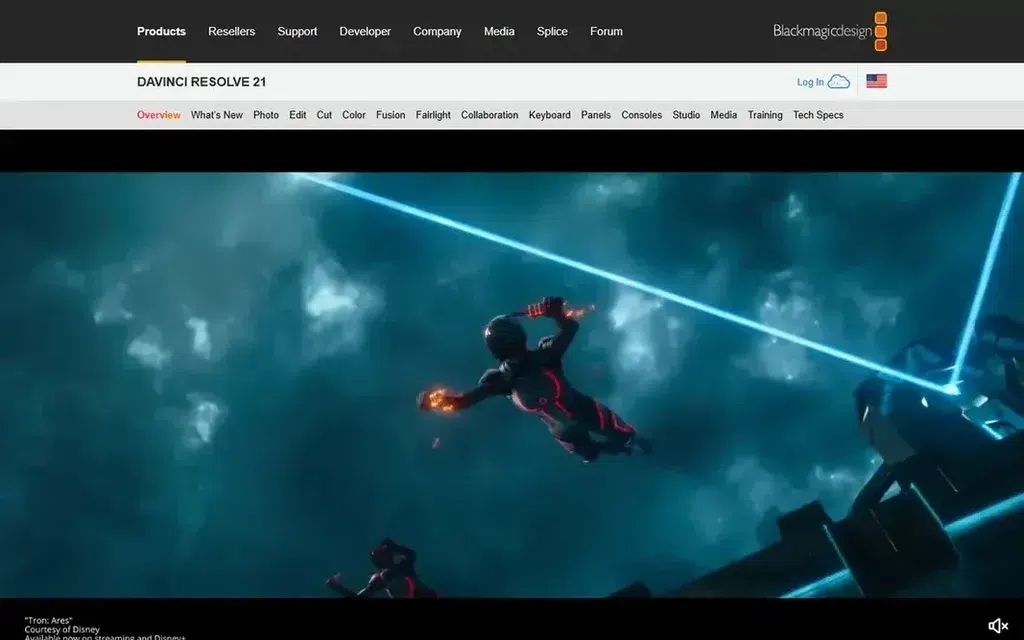
DaVinci Resolve makes the most sense for editing, color and audio in one app. Editors who want a lighter, quicker cut-and-deliver tool may prefer Final Cut Pro on Apple hardware. The depth of the color and effects pages means a ramp-up time, and large projects reward a capable machine.
Honest limits: Deep ramp-up time.
On top of that, pick Resolve when color, effects and audio finishing matter as much as the edit. In daily use, DaVinci Resolve from Blackmagic Design bundles professional video editing, color correction, visual effects and audio post production in a single application. It runs on Mac, Windows and Linux, which makes it a practical cross-platform hub for editors who want color and finishing in the same project instead of moving between separate tools. This comparison lists no price for DaVinci Resolve; ask the vendor. On free options: Not stated.
- Mac
- Editing and color together
- Demanding hardware
Avid Media Composer targets professional post-production storytelling. The interface and workflow assume professional training, so newcomers face a steep learning curve and a heavier setup.
No starting price is listed for Avid Media Composer here; confirm pricing on the vendor site. Trial and free access: Not stated.
Where it falls short: Heavier setup.
- Film and TV workflows
- Designed for post-production
- Steep ramp-up time
Maxon Cinema 4D
Best for: 3D motion graphics and visualization
Choose Maxon Cinema 4D for 3D motion graphics and visualization. Cinema 4D assumes 3D knowledge and does not replace video editing, color or audio tools. So it is a complement instead of a standalone answer.
Downsides: Specialized 3D skill needed.
From a buyer's view, teams without 3D needs will get more from an editing or design suite. Pick it when motion graphics and 3D visualization are central to the work. No starting price is listed for Maxon Cinema 4D here; confirm pricing on the vendor site. On free options: Not stated.
- Capable motion graphics focus
- Cross-platform availability
- Not a full editing suite
Adobe Creative Cloud
Best for: Wide photo, design and video work
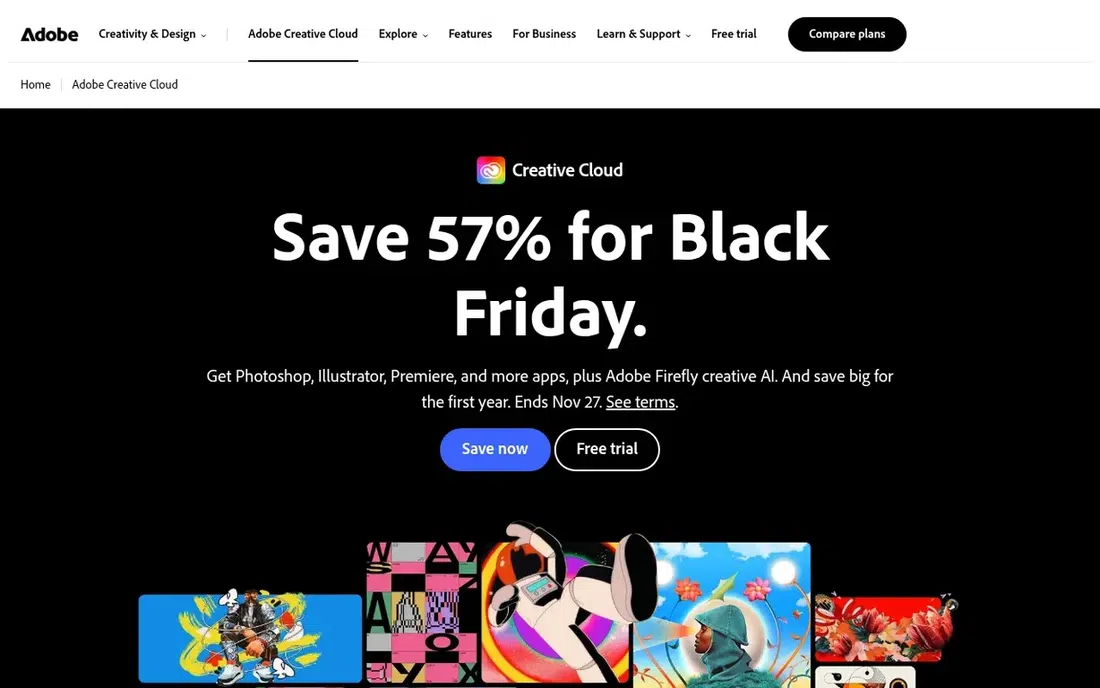
Adobe Creative Cloud was built for broad photo, design and video work. It suits teams and individuals who require one ecosystem for photo editing, vector design, video and layout, and who value moving projects between apps and devices without converting formats.
Choose Creative Cloud when you need multiple media disciplines under one account. Pricing for Adobe Creative Cloud is not stated here, so ask the vendor for current figures. Trial and free access: Not stated.
What to check first: Subscription required.
- Broad app coverage
- Desktop
- Large install footprint
How the list was put together
Selection started from tools commonly considered for Cross-Platform tools for digital media, then narrowed to 6 that have clear pricing information or a clear quote process. Prices and plan limits come from vendor pages and can change, so confirm them on the vendor site before you buy. Order on the page follows fit for the typical buyer first, then price transparency and free access. Your own requirements should decide the final pick.
What to check before you buy
- Ask each vendor, from Affinity Suite to Adobe Creative Cloud, for a written quote; none of them publishes a starting price.
- Read the limits listed for Affinity Suite first: smaller plugin ecosystem.
- Look at the renewal terms for Adobe Creative Cloud: auto-renewal, notice periods and price changes can matter more than the first-year price.
- Check how data leaves DaVinci Resolve: formats, limits and whether exports are available on every plan.
- Let daily users try Maxon Cinema 4D on real work; their feedback beats any feature checklist.
FAQ
Does any tool for Cross-Platform tools for digital media here have a free plan?
No tool in this list, Affinity Suite and Adobe Creative Cloud included, has a permanent free plan. Trials and quotes are the usual route, so plan a short evaluation period.
Is Affinity Suite the right pick for everyone comparing Cross-Platform tools for digital media?
No single tool suits every team. Affinity Suite comes first because it fits focused photo, design and layout, while Final Cut Pro suits fast editing on Mac and iPad and DaVinci Resolve suits editing, color and audio in one app. Match the tool to your own size, budget and workflow before deciding.
Do these tools publish their prices?
No. None of the tools, from Affinity Suite to Adobe Creative Cloud, shows a fixed starting price here, so budget time for quotes.
Which cross-platform tool is a good match for a mixed video and design workflow?
This list starts with Affinity Suite, which fits focused photo, design and layout. For other needs, Final Cut Pro is aimed at quick editing on Mac and iPad, and DaVinci Resolve at editing, color and audio in one app. Check each tool's price and main limit first.
Can I edit video on Windows and Linux with these tools?
Final Cut Pro is restricted to Apple products, so mixed-OS teams should plan around that. Check current system requirements on each vendor site.
Can I try these tools before paying?
Not by default. None of the tools, from Affinity Suite to Adobe Creative Cloud, lists a free plan or a free trial here, so ask each vendor for a demo before committing.
Sources
- https://affinity.serif.com
- https://www.apple.com/final-cut-pro
- https://www.blackmagicdesign.com/products/davinciresolve
- https://www.avid.com/media-composer
- https://www.maxon.net/en/cinema-4d
- https://www.adobe.com/creativecloud.html