Best User-Friendly Digital Media Software in 2026: Prices, Free Plans and 5 Picks
Best User-Friendly digital media software, compared. 5 tools with published prices, free plans and limits. Every profile names its biggest catch. Quick to scan.
- Editor's choice
 CapCut
Fast AI-assisted social video editing
Starts atPricing on requestVisit capcut.comFull review - Great alternative
 Canva
Template-driven design for non-designers
Starts atPricing on requestVisit canva.comFull review - Also consider
 Affinity Photo
Precise photo editing without complexity
Starts atPricing on requestVisit affinity.serif.comFull review
Direct answer
CapCut is the first pick on this list for fast AI-assisted social video editing. If your case is different, Canva suits template-driven design for non-designers and Affinity Photo suits precise photo editing without complexity. Details and limits for the rest of the 5 tools are below. None of these vendors publish plan prices, so pricing is on request for every option.
TL;DR:
- CapCut sits first on this list: fast AI-assisted social video editing.
- Adobe Photoshop is the one to check for Photo editing and image composition.
- No starting price is shown for any of the 5 tools, CapCut and Adobe Photoshop included, so plan time for sales calls.
- Canva comes with a trade-off: less precise control than pro editing apps.
- Just one of the 5 tools, CapCut, has a free plan.
Last checked November 2026. Pricing on request: vendors did not publish plan prices when this guide was last checked (November 2026), so ask each vendor for a written quote.
Quick comparison
| Tool | Best for | Starts at | Free plan? | |
|---|---|---|---|---|
| CapCut | Fast AI-assisted social video editing | Pricing on request | Yes | Visit |
| Canva | Template-driven design for non-designers | Pricing on request | Not stated | Visit |
| Affinity Photo | Precise photo editing without complexity | Pricing on request | Not stated | Visit |
 DaVinci Resolve | All-in-one editing, color and audio | Pricing on request | Not stated | Visit |
 Adobe Photoshop | Photo editing and image composition | Pricing on request | Not stated | Visit |
5 options for User-Friendly digital media software in detail
Short on time? The summary and table above give the quick view of 5 tools for User-Friendly digital media software, and the profiles that follow give the detail behind each entry.
CapCut makes the most sense for fast AI-assisted social video editing. It is available on desktop, mobile and online, which makes it convenient for creators who edit across devices. In practice, CapCut's strengths lie in short-form and social content, so complicated multi-track postproduction may call for a more advanced editor.
On top of that, pick CapCut when speed, templates and mobile convenience are the priority. From a buyer's view, users needing granular color or audio control should compare dedicated suites. Pricing for CapCut is not stated here, so ask the vendor for current figures. Free access exists with CapCut.
Downsides: Less suited to long-form professional postproduction.
- AI-powered editing tools and smart templates
- Desktop
- Advanced workflows may need a fuller editor
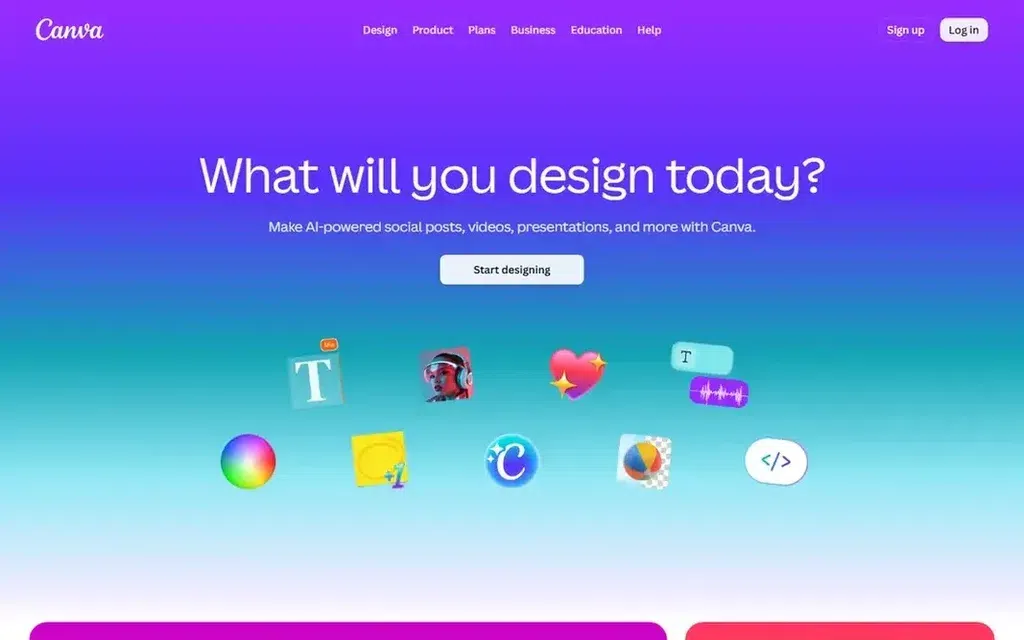
Where Canva fits: template-driven design for non-designers. Choose Canva when fast, consistent visuals matter more than pixel-level precision. It is used to build social media posts, presentations, posters, videos, logos and more.
On top of that, Canva trades fine control for speed, so advanced photo retouching or in-depth video editing may feel constrained. For everyday use, users with specialized production needs commonly pair it with a dedicated editor. This comparison lists no price for Canva; ask the vendor. As for free access: Not stated.
Watch-outs: Complicated custom work may hit limits.
Main advantages: Templates for social posts.
- Videos and logos
- Includes graphics, posters
- Less precise control than pro editing apps
Where Affinity Photo fits: precise photo editing without complexity. Affinity Photo is a professional photo editor from Serif, described as offering precision, speed and total creative freedom. It concentrates on photo editing instead of wide design or video work.
What to check first: Fewer template-driven shortcuts.
More specifically, Affinity Photo is not a template-driven design tool, so social graphics and presentations may be quicker elsewhere. In practice, pick it when photo editing precision is the central task and you do not need a full visual suite. Pricing for Affinity Photo is not stated here, so ask the vendor for current figures. Free access: Not stated.
- Precision and speed emphasized
- Aimed at creative freedom
- Photo-centric
DaVinci Resolve makes the most sense for all-in-one editing, color and audio. The breadth of Resolve can be intimidating for casual users, and complicated projects place real demands on hardware. Choose Resolve when you need professional color and audio alongside editing and are ready to learn its modules.
Limits to weigh: Demanding on hardware for complicated projects.
Also, DaVinci Resolve from Blackmagic Design merges professional video editing, color correction, visual effects and audio postproduction in a single application. It is offered in free and premium versions for Mac, Windows and Linux. DaVinci Resolve shows no starting price here, so confirm the cost on the vendor site. Trial and free access: Not stated.
- VFX and audio in one app
- Windows and Linux
- Feature density can overwhelm beginners
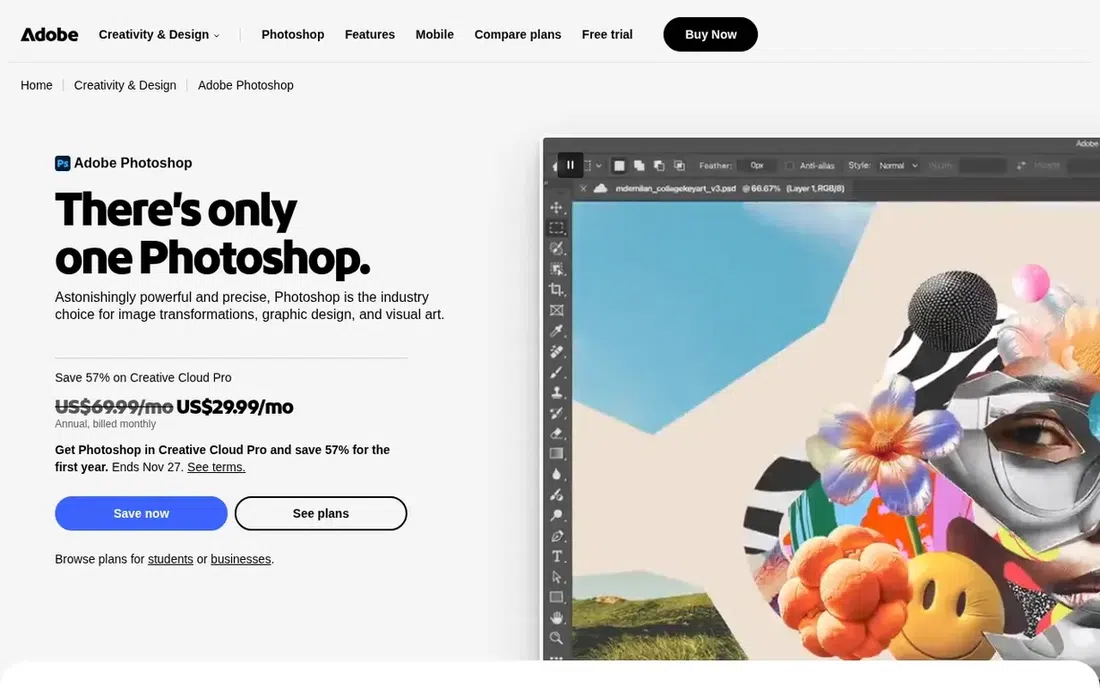
Adobe Photoshop is a good fit for Photo editing and image composition. It suits designers, photographers and marketers who require precise control over images and are willing to learn the interface.
It is less suited to fast social graphics or straightforward video edits, where lighter tools move quicker. This comparison lists no price for Adobe Photoshop; ask the vendor. Free plan details: Not stated.
Drawbacks to consider: Deep feature set can feel overwhelming.
- Manages complicated edits and combined images
- Wide image editing and design tools
- Best results commonly need some learning
How we built this list
Selection started from tools commonly considered for User-Friendly digital media software, then narrowed to 5 that have clear pricing information or a clear quote process. Treat prices as a snapshot: vendors change plans often, so check the vendor site for the figure that applies today. The order reflects how well each tool fits the most common buying scenario for User-Friendly digital media software, then price clarity, then free plan access. It is a starting point, not a verdict.
Before you commit
- Confirm the entry price with every vendor: no tool from CapCut to Adobe Photoshop shows a fixed starting price.
- Test the free plan from CapCut against your real workload before relying on it.
- Read the limits listed for CapCut first: less suited to long-form professional postproduction.
- Test how quickly Affinity Photo answers a pre-sales question; it hints at how support will feel later.
- List the apps you already depend on and check that CapCut supports each one on the plan you would buy.
FAQ
How are the tools for User-Friendly digital media software ordered?
The order follows typical fit for User-Friendly digital media software, with CapCut first and Adobe Photoshop last, then price clarity and free access. It is editorial judgement, not a score, so another team could rank the tools differently.
Is CapCut the right pick for everyone comparing User-Friendly digital media software?
No single tool suits every team. CapCut comes first because it fits quick AI-assisted social video editing, while Canva suits template-driven design for non-designers and Affinity Photo suits precise photo editing without complexity. Match the tool to your own size, budget and workflow before deciding.
Do I need professional software for social media content?
Not necessarily. Canva and CapCut are built around templates and fast output for social systems. Professional suites make more sense when you need detailed color, audio or multi-track control. Match the tool to the complexity of your output.
Which options for User-Friendly digital media software have a free plan?
CapCut is the only tool in this list with a free plan. Free plans usually cap users, projects or features, so check the limits on the vendor page. Each of the 5 options in this User-Friendly digital media software guide has its own card above with the price, free plan and limits.
Do these tools publish their prices?
No. None of the tools, from CapCut to Adobe Photoshop, shows a fixed starting price here, so budget time for quotes.
Sources
- https://www.capcut.com
- https://www.canva.com
- https://affinity.serif.com/en-us/photo
- https://www.blackmagicdesign.com/products/davinciresolve
- https://www.adobe.com/products/photoshop.html