6 Automated Revenue Recognition Software Worth Shortlisting in 2026
Top automated revenue recognition software in 2026: 6 contenders with entry costs and free tiers. With pricing notes and limits. Current for November 2026.
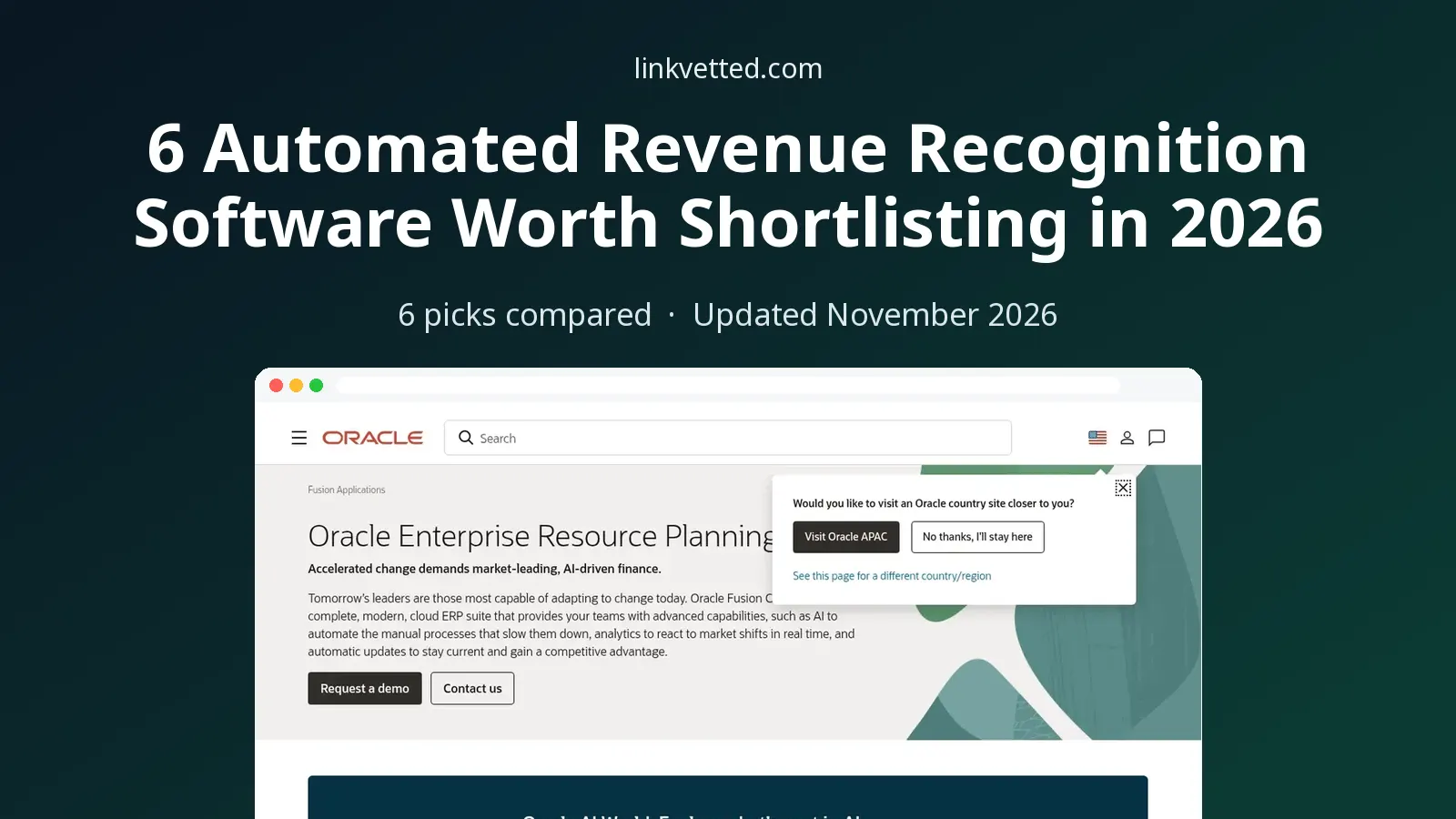
- Editor's choice
 Workday Financial Management
Insight-driven financial control
Starts atPricing on requestVisit workday.comFull review - Great alternative
 Zuora
Subscription billing and revenue automation
Starts atPricing on requestVisit zuora.comFull review - Also consider
 Oracle Fusion Cloud ERP
Adaptable enterprise resource management
Starts atPricing on requestVisit oracle.comFull review
Direct answer
Start with Workday Financial Management if you need insight-driven financial control. Alternatives: Zuora for subscription billing and revenue automation, and Oracle Fusion Cloud ERP for adaptable enterprise resource management. Details, prices and limits for the rest of the 6 tools are below. None of these vendors publish plan prices, so pricing is on request for every option.
TL;DR:
- Workday Financial Management is the opening pick, best for insight-driven financial control.
- Salesforce Revenue Cloud is the one to check for Revenue lifecycle tied to CRM.
- No starting price is shown for any of the 6 tools, Workday Financial Management and Salesforce Revenue Cloud included, so plan time for sales calls.
- A permanent free plan is missing from all 6 tools, Workday Financial Management and Salesforce Revenue Cloud included; plan for a trial or a premium start.
Last checked November 2026. Pricing on request: vendors did not publish plan prices when this guide was last checked (November 2026), so ask each vendor for a written quote.
Quick comparison
| Tool | Best for | Starts at | Free plan? | |
|---|---|---|---|---|
| Workday Financial Management | Insight-driven financial control | Pricing on request | Not stated | Visit |
| Zuora | Subscription billing and revenue automation | Pricing on request | Not stated | Visit |
| Oracle Fusion Cloud ERP | Adaptable enterprise resource management | Pricing on request | Not stated | Visit |
 SAP S/4HANA | Modular cloud ERP with built-in AI | Pricing on request | Not stated | Visit |
 NetSuite | Revenue recognition inside a full cloud ERP | Pricing on request | Not stated | Visit |
 Salesforce Revenue Cloud | Revenue lifecycle tied to CRM | Pricing on request | Not stated | Visit |
6 options for automated revenue recognition software in detail
LinkVetted put together this guide to automated revenue recognition software for readers who want a clear shortlist without reading every vendor page. It compares 6 tools on starting price, free plans, who each one suits and where each one falls short.
Workday Financial Management works best for insight-driven financial control. Teams should confirm revenue scheduling details against their contract types. Workday Financial Management is described as giving organizations insight and an innovative foundation for transactional efficiency and control.
Drawbacks to consider: Less centred on subscription billing.
Revenue recognition is handled within that financial management framework. It is a wide financial management system instead of a specialist subscription billing engine, so complicated usage-based models may call for extra tooling. Workday Financial Management shows no starting price here, so confirm the cost on the vendor site. Free options: Not stated.
- Emphasis on insight and control
- Transactional efficiency foundation
- Adoption needs process alignment
In short, Zuora is for subscription billing and revenue automation. Zuora describes itself as a quote-to-cash and subscription management system that brings together billing, payments, revenue, and accounts receivable. That makes it a natural fit for subscription and usage-based firms that require revenue recognition tied straight to recurring billing events instead of bolted onto a general ledger after the fact.
Choose Zuora when subscription and usage billing drive your revenue recognition needs. Zuora centers on recurring revenue operations, so organizations wanting a complete ERP for inventory, procurement, and wide accounting may have to pair it with other systems. On top of that, companies with largely one-time sales may not need its subscription depth. This comparison lists no price for Zuora; ask the vendor. As for free access: Not stated.
Honest limits: Not a full general ledger ERP.
- Supports modern monetization models
- Brings together billing, payments, revenue, AR
- Centred on recurring revenue models
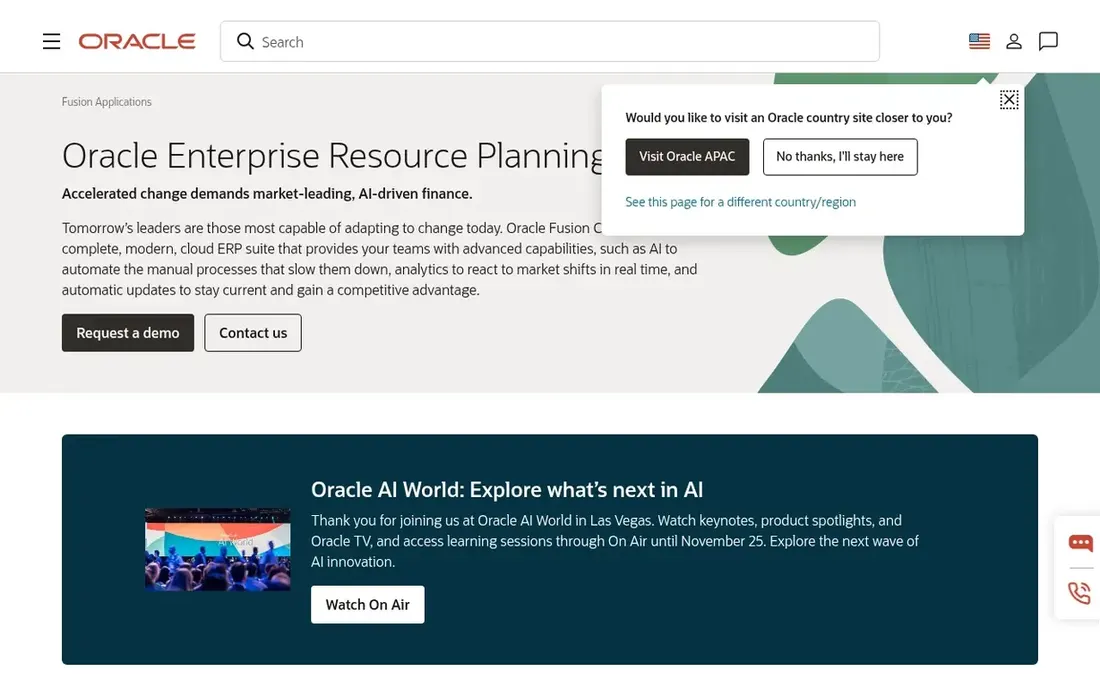
Oracle Fusion Cloud ERP works best for adaptable enterprise resource management. The enterprise orientation means more configuration and governance work than a light tool needs. Worth adding: consider Oracle Fusion Cloud ERP when you want revenue handling inside a wide, adaptable cloud ERP instead of a standalone revenue module.
On top of that, teams with straightforward billing may not need the full scope. In daily use, Revenue recognition runs within that broader financial management environment, which suits bigger organizations that expect their processes and reporting needs to shift over time. Check the vendor site for Oracle Fusion Cloud ERP pricing; none is listed in this comparison. On free options: Not stated.
Downsides: Setup demands planning and resources.
- Cloud ERP for enterprise resource management
- Supports adapting processes rapidly
- Enterprise focus can feel heavy

Think of SAP S/4HANA for modular cloud ERP with built-in AI. SAP S/4HANA is presented as cloud ERP software for fast-growth businesses, with the Cloud Public Edition described as a modular option that brings built-in AI into core business processes. The modular design assumes a certain level of process maturity, so smaller finance teams may find it demanding to configure and maintain.
Points against: Needs structured implementation.
In daily use, Revenue recognition sits within a wider finance and accounting framework, which fits organizations that want standardized processes and room to scale without adding separate systems. In daily use, pick SAP S/4HANA when standardized, scalable ERP finance processes are the priority over quick deployment. Check the vendor site for SAP S/4HANA pricing; none is listed in this comparison. Trial and free access: Not stated.
- Modular ERP for core business processes
- Meant to scale with growth
- Complicated for smaller finance teams
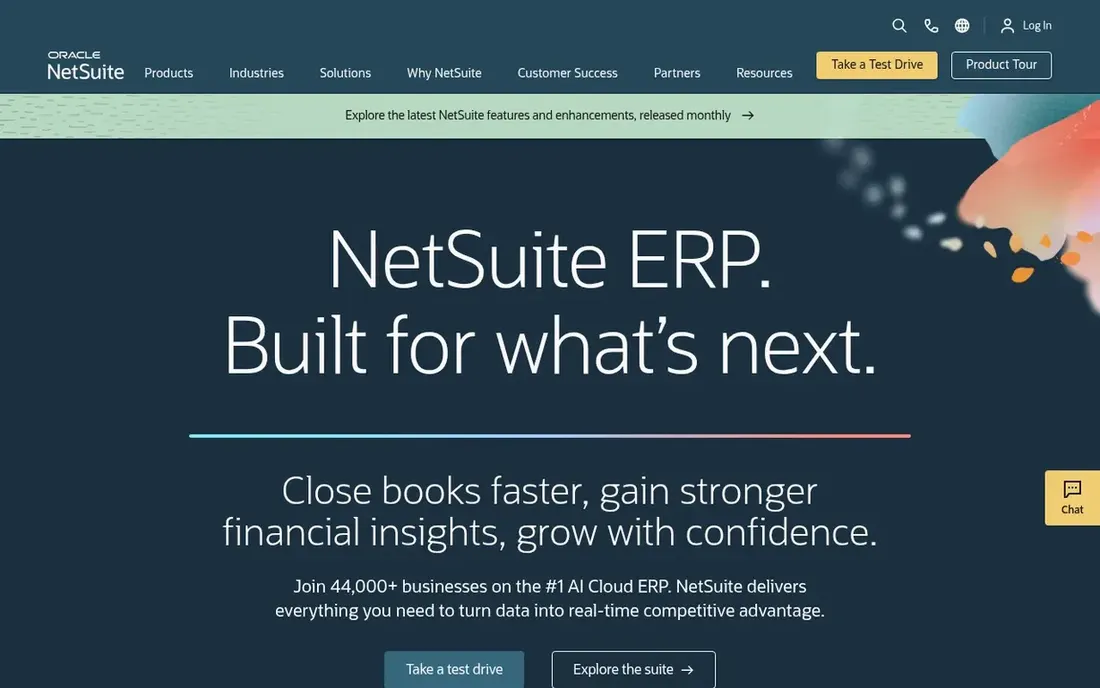
Choose NetSuite for Revenue recognition inside a full cloud ERP. Implementation and configuration take planning, and firms that only need billing and revenue schedules may prefer a narrower system.
Limits to weigh: Configuration effort can be significant.
Choose it when you want revenue recognition tied closely to full ERP financials. NetSuite shows no starting price here, so confirm the cost on the vendor site. On free options: Not stated.
- Built-in AI to ease accounting work
- Merges financials, CRM, inventory
- Wide suite may exceed narrow needs
Salesforce Revenue Cloud is a good fit for Revenue lifecycle tied to CRM. Its strength is the revenue lifecycle around sales, so full accounting and statutory reporting commonly still live in an ERP.
In daily use, pick Salesforce Revenue Cloud when CRM-driven quoting and revenue management are the priority and you can link it to your accounting system. Salesforce Revenue Cloud does not show a starting price in this comparison, so check the vendor site for current pricing. Free access: Not stated.
Downsides: May need ERP for full accounting.
- Aims at efficient revenue growth
- Links to sales workflows
- CRM-centric scope
How the list was put together
LinkVetted looked at what each vendor publishes: pricing, plan limits, feature coverage for automated revenue recognition software and stated drawbacks. No hands-on testing is claimed. Seat minimums, billing terms and add-ons can move the real cost, so the starting prices here are a guide and not a quote. Tools are placed by general fit for automated revenue recognition software, with price clarity and free access as tie-breakers. A different team can reasonably rank them differently.
A buyer's checklist
- Request quotes from Workday Financial Management, Salesforce Revenue Cloud and the others; the list shows no fixed prices.
- Before choosing Workday Financial Management, weigh its main limit: less centred on subscription billing.
- The entry price of Zuora is only the starting point; model the full cost with seats and extras.
- Ask Salesforce Revenue Cloud which support channels and response times come with the plan you would buy.
- Before rolling out Workday Financial Management, verify the integrations your workflow depends on.
FAQ
How do subscription businesses handle revenue recognition?
Subscription companies generally tie recognition to recurring billing events, which is where platforms like Zuora and Salesforce Revenue Cloud focus. Confirm that the tool supports your contract terms, proration rules, and reporting needs before deciding.
Do these tools publish their prices?
No. None of the tools, from Workday Financial Management to Salesforce Revenue Cloud, shows a fixed starting price here, so budget time for quotes.
How are the tools for automated revenue recognition software ordered?
The order follows typical fit for automated revenue recognition software, with Workday Financial Management first and Salesforce Revenue Cloud last, then price clarity and free access. It is editorial judgement, not a score, so another team could rank the tools differently.
Does any tool for automated revenue recognition software here have a free plan?
No tool in this list, Workday Financial Management and Salesforce Revenue Cloud included, has a permanent free plan. Trials and quotes are the usual route, so plan a short evaluation period.
Should I choose a full ERP or a specialist revenue tool?
A full ERP for example NetSuite or SAP S/4HANA fits organizations that want revenue recognition alongside accounting, inventory, and reporting. Specialist systems like Zuora or Salesforce Revenue Cloud fit subscription and quote-to-cash models where billing drives revenue.
Can I try these options before paying?
Not by default. None of the tools, from Workday Financial Management to Salesforce Revenue Cloud, lists a free plan or a free trial here, so ask each vendor for a demo before committing.
Sources
- https://www.workday.com/en-us/products/financial-management/overview.html
- https://www.zuora.com
- https://www.oracle.com/erp
- https://www.sap.com/products/erp/s4hana.html
- https://www.netsuite.com
- https://www.salesforce.com/products/revenue-cloud