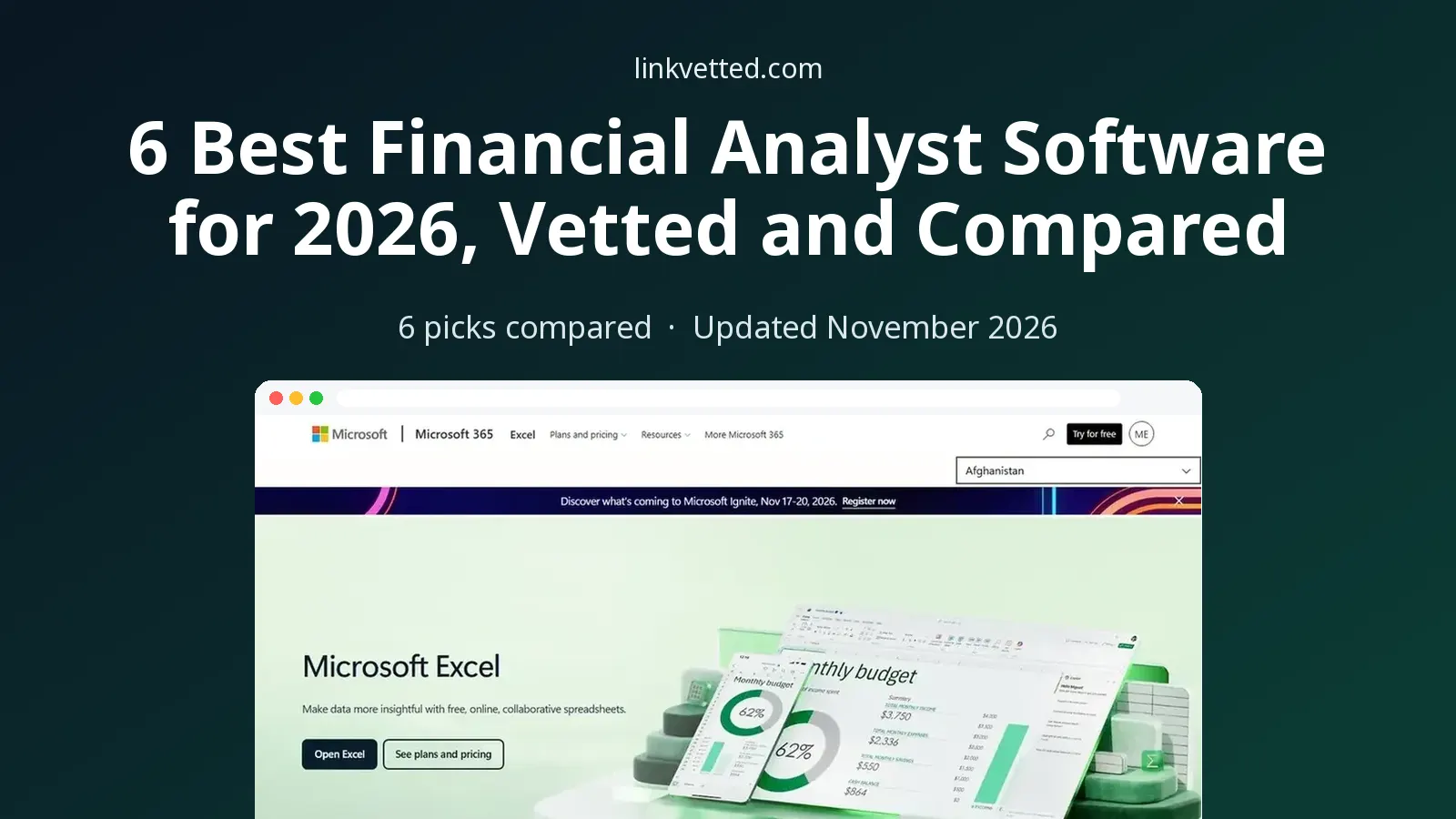
6 Best Financial Analyst Software for 2026, Vetted and Compared
Comparing the best financial analyst software? 6 contenders, each with entry cost, free tier and best-fit buyer. With pricing notes and limits. Numbers first.
- Editor's choice
 Anaplan
Scenario planning and analysis
Starts atSee websiteVisit anaplan.comFull review - Great alternative
 Workday Financial Management
Transactional efficiency and control
Starts atSee websiteVisit workday.comFull review - Also considerExcel
Adaptable financial modeling and analysis
Starts atSee websiteVisit microsoft.comFull review
Direct answer
Anaplan leads the list, best for scenario planning and analysis. Listed starting prices: Tableau from $15 per user a month. Workday Financial Management is the stronger choice for transactional efficiency and control, while Excel suits adaptable financial modeling and analysis. The other 3 tools in the list cover narrower or pricier cases.
TL;DR:
- The list opens with Anaplan, aimed at scenario planning and analysis.
- Tableau is the one to check for visual analytics and data sharing.
- A fair warning about Excel: manual processes can be error-prone.
- Tableau stands alone as the one tool in this list with a free plan.
Last checked November 2026. Prices and plan details were read from the vendors' own pages in November 2026; vendors change plans often, so confirm the current price on the vendor site before you buy.
Quick comparison
| Tool | Best for | Starts at | Free plan? | |
|---|---|---|---|---|
| Anaplan | Scenario planning and analysis | See website | Not stated | Visit |
| Workday Financial Management | Transactional efficiency and control | See website | Not stated | Visit |
| Excel | Adaptable financial modeling and analysis | See website | Not stated | Visit |
 FactSet | Integrated financial data and analytics | See website | Not stated | Visit |
 Oracle NetSuite | Cloud ERP with financial management | See website | Not stated | Visit |
 Tableau | Visual analytics and data sharing | $15 per user a month | Yes | Visit |
6 options for financial analyst software in detail
This LinkVetted guide covers 6 options for financial analyst software. Each profile lists a starting price, free plan details, strengths and drawbacks, so you can drop poor fits quickly.
Anaplan was built for scenario planning and analysis. It is well suited to financial analysts involved in budgeting, forecasting, and strategic planning across departments. Also, Anaplan suits organizations that require collaborative, connected planning.
Anaplan may be too heavy for straightforward financial analysis and needs significant setup and training. Beyond that, for lighter modeling, Excel remains a more straightforward choice. Anaplan shows no starting price here, so confirm the cost on the vendor site. As for free access: Not stated.
What to check first: Implementation can be complicated.
- AI-driven decision support
- Links data and planning
- Needs dedicated planning resources
Workday Financial Management works best for transactional efficiency and control. Workday Financial Management hands you unparalleled insight and an innovative foundation for transactional efficiency and control.
For everyday use, for exploratory analysis, Excel or Tableau could be more appropriate. Workday Financial Management does not show a starting price in this comparison, so check the vendor site for current pricing. Free options: Not stated.
Trade-offs to know: Less suited for ad-hoc analysis.
- Capable control features
- Innovative foundation for efficiency
- May need significant implementation effort
Excel
Best for: Adaptable financial modeling and analysis
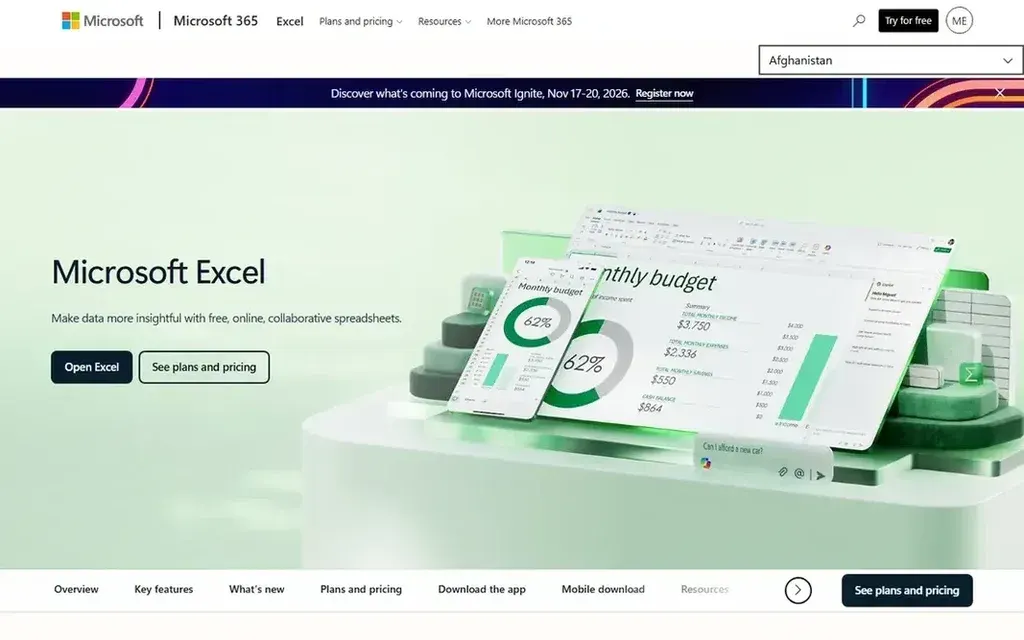
In short, Excel is for flexible financial modeling and analysis. It gives you advanced features for calculations, charts, and pivot tables, making it a good match for analysts who require adaptability and control over their work.
For everyday use, Excel suits individual analysts and teams looking for a customizable tool that links up with other Microsoft products. For enterprise-scale financial planning or automatic reporting, consider dedicated products like Anaplan or Workday Financial Management. No starting price is listed for Excel here; confirm pricing on the vendor site. As for free access: Not stated.
Limits to weigh: Manual processes can be error-prone.
- Widely used and familiar interface
- Capable formulas and data analysis features
- Restricted built-in collaboration for large teams

FactSet was built for integrated financial data and analytics. FactSet offers premium financial data, advanced analytics, and AI-powered insights on one integrated product. It is aimed at investment professionals who require steady data and tools to power financial decisions.
Drawbacks to consider: Steeper ramp-up time for new users.
In daily use, for more straightforward spreadsheet-based work, Excel might be more appropriate. Beyond that, the system may be overkill for analysts centred on entry-level modeling, and its cost can be prohibitive for smaller businesses. This comparison lists no price for FactSet; ask the vendor. Free plan details: Not stated.
Where it shines: Advanced analytics and AI-powered insights.
- Integrated product for smarter decisions
- Full financial data coverage
- Can be pricey for small teams
Where Oracle NetSuite fits: cloud ERP with financial management. It fits financial analysts in expanding firms that require a unified system for accounting and operations.
Analysts focused solely on modeling might prefer Excel or Tableau for visualization. Pricing for Oracle NetSuite is not stated here, so ask the vendor for current figures. Free options: Not stated.
Limits to weigh: Can be expensive for small companies.
- Merges CRM and inventory management
- AI-powered insights
- Customization may need technical expertise
Pick Tableau if this describes you: visual analytics and data sharing. Tableau may not be the best tool for heavy financial modeling or data entry, as it is concentrated on visualization.
Honest limits: Needs training for advanced features.
As for the details, for spreadsheet-based analysis, Excel is more suitable. Price to start with Tableau: $15 per user per month. You can start on Tableau without paying.
- Simple sharing of insights
- Drag-and-drop visualization creation
- Can be expensive for individual users
Selection criteria
For each of the 6 tools we noted price, free plan or trial, fit for financial analyst software and the main limit, using vendor pages and documentation. Prices and plan limits come from vendor pages and can change, so confirm them on the vendor site before you buy. We ordered the tools by general fit, then by how clearly pricing is shown, then by free access. A buyer with unusual needs may reorder them.
What to check before you buy
- Confirm the entry price on the vendor page. For Anaplan, Workday Financial Management, Excel and others that means a quote rather than a fixed price.
- Test the free plan from Tableau against your real workload before relying on it.
- Before choosing Anaplan, weigh its main limit: implementation can be complicated.
- Compare total cost, not headline price: for Excel, add extra seats, add-ons and any usage-based charges.
- Ask the daily users to test Anaplan on a live task before you roll it out to everyone.
FAQ
Is Tableau a good match for financial reporting?
Tableau excels at visualizing data and sharing dashboards, making it well suited to financial reporting. That said, it is not built for data entry or complicated modeling. It complements tools like Excel or NetSuite.
Which options for financial analyst software have a free plan?
Tableau is the only tool in this list with a free plan. Free plans usually cap users, projects or features, so check the limits on the vendor page. All 6 picks in this financial analyst software comparison list a starting price, free plan details and the main limits on their cards above.
How are the tools for financial analyst software ordered?
The order follows typical fit for financial analyst software, with Anaplan first and Tableau last, then price clarity and free access. It is editorial judgement, not a score, so another team could rank the tools differently.
Do these tools publish their prices?
Not all of them. Anaplan, Workday Financial Management, Excel and others publish no starting price, so expect a quote request for those. The rest, Tableau included, show a starting price, though seats and billing terms still change the final cost.
Is Anaplan the right pick for everyone comparing financial analyst software?
No single tool suits every team. Anaplan comes first because it fits scenario planning and analysis, while Workday Financial Management suits transactional efficiency and control and Excel suits flexible financial modeling and analysis. Match the tool to your own size, budget and workflow before deciding.
Sources
- https://www.anaplan.com
- https://www.workday.com/en-us/products/financial-management/overview.html
- https://www.microsoft.com/en-us/microsoft-365/excel
- https://www.factset.com
- https://www.netsuite.com/portal/home.shtml
- https://www.tableau.com