6 Tools for SaaS Revenue Recognition Worth Shortlisting in 2026
Shortlisting the best tools for SaaS revenue recognition? 6 products compared on cost, free access and ideal buyer. Limits and pricing notes included.

- Editor's choiceZuora Revenue
Dedicated SaaS revenue recognition
Starts atPricing on requestVisit zuora.comFull review - Great alternative
 Microsoft Dynamics 365 Finance
Finance software with embedded analytics
Starts atPricing on requestVisit microsoft.comFull review - Also consider
 SAP S/4HANA
Modular cloud ERP for scaling companies
Starts atPricing on requestVisit sap.comFull review
Direct answer
This list puts Zuora Revenue first for dedicated SaaS revenue recognition. Microsoft Dynamics 365 Finance is the stronger choice for Finance software with embedded analytics, while SAP S/4HANA suits modular cloud ERP for scaling companies. The remaining 3 options are covered below with prices and limits. None of these vendors publish plan prices, so pricing is on request for every option.
TL;DR:
- This list starts with Zuora Revenue, which is built for dedicated SaaS revenue recognition.
- NetSuite fits unified cloud ERP with accounting and revenue.
- One limit worth knowing about Microsoft Dynamics 365 Finance: Revenue recognition is part of a broader suite.
- Zuora Revenue, NetSuite and the 4 others all need a premium plan or a trial, since no free plan is listed.
- Every tool from Zuora Revenue to NetSuite works by quote, with no list price shown.
Last checked November 2026. Pricing on request: vendors did not publish plan prices when this guide was last checked (November 2026), so ask each vendor for a written quote.
Quick comparison
| Tool | Best for | Starts at | Free plan? | |
|---|---|---|---|---|
| Zuora Revenue | Dedicated SaaS revenue recognition | Pricing on request | Not stated | Visit |
| Microsoft Dynamics 365 Finance | Finance software with embedded analytics | Pricing on request | Not stated | Visit |
| SAP S/4HANA | Modular cloud ERP for scaling companies | Pricing on request | Not stated | Visit |
 Workday Financial Management | Insight-driven financial management suite | Pricing on request | Not stated | Visit |
 Oracle Fusion Cloud ERP | Enterprise resource planning with agility | Pricing on request | Not stated | Visit |
 NetSuite | Unified cloud ERP with accounting and revenue | Pricing on request | Not stated | Visit |
Tools for SaaS Revenue Recognition profiles
This LinkVetted guide covers 6 options for tools for SaaS revenue recognition. Each profile lists a starting price, free plan details, strengths and drawbacks, so you can drop poor fits quickly.
Zuora Revenue
Best for: Dedicated SaaS revenue recognition
Pick Zuora Revenue if this describes you: dedicated SaaS revenue recognition. Zuora Revenue is a revenue recognition tool made for complicated multi-element contracts, transforming them into audit-ready revenue schedules. It syncs CRM, billing, and ERP data into one workflow to shorten the close.
This makes it a good fit for SaaS companies whose contracts and billing models are too complicated for general ledger workarounds. For everyday use, Zuora Revenue concentrates on revenue rather than serving as a complete ERP, so it works alongside your existing finance systems. Check the vendor site for Zuora Revenue pricing; none is listed in this comparison. Free access: Not stated.
Points against: Needs integration with existing systems.
- ERP data
- Turns multi-element contracts into audit-ready schedules
- Concentrated on revenue rather than full ERP
Microsoft Dynamics 365 Finance
Best for: Finance software with embedded analytics
Microsoft Dynamics 365 Finance is a good fit for Finance software with embedded analytics. Consider it when you value integration with Microsoft tools and wide finance capabilities.
Where it falls short: Revenue recognition is part of a broader suite.
No starting price is listed for Microsoft Dynamics 365 Finance here; confirm pricing on the vendor site. As for free access: Not stated.
- Suits Microsoft-oriented environments
- Financial reporting and embedded analytics
- Requires configuration for specific needs

Choose SAP S/4HANA for modular cloud ERP for scaling businesses. SAP S/4HANA Cloud Public Edition is a modular ERP option that brings built-in AI to core business processes. On top of that, choose S/4HANA when ERP-wide integration matters more than a narrow point option.
Organizations already standardized on SAP or planning wide process integration frequently see it as a natural fit. If your primary goal is contract-level revenue scheduling with minimal overhead, a focused revenue tool may be more straightforward. Pricing for SAP S/4HANA is not stated here, so ask the vendor for current figures. Trial and free access: Not stated.
Watch-outs: Needs careful implementation planning.
- Built-in AI in business workflows
- Modular ERP for core processes
- Enterprise scope can be complicated
In short, Workday Financial Management is for insight-driven financial management suite. Evaluate whether your team needs a full finance suite or a focused revenue engine.
Where it falls short: Not a revenue-only point option.
In daily use, Workday is a wide financial management system, so businesses seeking only contract-level revenue scheduling may find it indirect for that task. Workday Financial Management gives you insight and a foundation for transactional efficiency and control. Workday Financial Management does not show a starting price in this comparison, so check the vendor site for current pricing. As for free access: Not stated.
- Unified financial management approach
- Emphasis on insight and control
- Fit relies on broader finance needs
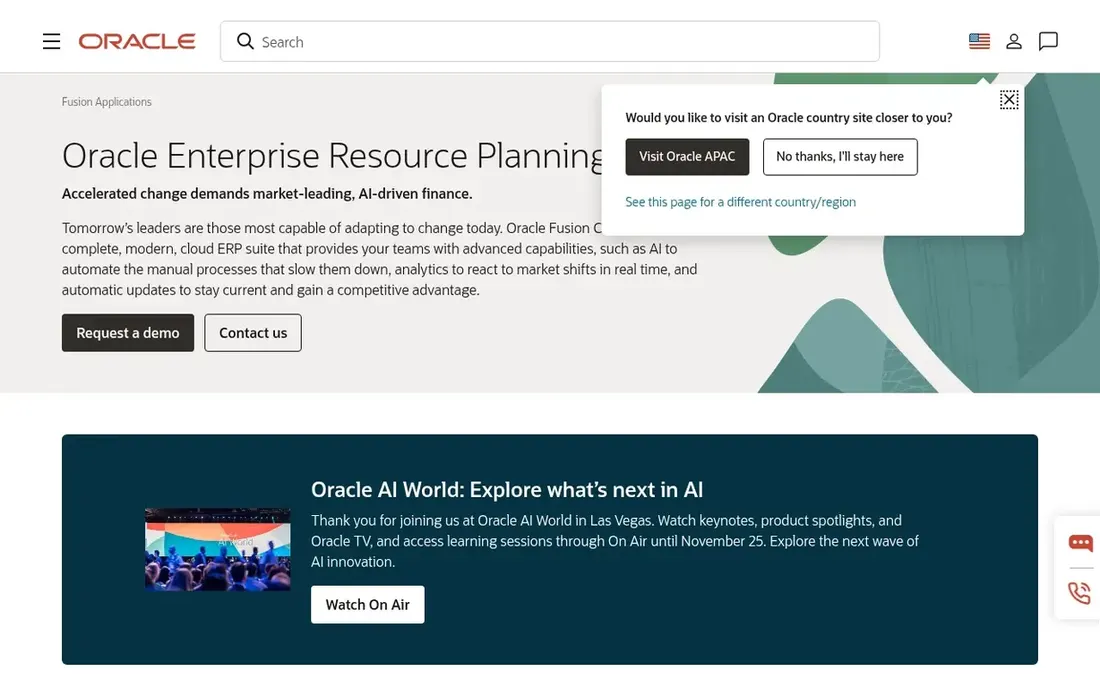
Oracle Fusion Cloud ERP makes the most sense for enterprise resource planning with agility. Oracle Fusion Cloud ERP is an enterprise resource planning suite positioned around resilience, agility. The capacity to adapt business models and processes rapidly.
What to check first: Adoption requires planning and resources.
As an enterprise suite, it can be more than a small SaaS finance team needs for revenue recognition alone, and implementation usually involves significant planning. For everyday use, pick Oracle when wide ERP capabilities and process adaptability are the priority. Teams seeking a light, revenue-specific workflow may prefer a dedicated tool. Check the vendor site for Oracle Fusion Cloud ERP pricing; none is listed in this comparison. Free options: Not stated.
- Made for adaptable processes
- Wide enterprise resource management
- Enterprise focus may overwhelm small teams
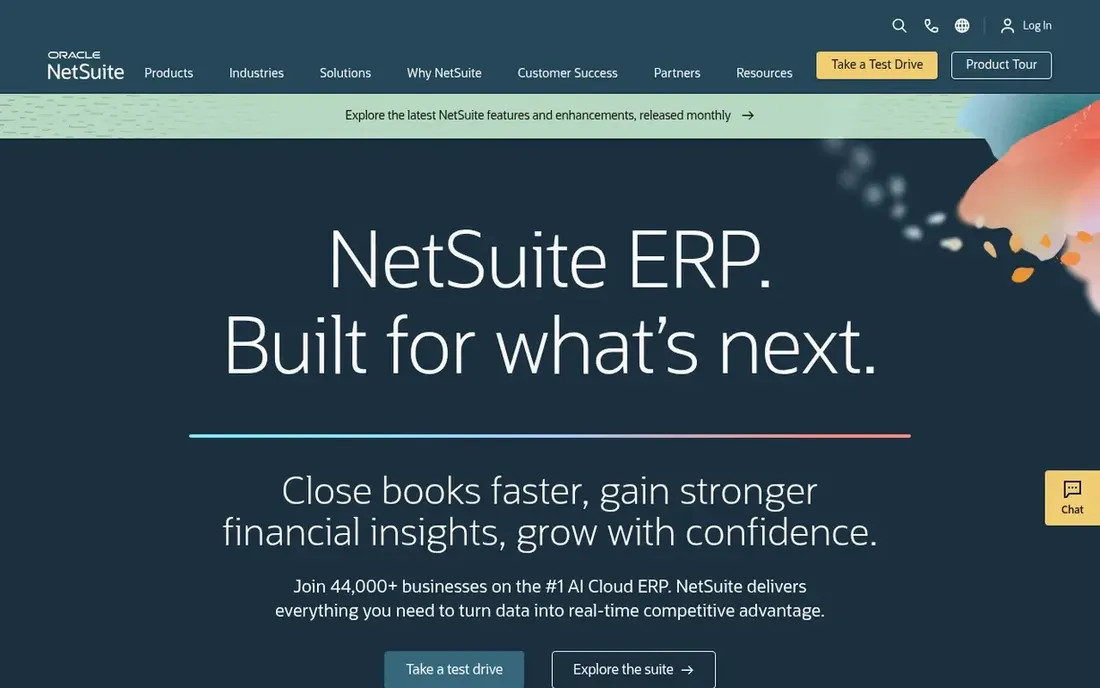
NetSuite is designed for unified cloud ERP with accounting and revenue. Consider a specialized revenue product instead if your priority is narrow, deep revenue automation instead of a complete finance suite.
Where it is weaker: Wide suite may be more than specialists need.
As for the details, because NetSuite is a full ERP, teams that only need contract-level revenue scheduling may find it heavier than a dedicated tool. Check the vendor site for NetSuite pricing; none is listed in this comparison. As for free access: Not stated.
- Built-in AI for data-driven action
- Wide accounting coverage in one system
- Configuration effort can be significant
Selection criteria
What to confirm before you sign up
- Ask each vendor, from Zuora Revenue to NetSuite, for a written quote; none of them publishes a starting price.
- Read the limits listed for Zuora Revenue first: concentrated on revenue instead of full ERP.
- Ask whether Microsoft Dynamics 365 Finance integrates with your current software, and whether that comes standard or as an add-on.
- Involve the people who will use SAP S/4HANA daily; a short pilot beats a long feature checklist.
- Find out what support NetSuite includes on your plan, and whether onboarding help costs extra.
FAQ
How are the tools for tools for SaaS revenue recognition ordered?
Zuora Revenue sits first and NetSuite last because the order follows typical fit for tools for SaaS revenue recognition, then price clarity and free access. It is a judgement call, so read each profile for fit and limits.
Do these tools publish their prices?
No. None of the tools, from Zuora Revenue to NetSuite, shows a fixed starting price here, so budget time for quotes.
How do we evaluate implementation effort for revenue recognition software?
Ask vendors about usual configuration steps, data migration, and continuing administration for a team of your size. Dedicated revenue tools may have narrower scope, whereas full ERPs can need broader change management.
Does any tool for tools for SaaS revenue recognition here have a free plan?
No tool in this list, Zuora Revenue and NetSuite included, has a permanent free plan. Trials and quotes are the usual route, so plan a short evaluation period.
What should a SaaS company look for in a revenue recognition tool?
Look for support for multi-element contracts, audit-ready schedules, and integration with your CRM, billing, and ERP systems. Also confirm that the tool can automate your close process and produce compliance reports your finance team can depend on.
Is Zuora Revenue the right pick for everyone comparing tools for SaaS revenue recognition?
No single tool suits every team. Zuora Revenue comes first because it fits dedicated SaaS revenue recognition, while Microsoft Dynamics 365 Finance suits Finance software with embedded analytics and SAP S/4HANA suits modular cloud ERP for scaling businesses. Match the tool to your own size, budget and workflow before deciding.
Sources
- https://www.zuora.com/products/revenue
- https://www.microsoft.com/en-us/dynamics-365/products/finance
- https://www.sap.com/products/erp/s4hana.html
- https://www.workday.com/en-us/products/financial-management/overview.html
- https://www.oracle.com/erp
- https://www.netsuite.com