Best SaaS Billing Software in 2026: 8 Platforms Compared
Best SaaS billing software compared for 2026: Stripe, Chargebee, Paddle and more on pricing, taxes, dunning, usage billing and revenue tools for teams.

- Editor's choice
 Stripe Billing
Developer-led SaaS teams
Starts at0.7% of billing volumeVisit stripe.comFull review - Great alternative
 Chargebee
Hybrid subscription pricing
Starts at$599 per monthVisit chargebee.comFull review - Also consider
 Paddle
Global tax and compliance
Starts at5% plus $0.50 per transactionVisit paddle.comFull review
TL;DR:
- Stripe Billing suits developer-led teams that already process payments on Stripe and want to launch fast.
- Chargebee and Maxio give finance teams more control over hybrid pricing, dunning and revenue recognition.
- Paddle and FastSpring-style merchant-of-record models suit sellers who want global tax handled for them.
- Usage billing is the main dividing line: check metering, rating and invoicing before you sign.
- Published prices often exclude payment processing fees, so model total cost on your real volume.
Quick comparison
| Tool | Best for | Starts at | Free plan? | |
|---|---|---|---|---|
| Stripe Billing | Developer-led SaaS teams | 0.7% of billing volume | No | Visit |
| Chargebee | Hybrid subscription pricing | $599 per month | Free trial | Visit |
| Paddle | Global tax and compliance | 5% plus $0.50 per transaction | No | Visit |
 Recurly | Retention and dunning | $249 per month | Free trial | Visit |
 Zuora | Large enterprise contracts | See website | No | Visit |
 Maxio | Billing plus revenue recognition | $599 per month | Free trial | Visit |
 Zoho Billing | Budget-conscious startups | $50 per month | Free trial | Visit |
 Orb | Usage-based pricing | See website | Free trial | Visit |
The best SaaS billing software
We compared official pricing pages, billing features, tax handling and integrations for the platforms below. Each one handles recurring billing, but they differ sharply on who does the work, how usage is metered and what finance gets at month end.
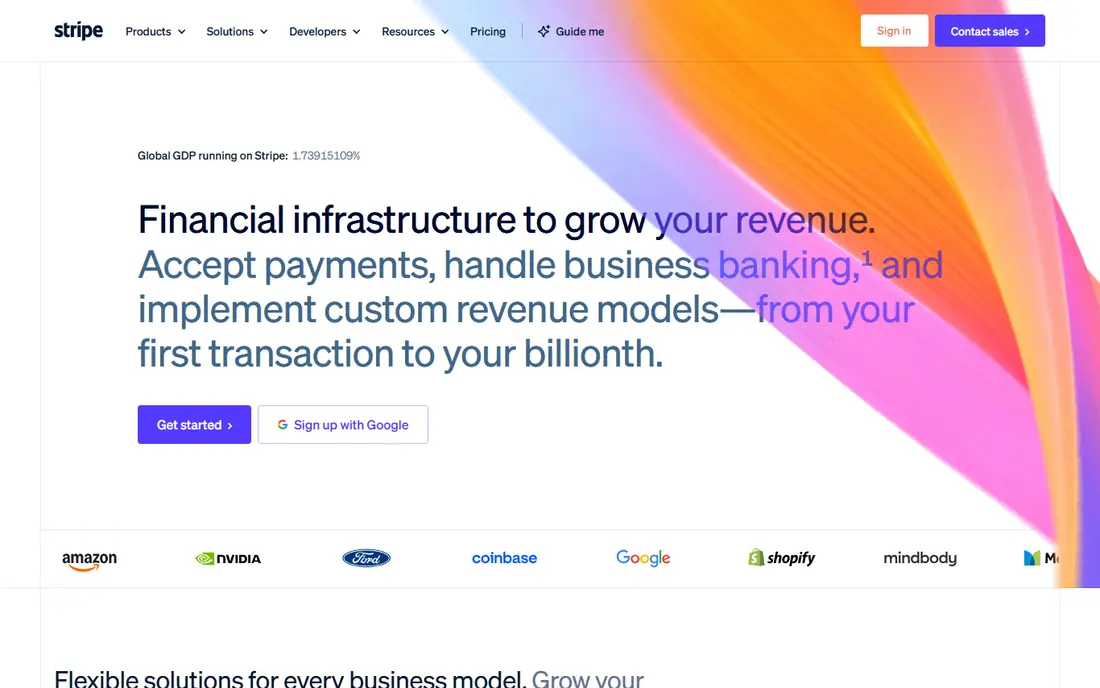
Stripe Billing is the natural starting point if your product already takes payments through Stripe. The API, customer portal and checkout flows are well documented, and most teams can move from a simple monthly plan to trials, coupons and proration without changing vendors. That speed matters when pricing is still changing every few weeks.
The catch is scope. Stripe Billing covers billing well, but global tax calculation, advanced revenue recognition and complex usage rating often need other Stripe products or outside tools. Payment processing fees sit on top of the billing fee, so the headline percentage is not the full cost. For a small or mid-size SaaS team that wants control in code, that trade still makes sense.
- Strong API and docs
- Fast setup for Stripe users
- Flexible plans, trials and coupons
- Usage billing can get complex at scale
- Tax and revenue tools are separate add-ons

Chargebee appeals to teams that have outgrown a simple billing page. It supports many payment gateways, multiple currencies and a mix of flat seats, tiers and usage charges in one subscription. Its dunning workflows, smart retries and cancellation flows help recover failed payments without manual chasing.
Pricing is the main hurdle for very early startups. The published Performance tier starts at a level that only makes sense once billing volume is steady. Teams also need to plan migration time if they bring in years of legacy plans and discounts. Once live, though, finance and product teams get a clearer shared view of who pays what and why.
- Wide gateway support
- Strong dunning and retention tools
- Handles seat plus usage plans
- Higher entry price than starter tools
- Setup takes more time for complex catalogs
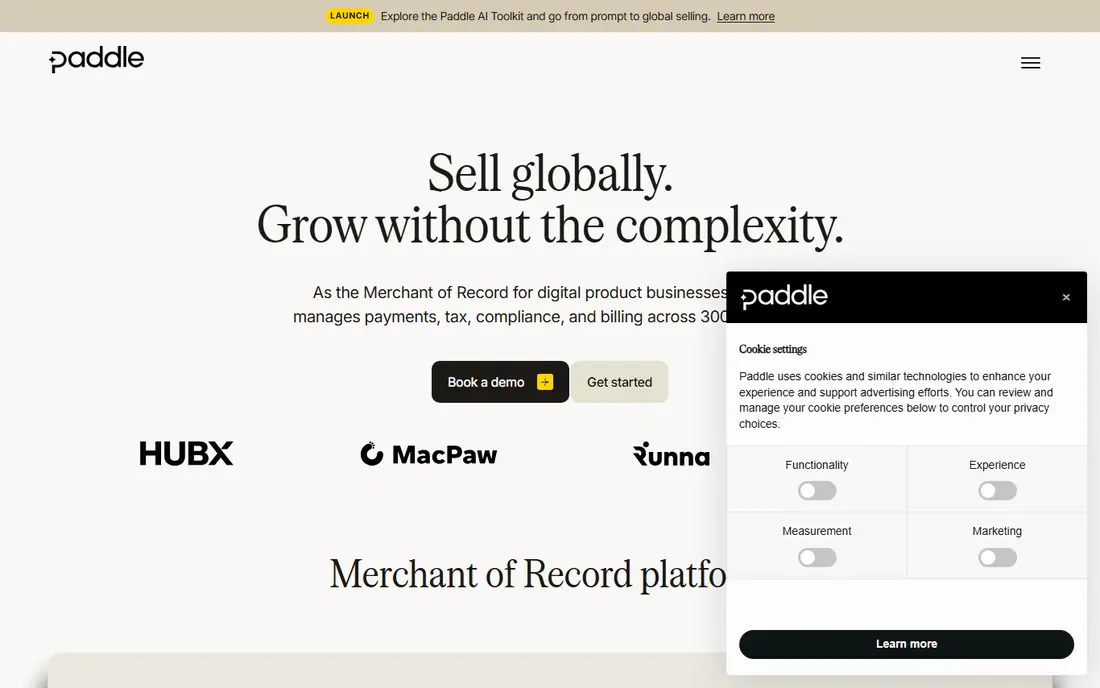
Paddle takes a different job off your plate. As merchant of record, it sells your software, collects payment and handles much of the sales tax and VAT work that otherwise falls on your finance team. For a small team selling in many countries, that can remove a whole category of admin and risk.
The trade is cost and control. A percentage of every transaction adds up once revenue grows, and teams that want a specific gateway or custom checkout flow may feel constrained. Paddle still fits best for software sellers who value simple global selling over squeezing every point of margin from payments.
- Merchant of record handles sales tax and VAT
- Checkout built for software sellers
- Fraud checks included
- Percentage fee is high at large volume
- Less control over the payment stack
Recurly has long focused on the unglamorous work that keeps revenue flowing: failed payment retries, card updating, plan changes and churn reporting. Its dashboard makes it easy to see where subscribers drop off and which recovery steps actually work. That focus suits subscription businesses with steady monthly plans rather than exotic pricing.
Teams with heavy metered usage may need extra tooling, since Recurly treats usage as a useful add-on rather than its core strength. Implementation is still far lighter than an enterprise quote-to-cash suite. For a mid-size subscription business, the balance of price, retention tools and gateway choice is hard to beat.
- Strong churn and retry tools
- Supports many gateways
- Clear subscription analytics
- Usage billing is more basic than specialist tools
- Enterprise features cost more
Zuora is built for companies where a sale is rarely a simple monthly plan. It handles negotiated contracts, ramped pricing, renewals, amendments and multi-entity billing in a way that starter tools cannot. Its revenue recognition tools also help large finance teams meet accounting rules without spreadsheets holding the whole process together.
That power comes with cost and time. Pricing is quoted, implementation often needs consultants, and small teams will pay for breadth they never use. Zuora makes sense when contract complexity, audit needs and scale already justify an enterprise platform, not when you are still finding product market fit.
- Handles complex enterprise contracts
- Strong quote-to-cash breadth
- Mature revenue recognition
- Quote-only pricing
- Long implementation
- Overkill for small teams
Maxio combines billing with revenue recognition and SaaS reporting, which is exactly what a B2B finance leader wants at month end. Instead of reconciling billing data in a separate system, teams can track deferred revenue, churn, expansion and cash collection from the same source. That clarity helps during board reporting and audits.
The platform is clearly aimed at B2B SaaS rather than consumer apps or simple shops. Smaller teams may find the price and setup heavier than a lean billing tool. For a growing B2B company that already feels the pain of spreadsheet revenue schedules, Maxio can pay for itself in time saved and fewer errors.
- Billing and revenue recognition in one place
- SaaS metrics included
- Built for B2B finance teams
- Entry price is high for startups
- Less suited to consumer subscriptions
Zoho Billing is the sensible low-cost pick for a startup that needs proper recurring invoices, subscriptions and payment collection without a large monthly bill. Setup is straightforward, and teams already using Zoho CRM, Books or other Zoho apps get a joined-up workflow with little extra work.
It will not match Chargebee or Zuora on complex pricing or deep revenue recognition. That is fine for many early teams, because clean invoicing, tax settings and customer portals cover most day-to-day needs. If pricing stays simple and budget matters, Zoho Billing leaves more cash for product and growth.
- Low entry price
- Simple recurring invoicing
- Fits well with other Zoho apps
- Fewer advanced usage features
- Less depth for large enterprise contracts
Orb is designed for products that charge by what customers actually use, from API calls and seats to storage and events. Its metering, rating and invoicing are built around that model, so teams can test new price dimensions without rebuilding billing each time. Invoices also show usage in a way customers can follow, which cuts support questions.
The catch is that usage billing is only as good as the events you send it. Teams need solid instrumentation and a clear plan for free allowances, overages and credits. Pricing is also less transparent than starter tools. For AI, infrastructure and API products where usage is the product, Orb is one of the strongest specialist picks.
- Built for metering and usage rating
- Flexible price dimensions
- Clear invoice breakdowns
- Quote-led pricing for larger use
- Needs engineering input to set up metering well
How we picked these
We compared official pricing pages, feature documentation and public product guides for billing platforms that serve SaaS companies in October 2026. We favoured tools with live recurring billing, clear tax or gateway handling and a track record with real SaaS customers, and we left out generic invoicing apps that do not handle subscriptions properly. Prices shown are published starting points or vendor quotes where no public price exists, and processing fees may apply on top.
What to check before you choose billing software
Start with your pricing model, not the vendor logo. A flat monthly plan, a seat plan, a usage plan and a negotiated enterprise contract place very different demands on a billing system. Write down your current plans, trials, discounts, taxes and renewal rules, then test each shortlisted tool against that list. A demo with your real catalog will reveal gaps faster than any feature page.
Taxes, currencies and payment methods
Selling across borders adds tax registration, VAT handling, invoice formats and local payment methods. A merchant-of-record tool can take much of that work, while other platforms expect you to connect a tax tool or handle it in-house. Check which currencies and gateways your customers actually use, and confirm refund, chargeback and invoice requirements for each market you serve.
Dunning, churn and revenue reporting
Failed payments are a quiet source of lost revenue. Look for automatic retries, card updater support, in-app payment update flows and clear churn reporting. Finance teams should also check revenue recognition, deferred revenue and audit trails before signing, since fixing those gaps later is painful. Ask for a sample month-end report during the trial.
Migration and total cost
Moving billing systems touches customers, payment methods, invoices and accounting. Ask about data migration, gateway token transfer and how historical invoices will be handled. Model total cost at three volume levels, including platform fees, processing fees and any tax or revenue add-ons. A cheap starting price can become expensive if usage fees or seat fees grow faster than revenue.
FAQ
What is SaaS billing software?
SaaS billing software creates subscriptions, sends recurring invoices, collects payments, handles plan changes and tracks revenue over time. It sits between your product and your payment gateway, and it keeps a record of who owes what, when payment is due and what happens when a payment fails.
Is Stripe Billing enough for a small SaaS business?
For many small teams already on Stripe, yes. It covers plans, trials, coupons, invoices and a customer portal with little setup. You may need extra tools for complex usage pricing, global tax or advanced revenue recognition as you grow, but starting simple is often the right call.
How much does SaaS billing software cost?
Costs range from a percentage of billing volume to several hundred dollars per month, plus payment processing fees. Starter tools may charge around $50 per month, mid-market platforms often start near $249 to $599 per month, and enterprise platforms are quoted. Always model fees on your expected volume, not just the headline price.
What is the difference between billing software and a merchant of record?
Billing software manages your subscriptions and invoices while you remain the seller of record for tax purposes. A merchant of record, such as Paddle, sells the product on your behalf and handles much of the tax collection and compliance work. That convenience usually costs a higher percentage per transaction.
Can I switch billing providers later?
Yes, but migration needs planning. You will need to move customer records, payment tokens, plan history and invoice data, and you must check gateway rules for stored payment methods. Choose a tool with clear export options and ask about migration support before you sign a long contract.
Do I need revenue recognition software too?
If you sell annual contracts, multi-year deals or bundled services, revenue recognition matters for accurate accounts. Some platforms, such as Maxio and Zuora, include it. Simpler billing tools may need an accounting integration or a separate revenue tool once finance reporting becomes more formal.