Top 5 AI-Powered Project Management Software for 2026 (Prices and Free Plans)
Weighing the top AI-Powered project management software? We lined up 5 products by cost, free access and fit. Prices and drawbacks included. Pick by budget.
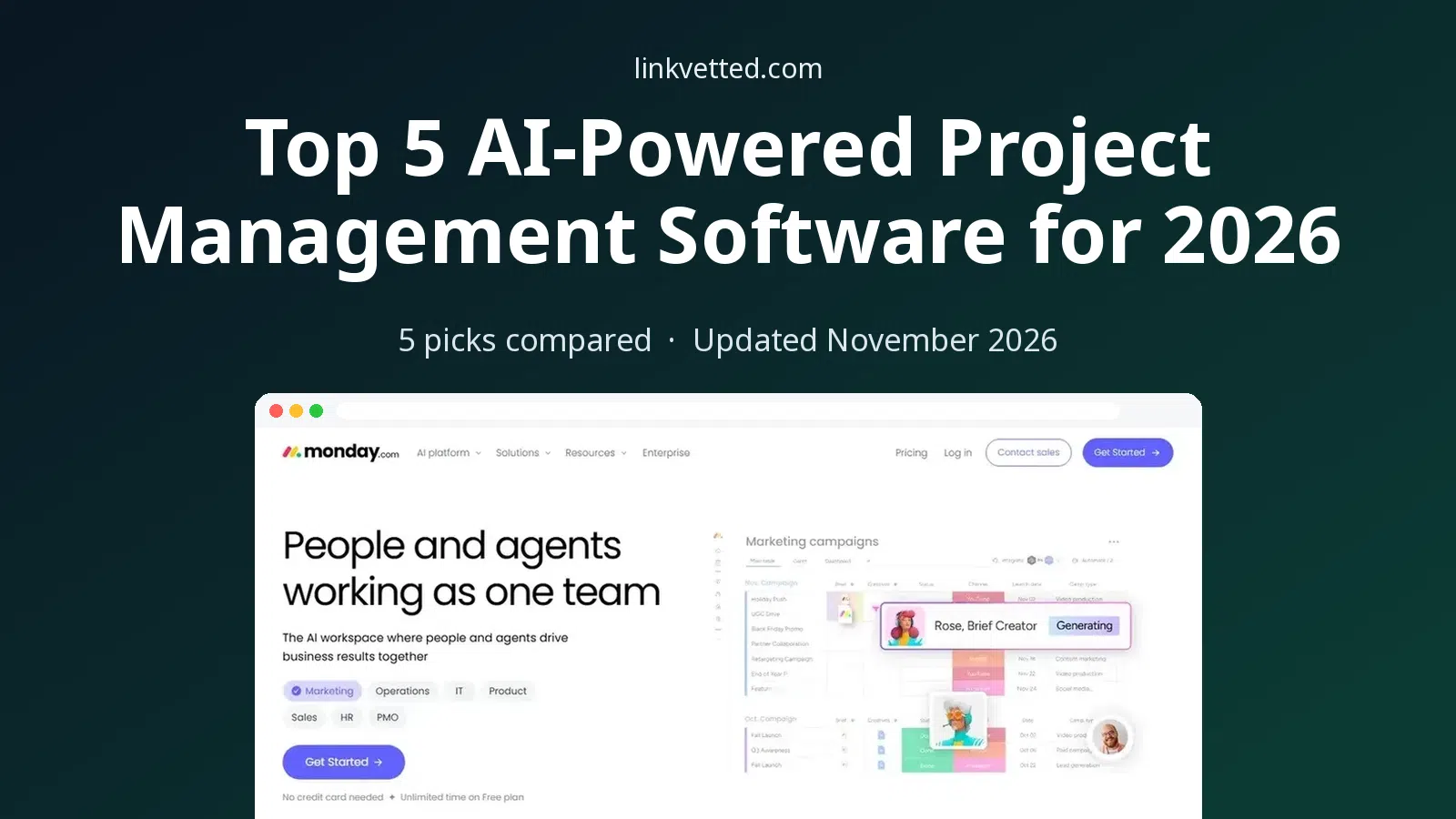
- Editor's choice
 Notion
Docs-first AI workspace
Starts at$10 per member a monthVisit notion.comFull review - Great alternative
 Monday.com
AI workspace across teams
Starts at$9 per seat per monthVisit monday.comFull review - Also consider
 Smartsheet
Governed enterprise execution
Starts at$12 per Member/monthVisit smartsheet.comFull review
Direct answer
For docs-first AI workspace, Notion is where this list starts. Listed starting prices: Notion from $10 per member a month, Monday.com from $9 per seat per month and Smartsheet from $12 per Member/month. For a different need, Monday.com covers AI workspace across teams and Smartsheet covers governed enterprise execution. All 5 tools are compared below on price, free plan and limits.
TL;DR:
- This list starts with Notion, which is built for docs-first AI workspace.
- Monday.com has the lowest monthly starting price in this list: $9 per seat per month.
- Before buying Monday.com, weigh this: can sprawl without governance.
- Only 4 of the 5 tools have a free plan (Notion, Monday.com, Asana, ClickUp), so check the caps.
Last checked November 2026. Prices and plan details were read from the vendors' own pages in November 2026; vendors change plans often, so confirm the current price on the vendor site before you buy.
Quick comparison
| Tool | Best for | Starts at | Free plan? | |
|---|---|---|---|---|
| Notion | Docs-first AI workspace | $10 per member a month | Yes | Visit |
| Monday.com | AI workspace across teams | $9 per seat per month | Yes | Visit |
| Smartsheet | Governed enterprise execution | $12 per Member/month | Not stated | Visit |
 Asana | Human and agent workflows | $10.99 per user a month | Yes | Visit |
 ClickUp | All-in-one productivity app | $9 per user per month | Yes | Visit |
AI-Powered Project Management Software compared in detail
Short on time? The summary and table above give the quick view of 5 tools for AI-Powered project management software, and the profiles that follow give the detail behind each entry.
Notion is aimed squarely at docs-first AI workspace. If you need strict portfolio controls or formal enterprise execution tracking, a purpose-built tool may fit better.
It suits teams that think in documents and databases and want project tracking to live alongside notes, wikis and knowledge instead of in a separate system. Starting cost for Notion: $10 per member per month. Notion has a free plan.
Downsides: Less rigid project controls.
- Adaptable pages and databases
- Custom agents and automation
- Needs building your own structure
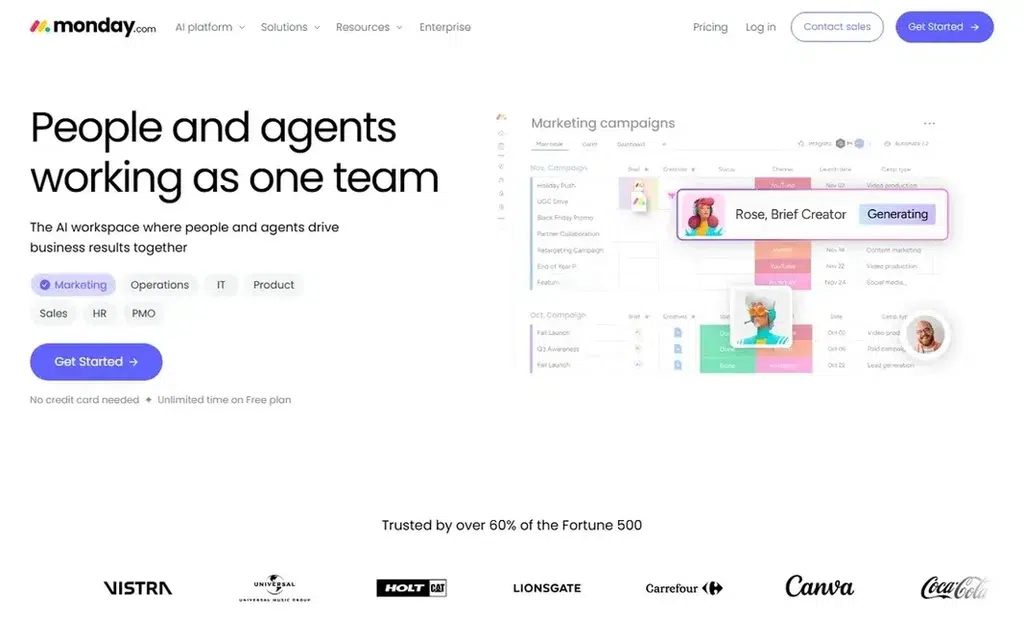
Monday.com is a good fit for AI workspace across teams. Monday.com describes itself as the AI workspace for people and agents, where AI agents work side by side with teams to execute, handle and operate work in one place.
Trade-offs to know: Can sprawl without governance.
That adaptability means someone has to own structure and naming, or boards multiply and become hard to navigate. If your team prefers a fixed methodology with little configuration, a more opinionated product may be simpler to adopt than Monday.com. Starting cost for Monday.com: $9 per seat per month. You can start on Monday.com without paying.
- One workspace for operations
- Agents work alongside people
- Configuration choices add complexity
In short, Smartsheet is for governed enterprise execution. Smartsheet calls itself the execution hub for enterprise work, where people and AI get work done together with the governance and visibility large organizations need.
Limits to weigh: May feel formal for small teams.
Its spreadsheet-like structure is capable but not everyone finds it easy-to-learn, and smaller teams may not need the governance overhead. If you want a highly visual, light board for a small group, a more straightforward tool is likely a better match than Smartsheet. Starting cost for Smartsheet: $12 per Member/month. As for free access: Not stated.
- People and AI work together
- Suits enterprise execution needs
- Spreadsheet-style model fits some only
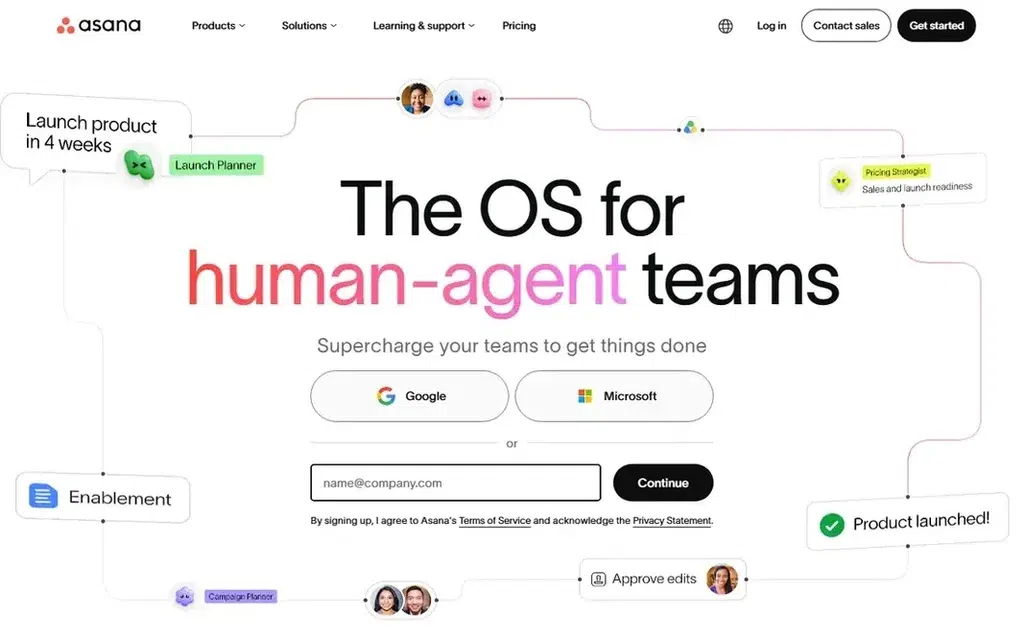
Think of Asana for human and agent workflows. Teams that value clear ownership, timelines and shared visibility across departments will find the model familiar.
Trade-offs to know: AI features vary by level.
If you primarily need a light board or a document-first workspace, a more straightforward tool may suit you better than Asana's broader work management model. Asana cost at the entry level: $10.99 per user per month. Asana has a free plan.
- AI agents share workflows with people
- Solid workflow automation
- Advanced setups take time
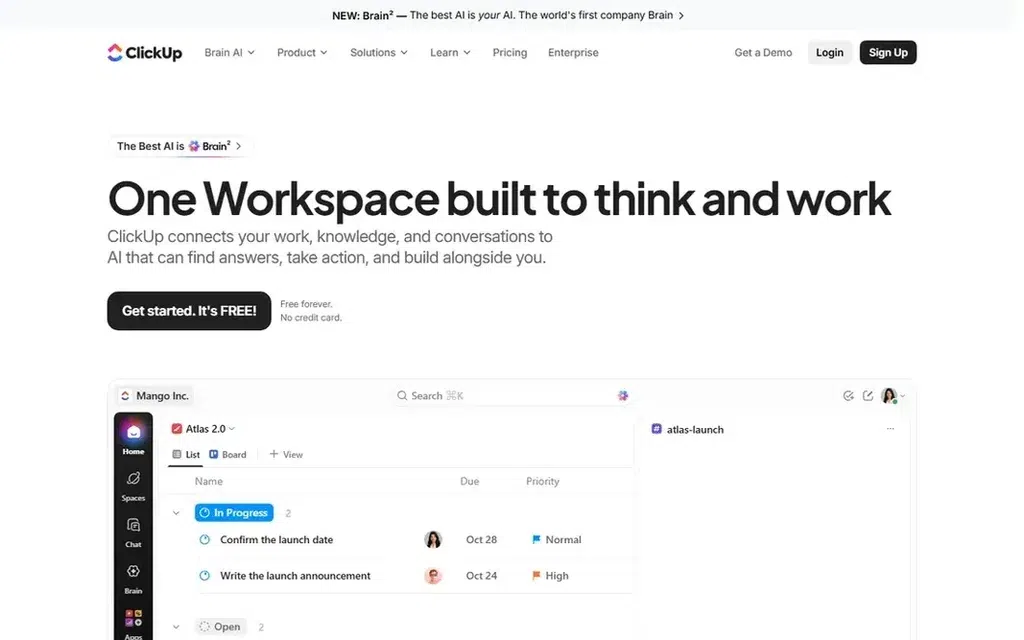
In short, ClickUp is for all-in-one productivity app. From a buyer's view, the breadth of features can be a lot for new users.
Where it is weaker: Setup needs planning.
Teams at times need time to settle on a structure. The starting price for ClickUp: $9 per user per month. Free access exists with ClickUp.
- Wide feature coverage
- AI woven into productivity work
- Feature depth can overwhelm
What went into this list
Pricing pages, product documentation and feature lists were the main sources, and every entry carries at least one honest drawback. Plan names, prices and limits change often. Treat the figures here as a starting point and verify them with the vendor. Tools are placed by general fit for AI-Powered project management software, with price clarity and free access as tie-breakers. A different team can reasonably rank them differently.
What to confirm before you sign up
- Prices are a starting point; Monday.com shows $9 per seat per month to start, so verify what your seat count would cost.
- Read the fine print on the free plans from Notion, Monday.com, Asana and ClickUp; seat, project and feature caps differ.
- Before choosing Notion, weigh its main limit: needs building your own structure.
- Work out what Monday.com costs with your real seat count, add-ons and usage, not just the entry price.
- Check the integration list for Notion against the tools you run today, and note which ones need a higher plan.
FAQ
What is the cheapest option for AI-Powered project management software in this list?
On published monthly entry prices, Monday.com is the lowest here at $9 per seat per month. Entry price is only part of the cost, because seats, add-ons and billing terms can change the total. For the full picture, the cards above cover all 5 entries of this AI-Powered project management software list, including price, free plan and limits.
What makes project management software AI-powered?
Vendors use the term for features for example AI agents that execute tasks, automation of routine updates and search across connected apps.
Can I try these options before paying?
Often, yes. Notion, Monday.com, Asana and ClickUp have a free plan. Use your own data and a real task during the test, and check what the free tier or trial limits before you rely on it.
Do these tools publish their prices?
Yes. Every tool from Notion to ClickUp shows a starting price, though seats, add-ons and billing terms still change the final cost. Prices, free plan details and limits for all 5 tools in this AI-Powered project management software roundup sit on the individual cards above.
Is Notion the right pick for everyone comparing AI-Powered project management software?
No single tool suits every team. Notion comes first because it fits docs-first AI workspace, while Monday.com suits AI workspace across teams and Smartsheet suits governed enterprise execution. Match the tool to your own size, budget and workflow before deciding.
Should small teams choose the same tools as enterprises?
Frequently not. Enterprise-oriented products emphasize governance and controlled delivery, which can be overhead for a small group. Lighter, adaptable workspaces normally help small teams start quicker, though they may need more structure added later.
Sources
- https://www.notion.com
- https://monday.com
- https://www.smartsheet.com
- https://asana.com
- https://clickup.com