Best Tooltip Alternatives for 2026 (5 Compared)
Searching for tooltip alternatives ui design patterns? Here are 5 options with prices and free plans. Every entry states what it lacks. Straight answers.
- Editor's choice
 Framer
Design-to-launch website building
Starts at$10 per monthVisit framer.comFull review - Great alternative
 Balsamiq
Quick, low-fidelity wireframing
Starts at$16 per editor a monthVisit balsamiq.comFull review - Also consider
 Figma
Collaborative design and interactive prototyping
Starts at$3 per monthVisit figma.comFull review
Direct answer
This list puts Framer first for design-to-launch website building. Listed starting prices: Framer from $10 per month, Balsamiq from $16 per editor a month and Figma from $3 per month. Balsamiq is better for quick, low-fidelity wireframing, and Figma is better for collaborative design and interactive prototyping. Details, prices and limits for the rest of the 5 tools are below.
TL;DR:
- Top of the list is Framer, which targets design-to-launch website building.
- The main caution on Framer: geared toward websites instead of app UI specs.
- Adobe XD is the one to check for designers already in the Adobe ecosystem.
- Just one of the 5 tools, Framer, has a free plan.
Last checked November 2026. Prices and plan details were read from the vendors' own pages in November 2026; vendors change plans often, so confirm the current price on the vendor site before you buy.
Quick comparison
| Tool | Best for | Starts at | Free plan? | |
|---|---|---|---|---|
| Framer | Design-to-launch website building | $10 per month | Yes | Visit |
| Balsamiq | Quick, low-fidelity wireframing | $16 per editor a month | Free trial | Visit |
| Figma | Collaborative design and interactive prototyping | $3 per month | Not stated | Visit |
 Sketch | Designer-focused Mac workflows | $12 per editor per month | Free trial | Visit |
 Adobe XD | Designers already in the Adobe ecosystem | See website | Not stated | Visit |
Tooltip Alternatives UI Design Patterns compared in detail
LinkVetted put together this guide to tooltip alternatives ui design patterns for readers who want a clear shortlist without reading every vendor page. It compares 5 tools on starting price, free plans, who each one suits and where each one falls short.
Choose Framer for design-to-launch website building. Framer presents itself as a website builder with a design agent that takes you from idea to launch, with hosting, CMS, analytics, SEO, and AEO built in. From a buyer's view, Editable changes stay intact after publishing.
Teams documenting complicated tooltip logic may need a dedicated prototyping tool alongside it. Framer leans toward websites and landing experiences instead of exhaustive app interaction specs. Also, choose Framer when the goal is a live, editable site instead of a specification document. Framer cost at the entry level: $10 per month. You can start on Framer without paying.
Upsides: Editable changes after publishing.
Where it falls short: Less suited to in-depth interaction documentation.
- Hosting, CMS
- SEO built in
- Geared toward websites instead of app UI specs
Balsamiq is aimed squarely at quick, low-fidelity wireframing. For tooltip alternatives, its rough style keeps discussion on placement and behavior instead of visual polish. Beyond that, teams needing high-fidelity prototypes should pair it with a dedicated design tool.
Drawbacks to consider: Deliberately low fidelity.
Beyond that, the intentionally sketch-like output is not meant for final visual design or pixel-accurate handoff. Pick Balsamiq when speed of iteration and shared understanding matter more than finish. Price to start with Balsamiq: $16 per editor per month. Free access: Free trial.
- Wireframes without friction
- Approachable for non-designers
- Not for refined visual design
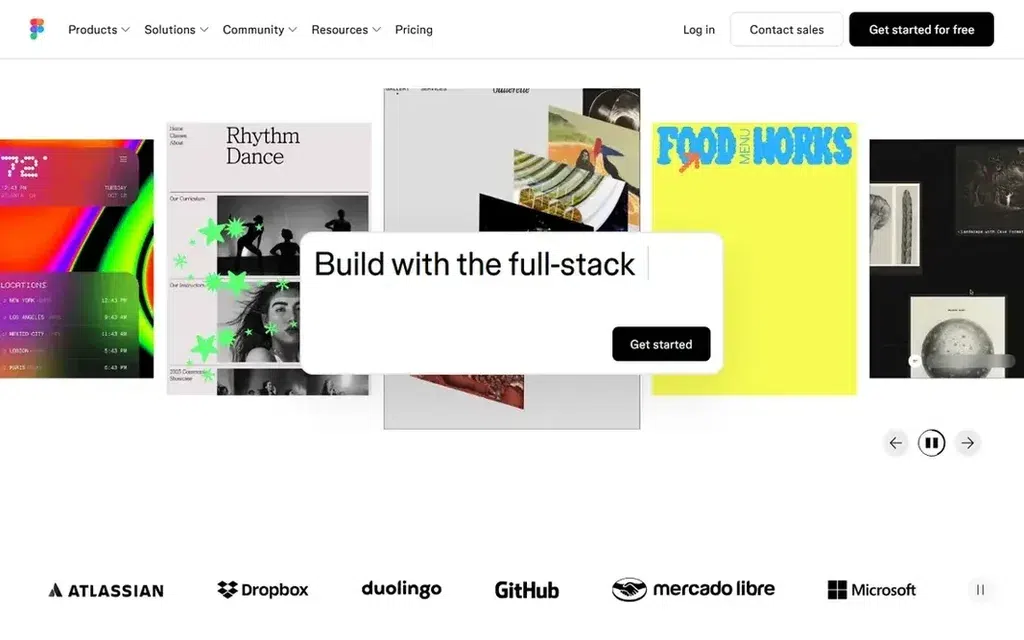
Pick Figma if this describes you: collaborative design and interactive prototyping. Choose Figma when shared, production-oriented design work is the priority. In daily use, teams that only need quick low-fidelity wireframes may prefer a lighter, more focused tool.
Where Figma stands out: Design, code.
Where it is weaker: Wide feature set can overwhelm beginners.
More specifically, for tooltip alternatives, that means you can build hover states, popovers, and inline hints and share them with collaborators in the same file. From a buyer's view, the breadth of the system means new users face a ramp-up time. The collaborative model relies on steady connectivity. On cost, Figma starts like this: $3 per month. Free access: Not stated.
- Concept-to-production workflow
- AI in one canvas
- Needs dependable internet access
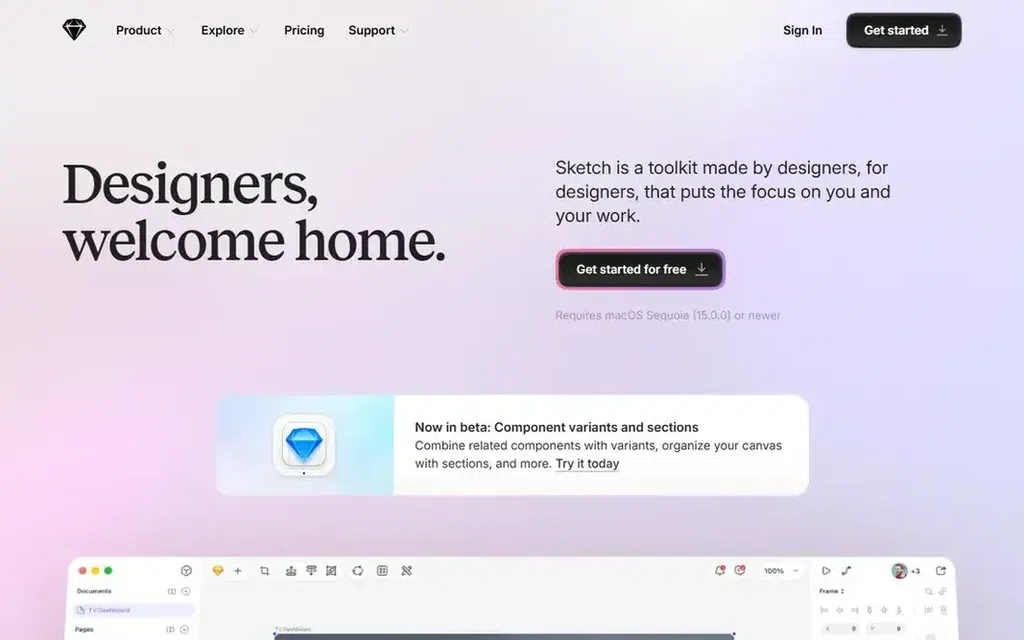
Sketch is a good fit for designer-focused Mac workflows. Its homepage flags design, prototyping, collaborate, and handoff, so tooltip patterns and other UI details can move from mockup to developer handoff.
Reasons to shortlist it: Made by designers for designers.
Points against: Mac-only environment. It fits individual designers and Mac-based studios that value a focused canvas. The starting price for Sketch: $12 per editor per month. On free options: Free trial.
- Clean
- Prototyping and handoff included
- Collaboration less central than in Figma
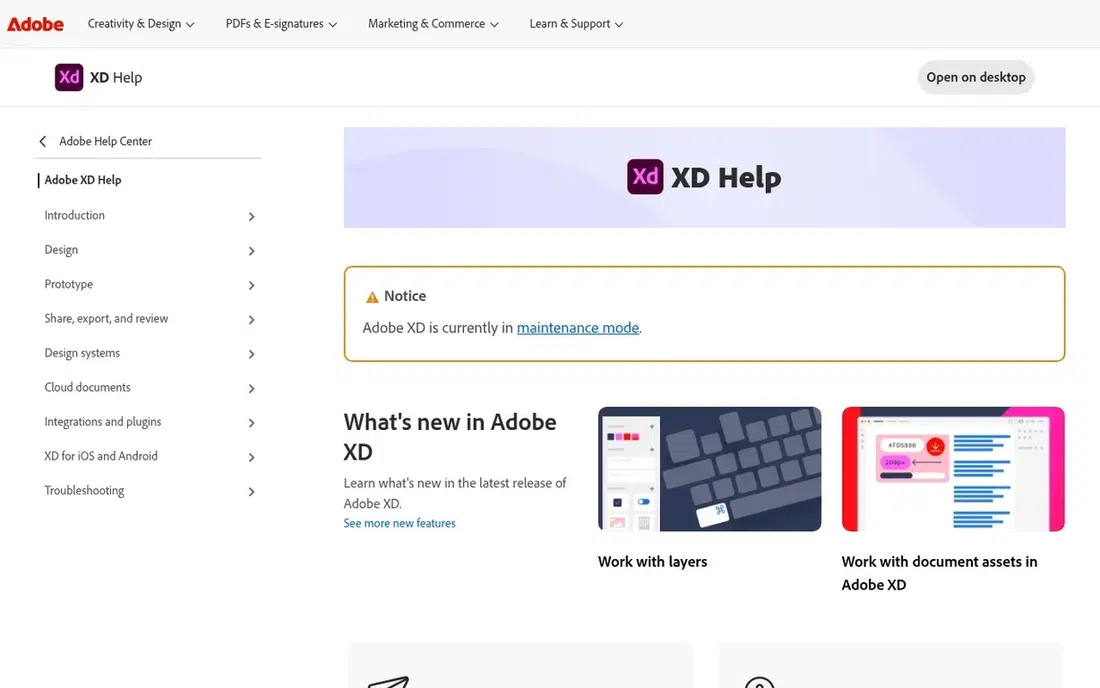
Where Adobe XD fits: designers already in the Adobe ecosystem. Adobe XD is Adobe's design and prototyping tool, widely known for interface design, artboards, and interactive prototypes. From a buyer's view, designers already working with Adobe applications can keep tooltip and overlay explorations close to their other creative files.
Those starting fresh may prefer tools with more active public roadmaps. Consider XD when ecosystem continuity matters more than novelty. No starting price is listed for Adobe XD here; confirm pricing on the vendor site. As for free access: Not stated.
Downsides: Less prominent in current Adobe messaging.
- Prototyping for UI patterns
- Suits Adobe creative workflows
- Feature development pace unclear
Our selection method
The comparison looks at four things: starting price, free access, how well the feature set matches tooltip alternatives ui design patterns, and the main limit of each tool. Where a price is missing, the vendor does not list one publicly or ties it to a quote. Always confirm before budgeting. Tools are placed by general fit for tooltip alternatives ui design patterns, with price clarity and free access as tie-breakers. A different team can reasonably rank them differently.
A buyer's checklist
- Confirm the entry price on the vendor page. For Adobe XD that means a quote rather than a fixed price.
- Look at the free plan from Framer closely: its caps decide whether it is usable for real work.
- Take the trial from Balsamiq and Sketch and push a live task through it before you pay.
- Read the limits listed for Framer first: geared toward websites instead of app UI specs.
- Work out what Figma costs with your real seat count, add-ons and usage, not just the entry price.
- Look at the help docs and support options for Sketch before you commit.
FAQ
Do these tools publish their prices?
Not all of them. Adobe XD publishes no starting price, so expect a quote request for it. The rest, Framer included, show a starting price, though seats and billing terms still change the final cost. Each of the 5 options in this tooltip alternatives UI design patterns guide has its own card above with the price, free plan and limits.
How should I choose between these design tools?
Start with your team's system, collaboration style, and deliverable type. Shared-canvas tools favor teamwork, whereas specification-heavy tools favor complicated interaction documentation. Confirm current features on each vendor site, since product capabilities change over time.
What is the cheapest option for tooltip alternatives ui design patterns in this list?
On published monthly entry prices, Figma is the lowest here at $3 per month. Entry price is only part of the cost, because seats, add-ons and billing terms can change the total. All 5 picks in this tooltip alternatives UI design patterns comparison list a starting price, free plan details and the main limits on their cards above.
Can I try these tools before paying?
Often, yes. Framer has a free plan and Balsamiq and Sketch offer a free trial. Use your own data and a real task during the test, and check what the free tier or trial limits before you rely on it. For the full picture, the cards above cover all 5 entries of this tooltip alternatives UI design patterns list, including price, free plan and limits.
Which tooltip alternatives ui design patterns have a free plan?
Framer is the only tool in this list with a free plan. Free plans usually cap users, projects or features, so check the limits on the vendor page. Several others offer a trial instead. Prices, free plan details and limits for all 5 tools in this tooltip alternatives UI design patterns roundup sit on the individual cards above.
Sources
- https://www.framer.com
- https://balsamiq.com
- https://www.figma.com
- https://www.sketch.com
- https://www.adobe.com/products/xd.html