Switching From Threads? 5 Alternatives for 2026
Shortlisting Threads alternatives? 5 products compared on cost, free access and ideal buyer. Every pick includes one clear drawback. Reviewed this month.
- Editor's choice
 Rocket.Chat
Government and defense collaboration
Starts atSee websiteVisit rocket.chatFull review - Great alternative
 Discord
Communities, gaming and casual group chat
Starts atSee websiteVisit discord.comFull review - Also consider
 Slack
General team messaging and automation
Starts at$4.38 per user per monthVisit slack.comFull review
Direct answer
Rocket.Chat comes first here, mainly for government and defense collaboration. Listed starting prices: Slack from $4.38 per user per month. Discord fits Communities, gaming and casual group chat; Slack fits general team messaging and automation. All 5 tools are compared below on price, free plan and limits.
TL;DR:
- The list opens with Rocket.Chat, aimed at government and defense collaboration.
- The main caution on Rocket.Chat: narrowly positioned toward public sector.
- Only Slack offers a free plan among these 5 tools.
- Google Chat fits Teams working inside Google Workspace.
- The lowest published monthly entry price here is $4.38 per user per month, from Slack.
Last checked November 2026. Prices and plan details were read from the vendors' own pages in November 2026; vendors change plans often, so confirm the current price on the vendor site before you buy.
Quick comparison
| Tool | Best for | Starts at | Free plan? | |
|---|---|---|---|---|
| Rocket.Chat | Government and defense collaboration | See website | Not stated | Visit |
| Discord | Communities, gaming and casual group chat | See website | Not stated | Visit |
| Slack | General team messaging and automation | $4.38 per user per month | Yes | Visit |
 Microsoft Teams | Organizations already using Microsoft tools | See website | Not stated | Visit |
 Google Chat | Teams working inside Google Workspace | See website | Not stated | Visit |
The 5 tools in detail
Short on time? The summary and table above give the quick view of 5 Threads, and the profiles that follow give the detail behind each entry.
Rocket.Chat serves government and defense collaboration. Rocket.Chat describes one secure product for messaging, voice, video and governed AI, targeted at defense and government teams that work across agencies and allies without switching systems.
The main drawbacks: Narrowly positioned toward public sector.
Its positioning is specialized, so general teams may not need the governance emphasis. Rocket.Chat does not show a starting price in this comparison, so check the vendor site for current pricing. On free options: Not stated.
- Governed AI features
- Messaging
- Feature depth may exceed casual needs
Discord is a good fit for Communities, gaming and casual group chat. Discord is oriented toward social and community use, so formal project management and enterprise governance are restricted compared to workplace tools.
More specifically, Teams with strict compliance needs should look at a self-hosted choice instead. Pricing for Discord is not stated here, so ask the vendor for current figures. Free plan details: Not stated.
Watch-outs: Moderation effort grows with community size.
- Made for gaming and community
- Configurable spaces for groups
- Less centred on workplace projects
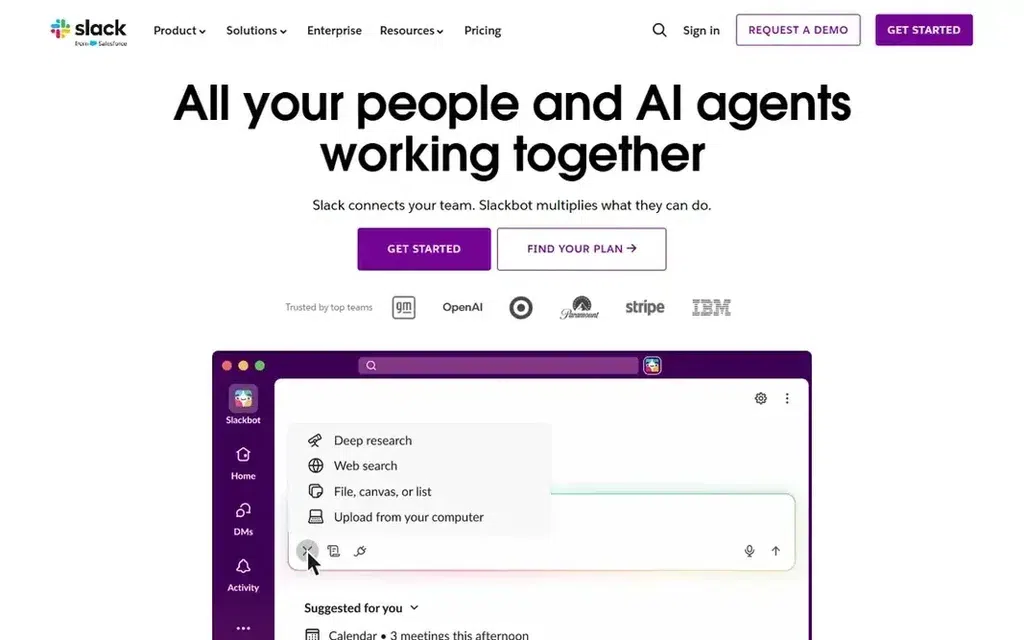
Slack is built with general team messaging and automation in mind. Slack presents itself as an AI work product for managing projects, automating workflows and connecting teams securely.
Where it falls short: Not built for public social threads.
In practice, messaging is organized around channels, and the vendor emphasizes saving time through automation and productivity tools. In daily use, if your priority is open community conversation instead of internal teamwork, a community-focused tool may suit you better. Slack pricing: $4.38 per user per month. Slack has a free plan.
- Channels plus AI productivity tools
- Secure team connection
- Can feel busy for small groups
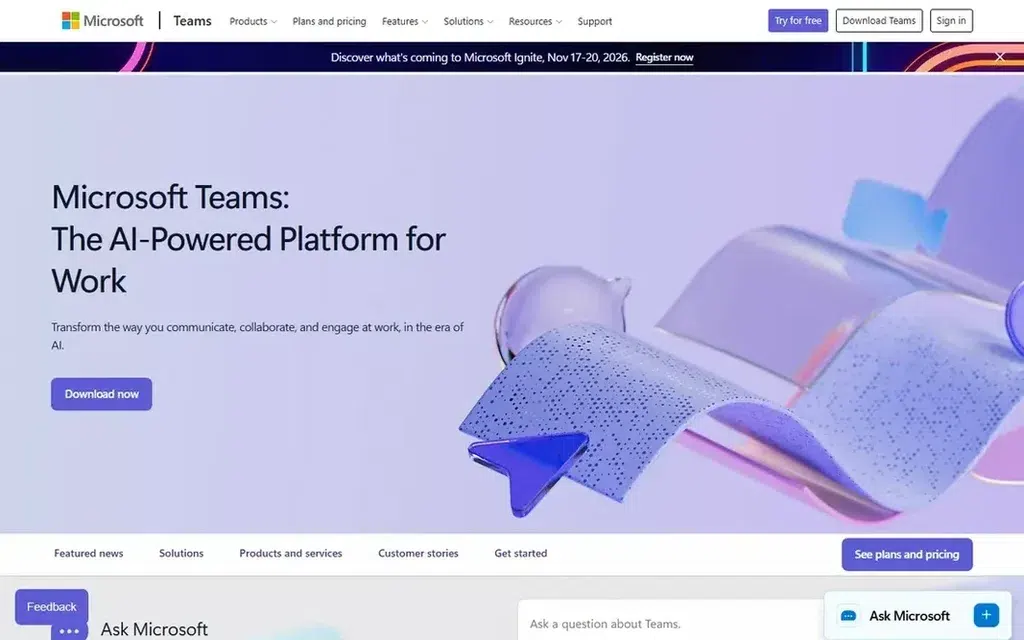
Microsoft Teams works best for organizations already using Microsoft tools. Microsoft Teams positions itself around video conferencing, meetings and calling, with the vendor noting that tools and files stay available in one place to help people link naturally and stay organized.
Limits to weigh: Interface can feel heavy for casual chat.
It fits organizations that want chat and meetings under one roof, particularly where Microsoft software is already standard. Microsoft Teams does not show a starting price in this comparison, so check the vendor site for current pricing. As for free access: Not stated.
Main advantages: meetings and files in one place.
- Keeps tools and files available together
- Built for natural connection
- Best value inside the Microsoft ecosystem
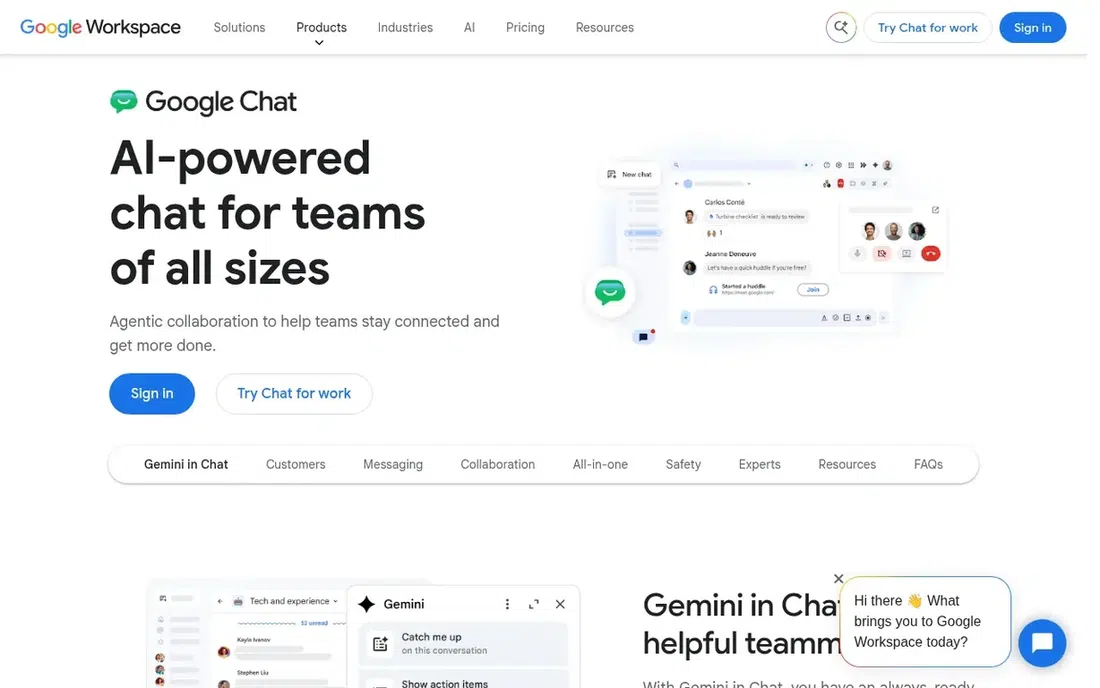
Google Chat targets Teams working inside Google Workspace. The value depends heavily on using Google Workspace, and the tool is geared toward workplace collaboration rather than public threads.
What to check first: Less community oriented than social apps.
Strengths: Gemini features for collaboration.
In daily use, groups wanting a standalone community space may prefer a different choice. Google Chat is described as helping individuals, groups and firms link and collaborate online with secure messaging and features from Google Workspace, including Gemini. Google Chat does not show a starting price in this comparison, so check the vendor site for current pricing. Free options: Not stated.
- Fits individuals
- Groups and companies
- Most handy with a Google Workspace setup
Selection criteria
Before you commit
- Get a written quote from Rocket.Chat, Discord, Microsoft Teams and Google Chat; the list shows no starting price for them.
- Test the free plan from Slack against your real workload before relying on it.
- Before choosing Rocket.Chat, weigh its main limit: narrowly positioned toward public sector.
- Let daily users try Slack on real work; their feedback beats any feature checklist.
- Compare total cost, not headline price: for Rocket.Chat, add extra seats, add-ons and any usage-based charges.
FAQ
What is the cheapest option for Threads in this list?
On published monthly entry prices, Slack is the lowest here at $4.38 per user per month. Entry price is only part of the cost, because seats, add-ons and billing terms can change the total. For the full picture, the cards above cover all 5 entries of this Threads alternatives list, including price, free plan and limits.
Can I try these tools before paying?
Often, yes. Slack has a free plan. Use your own data and a real task during the test, and check what the free tier or trial limits before you rely on it. Prices, free plan details and limits for all 5 tools in this Threads alternatives roundup sit on the individual cards above.
What is the best Threads alternative for a workplace team?
Start with Rocket.Chat if you need government and defense collaboration. Discord is the better match for Communities, gaming and casual group chat, and Slack for general team messaging and automation. The best choice depends on budget, team size and workflow.
Is Rocket.Chat the right pick for everyone comparing Threads?
No single tool suits every team. Rocket.Chat comes first because it fits government and defense collaboration, while Discord suits Communities, gaming and casual group chat and Slack suits general team messaging and automation. Match the tool to your own size, budget and workflow before deciding.
Which Threads have a free plan?
Slack is the only tool in this list with a free plan. Free plans usually cap users, projects or features, so check the limits on the vendor page. Each of the 5 options in this Threads alternatives guide has its own card above with the price, free plan and limits.
Sources
- https://rocket.chat
- https://discord.com
- https://slack.com
- https://www.microsoft.com/en-us/microsoft-teams/group-chat-software
- https://workspace.google.com/products/chat