Best TamoGraph Site Survey Alternatives for 2026 (5 Compared)
TamoGraph Site Survey alternatives in 2026: 5 contenders with entry costs and free tiers. Every pick includes one clear drawback. Updated November 2026.

- Editor's choiceinSSIDer
Portable interference and spectrum checks
Starts atPricing on requestVisit metageek.comFull review - Great alternativeiBwave Wi-Fi
Carrier-grade in-building wireless design
Starts atPricing on requestVisit ibwave.comFull review - Also consider
 Ekahau AI Pro
Full Wi-Fi design and troubleshooting
Starts atPricing on requestVisit ekahau.comFull review
Direct answer
Our first pick is inSSIDer, best for portable interference and spectrum checks. Alternatives: iBwave Wi-Fi for carrier-grade in-building wireless design, and Ekahau AI Pro for full Wi-Fi design and troubleshooting. All 5 tools are compared below on fit, free plan and limits. None of these vendors publish plan prices, so pricing is on request for every option.
TL;DR:
- inSSIDer sits first on this list: portable interference and spectrum checks.
- For Wi-Fi analysis and troubleshooting, WiFi Explorer is worth a look.
- The main caution on iBwave Wi-Fi: heavy for small office surveys.
- Neither inSSIDer nor WiFi Explorer, nor any of the other 3 tools, has a permanent free plan; trials and quotes are the norm.
- inSSIDer, WiFi Explorer and the 3 others all sell by quote; expect sales conversations before you see a price.
Last checked November 2026. Pricing on request: vendors did not publish plan prices when this guide was last checked (November 2026), so ask each vendor for a written quote.
Quick comparison
| Tool | Best for | Starts at | Free plan? | |
|---|---|---|---|---|
| inSSIDer | Portable interference and spectrum checks | Pricing on request | Not stated | Visit |
| iBwave Wi-Fi | Carrier-grade in-building wireless design | Pricing on request | Not stated | Visit |
| Ekahau AI Pro | Full Wi-Fi design and troubleshooting | Pricing on request | Not stated | Visit |
 NetSpot | Accessible heat maps and site surveys | Pricing on request | Not stated | Visit |
| WiFi Explorer | Wi-Fi analysis and troubleshooting | Pricing on request | Not stated | Visit |
Tool-by-tool breakdown
Short on time? The summary and table above give the quick view of 5 tools for TamoGraph Site Survey, and the profiles that follow give the detail behind each entry.
inSSIDer
Best for: Portable interference and spectrum checks
inSSIDer is aimed squarely at portable interference and spectrum checks. If you need predictive planning and visual coverage maps, pair it with NetSpot or choose Ekahau AI Pro. In daily use, inSSIDer is presented through MetaGeek expertise as a portable Wi-Fi troubleshooting tool, paired with Oscium spectrum and network analyzers.
Wi-Spy Lucid gives tri-band analysis with Wi-Fi 7 support, which fits technicians hunting interference and verifying performance in the field. Spectrum analysis relies on the associated hardware, and the tool is not a full design and heatmapping system. This comparison lists no price for inSSIDer; ask the vendor. Free plan details: Not stated.
Downsides: Hardware-dependent for spectrum work.
Strengths: Supports modern Wi-Fi bands.
- Portable troubleshooting focus
- Spectrum analysis with Wi-Spy hardware
- Not a full design product
iBwave Wi-Fi
Best for: Carrier-grade in-building wireless design

Choose iBwave Wi-Fi for carrier-grade in-building wireless design. iBwave Wi-Fi gives you in-building wireless network design and deployment options, geared toward delivering a carrier-grade experience.
Its specialized, carrier-oriented scope can be more than a small business needs for routine site surveys. Pricing for iBwave Wi-Fi is not stated here, so ask the vendor for current figures. On free options: Not stated.
Downsides: Heavy for small office surveys.
- In-building wireless design focus
- Designed for demanding environments
- Specialized scope
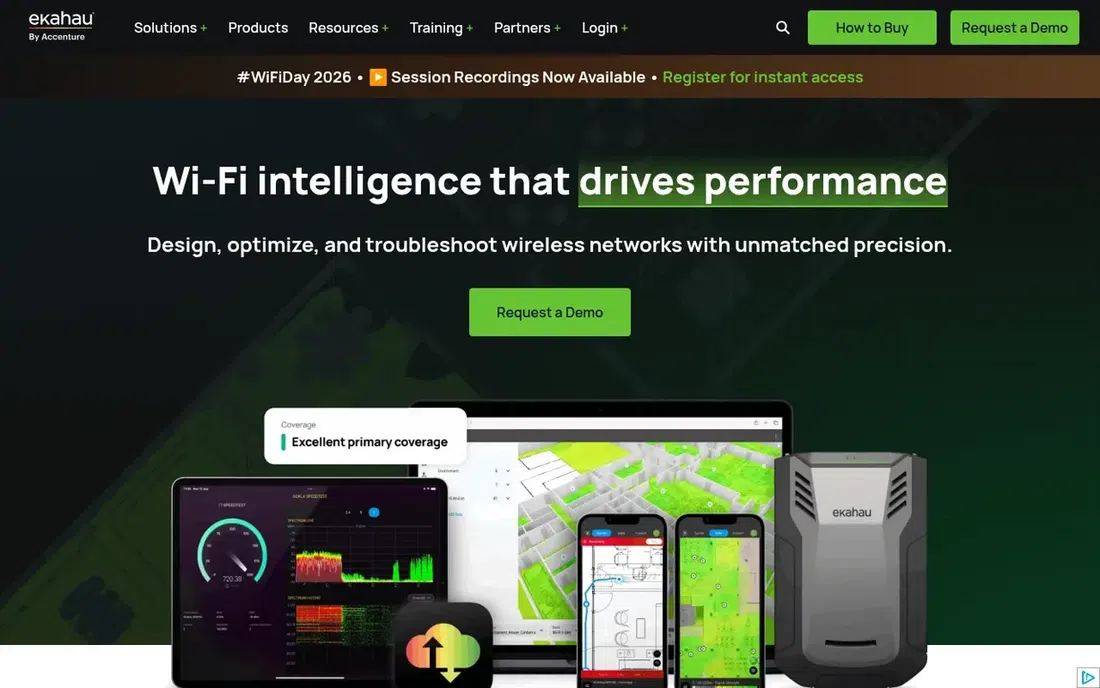
Ekahau AI Pro works best for full Wi-Fi design and troubleshooting. Its documented strengths are best-in-class spectrum analysis and heatmapping, which makes it a natural fit for network engineers who need design and verification in one place instead of separate point tools.
This comparison lists no price for Ekahau AI Pro; ask the vendor. On free options: Not stated.
Downsides: Centred on professional workflows.
- Targeted at professional Wi-Fi work
- Merges design
- Wide feature set can feel heavy for straightforward scans
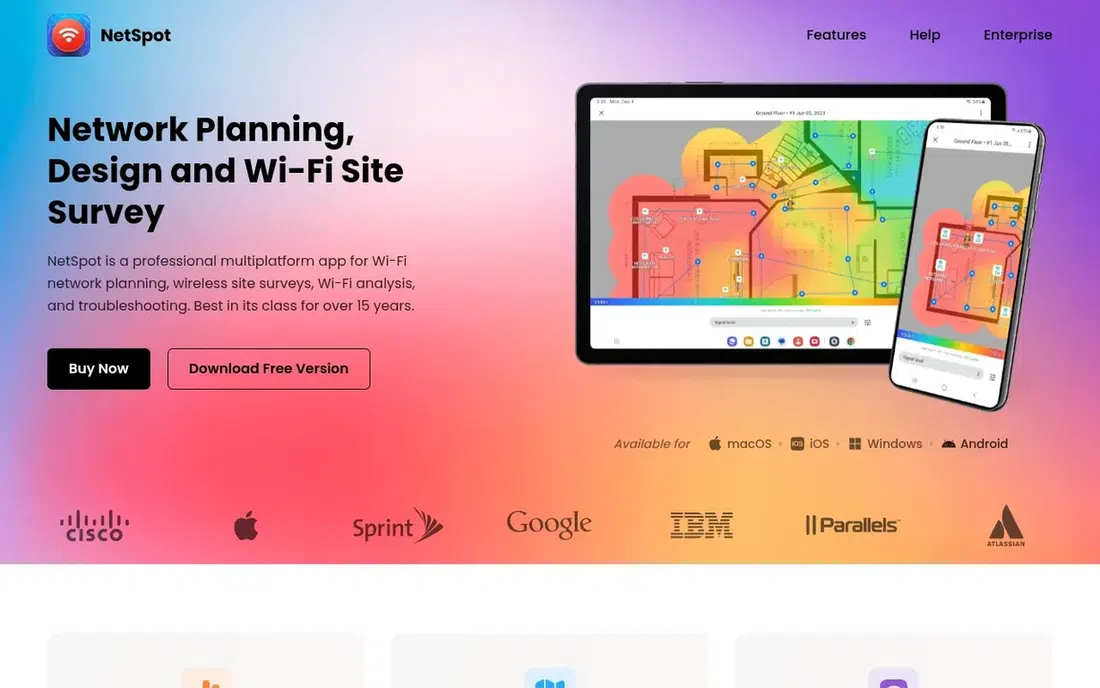
Pick NetSpot if this describes you: accessible heat maps and site surveys. NetSpot is Wi-Fi site survey software that helps plan wireless networks, build heat maps and analyze Wi-Fi across macOS, Windows and Android.
What to check first: Not pitched at carrier-grade projects.
Its cross-platform coverage makes it convenient for mixed device environments. NetSpot shows no starting price here, so confirm the cost on the vendor site. Free options: Not stated.
- Straightforward survey workflow
- Wi-Fi heat maps and network planning
- Advanced design depth is restricted
WiFi Explorer
Best for: Wi-Fi analysis and troubleshooting
WiFi Explorer is aimed squarely at Wi-Fi analysis and troubleshooting. WiFi Explorer is professional Wi-Fi analysis software for macOS, Windows and iOS.
It lets you scan wireless networks, troubleshoot connectivity, capture packets and optimize performance, making it a solid fit for support engineers and administrators who require to diagnose problems rapidly on the devices they already use. WiFi Explorer shows no starting price here, so confirm the cost on the vendor site. Trial and free access: Not stated.
The main drawbacks: Heatmapping is not the core focus.
- Available across macOS
- Windows and iOS
- Not a full design suite
What went into this list
The comparison looks at four things: starting price, free access, how well the feature set matches TamoGraph Site Survey, and the main limit of each tool. Plan names, prices and limits change often. Treat the figures here as a starting point and verify them with the vendor. Order on the page follows fit for the typical buyer first, then price transparency and free access. Your own requirements should decide the final pick.
Before you commit
- Confirm the entry price with every vendor: no tool from inSSIDer to WiFi Explorer shows a fixed starting price.
- Read the limits listed for inSSIDer first: hardware-dependent for spectrum work.
- Total up the real monthly cost of WiFi Explorer, including add-ons, extra users and usage-based fees.
- Look at the help docs and support options for NetSpot before you commit.
- Get the contract term, renewal terms and any onboarding fees from iBwave Wi-Fi in writing.
FAQ
Do these tools publish their prices?
No. None of the tools, from inSSIDer to WiFi Explorer, shows a fixed starting price here, so budget time for quotes.
Is inSSIDer the right pick for everyone comparing TamoGraph Site Survey?
No single tool suits every team. inSSIDer comes first because it fits portable interference and spectrum checks, while iBwave Wi-Fi suits carrier-grade in-building wireless design and Ekahau AI Pro suits full Wi-Fi design and troubleshooting. Match the tool to your own size, budget and workflow before deciding.
Can I try these tools before paying?
Not by default. None of the tools, from inSSIDer to WiFi Explorer, lists a free plan or a free trial here, so ask each vendor for a demo before committing.
How are the tools for TamoGraph Site Survey ordered?
The order follows typical fit for TamoGraph Site Survey, with inSSIDer first and WiFi Explorer last, then price clarity and free access. It is editorial judgement, not a score, so another team could rank the tools differently.
Which alternative is a good match for in-building wireless projects?
For most readers this guide would start with inSSIDer, built for portable interference and spectrum checks. iBwave Wi-Fi is the alternative for carrier-grade in-building wireless design, and Ekahau AI Pro for full Wi-Fi design and troubleshooting. The right answer depends on budget and workflow.
Sources
- https://www.metageek.com
- https://www.ibwave.com
- https://www.ekahau.com
- https://www.netspotapp.com
- https://www.intuitibits.com