Best SEO Site Audit Tool in 2026: 8 Tools Compared
We compared the best seo site audit tool options for site owners, covering crawls, checks, reports, pricing, and free plans for 2026 in full detail today.
- Editor's choice
 Screaming Frog SEO Spider
Deep technical crawls
Starts at$279 per yearVisit screamingfrog.co.ukFull review - Great alternative
 Sitebulb
Guided readable audits
Starts at$18 per monthVisit sitebulb.comFull review - Also consider
 Semrush
Audit plus full SEO suite
Starts at$139 per monthVisit semrush.comFull review
TL;DR:
- Screaming Frog SEO Spider is our pick for deep technical crawls, with a free version up to 500 URLs and a paid licence for larger sites.
- Sitebulb suits teams that need guided, readable audits, with prioritized hints and visual reports that non-specialists can follow.
- Semrush Site Audit fits owners who want audits plus keyword, rank, and competitor research in one suite.
- Ahrefs Site Audit fits teams already using Ahrefs, with cloud crawls, health scores, and backlink context in the same account.
- Google Search Console remains essential alongside any paid tool, since it shows how Google actually sees the site, for free.
Quick comparison
| Tool | Best for | Starts at | Free plan? | |
|---|---|---|---|---|
| Screaming Frog SEO Spider | Deep technical crawls | $279 per year | Yes | Visit |
| Sitebulb | Guided readable audits | $18 per month | Free trial | Visit |
| Semrush | Audit plus full SEO suite | $139 per month | Yes | Visit |
 Ahrefs | Audit inside a backlink suite | $129 per month | Yes | Visit |
 SE Ranking | Audit plus rank tracking value | $129 per month | Free trial | Visit |
 Moz Pro | Beginner-friendly suite | $39 per month | Free trial | Visit |
 Lumar | Enterprise large-site crawls | See website | No | Visit |
 Seobility | Budget all-in-one audits | See website | Yes | Visit |
The best seo site audit tools
A site audit tool crawls a website, finds technical errors, and ranks them by impact, so owners can fix what matters first. We compared crawl depth, checks, JavaScript rendering, reporting, and price, and we kept only tools that still work in 2026.
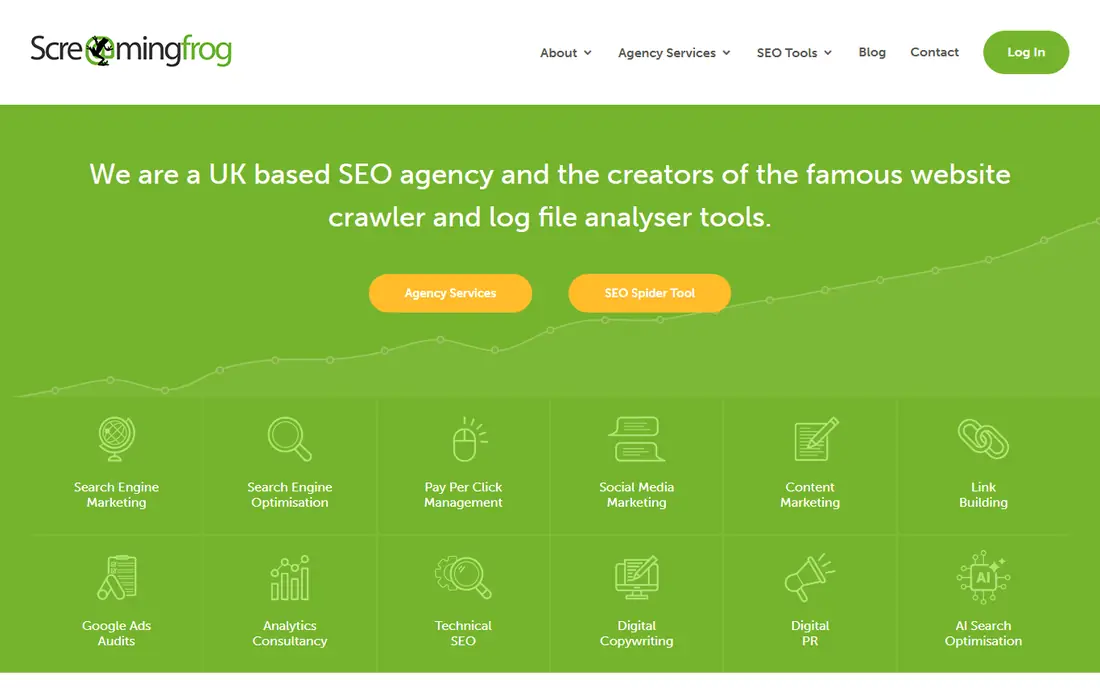
Screaming Frog SEO Spider is the tool most technical SEOs reach for first, and for good reason. It crawls a site like a search engine would, then returns detailed tables on status codes, redirect chains, broken links, duplicate titles, missing meta data, and much more. For a migration, a redesign, or a traffic drop investigation, that raw depth is hard to beat.
The free version crawls up to 500 URLs, which covers many small business sites completely. The paid licence costs $279 per user per year and lifts that cap, with the practical limit set by machine memory and storage rather than a published URL number. It also links to Google Search Console and Analytics on the paid plan.
The catch is presentation. Screaming Frog gives data, not a polished client report, so a user must filter, prioritize, and explain findings for managers or clients. Large sites also need a strong machine, since desktop crawling uses local resources. For pure crawl depth, though, few tools match it at this price.
- Deep desktop crawling with no set URL cap on paid licence
- Detailed data on links, titles, redirects, and status codes
- Search Console and Analytics links
- Desktop app needs a capable machine for large sites
- Reports need manual shaping for non-technical stakeholders
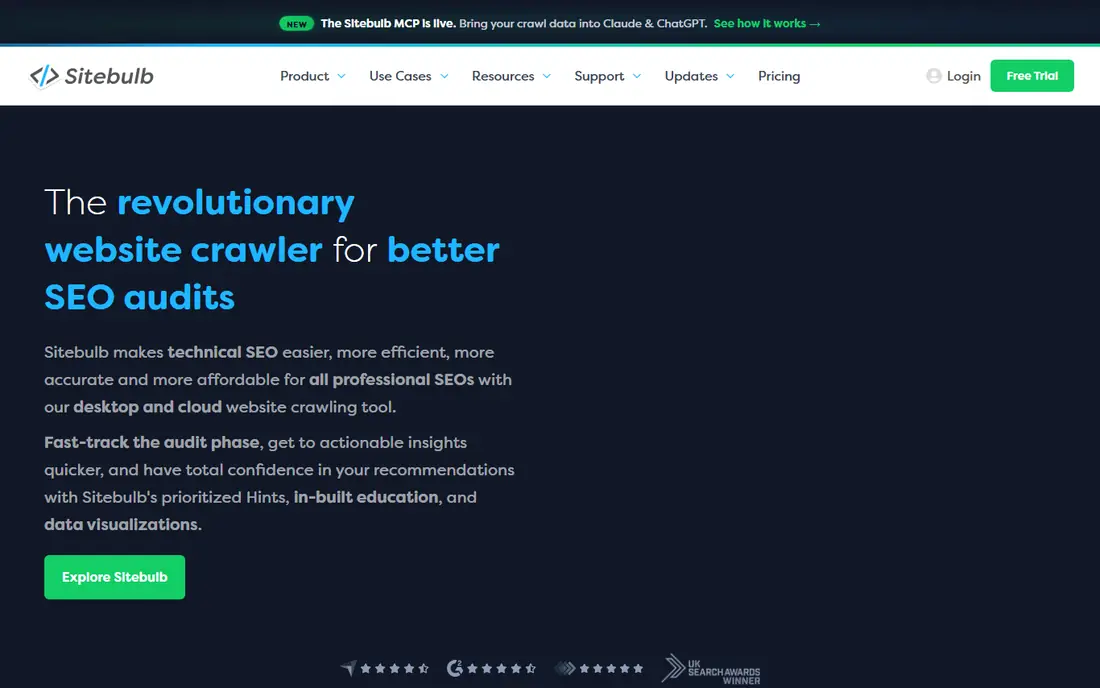
Sitebulb stands out for readability. Instead of dumping raw crawl tables, it groups issues into hints, explains why each one matters, and ranks them by priority. That guided style helps freelancers, agencies, and in-house teams who need to hand an audit to someone who is not a technical SEO.
The visual reports add to that value. Charts, crawl maps, and URL explorers help a team see site structure, orphan pages, and internal linking patterns at a glance. Sitebulb also renders JavaScript on all plans and links to Search Console, Analytics, and Sheets, which helps for modern sites that rely on client-side rendering.
The trade-off is scale and cost model. Desktop plans start at $18 per month for Lite, with Pro at $42 per month for larger audits, while Cloud plans start higher for teams. A 14-day trial lets users test the workflow, but there is no permanent free tier. For readable, report-ready audits, Sitebulb is still one of the best picks here.
- Prioritized hints with plain explanations
- Visual reports and charts
- JavaScript rendering on all plans
- Desktop version needs local resources
- Cloud pricing is higher than desktop for teams
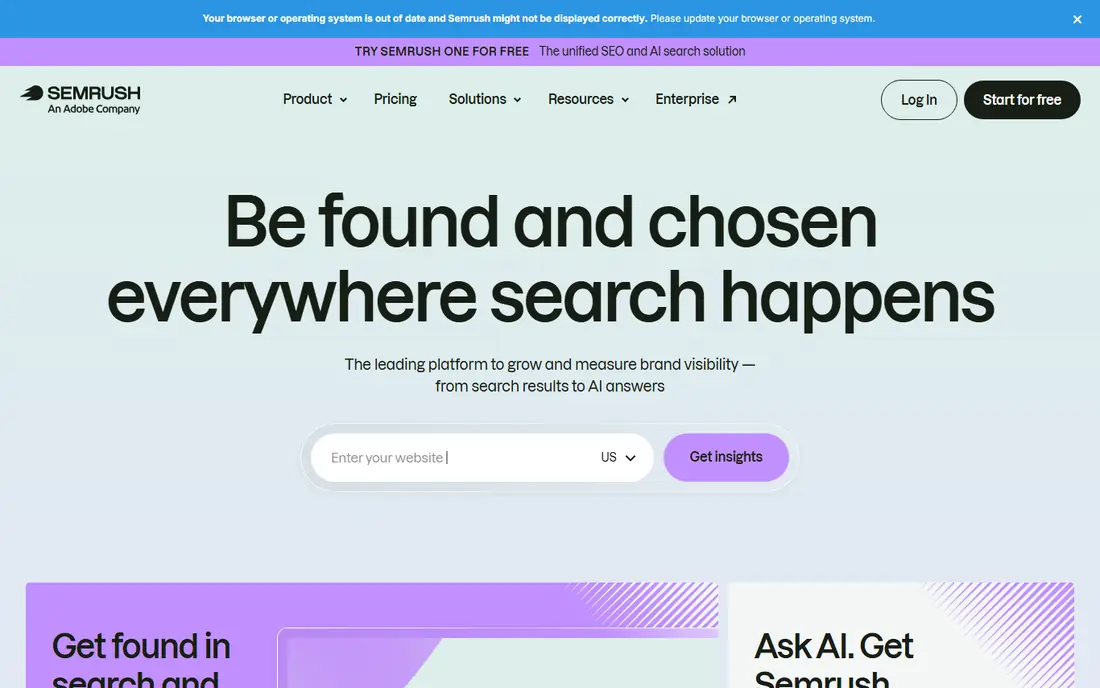
Semrush Site Audit fits owners who want one subscription for most SEO work. The audit runs more than 140 checks on crawlability, HTTPS, internal linking, performance, and markup, then gives a health score and themed reports for errors, warnings, and notices. Scheduled crawls keep that score current without manual runs.
The suite around the audit is the real draw. Keyword research, position tracking, backlink analysis, and competitor research live in the same account, so an audit finding can be checked against keyword and ranking data right away. A free account offers limited audit use, while the paid SEO plan starts at $139 per month.
The limit is price for audit-only needs. A site owner who only needs a monthly crawl may find Screaming Frog or Sitebulb cheaper, and JavaScript rendering sits on higher Semrush plans. For teams that use the full suite, though, the audit becomes good value inside a broader toolkit.
- Site Audit with 140 plus checks
- Keyword, rank, and competitor tools in one suite
- Scheduled audits and thematic reports
- Entry price is high for audit-only users
- JavaScript rendering needs higher plans
Ahrefs Site Audit suits teams that already track backlinks and keywords in Ahrefs. Cloud crawls run on a schedule, check for broken links, redirect issues, duplicate content, and performance problems, and present a health score with prioritized issues. The backlink context helps when an audit finds a broken page that still earns links.
The free offer is genuinely useful. Ahrefs Webmaster Tools gives verified site owners a free Site Audit with 5,000 crawl credits a month per project, which covers many small sites. Paid Lite starts at $129 per month, with higher tiers for larger crawl limits and more projects.
The catch is tier gating. Crawl credits, pages per project, and API access all rise with plan tier, so a large site may need Standard at $249 per month or higher. Small teams should start with the free tools, then upgrade only when crawl limits actually bind.
- Cloud crawls with health scores
- Strong backlink and keyword context
- Free audit for verified sites
- Paid plans start high for small sites
- Crawl credits are tier-gated
SE Ranking is a solid all-rounder for agencies and in-house teams that need audits plus reporting. Its Website Audit crawls pages, checks technical issues, supports JavaScript rendering as a crawl setting, and links to Search Console and Analytics. Scheduled audits and white-label reports help agencies deliver regular client updates without manual exports.
The rank tracking and keyword tools round out the suite, so audit fixes can be tied to ranking movement over time. API access on all plans is a useful bonus for teams that pull audit data into their own dashboards.
The downside is price and learning curve. Core starts at $129 per month, with Growth at $279 per month for larger crawl limits, and a 14-day trial rather than a permanent free tier. The interface covers a lot of tools, so new users may need a few sessions to find the audit workflow they use most.
- Website audit with scheduled crawls
- Rank tracking and reporting in one plan
- API on all plans
- Entry price rose in recent years
- Interface takes time to learn for new users
Moz Pro suits small businesses and beginners who want an audit they can actually read. Site Crawl checks a site on a schedule, flags technical issues, and explains them in plain terms, with links to Moz learning guides for fixes. That guidance matters for owners without a technical SEO on staff.
The suite adds keyword research, rank tracking, and link analysis, plus free community tools like MozBar for quick page checks. Starter pricing is $39 per month billed annually, or $49 monthly, with a 30-day free trial on paid plans.
The limit is crawl depth. Moz Pro will not match Screaming Frog for raw technical detail, or Sitebulb for guided visual audits on large complex sites. It works best as a friendly suite for small to mid-size sites, paired with Screaming Frog free for deeper checks when needed.
- Approachable Site Crawl with clear issues
- Keyword and link tools in one suite
- Helpful learning resources
- Crawl depth is lighter than Screaming Frog or Sitebulb
- Audit-only users may prefer a specialist crawler
Lumar, formerly Deepcrawl, is built for very large sites. It crawls millions of pages in the cloud, handles JavaScript rendering, and links to Search Console, Analytics, and log file data for a fuller picture of crawl behavior. Enterprise teams use it for migrations, large publishers, and multi-site portfolios where a desktop crawler would stall.
The reporting and API support enterprise workflows. Teams can automate crawls, push data into dashboards, and track technical health across many sites and teams, with controls for access and data handling that smaller tools do not offer.
The catch is fit and price. Lumar is quote-only, with no free plan, and it is far more than a small site needs. Owners under a few thousand pages should choose Screaming Frog, Sitebulb, or a suite tool instead, and leave Lumar for the scale it was built to serve.
- Cloud crawling at multi-million-page scale
- Log file and analytics integrations
- Enterprise reporting and API
- Quote-only pricing
- Overkill and too costly for small sites
Seobility is the best budget suite on this list for small sites and bloggers. Its free Basic plan covers one project with limited pages and tracked keywords, which is enough to catch common issues on a small site. Paid plans add larger crawls, more projects, and more tracked keywords, with pricing listed in euros on the vendor site, so we list it as See website here.
The audit itself covers technical checks, meta data, internal linking, and performance basics, with clear issue lists that a non-specialist can follow. Rank tracking and backlink checks add context without a second subscription.
The limit is scale. Lower plans have modest crawl limits, so large or complex sites will outgrow Seobility fast. For a small business, a blog, or a freelancer starting out, though, it offers a useful audit at low or no cost, which is a strong starting point.
- Permanent free Basic plan
- Site audit plus rank tracking and backlink checks
- Clear issue lists
- Paid pricing varies by currency and plan
- Crawl limits are modest on lower plans
How we picked these
We compared official pricing pages, crawl limits, check lists, and documentation, plus public pricing comparisons checked in October 2026. We favored tools with a working crawl today, clear issue prioritization, and a realistic entry point for their target site size. We included desktop crawlers, cloud suites, and an enterprise crawler, since site size decides which type fits best.
We did not claim hands-on testing on live client sites. Our comparison rests on published features, pricing, free limits, and public documentation. Site owners should run a trial crawl on their own site before buying, since crawl behavior varies with site size, JavaScript use, and server setup.
How to run an audit that actually gets fixed
A long issue list is not an audit result. The value comes from fixing the issues that block crawling, indexing, or user experience first, then re-crawling to confirm the fix.
Start with crawlability and indexing
Check robots rules, sitemaps, status codes, and redirect chains before worrying about minor meta tweaks. If Google cannot crawl or index key pages, no amount of on-page tuning will help. Fix broken links to important pages, remove redirect chains, and confirm that key pages return a 200 status.
Prioritize by traffic and revenue impact
Not every error deserves equal time. Fix issues on high-traffic and high-revenue pages first, then templates that affect many pages at once, such as a broken header link or a duplicate title pattern. A template fix can resolve hundreds of issues in one change, while a single low-traffic page fix resolves one.
Check JavaScript and performance separately
Modern sites often hide content behind JavaScript, so confirm that rendered pages contain the content and links Google needs to see. Check page speed on key templates, since slow pages hurt both users and crawl efficiency. Use PageSpeed Insights alongside your audit tool for a second view on performance.
Re-crawl after fixes and track the trend
Run the audit again after fixes, and compare health scores and issue counts over time. A one-time audit that is never repeated will drift out of date as soon as new pages publish. Schedule monthly crawls for active sites, and weekly crawls during a migration or redesign.
FAQ
What is the best site audit tool for seo for small sites?
For small sites under 500 pages, Screaming Frog free covers a full crawl at no cost, while Seobility free and Ahrefs Webmaster Tools offer useful free audits for verified sites. Sitebulb is the best paid pick when you want guided, readable reports. Start free, then pay only when crawl limits or reporting needs force an upgrade.
How often should I run a site audit?
Run a full audit monthly for an active site, and more often during a migration, redesign, or traffic drop. Small brochure sites may need only a quarterly check, while large publishers and shops should crawl weekly or on a schedule. Scheduled crawls in Semrush, Ahrefs, SE Ranking, or Sitebulb make this easy to maintain.
Do I need a paid audit tool if I have Google Search Console?
Google Search Console is essential, but it is not a full audit tool. It shows how Google sees your site, including indexing and coverage issues, for free, but it does not crawl your whole site for broken links, duplicate titles, or redirect chains in the way Screaming Frog or Sitebulb do. Use Search Console plus a crawler for a complete picture.
What is the difference between Screaming Frog and Sitebulb?
Screaming Frog gives deep raw crawl data at a low annual price, which suits technical SEOs who can filter and prioritize themselves. Sitebulb gives guided hints, visual reports, and plain explanations, which suits teams that need to hand audits to clients or managers. Many agencies use both, with Screaming Frog for depth and Sitebulb for reporting.
Can a site audit tool fix issues automatically?
No, audit tools find and prioritize issues, but fixes still need a developer, a content editor, or a site owner to change code, content, or settings. Some tools offer guidance and, in a few cases, simple fixes for meta data, but most technical fixes remain manual. Treat the audit as a prioritized to-do list, not as an auto-fix service.