5 Survey Monkey Alternatives Worth Switching To in 2026
Shortlisting survey monkey alternatives? 5 products compared on cost, free access and ideal buyer. Includes honest limits for each tool. Prices checked.
- Editor's choice
 Qualtrics XM
Enterprise experience management programs
Starts atSee websiteVisit qualtrics.comFull review - Great alternative
 Microsoft Forms
Teams already using Microsoft 365
Starts atSee websiteVisit microsoft.comFull review - Also consider
 Formstack
Workflow, documents and e-signatures
Starts at$83 per monthVisit formstack.comFull review
Direct answer
This list puts Qualtrics XM first for enterprise experience management programs. Listed starting prices: Formstack from $83 per month and Jotform from $34 per month. Microsoft Forms is the stronger choice for teams already using Microsoft 365, while Formstack suits workflow, documents and e-signatures. The full list of 5 tools follows, with prices and free plan facts.
TL;DR:
- Qualtrics XM is the opening pick, best for enterprise experience management programs.
- The lowest published monthly entry price here is $34 per month, from Jotform.
- Jotform is the one to check for quick, approachable form building.
- Only Jotform offers a free plan among these 5 tools.
- One limit worth knowing about Formstack: survey depth is secondary to workflow.
Last checked November 2026. Prices and plan details were read from the vendors' own pages in November 2026; vendors change plans often, so confirm the current price on the vendor site before you buy.
Quick comparison
| Tool | Best for | Starts at | Free plan? | |
|---|---|---|---|---|
| Qualtrics XM | Enterprise experience management programs | See website | Not stated | Visit |
| Microsoft Forms | Teams already using Microsoft 365 | See website | Not stated | Visit |
| Formstack | Workflow, documents and e-signatures | $83 per month | Free trial | Visit |
 Typeform | Conversational forms with AI automation | See website | Not stated | Visit |
 Jotform | Quick, approachable form building | $34 per month | Yes | Visit |
The best survey monkey
Short on time? The summary and table above give the quick view of 5 tools for survey monkey, and the profiles that follow give the detail behind each entry.
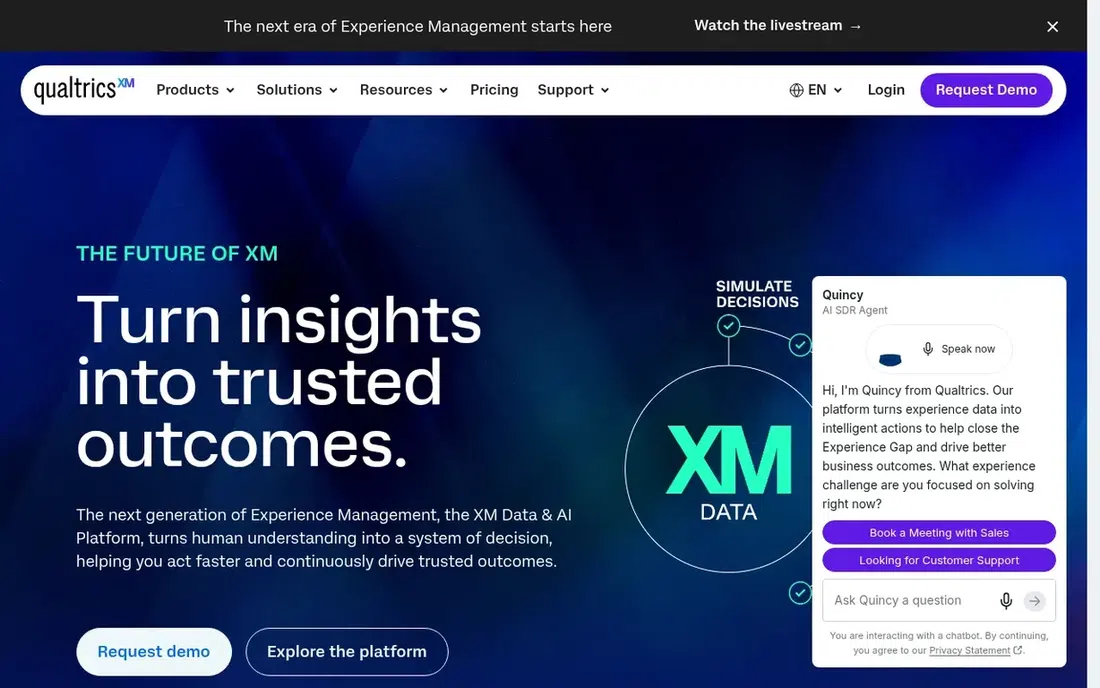
Qualtrics XM targets enterprise experience management programs. Qualtrics XM positions itself as an experience management product, simulating customer and employee experiences, predicting outcomes and supporting intelligent action.
The system's breadth means smaller teams with occasional survey needs may find it more than required. No starting price is listed for Qualtrics XM here; confirm pricing on the vendor site. On free options: Not stated.
Honest limits: Wide scope can be heavy for straightforward surveys.
- Predictive simulation of experiences
- Experience management across customers and employees
- Best value for organized research programs
Microsoft Forms is aimed squarely at teams already using Microsoft 365. Microsoft Forms covers surveys, polls and quizzes with a simplified approach to collecting feedback and making decisions. Entry-level questionnaires and internal polls are its natural territory.
What to check first: Restricted fit outside Microsoft environments.
Also, teams needing advanced logic, deep analytics or document workflows will likely want a dedicated product. More specifically, if you operate outside Microsoft 365 or need richer automation, Typeform or Formstack are more appropriate. Microsoft Forms does not show a starting price in this comparison, so check the vendor site for current pricing. As for free access: Not stated.
- Simplified surveys
- Straightforward feedback collection
- Fewer advanced automation choices
Formstack was built for workflow, documents and e-signatures. If your central goal is research-grade surveying or rich response analytics, Formstack's workflow orientation may not match.
Honest limits: Overkill for straightforward feedback forms.
Teams focused purely on questionnaires should compare Jotform or Typeform before committing. For everyday use, Formstack merges online forms with document generation and e-signature tools, positioning itself around secure, easy-to-use workflow automation. On cost, Formstack starts like this: $83 per month. Free options: Free trial.
- Built-in e-signature tools
- Forms combined with document generation
- Survey depth is secondary to workflow
Pick Typeform if this describes you: conversational forms with AI automation. If your priority is deep analytics and experience management instead of lead capture, a research-focused system is the better fit. In daily use, since the emphasis sits on engagement and workflow automation, teams running long academic or research-grade studies may find the approach less aligned with complicated methodology.
Where it falls short: Automation focus may overwhelm straightforward survey needs.
In practice, Typeform centers on conversational, AI-powered forms built to collect richer responses and then trigger automatic workflows for lead enrichment and follow-up. For everyday use, the no-code builder keeps setup approachable for non-technical users who still want automation behind the scenes. Pricing for Typeform is not stated here, so ask the vendor for current figures. On free options: Not stated.
- No-code setup
- Automatic workflows and follow-up
- Less suited to heavy enterprise research programs
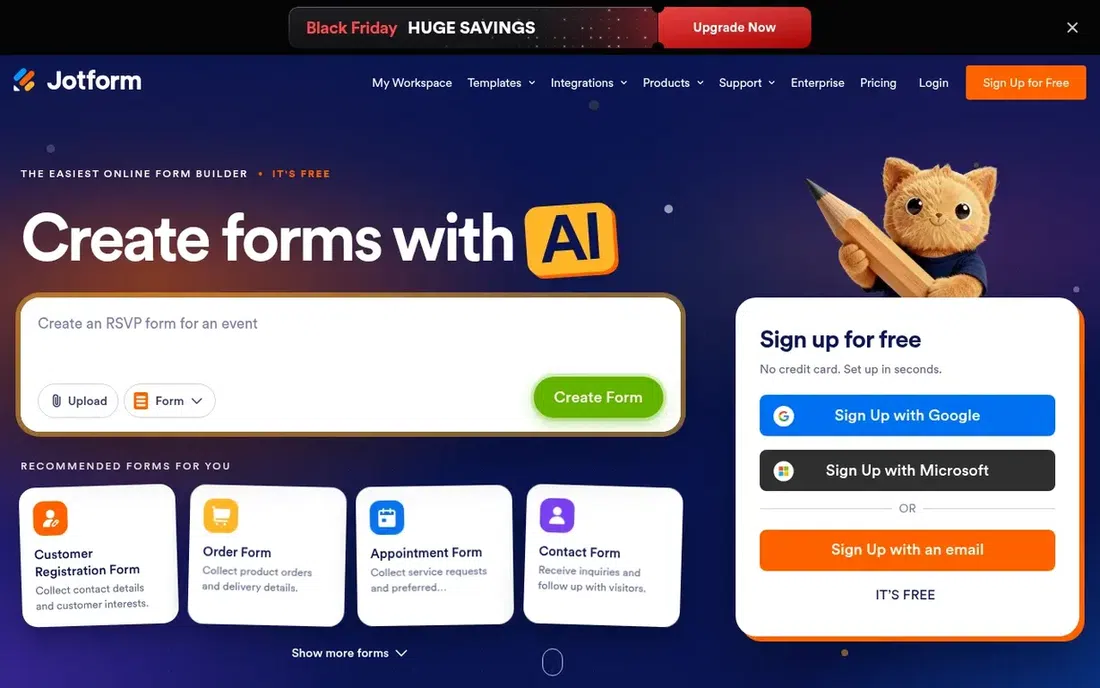
Think of Jotform for quick, approachable form building. Teams that require sophisticated research methodologies or deep experience analytics may outgrow a general-purpose builder.
Also, Jotform presents itself as a form builder that lets people build forms and surveys in seconds. Jotform cost at the entry level: $34 per month. A free plan is available with Jotform.
Watch-outs: Automation depth varies by use case.
- Survey and form building in one place
- Fast form creation
- Less emphasis on advanced research analytics
Selection criteria
LinkVetted looked at what each vendor publishes: pricing, plan limits, feature coverage for survey monkey and stated drawbacks. No hands-on testing is claimed. Figures are shown as the vendors publish them. Billing terms, seat minimums and add-ons can change the real cost. The ranking is editorial: typical fit first, then clear pricing, then free access. If your needs are unusual, read the profiles rather than relying on position.
A buyer's checklist
- Get a written quote from Qualtrics XM, Microsoft Forms and Typeform; the list shows no starting price for them.
- Look at the free plan from Jotform closely: its caps decide whether it is usable for real work.
- Take the trial from Formstack and push a live task through it before you pay.
- Before choosing Qualtrics XM, weigh its main limit: wide scope can be heavy for straightforward surveys.
- Ask Qualtrics XM about contract length, onboarding fees and user minimums before you sign.
- Add up seats, add-ons and usage charges for Jotform before comparing it with cheaper entries.
FAQ
Can I try these tools before paying?
Often, yes. Jotform has a free plan and Formstack offers a free trial. Use your own data and a real task during the test, and check what the free tier or trial limits before you rely on it.
What should I check before switching survey systems?
Confirm question types, logic branching, reporting exports and integrations with your existing tools, then review security documentation.
How are the tools for survey monkey ordered?
Qualtrics XM sits first and Jotform last because the order follows typical fit for survey monkey, then price clarity and free access. It is a judgement call, so read each profile for fit and limits.
Do these tools publish their prices?
Not all of them. Qualtrics XM, Microsoft Forms and Typeform publish no starting price, so expect a quote request for those. The rest, Formstack included, show a starting price, though seats and billing terms still change the final cost.
Can these tools replace SurveyMonkey for internal polls?
Yes, Microsoft Forms deals with surveys, polls and quizzes and suits naturally inside Microsoft 365 environments. Teams outside that ecosystem may find Jotform or Typeform simpler to adopt for internal feedback.
Which options for survey monkey have a free plan?
Jotform is the only tool in this list with a free plan. Free plans usually cap users, projects or features, so check the limits on the vendor page. One other tool offers a trial instead. Prices, free plan details and limits for all 5 tools in this Survey Monkey alternatives roundup sit on the individual cards above.
Sources
- https://www.qualtrics.com
- https://www.microsoft.com/en-us/microsoft-365/online-surveys-polls-quizzes
- https://www.formstack.com
- https://www.typeform.com
- https://www.jotform.com