5 Survey Software for Market Researchers Worth Shortlisting in 2026
5 best survey software for market researchers, with entry costs, free tiers and the buyer each one serves. Every tool lists pros and cons. Straight answers.
- Editor's choice
 Typeform
Engaging, conversational forms
Starts atSee websiteVisit typeform.comFull review - Great alternative
 SurveyMonkey
Fast and simple survey creation
Starts at$25 per user a monthVisit surveymonkey.comFull review - Also consider
 Qualtrics XM
Advanced experience management and AI insights
Starts atSee websiteVisit qualtrics.comFull review
Direct answer
Typeform leads the list, best for engaging, conversational forms. Listed starting prices: SurveyMonkey from $25 per user a month and QuestionPro from $83 per user a month. Look at SurveyMonkey for fast and simple survey creation, and at Qualtrics XM for advanced experience management and AI insights. The remaining 2 options are covered below with prices and limits.
TL;DR:
- This list starts with Typeform, which is built for engaging, conversational forms.
- SurveyMonkey has the lowest monthly starting price in this list: $25 per user per month.
- Only SurveyMonkey offers a free plan among these 5 tools.
- What to know about Dynata first: primarily a data product, not a full survey builder.
Last checked November 2026. Prices and plan details were read from the vendors' own pages in November 2026; vendors change plans often, so confirm the current price on the vendor site before you buy.
Quick comparison
| Tool | Best for | Starts at | Free plan? | |
|---|---|---|---|---|
| Typeform | Engaging, conversational forms | See website | Not stated | Visit |
| SurveyMonkey | Fast and simple survey creation | $25 per user a month | Yes | Visit |
| Qualtrics XM | Advanced experience management and AI insights | See website | Not stated | Visit |
| Dynata | First-party data and global reach | See website | Not stated | Visit |
 QuestionPro | Versatile survey product with plenty of question types | $83 per user a month | Free trial | Visit |
Survey Software for Market Researchers profiles
Choosing survey software for market researchers usually comes down to price, fit and limits. This LinkVetted guide sets 5 tools side by side on those three points, with the facts kept short and checkable.
Typeform is a good fit for engaging, conversational forms. Typeform is recognised for its conversational, one-question-at-a-time form design that boosts engagement and completion rates. It bundles AI automation to trigger workflows based on responses, making it handy for market researchers who want to collect data in a more interactive way and integrate it with other systems.
Limits to weigh: Restricted advanced research features.
It is well suited to consumer-facing surveys where user experience is key. From a buyer's view, researchers needing solid data processing should consider Qualtrics XM or QuestionPro, whereas Typeform shines for engaging, straightforward data collection. On top of that, Typeform's strengths in design and automation come at the expense of advanced survey logic and analytics that dedicated research systems offer. It may not be the best choice for complicated, multi-branch surveys or in-depth analysis. No starting price is listed for Typeform here; confirm pricing on the vendor site. As for free access: Not stated.
- AI-powered automation
- Visually appealing
- Less right for complicated surveys
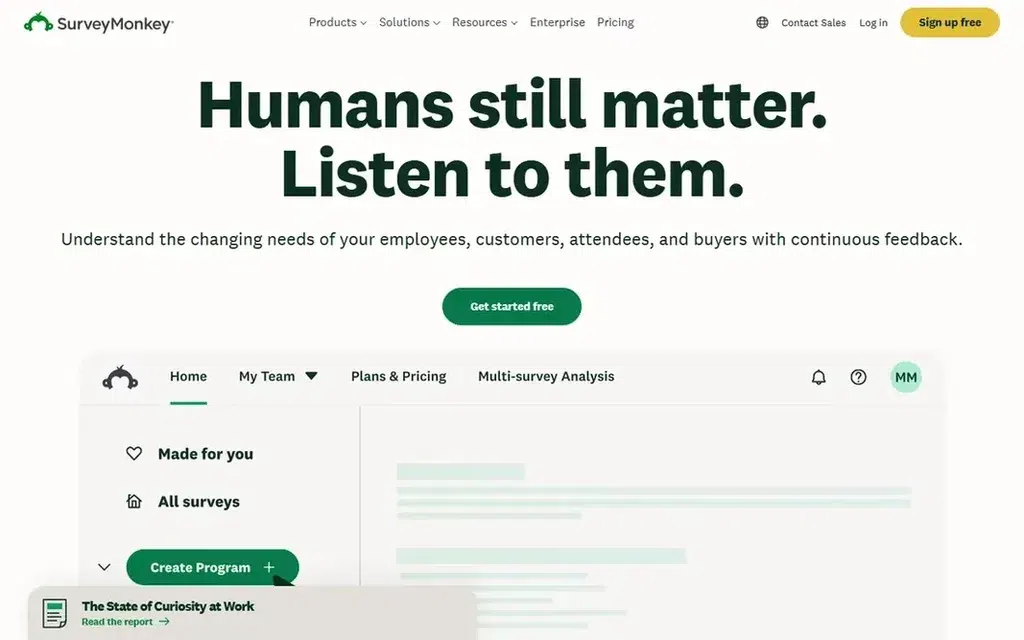
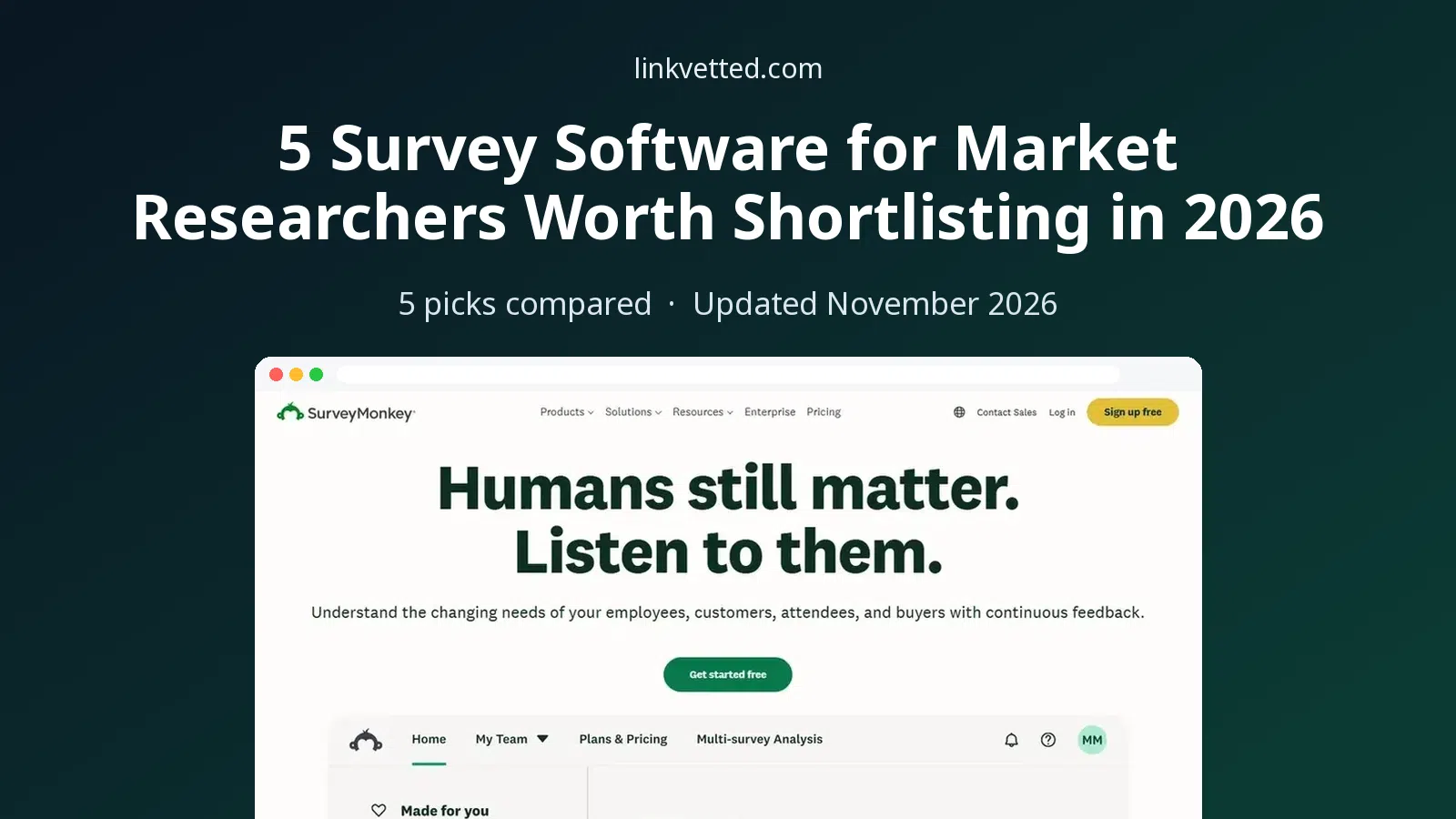
Choose SurveyMonkey for fast and simple survey creation. SurveyMonkey is a widely used survey system known for its simplicity and accessibility.
Trade-offs to know: Restricted advanced analytics without extras.
SurveyMonkey remains a solid starting point for numerous projects. What you pay to start with SurveyMonkey: $25 per user per month. You can start on SurveyMonkey without paying.
- Right for several feedback types
- Broad range of templates
- Panel integration may need separate services
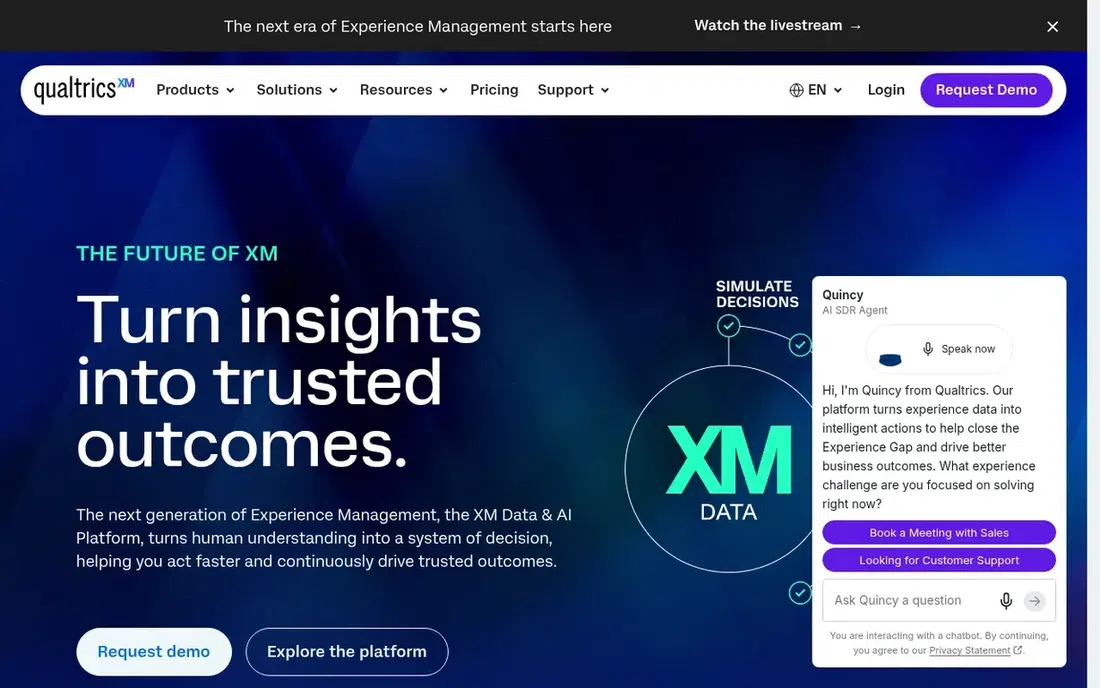
For advanced experience management and AI insights, Qualtrics XM is a natural candidate. Worth adding: for straightforward, fast surveys, a lighter tool like SurveyMonkey might be more appropriate. Qualtrics XM is a thorough experience management product that goes beyond entry-level surveys, integrating customer and employee experience data with predictive AI.
Where it falls short: Steeper ramp-up time for beginners.
Market researchers who need deep analytics and a unified view of experience data will find it especially feature-rich. In daily use, the product's breadth can be overwhelming for users who only need straightforward survey creation. It may need training to completely utilize its advanced features. This comparison lists no price for Qualtrics XM; ask the vendor. Free options: Not stated.
- AI-powered predictive analytics
- Full experience management product
- May be complicated for straightforward surveys
Dynata
Best for: First-party data and global reach
Dynata is designed for first-party data and global reach. Dynata positions itself as a leading first-party data system for insights, activation, and measurement. It provides market researchers with access to a vast network of respondents and data assets, enabling targeted sampling and dependable data collection.
It is especially handy for researchers who require to reach specific audiences at scale. In practice, researchers will generally have to use it alongside a survey tool like Qualtrics XM or SurveyMonkey to design and deploy questionnaires. More specifically, Dynata is not a full-featured survey creation product; it concentrates on data provision and measurement. Check the vendor site for Dynata pricing; none is listed in this comparison. Free options: Not stated.
Limits to weigh: not a full survey builder.
- Global respondent access
- Large first-party data product
- May need integration with survey tools
Choose QuestionPro for versatile survey system with numerous question types. QuestionPro is an online survey software that supplies a wide set of features, including over eighty question types and a library of ready-made templates.
Starting cost for QuestionPro: $83 per user per month. Free plan details: Free trial.
Points against: Interface can be less easy-to-learn for beginners.
- Wide variety of question types
- Free survey system available
- Advanced features may need premium levels
How we built this list
LinkVetted looked at what each vendor publishes: pricing, plan limits, feature coverage for survey software for market researchers and stated drawbacks. No hands-on testing is claimed. Prices and plan limits come from vendor pages and can change, so confirm them on the vendor site before you buy. The order reflects how well each tool fits the most common buying scenario for survey software for market researchers, then price clarity, then free plan access. It is a starting point, not a verdict.
Before you commit
- Ask Typeform, Qualtrics XM and Dynata for a written quote, since no starting price is shown.
- Test the free plan from SurveyMonkey against your real workload before relying on it.
- Use real work to test the free trial from QuestionPro, rather than a demo project.
- Read the limits listed for Typeform first: restricted advanced research features.
- Total up the real monthly cost of Qualtrics XM, including add-ons, extra users and usage-based fees.
- Run a one or two week pilot of QuestionPro with the people who will use it every day.
FAQ
Can I try these tools before paying?
Often, yes. SurveyMonkey has a free plan and QuestionPro offers a free trial. Use your own data and a real task during the test, and check what the free tier or trial limits before you rely on it. All 5 picks in this Survey software for market researchers comparison list a starting price, free plan details and the main limits on their cards above.
Is Typeform the right pick for everyone comparing survey software for market researchers?
No single tool suits every team. Typeform comes first because it fits engaging, conversational forms, while SurveyMonkey suits quick and easy survey creation and Qualtrics XM suits advanced experience management and AI insights. Match the tool to your own size, budget and workflow before deciding.
Which options for survey software for market researchers have a free plan?
SurveyMonkey is the only tool in this list with a free plan. Free plans usually cap users, projects or features, so check the limits on the vendor page. One other tool offers a trial instead. For the full picture, the cards above cover all 5 entries of this Survey software for market researchers list, including price, free plan and limits.
Are there options for straightforward, fast surveys?
Yes, SurveyMonkey and Typeform are well-suited for fast, straightforward surveys with minimal setup. They offer templates and guided creation to accelerate the process.
What should market researchers look for in survey software?
Integration with other data systems and collaboration features are also important. Consider the complexity of your research and whether you need a full experience management system or a more straightforward survey builder.
How are the tools for survey software for market researchers ordered?
Typeform sits first and QuestionPro last because the order follows typical fit for survey software for market researchers, then price clarity and free access. It is a judgement call, so read each profile for fit and limits.
Sources
- https://www.typeform.com
- https://www.surveymonkey.com
- https://www.qualtrics.com
- https://www.dynata.com
- https://www.questionpro.com