Top SmartSHOW 3D Alternatives in 2026: 5 Picks Ranked
Shortlisting SmartSHOW 3D alternatives? 5 products compared on cost, free access and ideal buyer. Each tool is judged on the same checks. Pick by budget.
- Editor's choice
 Wondershare Filmora
AI-powered editing for all levels
Starts atSee websiteVisit filmora.wondershare.comFull review - Great alternativePinnacle Studio
Advanced Windows video editing
Starts atSee websiteVisit pinnaclesys.comFull review - Also consider
 Movavi Slideshow Maker
Fast photo slideshows with music
Starts atSee websiteVisit movavi.comFull review
Direct answer
Wondershare Filmora is the first pick on this list for AI-powered editing for all levels. Listed starting prices: CyberLink PowerDirector from $54.99 per month. If your case is different, Pinnacle Studio suits advanced Windows video editing and Movavi Slideshow Maker suits fast photo slideshows with music. The remaining 2 options are covered below with prices and limits.
TL;DR:
- Wondershare Filmora is the opening pick, best for AI-powered editing for all levels.
- Check the limits for Wondershare Filmora before you commit: some features need learning.
- CyberLink PowerDirector is the lowest-priced starter here at $54.99 per month.
- Wondershare Filmora, CyberLink PowerDirector and the 3 others all need a premium plan or a trial, since no free plan is listed.
- CyberLink PowerDirector suits AI-assisted video editing.
Last checked November 2026. Prices and plan details were read from the vendors' own pages in November 2026; vendors change plans often, so confirm the current price on the vendor site before you buy.
Quick comparison
| Tool | Best for | Starts at | Free plan? | |
|---|---|---|---|---|
| Wondershare Filmora | AI-powered editing for all levels | See website | Not stated | Visit |
| Pinnacle Studio | Advanced Windows video editing | See website | Not stated | Visit |
| Movavi Slideshow Maker | Fast photo slideshows with music | See website | Not stated | Visit |
| Corel VideoStudio | Windows users seeking advanced editing | See website | Not stated | Visit |
 CyberLink PowerDirector | AI-assisted video editing | $54.99 per month | Not stated | Visit |
SmartSHOW 3D, one by one
This LinkVetted guide covers 5 options for SmartSHOW 3D. Each profile lists a starting price, free plan details, strengths and drawbacks, so you can drop poor fits quickly.
Wondershare Filmora is aimed squarely at AI-powered editing for all levels. Wondershare Filmora is AI-powered video editing software for desktop and mobile, with easy-to-learn timeline tools, AI features, effects, captions, and audio.
Check the vendor site for Wondershare Filmora pricing; none is listed in this comparison. Free plan details: Not stated.
Watch-outs: May lack pro-level depth.
- Easy-to-learn timeline
- Desktop and mobile
- Some features need learning
Pinnacle Studio
Best for: Advanced Windows video editing
Pinnacle Studio targets advanced Windows video editing. Its complexity may deter beginners, and it is restricted to Windows.
For a more accessible slideshow tool, Movavi Slideshow Maker is a better starting point, but Pinnacle Studio serves those needing advanced editing on Windows. No starting price is listed for Pinnacle Studio here; confirm pricing on the vendor site. Free access: Not stated.
What to check first: Windows only.
- Windows-focused
- Creative opportunities
- Complicated for beginners
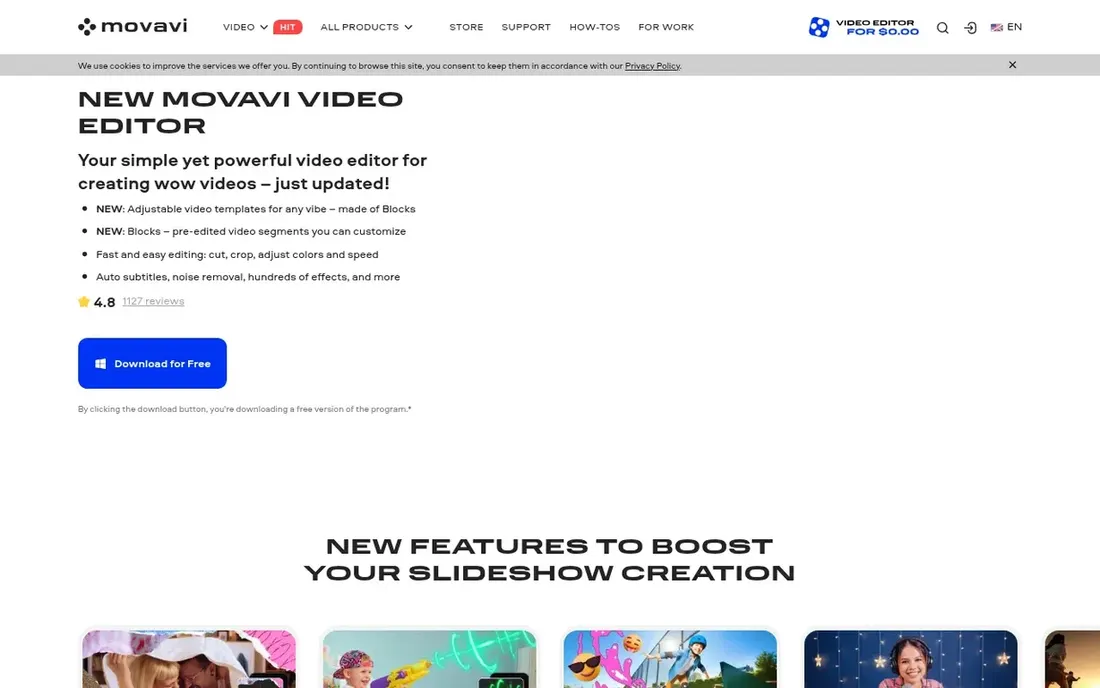
Think of Movavi Slideshow Maker for fast photo slideshows with music. Movavi Slideshow Maker is aimed at creating photo slideshows with music, making it a direct alternative for SmartSHOW 3D users who prioritize simplicity. On top of that, choose Movavi for straightforward slideshows, but consider other choices for professional video projects.
For everyday use, the software emphasizes simplicity and fast results. That said, it may lack the advanced editing tools found in full video editors. So users needing complicated effects or multi-track editing might outgrow it. Pricing for Movavi Slideshow Maker is not stated here, so ask the vendor for current figures. As for free access: Not stated.
Watch-outs: Restricted advanced video editing.
- Straightforward interface
- Music integration
- Focused on slideshows
Corel VideoStudio
Best for: Windows users seeking advanced editing
Think of Corel VideoStudio for Windows users seeking advanced editing. The official site gives you updates, tutorials, and product information.
Beyond that, if you need cross-platform or more straightforward slideshow tools, consider Movavi or Filmora, but VideoStudio is solid for Windows-based editing. Corel VideoStudio does not show a starting price in this comparison, so check the vendor site for current pricing. Free plan details: Not stated.
Where it is weaker: May need learning.
- Windows compatibility
- Advanced editing tools
- Windows only
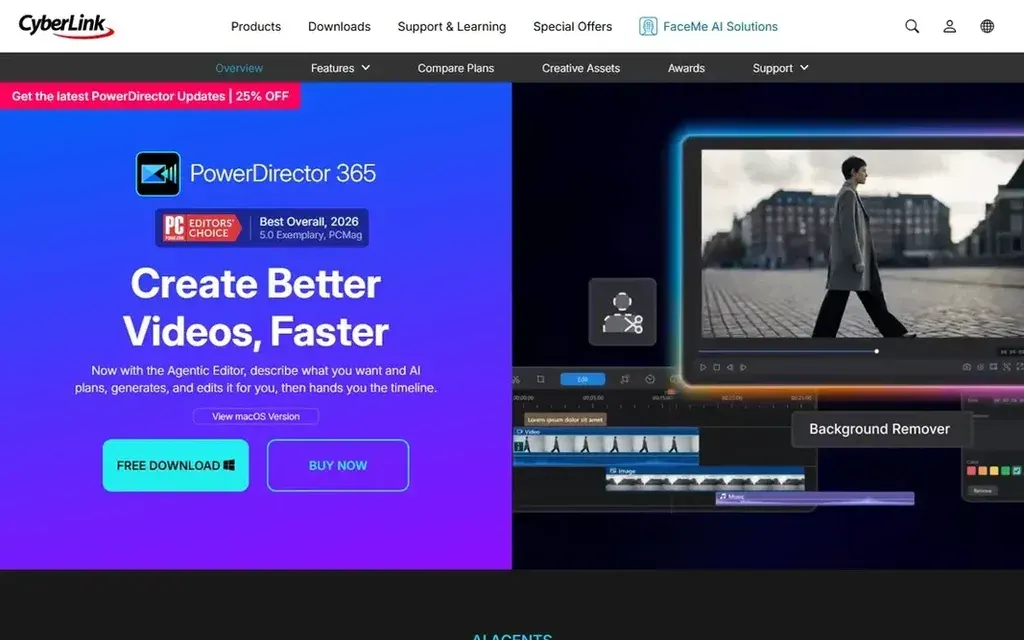
CyberLink PowerDirector is designed for AI-assisted video editing. It suits users who want to produce high-quality videos efficiently, from hobbyists to professionals.
Downsides: Can be overwhelming for beginners.
Its deep feature set might overwhelm new users, and it may need time to learn. On cost, CyberLink PowerDirector starts like this: $54.99 per month. As for free access: Not stated.
- Large asset library
- AI tools
- Needs ramp-up time
How the list was put together
For each of the 5 tools we noted price, free plan or trial, fit for SmartSHOW 3D and the main limit, using vendor pages and documentation. Figures are shown as the vendors publish them. Billing terms, seat minimums and add-ons can change the real cost. Position on the page reflects fit for a typical buyer first, with price clarity and free access breaking ties. Treat it as a guide, not a ruling.
What to confirm before you sign up
- Ask Wondershare Filmora, Pinnacle Studio, Movavi Slideshow Maker and Corel VideoStudio for a written quote, since no starting price is shown.
- Before choosing Wondershare Filmora, weigh its main limit: some features need learning.
- Confirm that Corel VideoStudio connects to the apps your team already uses, on the plan you would actually buy.
- Add up seats, add-ons and usage charges for Movavi Slideshow Maker before comparing it with cheaper entries.
- See whether Pinnacle Studio offers onboarding or training, and whether it is included in the price.
FAQ
What is the cheapest option for SmartSHOW 3D in this list?
On published monthly entry prices, CyberLink PowerDirector is the lowest here at $54.99 per month. Entry price is only part of the cost, because seats, add-ons and billing terms can change the total. All 5 picks in this SmartSHOW 3D alternatives comparison list a starting price, free plan details and the main limits on their cards above.
Do these tools publish their prices?
Not all of them. Wondershare Filmora, Pinnacle Studio, Movavi Slideshow Maker and Corel VideoStudio publish no starting price, so expect a quote request for those. The rest, CyberLink PowerDirector included, show a starting price, though seats and billing terms still change the final cost.
Are these alternatives compatible with both Windows and Mac?
Most tools listed are available for Windows, and some like Movavi, CyberLink, Adobe, and Wondershare also support Mac. Corel VideoStudio and Pinnacle Studio are Windows-focused. Always check the official site for the latest compatibility.
Can I use these tools for photo slideshows like SmartSHOW 3D?
Yes, numerous of these tools support slideshow creation. Movavi Slideshow Maker is specifically aimed at it, whereas others like Filmora and PowerDirector contain slideshow features within broader editing suites.
How are the tools for SmartSHOW 3D ordered?
Wondershare Filmora sits first and CyberLink PowerDirector last because the order follows typical fit for SmartSHOW 3D, then price clarity and free access. It is a judgement call, so read each profile for fit and limits.
Is Wondershare Filmora the right pick for everyone comparing SmartSHOW 3D?
No single tool suits every team. Wondershare Filmora comes first because it fits AI-powered editing for all levels, while Pinnacle Studio suits advanced Windows video editing and Movavi Slideshow Maker suits quick photo slideshows with music. Match the tool to your own size, budget and workflow before deciding.
Sources
- https://filmora.wondershare.com
- https://www.pinnaclesys.com
- https://www.movavi.com/slideshow-maker
- https://www.videostudiopro.com
- https://www.cyberlink.com/products/powerdirector/overview_en_US.html