Top Responsive Alternatives in 2026: 5 Picks Ranked
5 tools for Responsive alternatives, compared on pricing, free plans and best-fit use. Short, factual notes on every option. Current for November 2026.
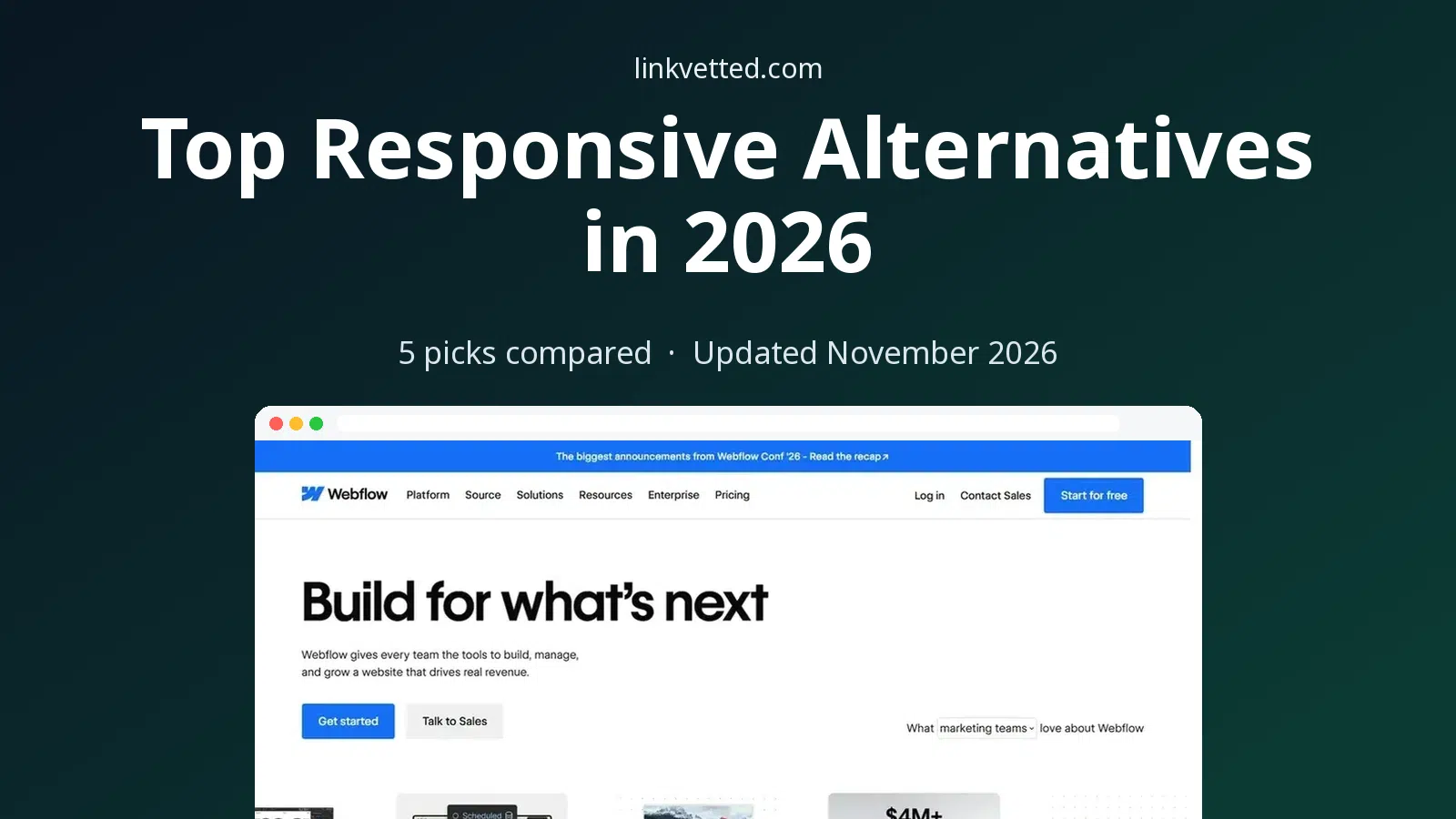
- Editor's choiceBootstrap Studio
Developers building responsive Bootstrap sites
Starts atSee websiteVisit bootstrapstudio.ioFull review - Great alternativeElementor
No-code site and store building for creators
Starts atSee websiteVisit elementor.comFull review - Also consider
 Squarespace
Template-driven sites with AI builder tools
Starts at$12 per monthVisit squarespace.comFull review
Direct answer
If you need developers building responsive Bootstrap sites, Bootstrap Studio is the first tool to look at here. Listed starting prices: Squarespace from $12 per month, Webflow from $15 a month and Framer from $10 a month. Elementor is the stronger choice for no-code site and store building for creators, while Squarespace suits template-driven sites with AI builder tools. The full list of 5 tools follows, with prices and free plan facts.
TL;DR:
- Bootstrap Studio sits first on this list: developers building responsive Bootstrap sites.
- The lowest published monthly entry price here is $10 per month, from Framer.
- Free plans exist at 2 of 5 tools (Webflow, Framer).
- Framer suits quick idea-to-launch sites with editable AI help.
Last checked November 2026. Prices and plan details were read from the vendors' own pages in November 2026; vendors change plans often, so confirm the current price on the vendor site before you buy.
Quick comparison
| Tool | Best for | Starts at | Free plan? | |
|---|---|---|---|---|
| Bootstrap Studio | Developers building responsive Bootstrap sites | See website | Not stated | Visit |
| Elementor | No-code site and store building for creators | See website | Not stated | Visit |
| Squarespace | Template-driven sites with AI builder tools | $12 per month | Free trial | Visit |
 Webflow | Design-led teams wanting built-in CMS and hosting | $15 a month | Yes | Visit |
 Framer | Quick idea-to-launch sites with editable AI help | $10 a month | Yes | Visit |
Tool-by-tool breakdown
If you are comparing Responsive, this page covers 5 tools in one place: what each is best for, what it costs to start, whether it has a free plan, and the main limit to know about.
Bootstrap Studio
Best for: Developers building responsive Bootstrap sites
Bootstrap Studio makes the most sense for developers building responsive Bootstrap sites. Bootstrap Studio is a web design tool for creating responsive websites using the Bootstrap framework. For everyday use, since it centers on Bootstrap, it assumes some familiarity with that framework, which makes it a poor fit for non-technical users wanting a straightforward drag-and-drop site.
Those users should look at general builders instead. The framework-first approach keeps output consistent with Bootstrap conventions instead of abstracting them away. Pricing for Bootstrap Studio is not stated here, so ask the vendor for current figures. Free plan details: Not stated.
Points against: Narrower audience than general site builders.
- Fits developer-oriented workflows
- Centred on the Bootstrap framework
- Needs Bootstrap familiarity
Elementor
Best for: No-code site and store building for creators
Think of Elementor for no-code site and store building for creators. On top of that, teams needing deep custom development may prefer a code-first tool. In daily use, choose Elementor when you want visual, no-code building for sites and keeps and value an ecosystem of creator-focused features.
Points against: Complicated builds can need technical knowledge.
Some advanced builds can still demand technical understanding, and the experience is most cohesive when you stay within its ecosystem. Also, the no-code positioning makes it accessible to people who are not developers but still want layout control. Check the vendor site for Elementor pricing; none is listed in this comparison. As for free access: Not stated.
- Targeted at web creators
- Online store building supported
- Best experience tied to its own ecosystem
Squarespace is built with template-driven sites with AI builder tools in mind. Squarespace provides a website builder centred on creating and growing a business site, starting from configurable templates, AI website builder tools or a domain name. Pick Squarespace when guided templates and AI assistance matter more than bespoke design freedom.
More specifically, the trade-off is adaptability: highly custom layouts or unusual interaction patterns can run into template constraints. Teams wanting deep code control may outgrow it. Also, if your needs are largely standard pages and content, it remains a practical route. Entry price for Squarespace: $12 per month. Free options: Free trial.
Drawbacks to consider: Less adaptable for highly custom layouts.
- AI website builder tools included
- Domain name choices available
- Template structure can constrain unusual designs
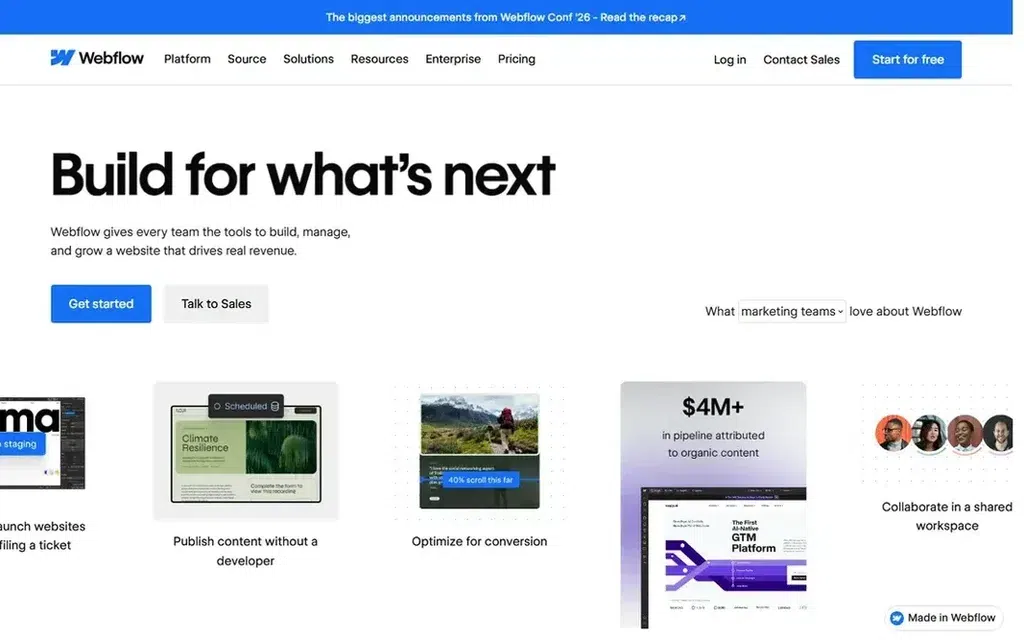
Choose Webflow for design-led teams wanting built-in CMS and hosting. If you chiefly need a quick brochure site, a lighter choice may serve you better.
The main drawbacks: Less suited to pure drag-and-drop beginners.
Worth adding: the trade-off is complexity: the system assumes you are comfortable thinking in layout and structure, so casual users may find it heavier than more straightforward builders. In daily use, choose Webflow when content structure, hosting and search visibility all matter to the same team. Webflow starts at: $15 per month. A free plan is available with Webflow.
- Enterprise-grade security choices
- AI search optimization built in
- Ramp-up time for advanced interactions
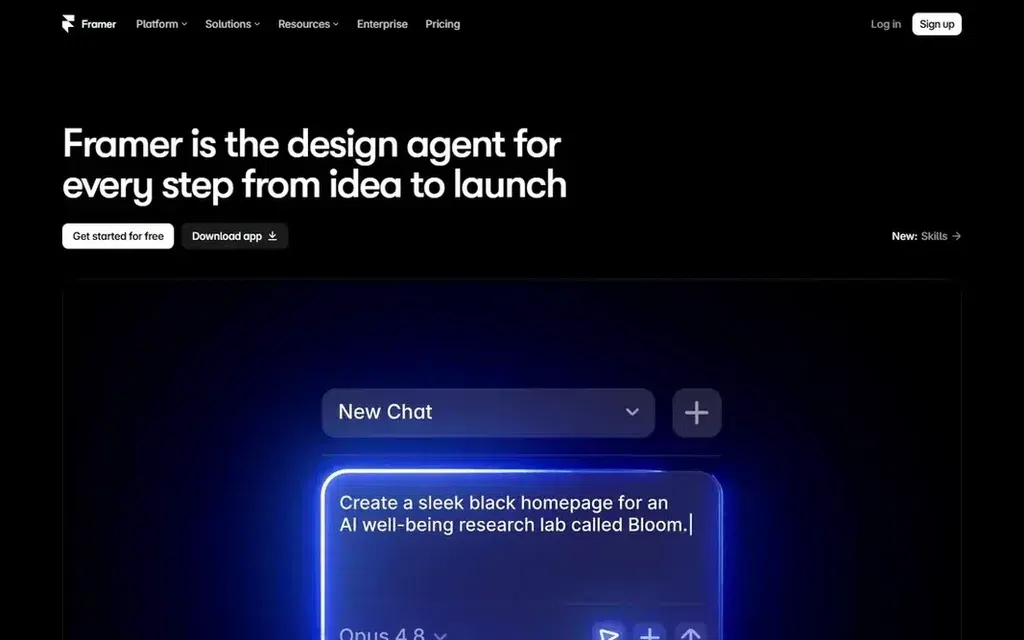
Pick Framer if this describes you: quick idea-to-launch sites with editable AI help. The emphasis is on speed from concept to a live site. Very straightforward brochure needs can also be met with lighter tools.
Watch-outs: Less suited to complicated enterprise content models.
Since it leans design-first, teams with heavy editorial or enterprise content requirements may prefer a system with deeper content modeling. Worth adding: pick Framer when quick, editable iteration on responsive pages is the priority and built-in hosting and analytics simplify your stack. What you pay to start with Framer: $10 per month. Framer has a free plan.
- Changes stay editable after generation
- Design agent takes you from idea to launch
- Design-first focus may not fit traditional CMS workflows
How these tools were picked
Before you commit
- Confirm the entry price on the vendor page. For Bootstrap Studio and Elementor that means a quote rather than a fixed price.
- Look at free plan limits closely: Webflow and Framer have one, and the caps decide whether it is usable for real work.
- Run a trial of Squarespace with real work before paying for a year; your own workflow is the best test.
- Read the limits listed for Bootstrap Studio first: requires Bootstrap familiarity.
- Before you load data into Squarespace, check what an export looks like and who can run it.
- Look at which plan of Webflow unlocks the features you need; entry tiers are often cut down.
FAQ
What is the cheapest option for Responsive in this list?
On published monthly entry prices, Framer is the lowest here at $10 per month. Entry price is only part of the cost, because seats, add-ons and billing terms can change the total.
How are the tools for Responsive ordered?
The order follows typical fit for Responsive, with Bootstrap Studio first and Framer last, then price clarity and free access. It is editorial judgement, not a score, so another team could rank the tools differently.
Can I try these tools before paying?
Often, yes. Webflow and Framer have a free plan and Squarespace offers a free trial. Use your own data and a real task during the test, and check what the free tier or trial limits before you rely on it.
Which choice suits non-technical users best?
The first pick on this list is Bootstrap Studio, because it suits developers building responsive Bootstrap sites. Elementor is better for no-code site and store building for creators, and Squarespace for template-driven sites with AI builder tools. Check price and limits against your own needs before choosing.
Is Bootstrap Studio the right pick for everyone comparing Responsive?
No single tool suits every team. Bootstrap Studio comes first because it fits developers building responsive Bootstrap sites, while Elementor suits no-code site and store building for creators and Squarespace suits template-driven sites with AI builder tools. Match the tool to your own size, budget and workflow before deciding.
Sources
- https://bootstrapstudio.io
- https://elementor.com
- https://www.squarespace.com
- https://webflow.com
- https://www.framer.com