Top ProPhotos Alternatives in 2026: 5 Picks Ranked
5 ProPhotos alternatives, with entry costs, free tiers and the buyer each one serves. Price notes and drawbacks come with each one. See the full list.
- Editor's choice
 Affinity Photo
Professional editing without subscription
Starts atSee websiteVisit affinity.serif.comFull review - Great alternative
 Capture One
RAW workflow and tethering
Starts atSee websiteVisit captureone.comFull review - Also consider
 Adobe Photoshop
Full editing and design
Starts atSee websiteVisit adobe.comFull review
Direct answer
Affinity Photo is the first pick on this list for professional editing without subscription. Listed starting prices: ON1 Photo RAW from $49.99. For a different need, Capture One covers RAW workflow and tethering and Adobe Photoshop covers full editing and design. Details, prices and limits for the rest of the 5 tools are below.
TL;DR:
- Affinity Photo sits first on this list: professional editing without subscription.
- Pricing for Affinity Photo, Capture One, Adobe Photoshop and ACDSee Photo Studio is quote-based, which adds a sales step before you can compare cost.
- For all-in-one RAW editing, ON1 Photo RAW is worth a look.
- A fair warning about ACDSee Photo Studio: interface can feel dated.
Last checked November 2026. Prices and plan details were read from the vendors' own pages in November 2026; vendors change plans often, so confirm the current price on the vendor site before you buy.
Quick comparison
| Tool | Best for | Starts at | Free plan? | |
|---|---|---|---|---|
| Affinity Photo | Professional editing without subscription | See website | Not stated | Visit |
| Capture One | RAW workflow and tethering | See website | Not stated | Visit |
| Adobe Photoshop | Full editing and design | See website | Not stated | Visit |
| ACDSee Photo Studio | Photo editing and management | See website | Not stated | Visit |
 ON1 Photo RAW | All-in-one RAW editing | $49.99 | Free trial | Visit |
The best ProPhotos
If you are comparing ProPhotos, this page covers 5 tools in one place: what each is best for, what it costs to start, whether it has a free plan, and the main limit to know about.
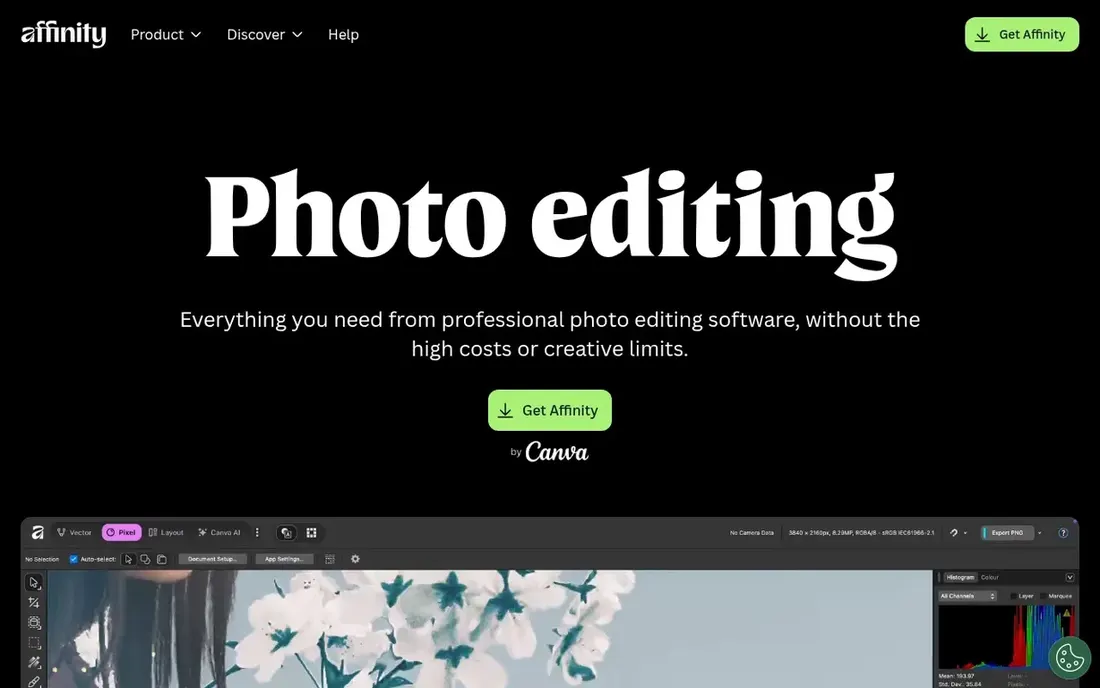
Think of Affinity Photo for professional editing without subscription. Affinity Photo is a professional photo editor that emphasizes precision, speed, and creative freedom. It gives you a full set of tools for RAW development, retouching, and compositing, making it right for photographers and retouchers who want a feature-rich alternative to subscription-based software.
Drawbacks to consider: No built-in digital asset management.
For everyday use, Whereas Affinity Photo handles most editing needs, it lacks the broad plugin ecosystem and cloud services of Adobe. Users needing solid organization may prefer ACDSee Photo Studio. Check the vendor site for Affinity Photo pricing; none is listed in this comparison. On free options: Not stated.
- Supports RAW editing
- One-time purchase choice
- Restricted ecosystem compared with Adobe
Where Capture One fits: RAW workflow and tethering. Capture One is less suited for heavy compositing or graphic design tasks, and its interface may be challenging for beginners.
This comparison lists no price for Capture One; ask the vendor. Free plan details: Not stated.
Limits to weigh: Higher ramp-up time.
- Feature-rich tethering capabilities
- Precise color control
- Restricted compositing tools
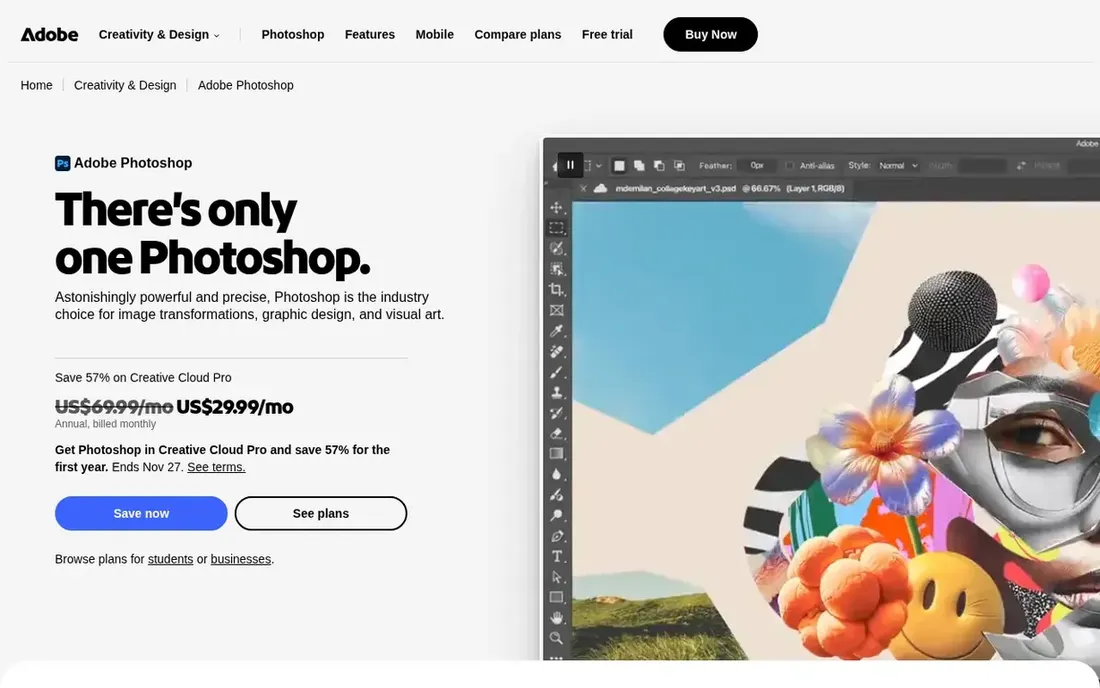
Adobe Photoshop is designed for thorough editing and design. It fits photographers, designers, and digital artists who require precise control over their images.
For more straightforward needs or budget constraints, consider Affinity Photo or PaintShop Pro as alternatives. Adobe Photoshop does not show a starting price in this comparison, so check the vendor site for current pricing. Free plan details: Not stated.
Honest limits: Steep ramp-up time for beginners.
- Broad toolset for editing and compositing
- Integration with Adobe ecosystem
- Subscription-based pricing
ACDSee Photo Studio
Best for: Photo editing and management
Choose ACDSee Photo Studio for Photo editing and management. The software also includes video editing capabilities.
For a more modern RAW editor with AI features, consider ON1 Photo RAW. It is well-suited for photographers who require to handle large libraries and perform edits within a single application. ACDSee Photo Studio does not show a starting price in this comparison, so check the vendor site for current pricing. Trial and free access: Not stated.
Limits to weigh: Interface can feel dated.
- Broad range of editing tools
- Integrated digital asset management
- Performance may lag on large catalogs
ON1 Photo RAW targets all-in-one RAW editing. ON1 Photo RAW is an all-in-one RAW photo editor that merges editing, organization, and effects in a single application. It uses AI for tasks like masking and upscaling, and is available as a one-time purchase.
The main drawbacks: Can be resource-intensive.
Users requiring broad industry-standard integrations might look to Photoshop. Worth adding: ON1 Photo RAW may struggle with performance on older hardware, and its plugin ecosystem is smaller than Adobe's. Entry price for ON1 Photo RAW: $49.99. Trial and free access: Free trial.
- One-time purchase available
- Integrated organization and effects
- Less external plugin support
How we compared the tools
LinkVetted used vendor pricing pages and product documentation as the base, then compared plans, free access and documented limits for 5 tools. Prices and plan limits come from vendor pages and can change, so confirm them on the vendor site before you buy. Tools are placed by general fit for ProPhotos, with price clarity and free access as tie-breakers. A different team can reasonably rank them differently.
A buyer's checklist
- Ask Affinity Photo, Capture One, Adobe Photoshop and ACDSee Photo Studio for a written quote, since no starting price is shown.
- Run a trial of ON1 Photo RAW with real work before paying for a year; your own workflow is the best test.
- Before choosing Affinity Photo, weigh its main limit: restricted ecosystem compared with Adobe.
- Confirm minimum seats and billing terms with ACDSee Photo Studio before you commit to an annual plan.
- Test how quickly Affinity Photo answers a pre-sales question; it hints at how support will feel later.
FAQ
Does any tool for ProPhotos here have a free plan?
No tool in this list, Affinity Photo and ON1 Photo RAW included, has a permanent free plan. ON1 Photo RAW offer a trial. Trials and quotes are the usual route, so plan a short evaluation period. Each of the 5 options in this ProPhotos alternatives guide has its own card above with the price, free plan and limits.
What is the best free alternative to ProPhotos?
The first pick on this list is Affinity Photo, because it suits professional editing without subscription. Capture One is better for RAW workflow and tethering, and Adobe Photoshop for full editing and design. Check price and limits against your own needs before choosing.
Is Affinity Photo the right pick for everyone comparing ProPhotos?
No single tool suits every team. Affinity Photo comes first because it fits professional editing without subscription, while Capture One suits RAW workflow and tethering and Adobe Photoshop suits comprehensive editing and design. Match the tool to your own size, budget and workflow before deciding.
Can I run my photo library with these alternatives?
ACDSee Photo Studio and ON1 Photo RAW contain digital asset management features. Adobe Photoshop and Affinity Photo focus more on editing and may need separate organization tools.
Which alternative is a good match for professional RAW editing?
For most readers this guide would start with Affinity Photo, built for professional editing without subscription. Capture One is the alternative for RAW workflow and tethering, and Adobe Photoshop for thorough editing and design. The right answer depends on budget and workflow.
How are the ProPhotos ordered?
The order follows typical fit for ProPhotos, with Affinity Photo first and ON1 Photo RAW last, then price clarity and free access. It is editorial judgement, not a score, so another team could rank the tools differently.
Sources
- https://affinity.serif.com/en-us/photo
- https://www.captureone.com
- https://www.adobe.com/products/photoshop.html
- https://www.acdsee.com
- https://www.on1.com/products/photo-raw